> ## Documentation Index
> Fetch the complete documentation index at: https://www.spacebring.com/docs/llms.txt
> Use this file to discover all available pages before exploring further.
# Language
> Learn how to change the language of your own Spacebring admin portal interface independently from the location's default language
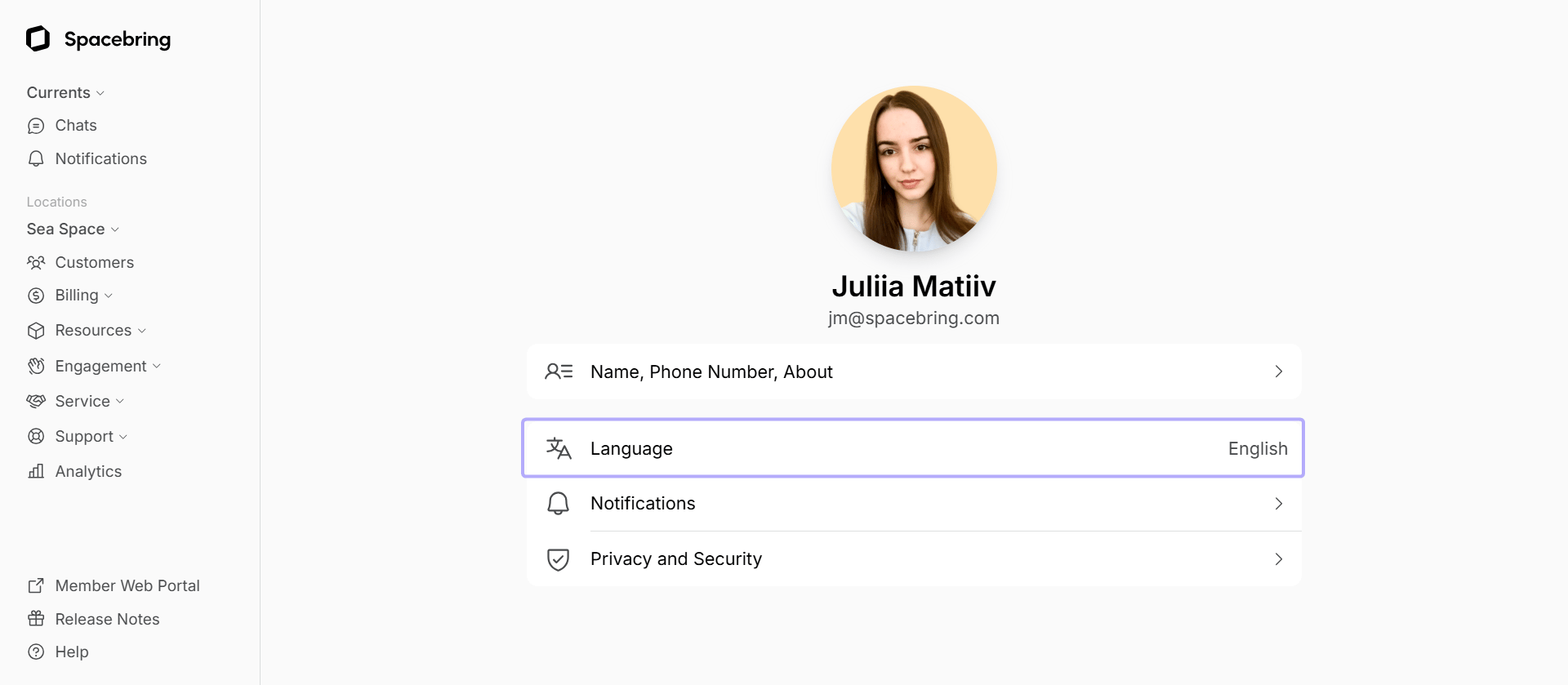
Administrators can select the language for their own Spacebring account. This setting determines the language of the admin panel interface for you.
By default, Spacebring will be displayed in the administrator’s browser preferred language before/unless the administrator sets a different account language manually.
To change their account language, administrators do the following:
1. Tap your network name top right on the left-side panel.
2. Go to the **Account >** **Language** page.
3. Select the language and press `Save`.