> ## Documentation Index
> Fetch the complete documentation index at: https://www.spacebring.com/docs/llms.txt
> Use this file to discover all available pages before exploring further.
# Test environment
> Set up an isolated sandbox environment to safely test Spacebring settings and build API integrations without affecting your live network data
The Test environment add-on lets you get an isolated sandbox to safely experiment with settings and build integrations without impacting your main network and data.
## Set up test environment
1. [**Sign up for the Test environment add-on**](/docs/administration/billing/make-changes-to-spacebring-subscription#upgrade-subscription) from **Network settings** > **Billing**.
2. Enter the name, timezone, and currency for your sandbox, then confirm your upgrade.
3. The test environment is created instantly. Click **Open test environment** to begin testing and development.
## How test environment works
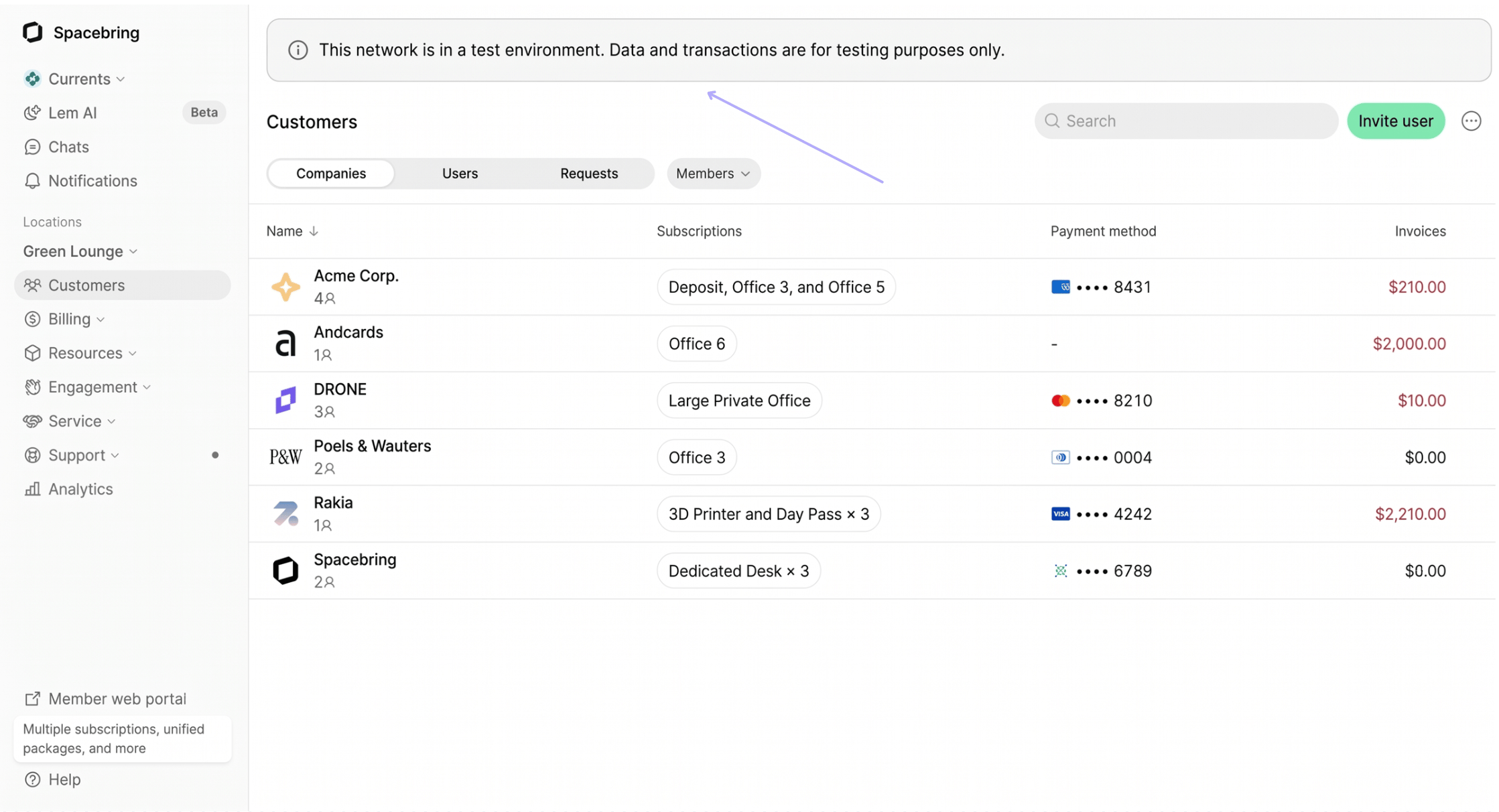
The test environment fully mirrors the functionality of the main environment, with a few exceptions:
* You can connect [Stripe](/docs/integrations/payments/stripe), [Mollie](/docs/integrations/payments/mollie) integrations, as well as sandbox [PayPal](/docs/integrations/payments/paypal) or [Maya](/docs/integrations/payments/maya) accounts to the test environment. Other integrations are not available for connection.
* Setting up a custom domain is disabled.
* All email subjects, invoices, receipts, and credit note PDFs include a `[TEST]` prefix and a disclaimer stating they are non-fiscal documents generated for testing purposes only.
* The test environment uses the DropboxSign sandbox for [eSignatures](/docs/billing/contracts/signatures). Contracts sent for eSignature explicitly state that they are not legally binding.
 ## Access to API in test environment
When operating in the test environment, Spacebring [API credentials](/docs/administration/api-&-webhooks) are accessible to you at no additional cost. This allows you to freely build your custom integrations. These credentials are valid for the test environment only.
Once you have completed your testing or integration development, contact our support team to [cancel your Test environment](/docs/administration/billing/make-changes-to-spacebring-subscription#cancel-or-downgrade-your-subscription) add-on and [purchase the standard API add-on](/docs/administration/billing/make-changes-to-spacebring-subscription#upgrade-subscription) for your live network. This will allow you to authenticate and deploy your integrations against your live network and data.
## Switching environments
To toggle between your live and test networks:
1. Click the **(...)** next to your network name in the top left of the admin portal.
2. In the the **Network** dropdown, select your desired environment.
## Access to API in test environment
When operating in the test environment, Spacebring [API credentials](/docs/administration/api-&-webhooks) are accessible to you at no additional cost. This allows you to freely build your custom integrations. These credentials are valid for the test environment only.
Once you have completed your testing or integration development, contact our support team to [cancel your Test environment](/docs/administration/billing/make-changes-to-spacebring-subscription#cancel-or-downgrade-your-subscription) add-on and [purchase the standard API add-on](/docs/administration/billing/make-changes-to-spacebring-subscription#upgrade-subscription) for your live network. This will allow you to authenticate and deploy your integrations against your live network and data.
## Switching environments
To toggle between your live and test networks:
1. Click the **(...)** next to your network name in the top left of the admin portal.
2. In the the **Network** dropdown, select your desired environment.