> ## Documentation Index
> Fetch the complete documentation index at: https://www.spacebring.com/docs/llms.txt
> Use this file to discover all available pages before exploring further.
# Overview
> Learn about Spacebring webhooks
## What are webhooks?
Webhooks are a way for Spacebring to notify you about events that occur in your network. For example, when a booking is created, a webhook will be sent to your application. See the full list of [webhook event types](https://webhooks.spacebring.com/).
## Steps to set up webhooks
### 1. Create your endpoint
In your application, you should create an endpoint that will receive the webhooks. This endpoint should receive POST requests and respond with `2xx` status code.
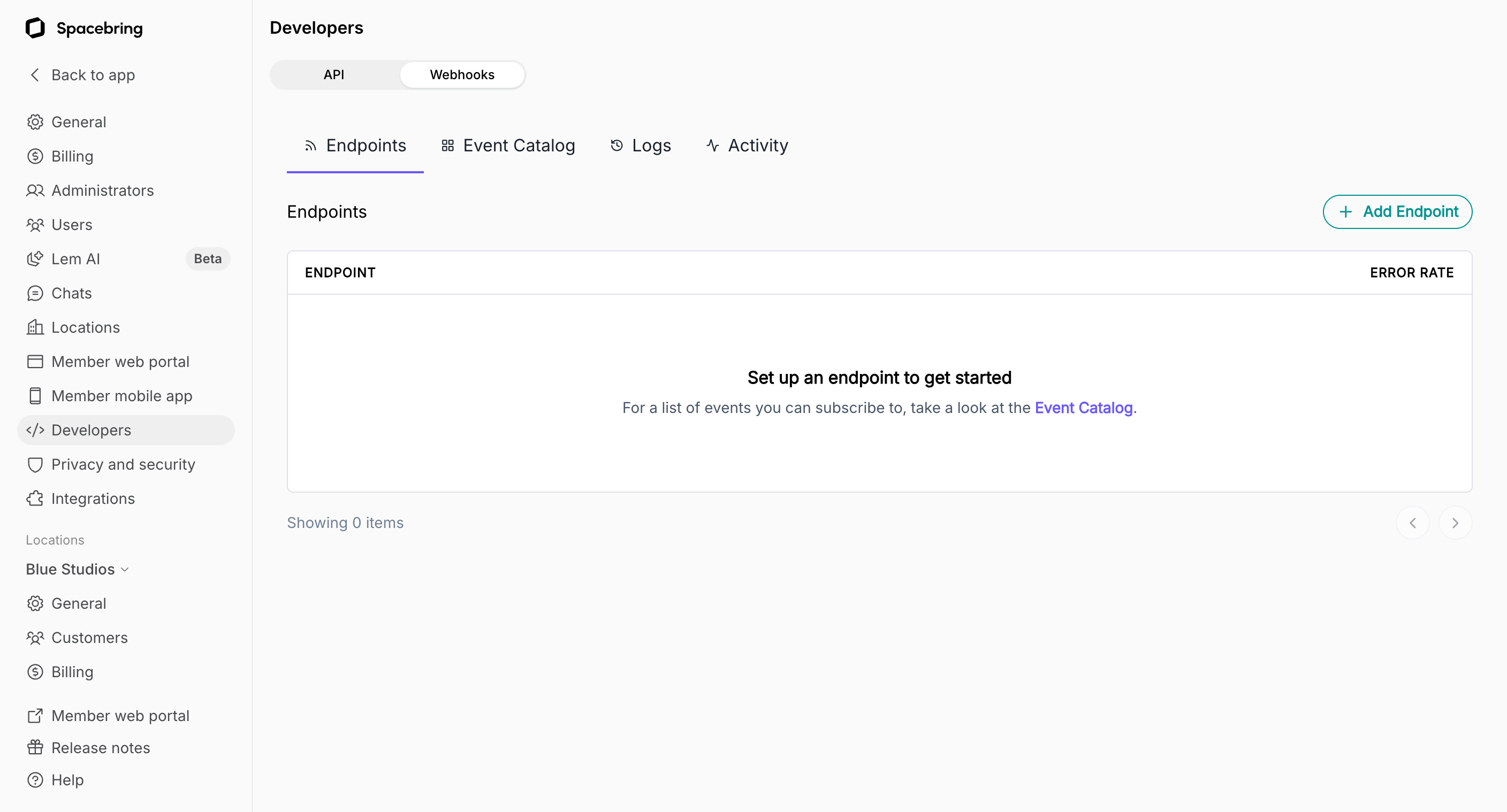
### 2. Register the endpoint
To register a webhook endpoint, your network needs the API & webhooks add-on. [Pricing](https://www.spacebring.com/pricing)
The [owner](/docs/administration/owners) of your Spacebring network should follow these steps:
1. On the left-side panel, click **(...)** menu next to your network name.
2. Go to **Network settings** > **Developers** > **Webhooks**.