> ## Documentation Index
> Fetch the complete documentation index at: https://www.spacebring.com/docs/llms.txt
> Use this file to discover all available pages before exploring further.
# Media formats
> Learn the supported image and video formats and dimensions for logos, cover phoros and attachmenets across all modules
Spacebring supports various media and file formats.
## Icon (Member Web Portal)
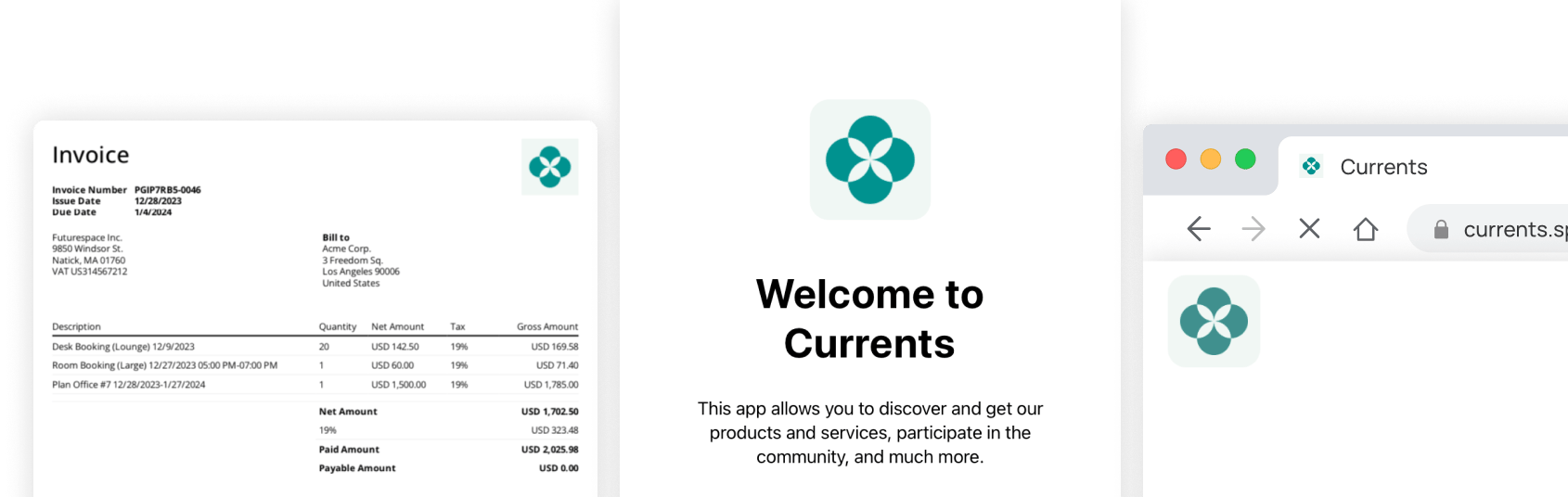 | **Format** | JPEG, PNG, AVIF, or WEbP or another image format supported by your device |
| -------------- | ------------------------------------------------------------------------- |
| **Dimensions** | 512 × 512 px (1:1 ratio) |
Your [app owner](/docs/administration/owners) can upload your member web portal logo by going to Spacebring > press **(...)** more next to the network name **>** **Network settings** > **General** page. Your member web portal icon will scale to appear on the login page, all member web portal pages on desktop, browser tab favicon, member web portal shortcut icon on mobile and desktop devices, and web push notifications.
Since the favicon is tiny (16 × 16 px), we recommend against using text or small detail on your app icon.
A border radius of up to 100% will apply to some instances, so make sure to design your icon so that no important detail is cropped.
## Icon (Member Mobile App)
| **Format** | JPEG, PNG, AVIF, or WEbP or another image format supported by your device |
| -------------- | ------------------------------------------------------------------------- |
| **Dimensions** | 512 × 512 px (1:1 ratio) |
Your [app owner](/docs/administration/owners) can upload your member web portal logo by going to Spacebring > press **(...)** more next to the network name **>** **Network settings** > **General** page. Your member web portal icon will scale to appear on the login page, all member web portal pages on desktop, browser tab favicon, member web portal shortcut icon on mobile and desktop devices, and web push notifications.
Since the favicon is tiny (16 × 16 px), we recommend against using text or small detail on your app icon.
A border radius of up to 100% will apply to some instances, so make sure to design your icon so that no important detail is cropped.
## Icon (Member Mobile App)
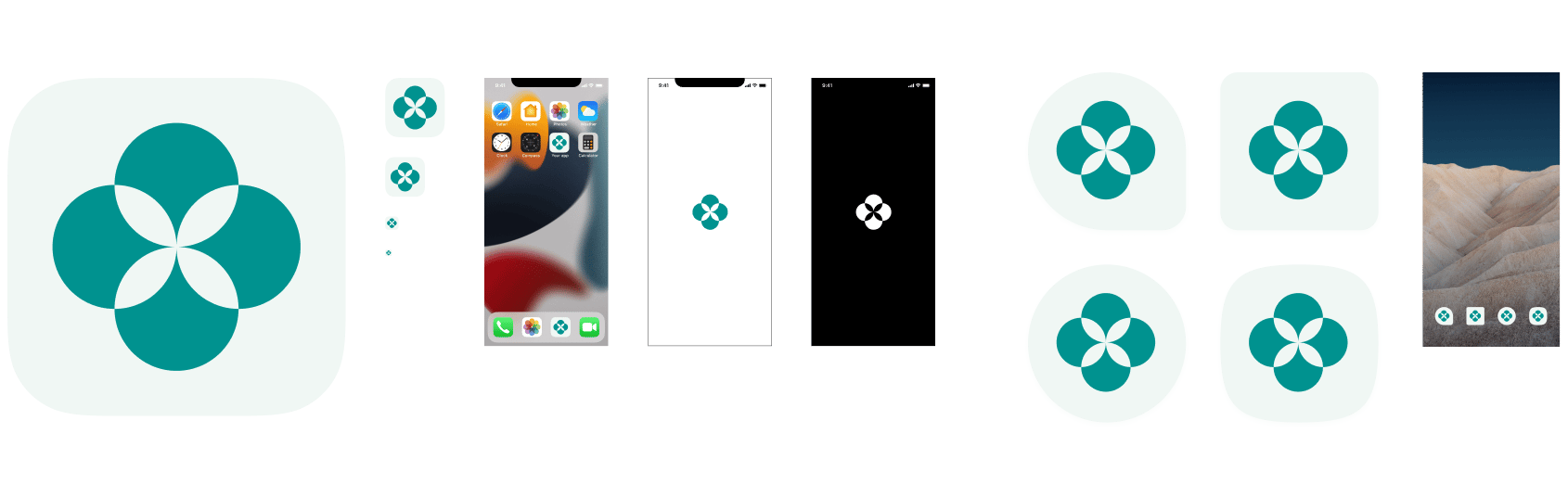 | **Format** | Transparent SVG file without a background |
| -------------- | ----------------------------------------- |
| **Dimensions** | 72 × 72 px (1:1 ratio) |
We generate iOS and Android icon sets based on your vector icon during your mobile app development.
We recommend you use the same icon for the member web portal and mobile app and consider [Apple's App Icon Design](https://developer.apple.com/design/human-interface-guidelines/foundations/app-icons/) and [Google Play Icon Design](https://developer.android.com/distribute/google-play/resources/icon-design-specifications) specifications.
## Cover photo (Rooms, Desks, Offices, Parking, Equipment, Events, Benefits, Shop products)
| **Format** | Transparent SVG file without a background |
| -------------- | ----------------------------------------- |
| **Dimensions** | 72 × 72 px (1:1 ratio) |
We generate iOS and Android icon sets based on your vector icon during your mobile app development.
We recommend you use the same icon for the member web portal and mobile app and consider [Apple's App Icon Design](https://developer.apple.com/design/human-interface-guidelines/foundations/app-icons/) and [Google Play Icon Design](https://developer.android.com/distribute/google-play/resources/icon-design-specifications) specifications.
## Cover photo (Rooms, Desks, Offices, Parking, Equipment, Events, Benefits, Shop products)
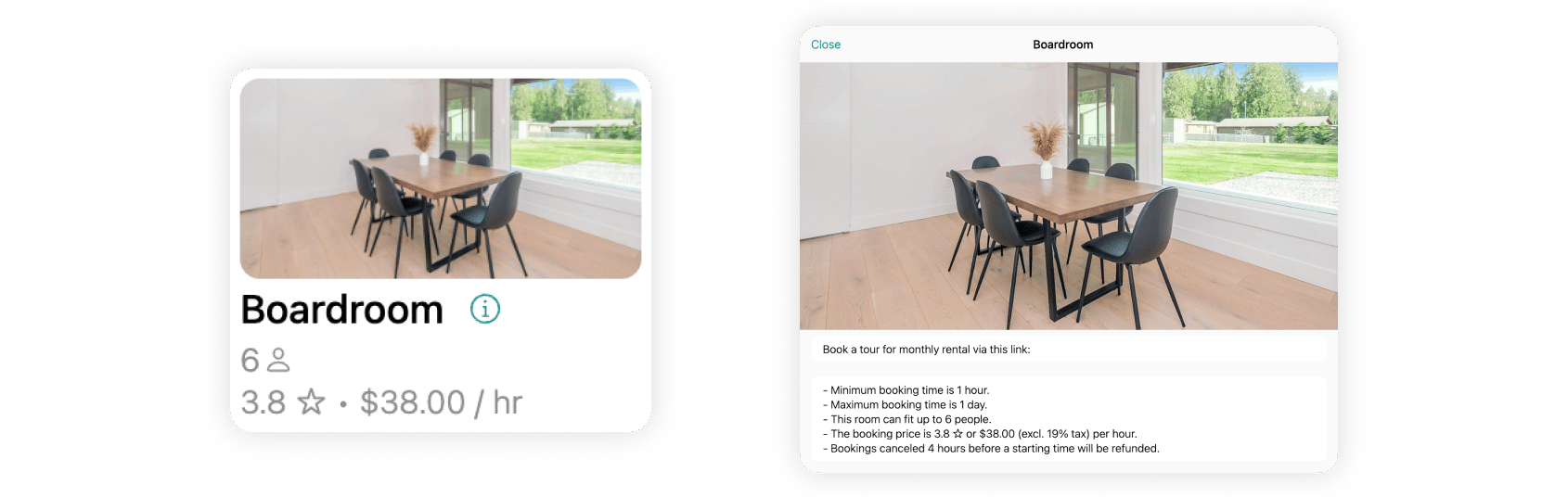 | **Format** | JPEG, PNG, or another raster graphic format supported by your device |
| -------------- | -------------------------------------------------------------------- |
| **Dimensions** | 1600 × 800 px (2:1 ratio) |
| **Size** | Up to 5 MB |
Cover photos appear uncropped on buttons and details pages. Only one cover photo per item is supported.
## Cover photo & video (Information page)
| **Format** | JPEG, PNG, or another raster graphic format supported by your device |
| -------------- | -------------------------------------------------------------------- |
| **Dimensions** | 1600 × 800 px (2:1 ratio) |
| **Size** | Up to 5 MB |
Cover photos appear uncropped on buttons and details pages. Only one cover photo per item is supported.
## Cover photo & video (Information page)
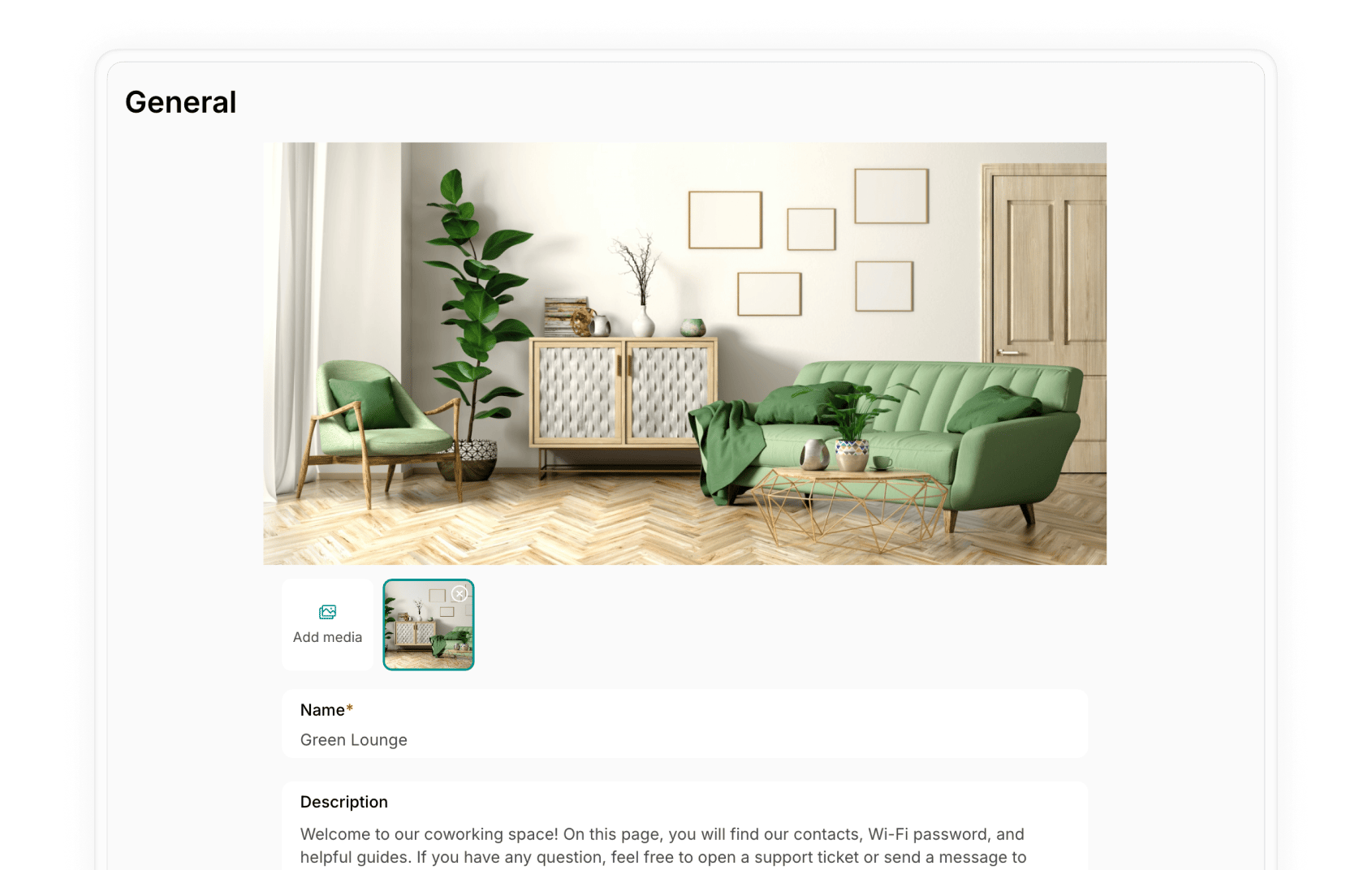 | **Format** | JPEG, PNG, MP4, or other photo or video format supported by your device |
| -------------- | ----------------------------------------------------------------------- |
| **Dimensions** | Any, preview covers 1600 × 800 px (2:1 ratio) |
| **Size** |
| **Format** | JPEG, PNG, MP4, or other photo or video format supported by your device |
| -------------- | ----------------------------------------------------------------------- |
| **Dimensions** | Any, preview covers 1600 × 800 px (2:1 ratio) |
| **Size** | - Images up to 5 MB
- Videos up to 50 MB
|
Media is uploaded uncropped and can be viewed in full size by tapping. The preview container is 1600 × 800 px. Multiple photos and videos can be uploaded on the **Information** page.
## Media attachments (Feed, Guides)
 | **Format** | Any image or video format supported by your device |
| -------------- | -------------------------------------------------------------- |
| **Dimensions** | Any |
| **Size** |
| **Format** | Any image or video format supported by your device |
| -------------- | -------------------------------------------------------------- |
| **Dimensions** | Any |
| **Size** | - Images up to 5 MB
- Videos up to 50 MB
|
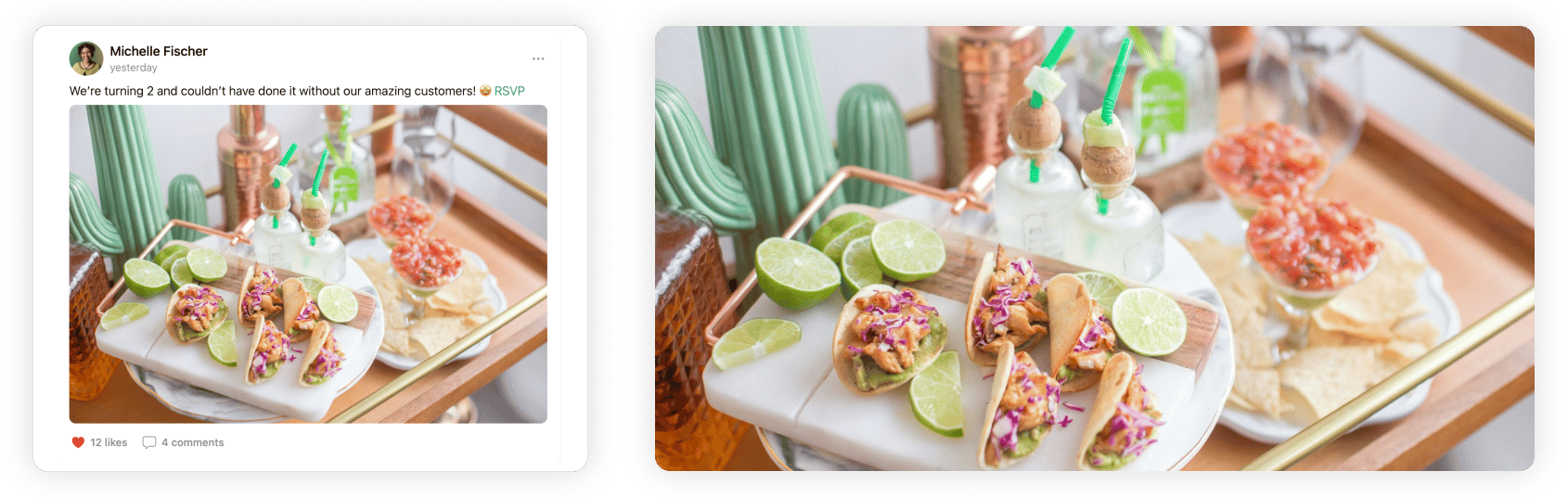
Media attachments may be cropped to fit the screen on **Feed**. Tapping on the attachment opens an uncropped full-screen view.
## Files and media attachments (Chats, Customers, Support tickets)
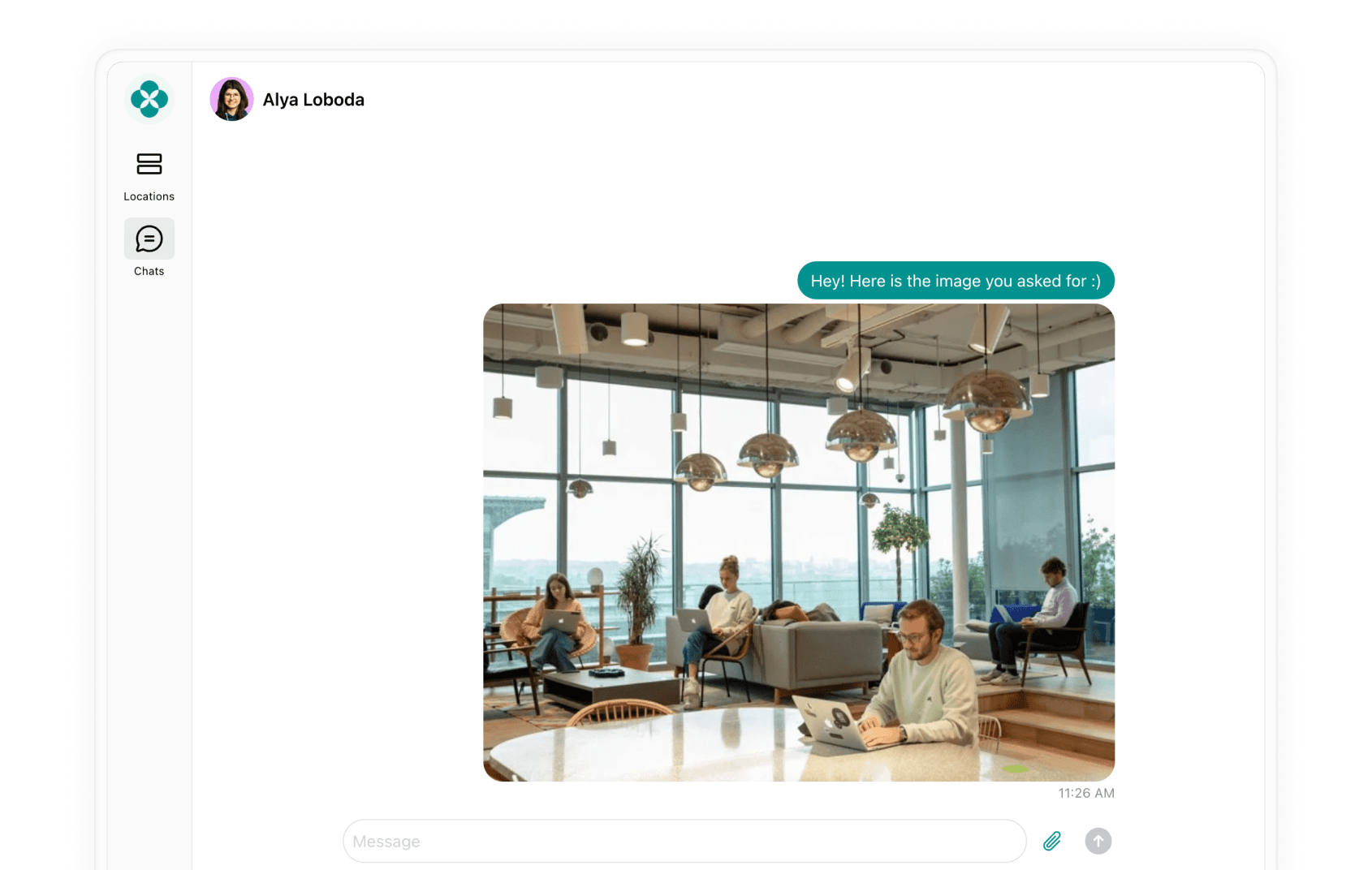 | **Format** | Any images, videos, or other files (PDF, DOC) |
| -------------- | --------------------------------------------- |
| **Dimensions** | Any |
| **Size** | Up to 50 MB |
| **Format** | Any images, videos, or other files (PDF, DOC) |
| -------------- | --------------------------------------------- |
| **Dimensions** | Any |
| **Size** | Up to 50 MB |