> ## Documentation Index
> Fetch the complete documentation index at: https://www.spacebring.com/docs/llms.txt
> Use this file to discover all available pages before exploring further.
# Strategies for efficient communication
> Strategies for efficient member communication using chats, Feed, events, support tickets, guides, and Mailchimp integration for personalized onboarding, community building, feedback, and announcements
Spacebring can help customers feel connected to each other, efficiently collect feedback, and deliver updates. To maintain community engagement and foster self-reliance, regularly implement a range of Spacebring's solutions.
## 1. Personalised onboarding
### Welcome members
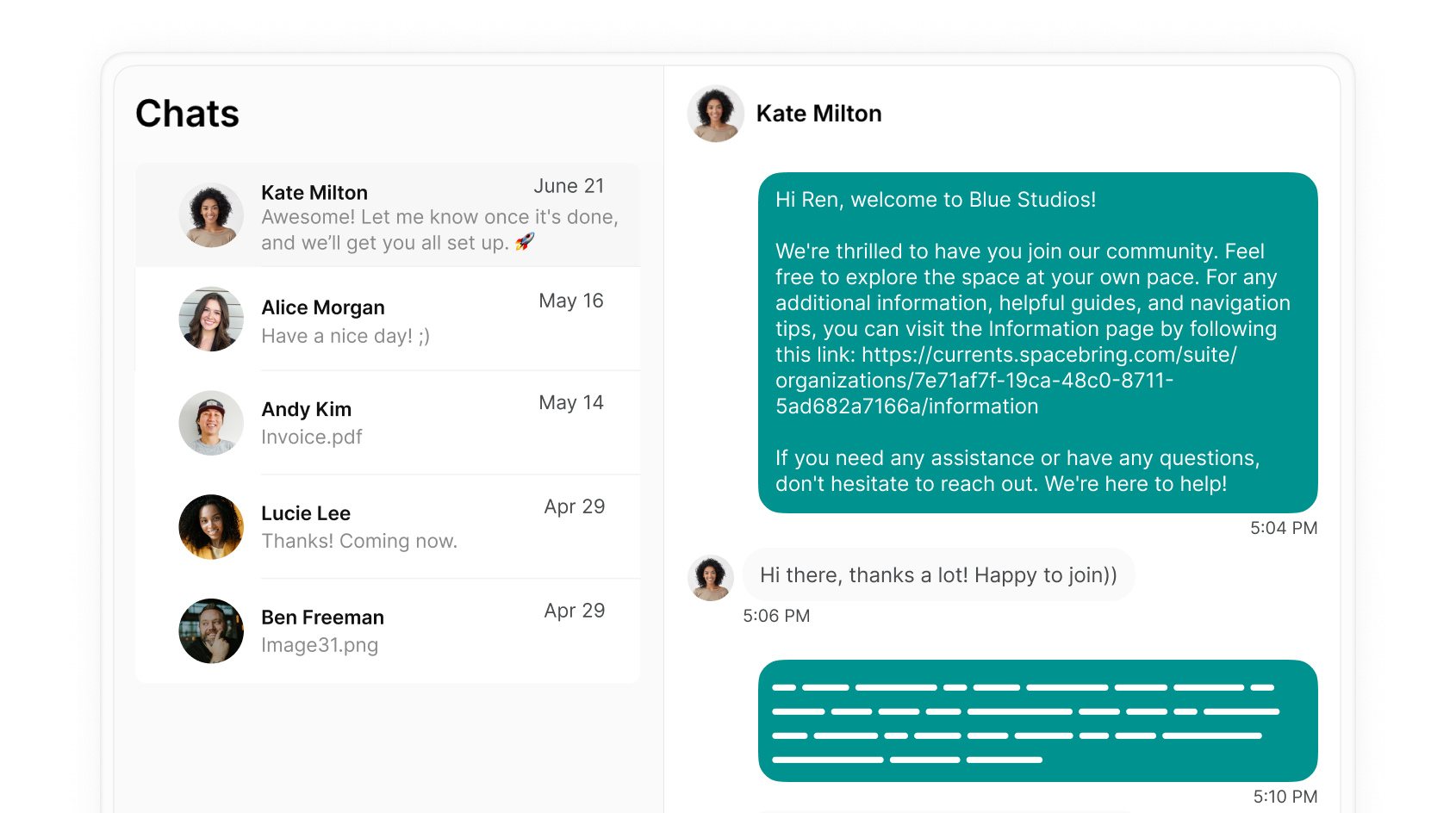
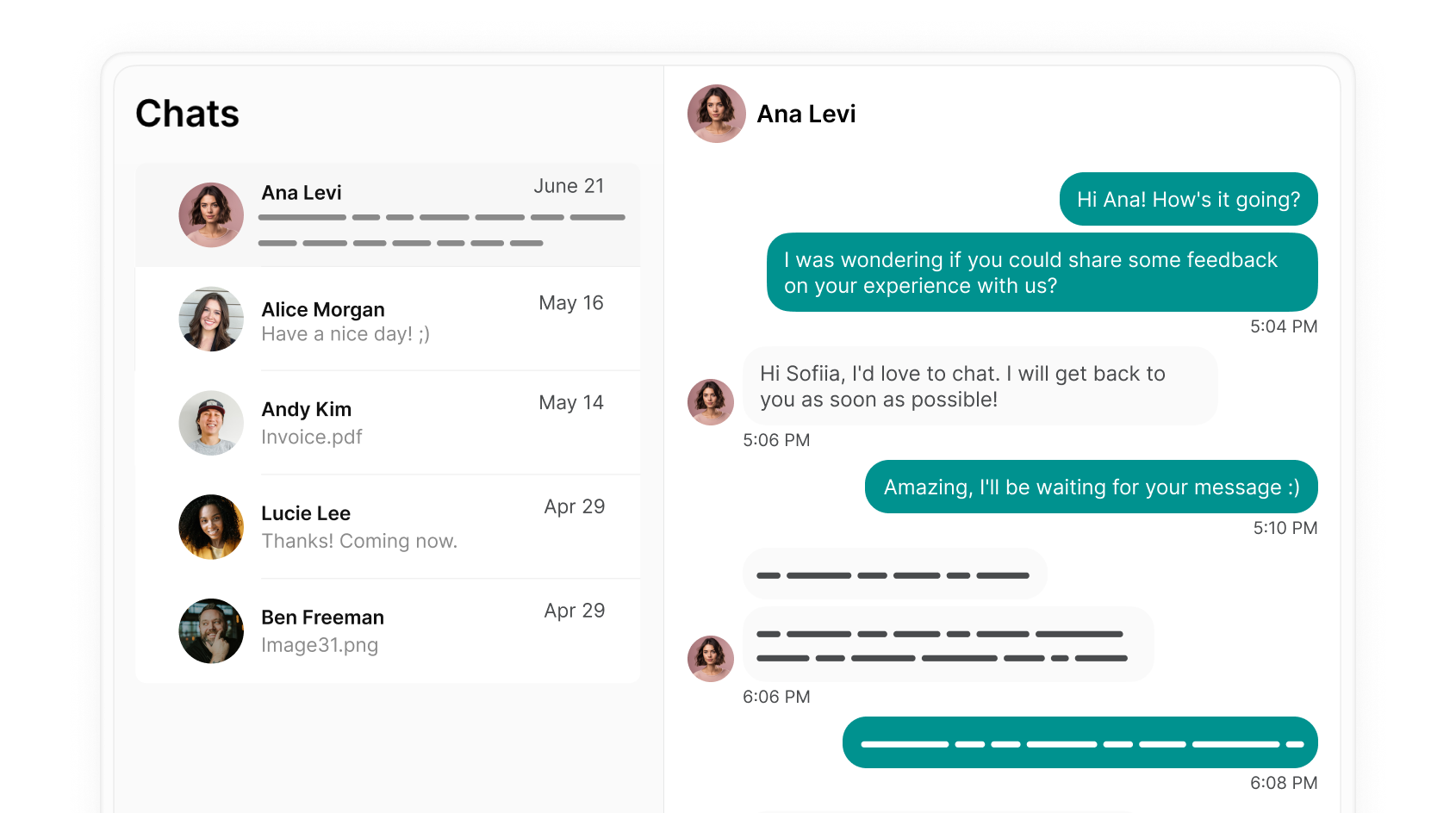
Send personalized welcome [chat messages](/engagement/chats):
Introduce the member web portal and mobile app to the new members when they join and explain that they can find anything they need there. Provide a guided tour of a new platform, highlighting key features and how to use them.
 ### Connect members with the community
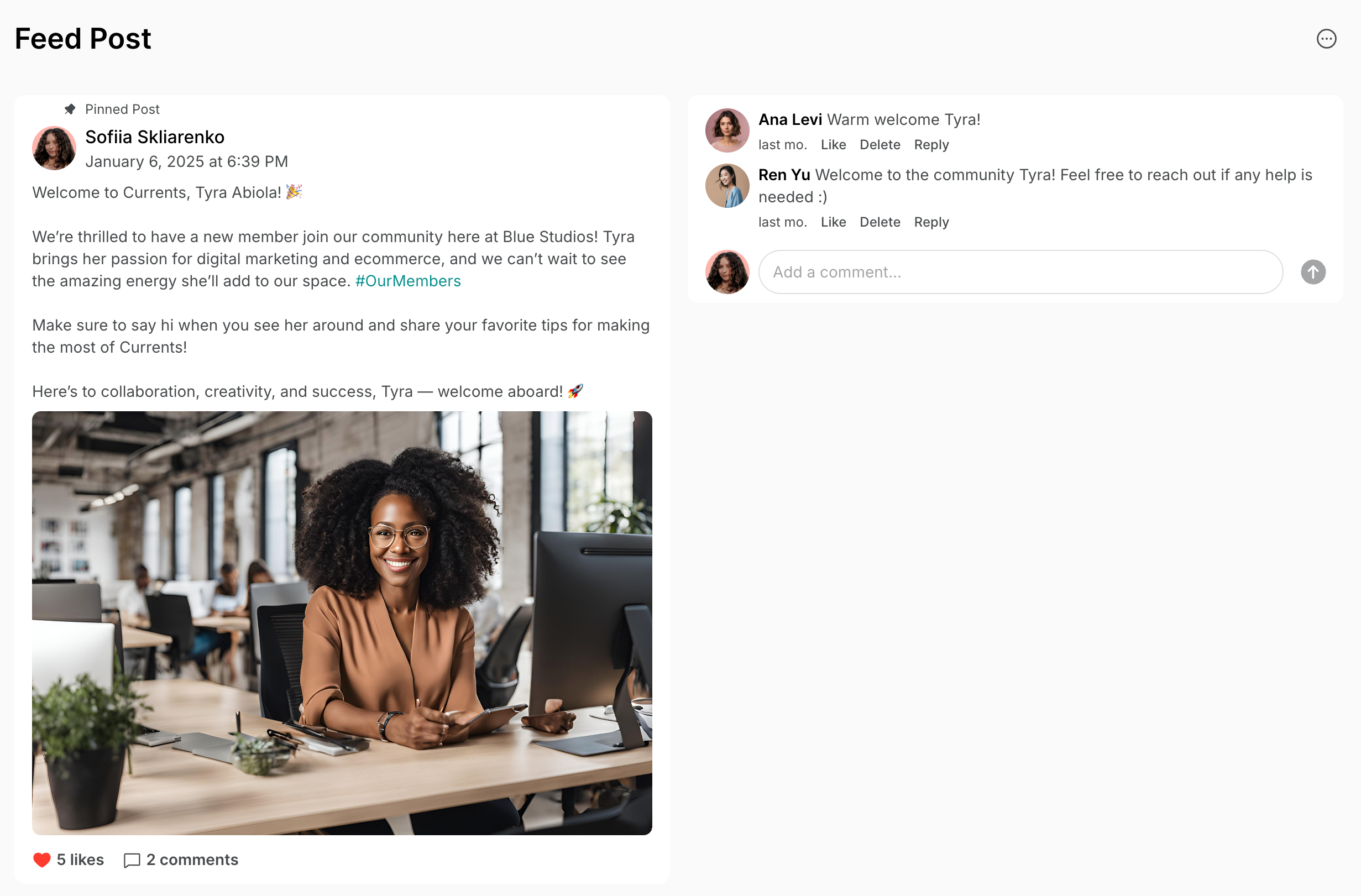
1. Introduce new members to others with similar interests or professions by [creating a feed post](/engagement/feed) about all new members who join using relevant hashtags.
### Connect members with the community
1. Introduce new members to others with similar interests or professions by [creating a feed post](/engagement/feed) about all new members who join using relevant hashtags.
 2. Add new members to your newsletter audience automatically by connecting the [Mailchimp integration](/integrations/communication/mailchimp) to Spacebring.
### Streamline the administrative process
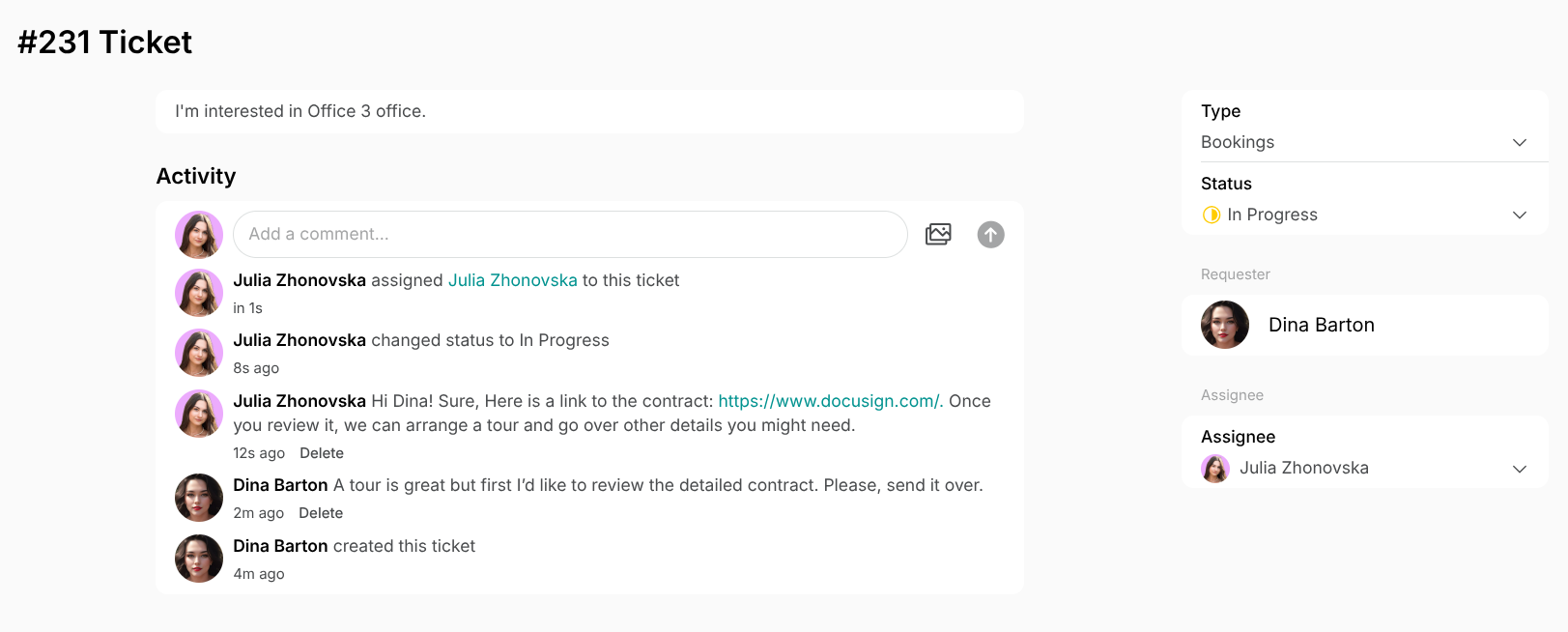
If the user [applies for an office](/resource-management/rentals/rental-applications-or-immediate-sign-ups) or [a membership plan](/billing/plans/applications) in the member web portal or mobile app, administrators receive [a support ticket](/support/tickets).
Collect the necessary verification documents and [contract signatures](/guides/collect-general-user-consents) from the new customer via a single support ticket or chat message, making it convenient and quick.
2. Add new members to your newsletter audience automatically by connecting the [Mailchimp integration](/integrations/communication/mailchimp) to Spacebring.
### Streamline the administrative process
If the user [applies for an office](/resource-management/rentals/rental-applications-or-immediate-sign-ups) or [a membership plan](/billing/plans/applications) in the member web portal or mobile app, administrators receive [a support ticket](/support/tickets).
Collect the necessary verification documents and [contract signatures](/guides/collect-general-user-consents) from the new customer via a single support ticket or chat message, making it convenient and quick.
 ## 2. Community building activities
### Organize events
1. Organize regular events, workshops, and meetups through the [**Events**](/engagement/events) [page](/engagement/events) to foster a sense of community.
## 2. Community building activities
### Organize events
1. Organize regular events, workshops, and meetups through the [**Events**](/engagement/events) [page](/engagement/events) to foster a sense of community.
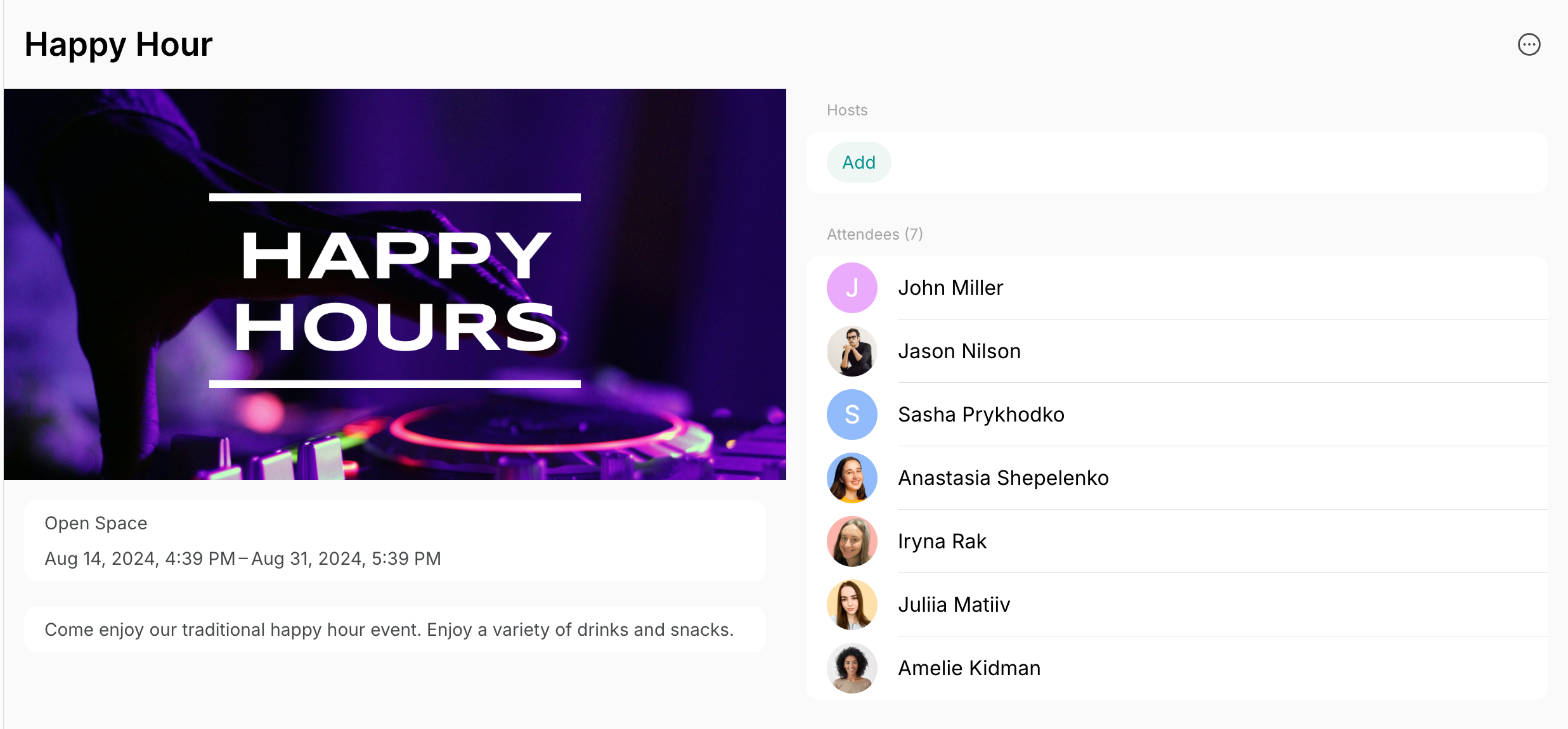 2. [Create posts](/engagement/feed) with links to events on the **Feed** page so that all users receive a push notification and notice an upcoming event.
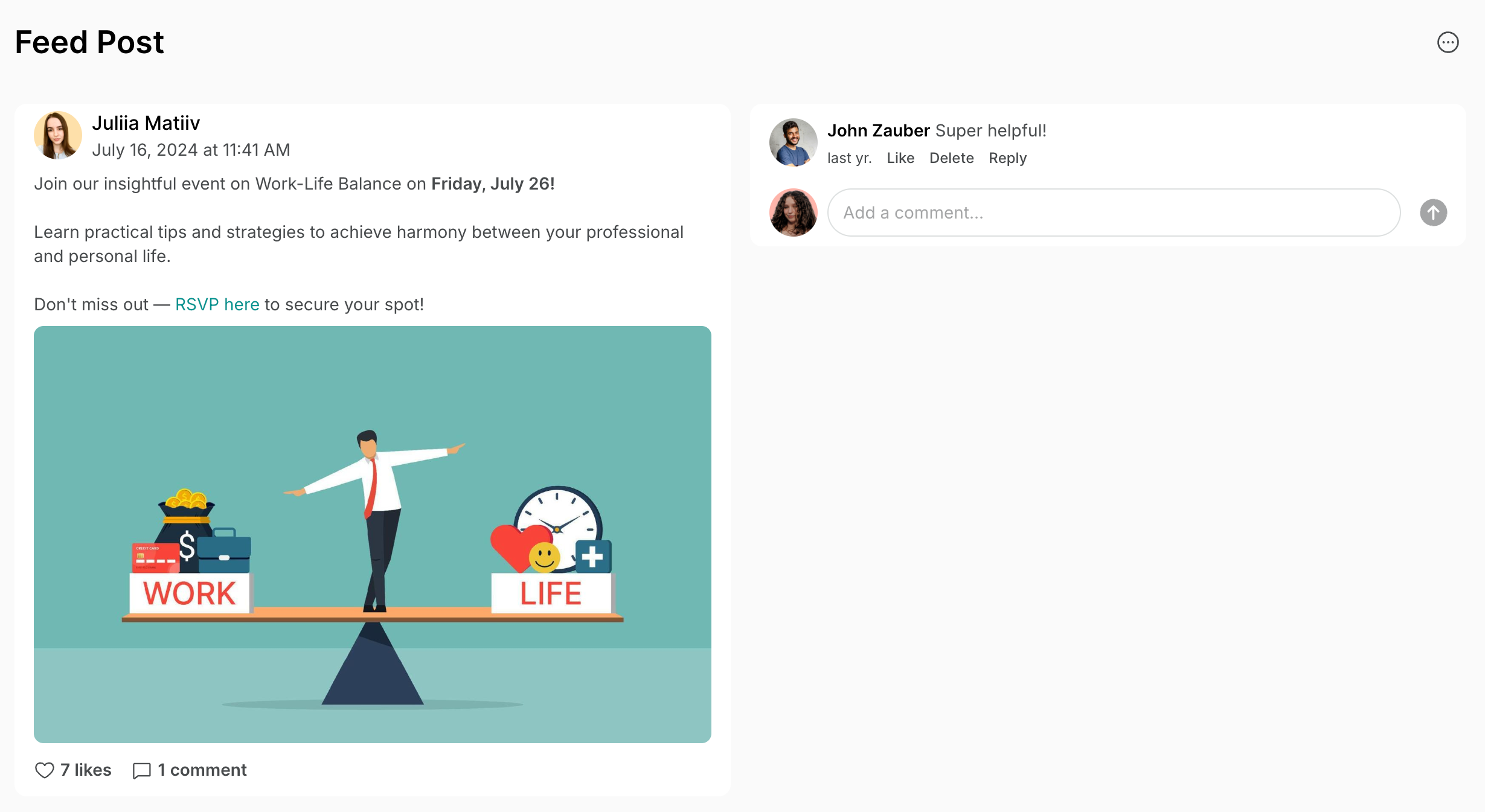 3. Create a poster with the upcoming events and [add a QR code](/guide/promote-member-web-portal-and-mobile-app-with-qr-codes) for each event there, so that people could scan the one they are interested in and join.
### Encourage member interaction
1. [Create discussion boards](/engagement/feed) in **Feed** where members can share ideas, ask questions, and collaborate. Consider setting **Posting**, **Viewing comments** and **Commenting** permissions to **Location Members** to encourage member interaction. [Understand and use visibility settings](/location/visibility)
2. Set the **Community** page visibility to location or network members to allow view and easily connect in a chat with other members.
## 3. Feedback and surveys
### Consolidate and manage feedback
1. Use the [**Support**](/support) page for all issue reporting and feedback to keep requests in one place. Place [QR codes](/guide/promote-member-web-portal-and-mobile-app-with-qr-codes) around the space for easy access and add a house rule: all questions or feedback should go through the **Support** page. [Manage tickets](/support/tickets) efficiently to boost member satisfaction.
2. Check-in with your members [in 1:1 chats](/engagement/chats) after their first day, week, or month with you, asking about their experience.
3. Create a poster with the upcoming events and [add a QR code](/guide/promote-member-web-portal-and-mobile-app-with-qr-codes) for each event there, so that people could scan the one they are interested in and join.
### Encourage member interaction
1. [Create discussion boards](/engagement/feed) in **Feed** where members can share ideas, ask questions, and collaborate. Consider setting **Posting**, **Viewing comments** and **Commenting** permissions to **Location Members** to encourage member interaction. [Understand and use visibility settings](/location/visibility)
2. Set the **Community** page visibility to location or network members to allow view and easily connect in a chat with other members.
## 3. Feedback and surveys
### Consolidate and manage feedback
1. Use the [**Support**](/support) page for all issue reporting and feedback to keep requests in one place. Place [QR codes](/guide/promote-member-web-portal-and-mobile-app-with-qr-codes) around the space for easy access and add a house rule: all questions or feedback should go through the **Support** page. [Manage tickets](/support/tickets) efficiently to boost member satisfaction.
2. Check-in with your members [in 1:1 chats](/engagement/chats) after their first day, week, or month with you, asking about their experience.
 3. Set up automated emails with [Zapier](/customize-emails-to-users) with a feedback survey attached to be sent to customers after they make their first booking.
### Provide accessible information and assistance
1. [Create location guides](/support/guides) with key information and policies to address common customer questions and ensure easy access, reducing the need for repeated explanations.
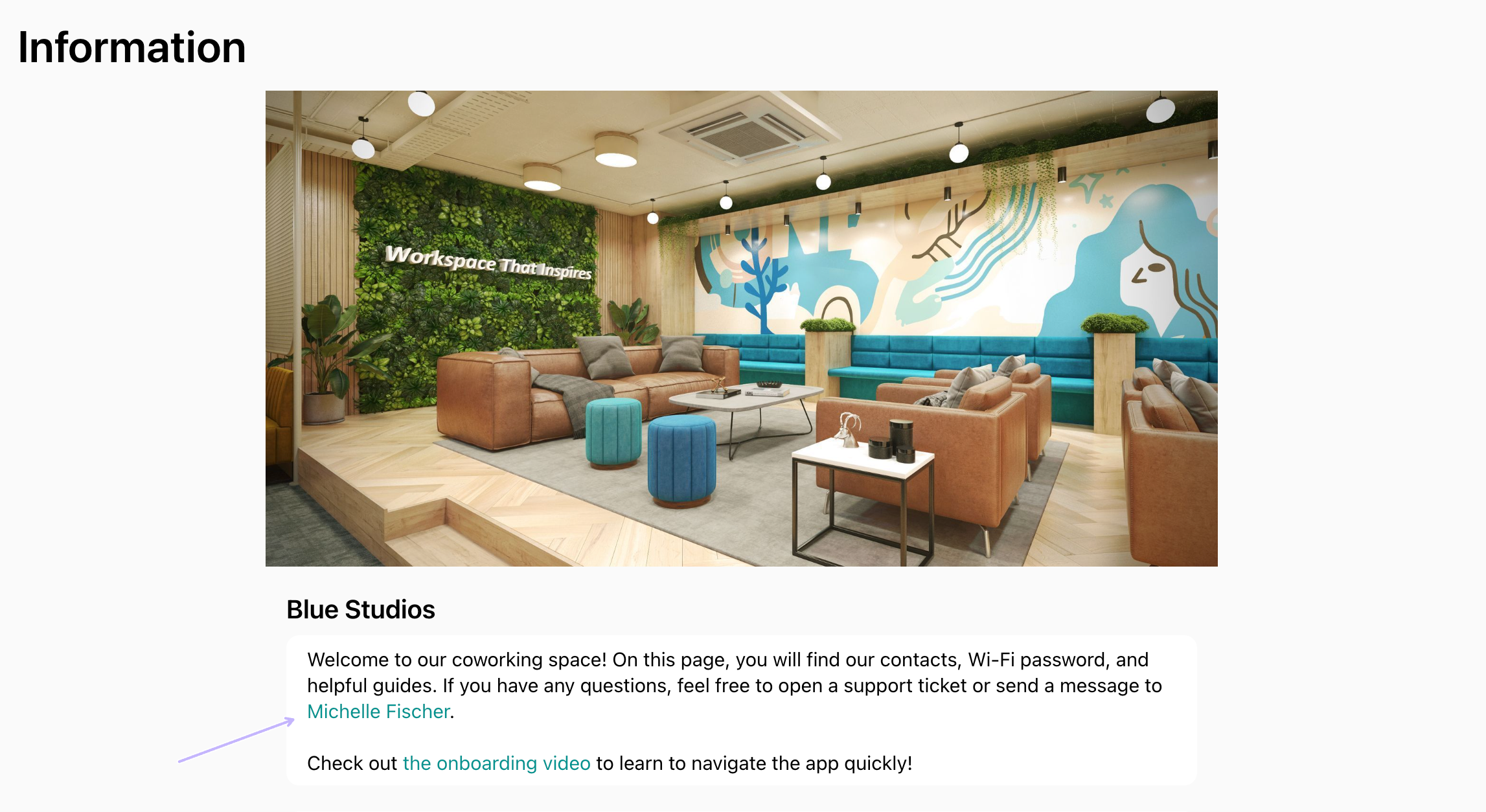
2. To allow users to quickly contact community managers, administrators can add a [public link to the manager's profile](/engagement/chats) as a hyperlink on the **Information** page and/or resource descriptions. This enables users to easily start a chat.
3. Set up automated emails with [Zapier](/customize-emails-to-users) with a feedback survey attached to be sent to customers after they make their first booking.
### Provide accessible information and assistance
1. [Create location guides](/support/guides) with key information and policies to address common customer questions and ensure easy access, reducing the need for repeated explanations.
2. To allow users to quickly contact community managers, administrators can add a [public link to the manager's profile](/engagement/chats) as a hyperlink on the **Information** page and/or resource descriptions. This enables users to easily start a chat.
 ## 4. Regular updates and announcements
1. Share community or space news on the [**Feed**](/engagement/feed) [page](/engagement/feed) and update members after implementing feedback. The member web portal and mobile app support push notifications, keeping all users informed.
2. Send out regular newsletters with updates about the coworking space, upcoming events, and new features and services using the [Mailchimp integration](/integrations/communication/mailchimp).
**FAQs**
* If you use the [Mailchimp integration](/integrations/communication/mailchimp), it can automatically set **Company manager** and **Company title** tags to all members synced from Spacebring to Mailchimp, allowing you to easily filter the targeted audience for your communications.
* If you don't use the Mailchimp integration, [download the **Users** report](/analytics/create-custom-reports) from **Analytics**. It includes the **Company Title** and **Company Role** columns, which you can use to easily filter and copy the contact details/email addresses of the necessary members to paste them into your email platform.
## 4. Regular updates and announcements
1. Share community or space news on the [**Feed**](/engagement/feed) [page](/engagement/feed) and update members after implementing feedback. The member web portal and mobile app support push notifications, keeping all users informed.
2. Send out regular newsletters with updates about the coworking space, upcoming events, and new features and services using the [Mailchimp integration](/integrations/communication/mailchimp).
**FAQs**
* If you use the [Mailchimp integration](/integrations/communication/mailchimp), it can automatically set **Company manager** and **Company title** tags to all members synced from Spacebring to Mailchimp, allowing you to easily filter the targeted audience for your communications.
* If you don't use the Mailchimp integration, [download the **Users** report](/analytics/create-custom-reports) from **Analytics**. It includes the **Company Title** and **Company Role** columns, which you can use to easily filter and copy the contact details/email addresses of the necessary members to paste them into your email platform.