> ## Documentation Index
> Fetch the complete documentation index at: https://www.spacebring.com/docs/llms.txt
> Use this file to discover all available pages before exploring further.
# Organize trial days
> Learn how to offer trial days for the desks and private offices using promo codes
A trial day is a perfect way for potential customers to explore your space before committing to a membership or booking. It gives them a chance to explore the atmosphere, test the amenities, and connect with the community. Whether they're considering coworking memberships, private offices, or event rentals, a trial day helps them make a confident, informed decision.
Below, we’ve outlined a few effective ways to offer trial days in Spacebring.
## Offer a free trial desk day with a promo code
A great way to introduce potential customers to your space is by offering a promo code for their first booking. This allows them to experience your coworking space risk-free and encourages future engagement.
To organize it, follow these steps:
1. [Create a coupon](/billing/discounts/set-up) for the desk with the necessary discount (e.g., 100% for a free trial).
2. [Create a promo code](/billing/discounts/give-and-apply#create-promo-codes) to distribute to your potential customers. Ensure to enable the **Limited by first purchase** property.
3. Add the promo code to your website, newsletters, and social media to drive bookings through your member web portal or mobile apps.
4. Customers can easily [redeem the promo code](/billing/discounts/give-and-apply#create-promo-codes) during checkout.
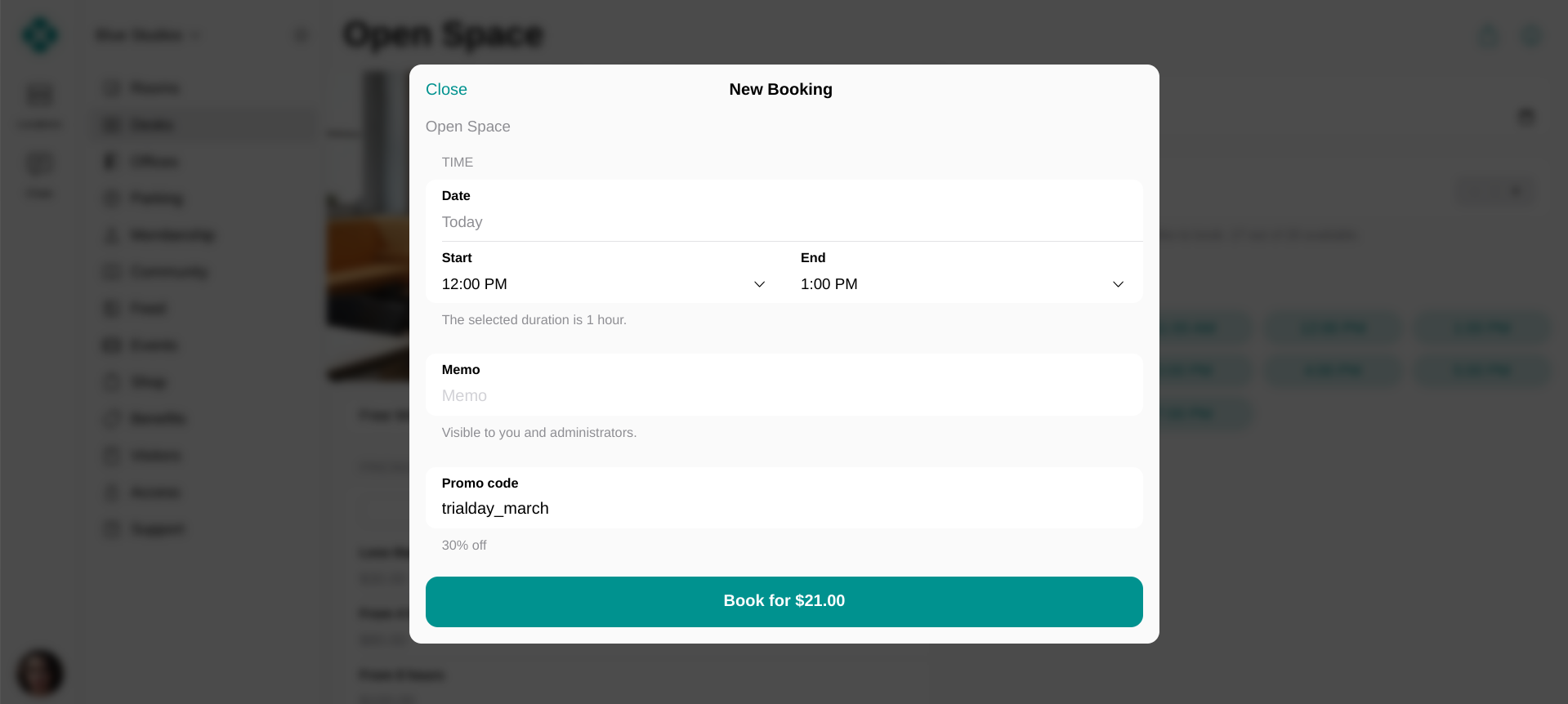 Offering a trial lowers the barrier for first-time users, helping them experience the value of your coworking space without commitment.
## Private office for a day
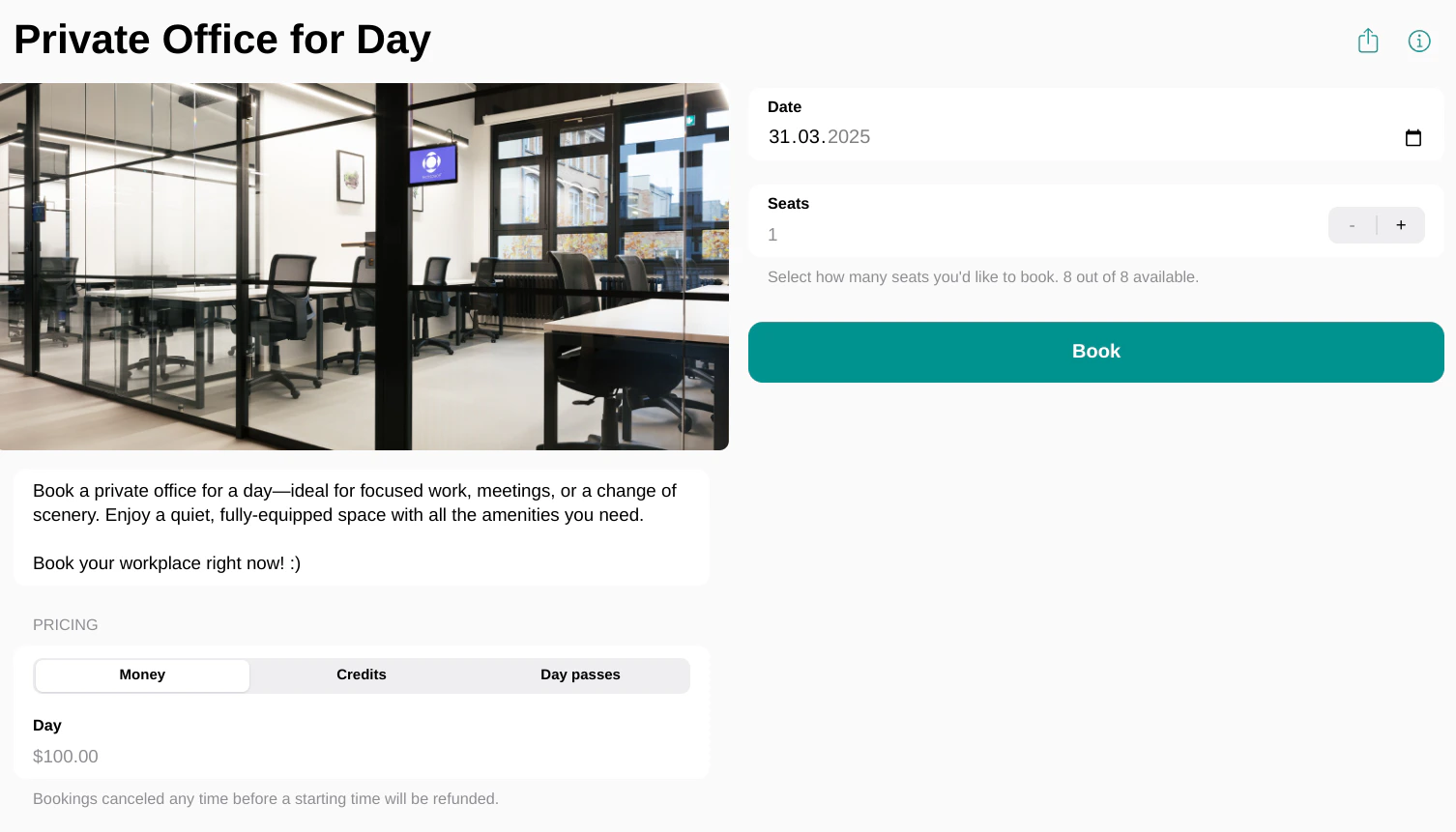
Another way to provide trial access is by offering an office for daily bookings. This approach allows businesses to try your coworking space in a structured way while generating revenue—even when the office isn’t leased to a company yet.
To set it up, follow these steps:
1. [Add an office](/resource-management/set-up#desks) to the **Desks** page and set a daily rate.
2. Once added, users can [book](/member/bookings/book-a-desk) it on a daily basis in your member web portal or mobile apps.
Offering a trial lowers the barrier for first-time users, helping them experience the value of your coworking space without commitment.
## Private office for a day
Another way to provide trial access is by offering an office for daily bookings. This approach allows businesses to try your coworking space in a structured way while generating revenue—even when the office isn’t leased to a company yet.
To set it up, follow these steps:
1. [Add an office](/resource-management/set-up#desks) to the **Desks** page and set a daily rate.
2. Once added, users can [book](/member/bookings/book-a-desk) it on a daily basis in your member web portal or mobile apps.
 3. Promote this offer by highlighting this option on your website, newsletter, and social media to attract members looking for a flexible workspace.
It also helps your new customers experience the benefits of working from your space, increasing the likelihood of long-term office rental.
## Office for a long-time rental
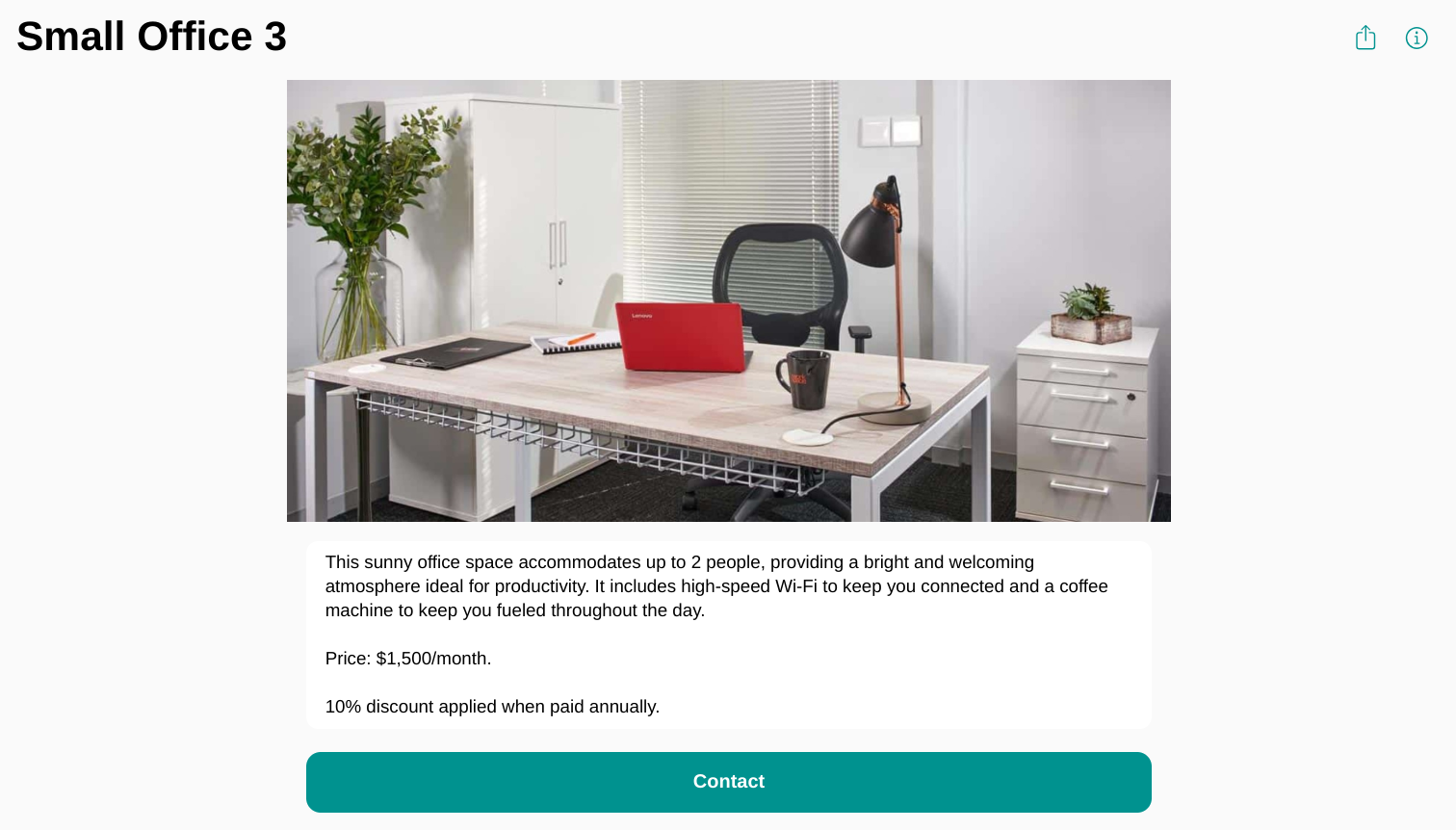
If your space offers private offices, you can [list](/resource-management/set-up#offices) them on the **Offices** page to allow potential renters apply for an office while also arranging a trial day. This solution can greatly help you with collecting the contacts of users who are interested in the private suites.
To organize it, follow these steps:
1. [Add your private suites](/resource-management/set-up#offices) to the **Offices** page.
2. Once added, users interested in a long-term office rental will [apply](/resource-management/rentals/rental-applications-or-immediate-sign-ups) for them.
3. Promote this offer by highlighting this option on your website, newsletter, and social media to attract members looking for a flexible workspace.
It also helps your new customers experience the benefits of working from your space, increasing the likelihood of long-term office rental.
## Office for a long-time rental
If your space offers private offices, you can [list](/resource-management/set-up#offices) them on the **Offices** page to allow potential renters apply for an office while also arranging a trial day. This solution can greatly help you with collecting the contacts of users who are interested in the private suites.
To organize it, follow these steps:
1. [Add your private suites](/resource-management/set-up#offices) to the **Offices** page.
2. Once added, users interested in a long-term office rental will [apply](/resource-management/rentals/rental-applications-or-immediate-sign-ups) for them.
 The administrator [receives a support ticket](/resource-management/rentals/rental-applications-or-immediate-sign-ups) and can coordinate the visit date directly within the ticket. If the user or company decides to rent the office, the administrator simply [assigns](/resource-management/rentals/track-resource-rentals-with-assignments) the private suite to them.
In addition to trial days, learn how to [organize space tours](/integrations/bookings/calendly).
The administrator [receives a support ticket](/resource-management/rentals/rental-applications-or-immediate-sign-ups) and can coordinate the visit date directly within the ticket. If the user or company decides to rent the office, the administrator simply [assigns](/resource-management/rentals/track-resource-rentals-with-assignments) the private suite to them.
In addition to trial days, learn how to [organize space tours](/integrations/bookings/calendly).