> ## Documentation Index
> Fetch the complete documentation index at: https://www.spacebring.com/docs/llms.txt
> Use this file to discover all available pages before exploring further.
# Twilio
> Connect Twilio integration to deliver member invitation and Wi-Fi OTP authentication codes via SMS. Learn the key prerequisites and how the integration works
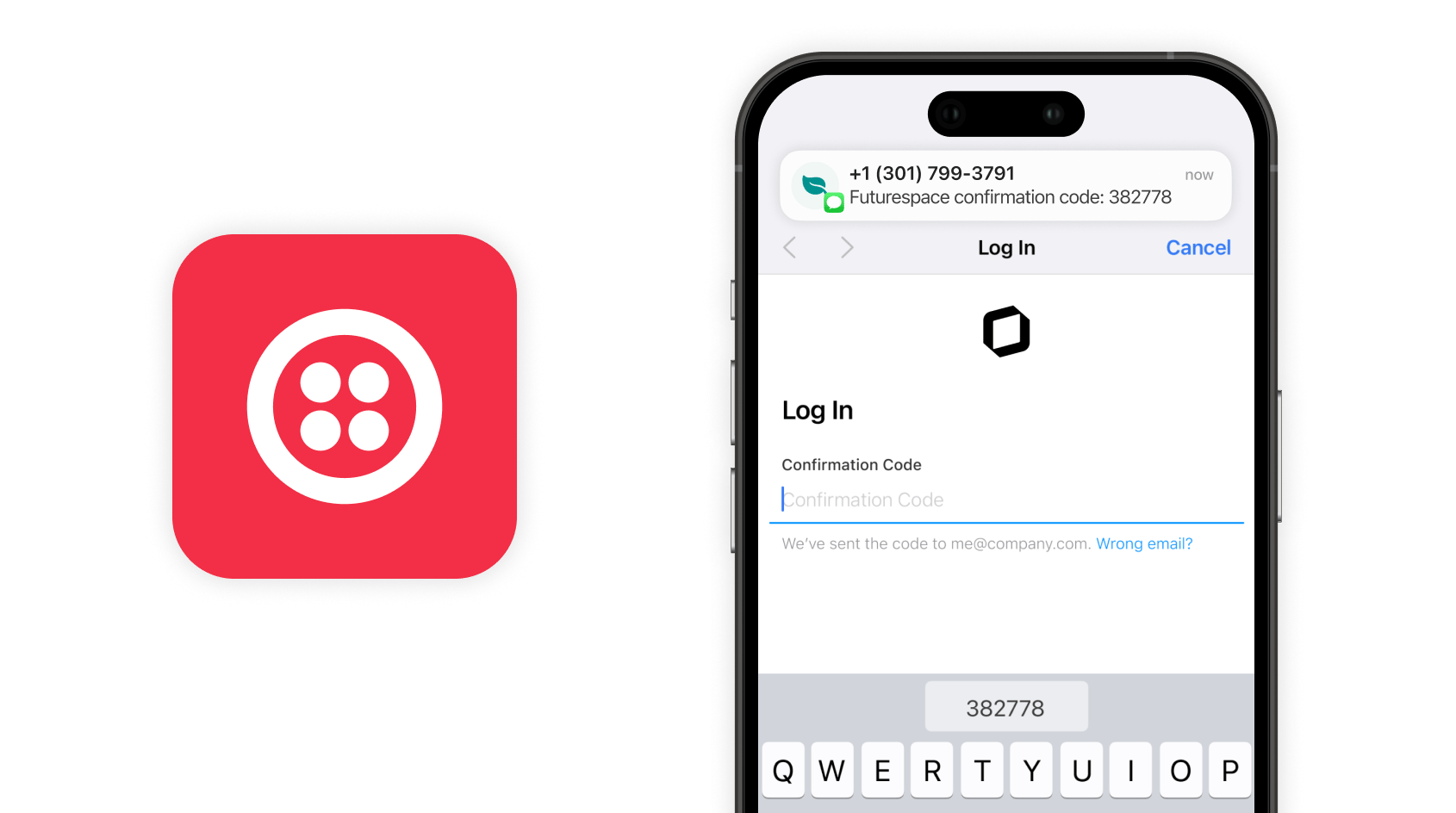
Twilio is a cloud communications platform that connects you to customers on any digital channel. The integration allows you to deliver login confirmation codes for Wi-Fi authentication and members' invitations by SMS.
 Twilio is a distinct company not affiliated with us. For any inquiries regarding Twilio's solutions, services, or pricing, please reach out to Twilio directly. We do not have the authority to provide information or support on behalf of Twilio.
## Prerequisites
To enable Twillio integration with your member web portal, make sure you've completed the following prerequisites:
1. Have an active Spacebring subscription.
2. Have your Twilio account set up with a Twilio Phone Number, Account SID, and Auth token configured.
3. Have access to the Twilio owner account.
4. Have IronWiFi integration [enabled and configured](/docs/integrations/wi-fi/ironwifi) if Twilio integration is going to be used for Wi-Fi authentication.
If SMS is not arriving, ensure you have a sufficient account balance in Twilio.
## Connect the Twilio integration
To enable Twilio for Spacebring, the [owner](/docs/administration/owners) needs to follow these steps:
1. Go to Spacebring > **Network settings** page by pressing the menu **(...)** near the network name **> Twilio**. *On this page, you'll also see two helpful buttons:*
* **About**: For general information about the integration.
* **Docs**: For detailed instructions on connecting and configuring.
Twilio is a distinct company not affiliated with us. For any inquiries regarding Twilio's solutions, services, or pricing, please reach out to Twilio directly. We do not have the authority to provide information or support on behalf of Twilio.
## Prerequisites
To enable Twillio integration with your member web portal, make sure you've completed the following prerequisites:
1. Have an active Spacebring subscription.
2. Have your Twilio account set up with a Twilio Phone Number, Account SID, and Auth token configured.
3. Have access to the Twilio owner account.
4. Have IronWiFi integration [enabled and configured](/docs/integrations/wi-fi/ironwifi) if Twilio integration is going to be used for Wi-Fi authentication.
If SMS is not arriving, ensure you have a sufficient account balance in Twilio.
## Connect the Twilio integration
To enable Twilio for Spacebring, the [owner](/docs/administration/owners) needs to follow these steps:
1. Go to Spacebring > **Network settings** page by pressing the menu **(...)** near the network name **> Twilio**. *On this page, you'll also see two helpful buttons:*
* **About**: For general information about the integration.
* **Docs**: For detailed instructions on connecting and configuring.
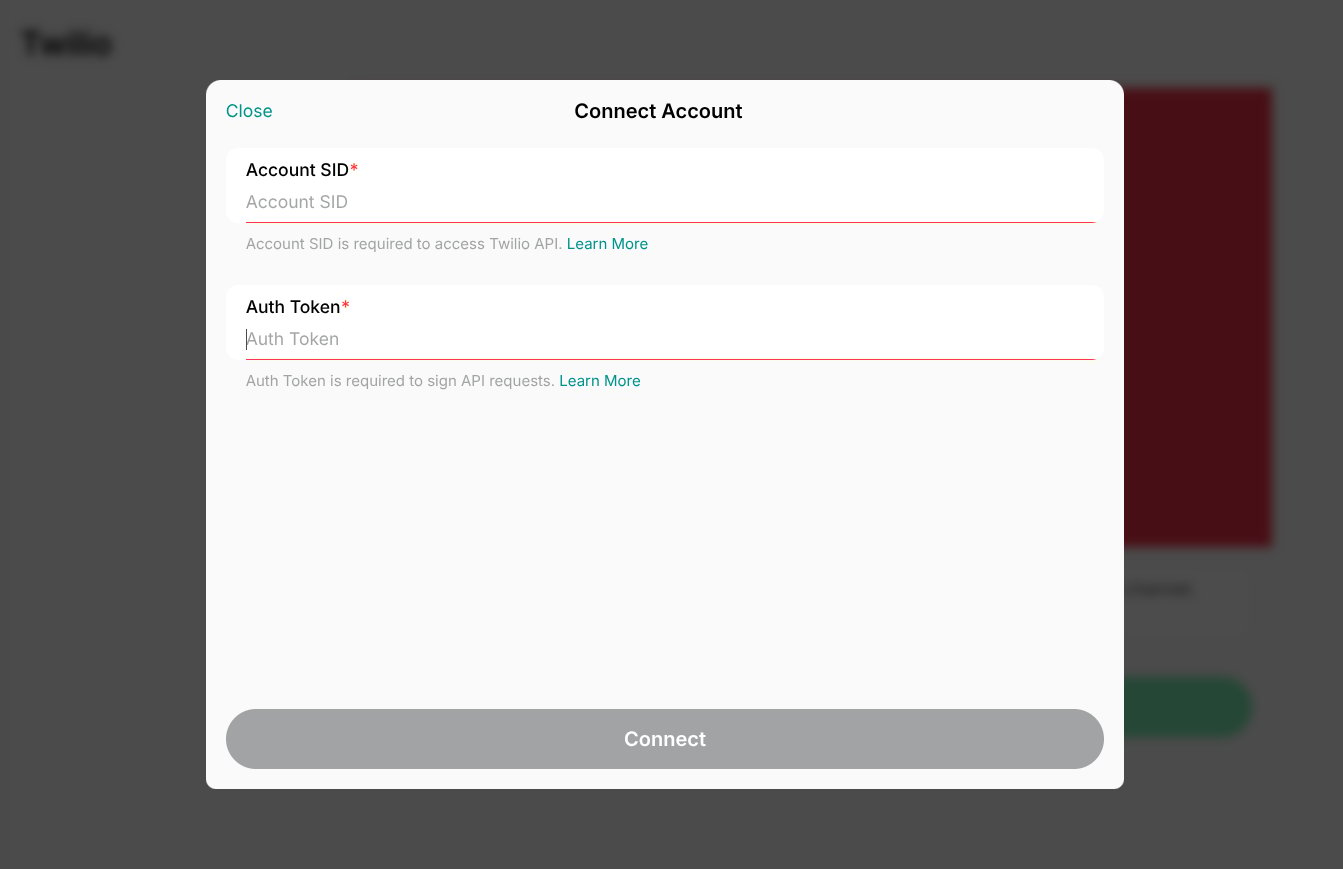
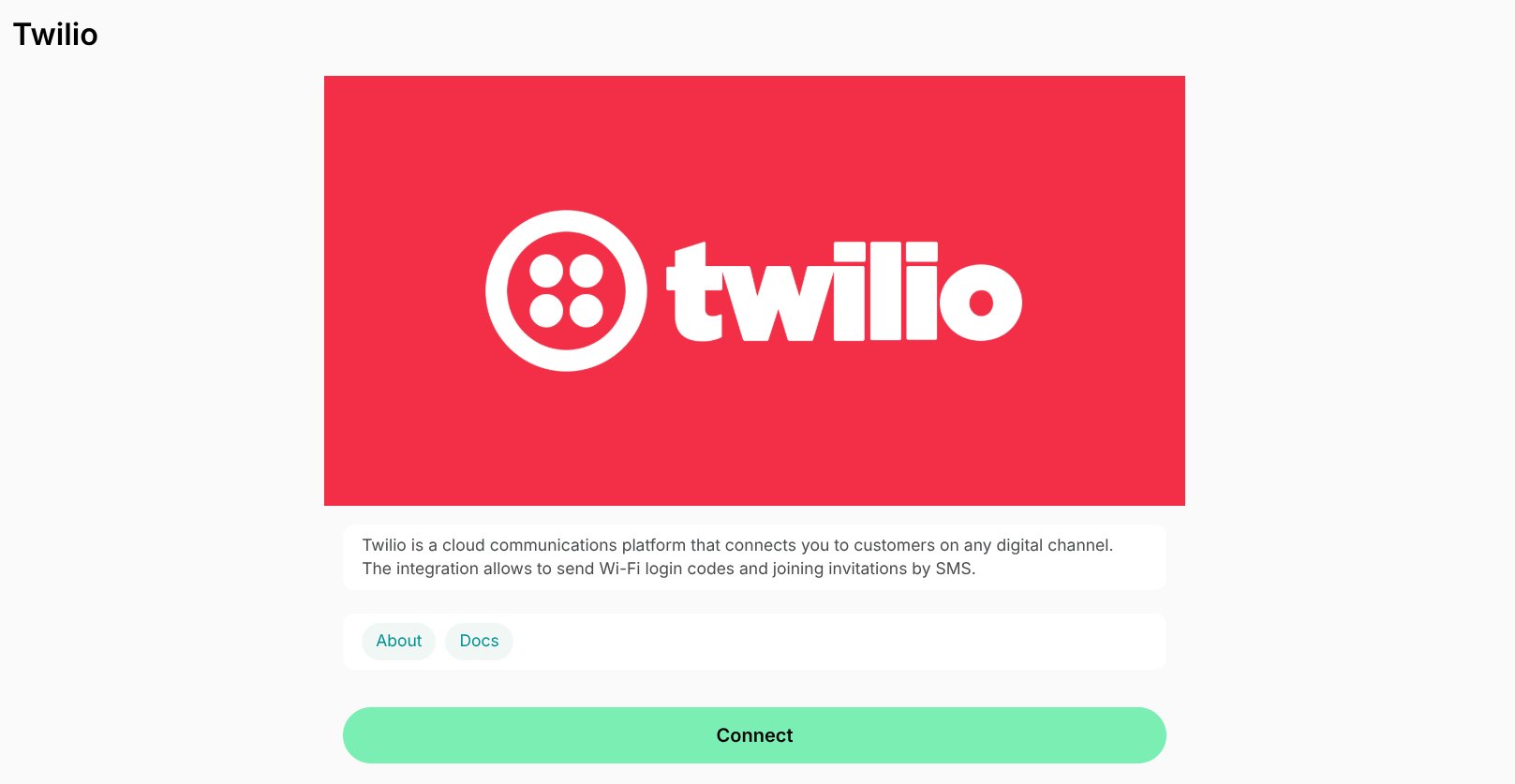 2. Press **Connect**, enter integration details, and confirm your choice. [Learn where to find them on Twilio](https://support.twilio.com/hc/en-us/articles/360006956594-Twilio-Third-Party-Application-and-Product-Support)
 3. Select a phone number that will be used to identify a sender and configure what you want SMS to be sent for: the Wi-Fi login code and/or new member invitations.
4. Press `Save`.
## How Twilio integration works
Twilio integration can be used to send out members' invitations by SMS and, as well as for Wi-Fi authentication codes.
If Twilio integration is connected, the phone number field in the member web portal and mobile app has a validation, and phone numbers must be entered in the international format with the country code in the member web portal or mobile app.
### How the integration works for members' invitations by SMS
If the Twilio integration is connected, when an administrator [invites a new user](/docs/customer-management/users/members#invite-a-member) indicating a member's phone number, a member will receive an invitation via SMS in addition to regular email invitations.
SMS for a member invitation will include what location the member was invited to, the link to log in, and what email was used. The user follows a link from the SMS and is logged in to the app with member access.
### How the integration works for Wi-Fi authentication
Once both IronWIfi and Twilio integrations are connected, users can get WiFi authentication codes via SMS in addition to regular email with confirmation codes.
SMS can be delivered to a user only if they have provided a cellular phone number in their account. [Manage user account](/docs/customer-management/users/manage-account)
When in your space, users choose the open Wi-Fi network on their device, and upon entering an email address in the captive portal, a unique login code is automatically sent to their registered phone number via SMS. [How users connect to Wi-Fi](/docs/integrations/wi-fi/ironwifi)
Only confirmation codes for Wi-Fi login are delivered by SMS. For security reasons, confirmation codes to log in to your member web portal or mobile apps are sent by email only.
## Disconnect the Twilio integration
To disconnect Twilio, follow these steps:
1. Go to Spacebring as an [owner](/docs/administration/owners)> **Network settings** page by pressing the menu **(...)** near the network name **> Twilio**.
2. Press **Disconnect** and confirm your choice.
3. Select a phone number that will be used to identify a sender and configure what you want SMS to be sent for: the Wi-Fi login code and/or new member invitations.
4. Press `Save`.
## How Twilio integration works
Twilio integration can be used to send out members' invitations by SMS and, as well as for Wi-Fi authentication codes.
If Twilio integration is connected, the phone number field in the member web portal and mobile app has a validation, and phone numbers must be entered in the international format with the country code in the member web portal or mobile app.
### How the integration works for members' invitations by SMS
If the Twilio integration is connected, when an administrator [invites a new user](/docs/customer-management/users/members#invite-a-member) indicating a member's phone number, a member will receive an invitation via SMS in addition to regular email invitations.
SMS for a member invitation will include what location the member was invited to, the link to log in, and what email was used. The user follows a link from the SMS and is logged in to the app with member access.
### How the integration works for Wi-Fi authentication
Once both IronWIfi and Twilio integrations are connected, users can get WiFi authentication codes via SMS in addition to regular email with confirmation codes.
SMS can be delivered to a user only if they have provided a cellular phone number in their account. [Manage user account](/docs/customer-management/users/manage-account)
When in your space, users choose the open Wi-Fi network on their device, and upon entering an email address in the captive portal, a unique login code is automatically sent to their registered phone number via SMS. [How users connect to Wi-Fi](/docs/integrations/wi-fi/ironwifi)
Only confirmation codes for Wi-Fi login are delivered by SMS. For security reasons, confirmation codes to log in to your member web portal or mobile apps are sent by email only.
## Disconnect the Twilio integration
To disconnect Twilio, follow these steps:
1. Go to Spacebring as an [owner](/docs/administration/owners)> **Network settings** page by pressing the menu **(...)** near the network name **> Twilio**.
2. Press **Disconnect** and confirm your choice.