> ## Documentation Index
> Fetch the complete documentation index at: https://www.spacebring.com/docs/llms.txt
> Use this file to discover all available pages before exploring further.
# Hybrid offices
> Set up corporate hybrid offices and let company users make daily bookings for office seats
Spacebring supports a hybrid office solution for companies that have many company members and want to utilize the office space efficiently since not all of them work in the office every day. Hybrid office allows companies to:
* Save on costs by renting a smaller office.
* Provide company members with a convenient on-demand seat booking system.
* Get a single consolidated invoice each month.
## How to add a hybrid office
1. [Add an office](/docs/resource-management#offices).
2. [Create a company](/docs/customer-management/companies) that rents this office.
3. [Assign the office](/docs/resource-management/rentals/assignments) with the **Entire resource** switch to the company that rent it to make it visible to and bookable by exclusively the company members of this company.
Make sure to assign the hybrid office with the [**Entire resource**](/docs/resource-management/rentals/assignments) switch enabled. If you assign a specific number of seats within the office to the company, the seats will become permanently booked for the duration of the company subscription, and company members won't be able to make daily bookings of the office seats on demand.
4. Inform the company about their office and provide instructions on how to use it.
## How a hybrid office works
The hybrid office setup provides company members with the flexibility to decide on which days they work from the office and book seats for themselves on demand.
Each company user can do the following:
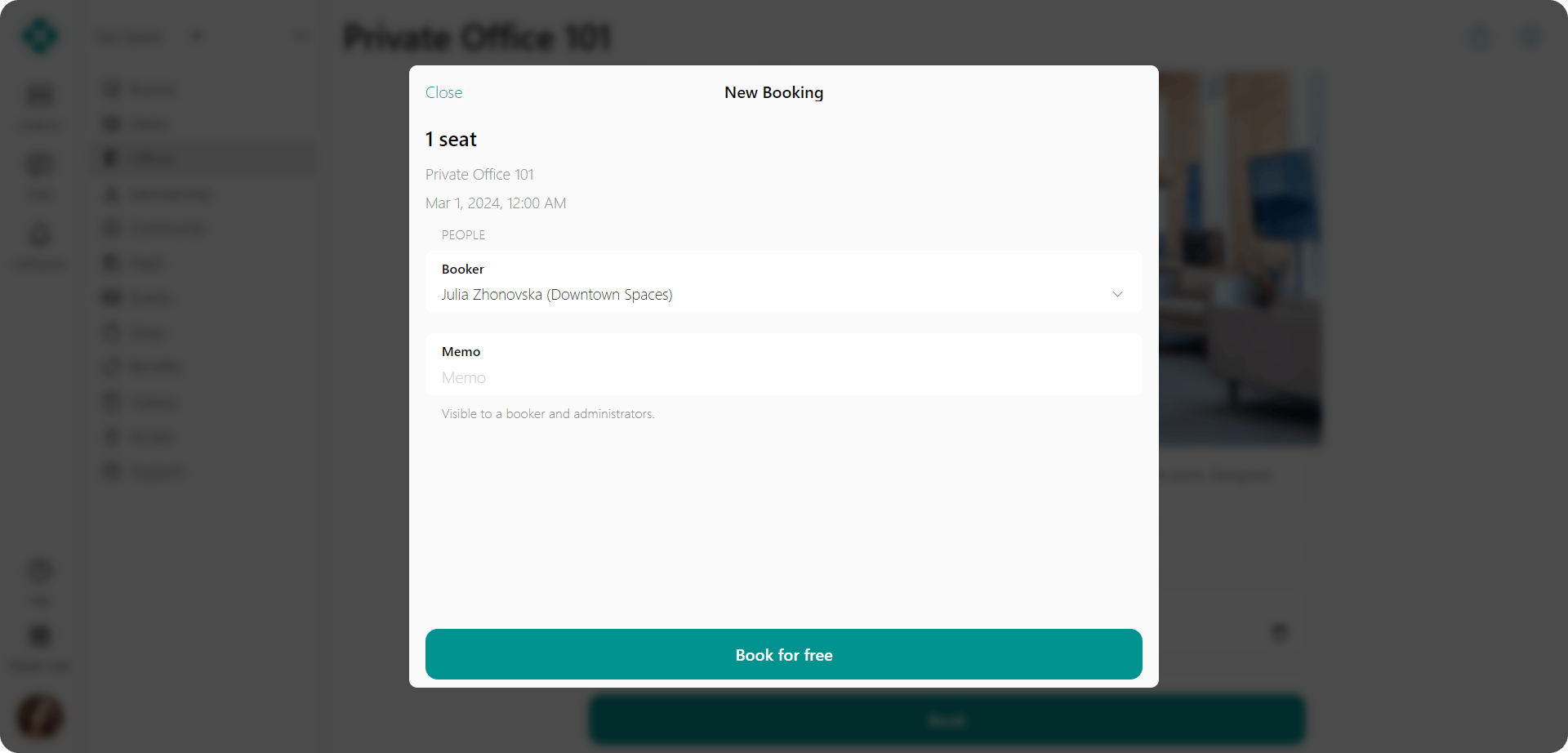
* Book a seat in the office for themselves for free on the desired day.
 * See how many seats are booked for a particular day.
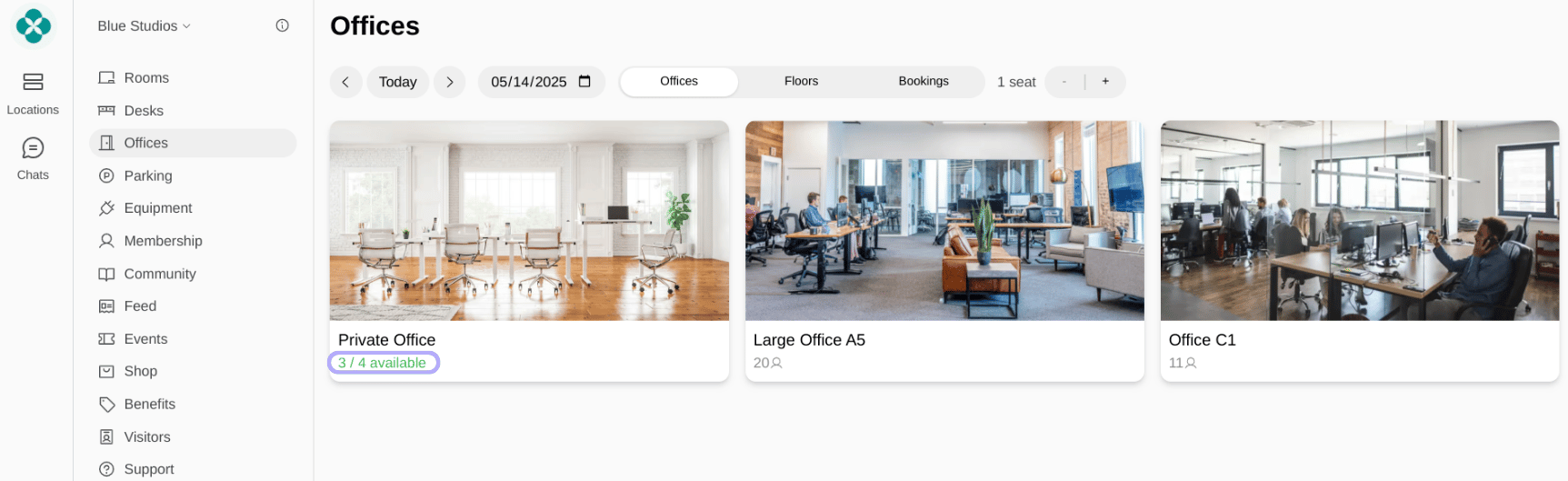 Administrators cannot see the availability of seats in the hybrid office. Only the members of the assigned company can see it. If there is more than one company assigned, each of them will see the availability of the seats.
* Check which of their workmates are also going to work from the office, by following a few simple steps:
1. Go to the **Offices** page > **Bookings** tab.
Administrators cannot see the availability of seats in the hybrid office. Only the members of the assigned company can see it. If there is more than one company assigned, each of them will see the availability of the seats.
* Check which of their workmates are also going to work from the office, by following a few simple steps:
1. Go to the **Offices** page > **Bookings** tab.
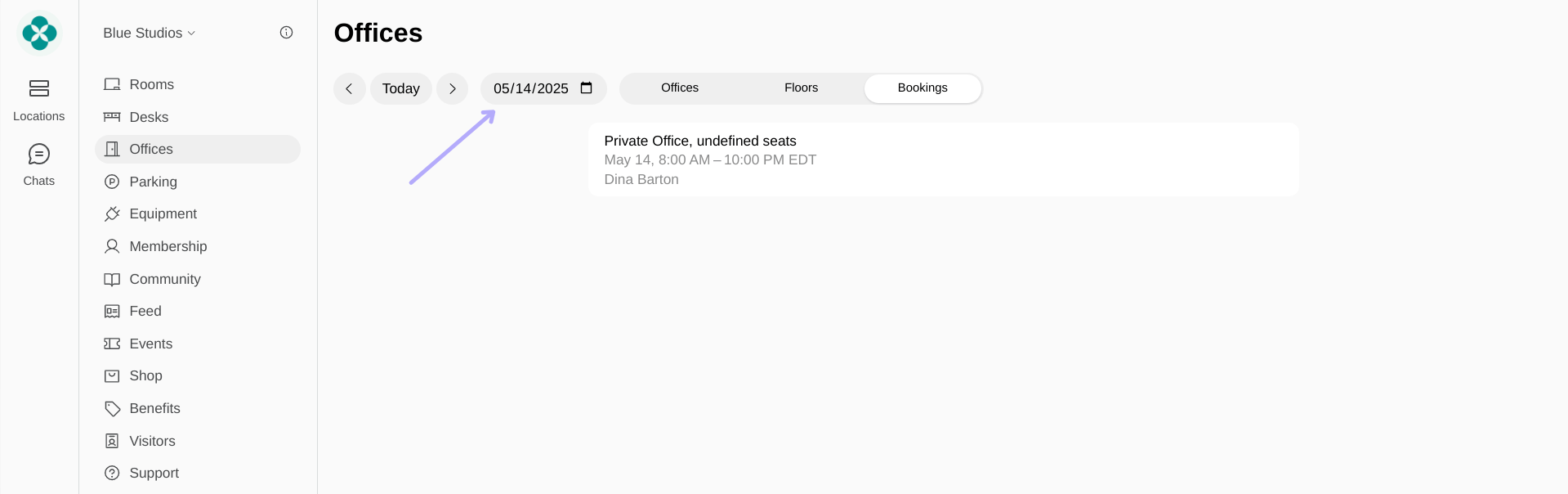
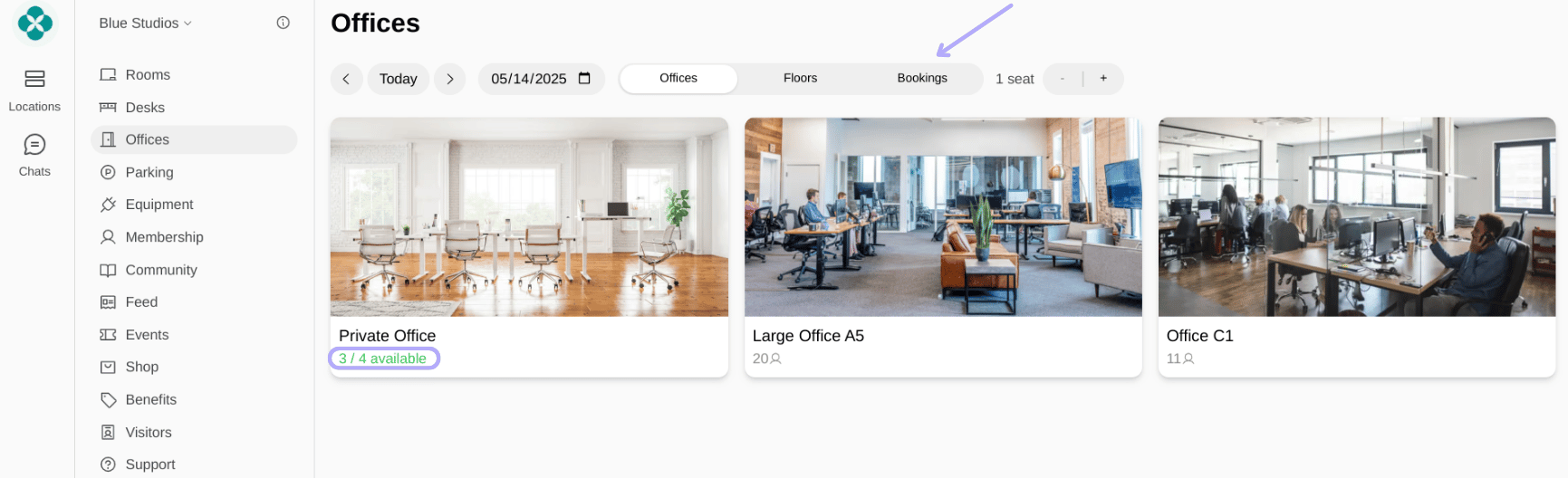 2. Check the bookings for the desired date.