

What are webhooks?
Webhooks are a way for Spacebring to notify you about events that occur in your network. For example, when a booking is created, a webhook will be sent to your application. See the full list of webhook event types.Steps to set up webhooks
1. Create your endpoint
In your application, you should create an endpoint that will receive the webhooks. This endpoint should receive POST requests and respond with2xx status code.
2. Register the endpoint
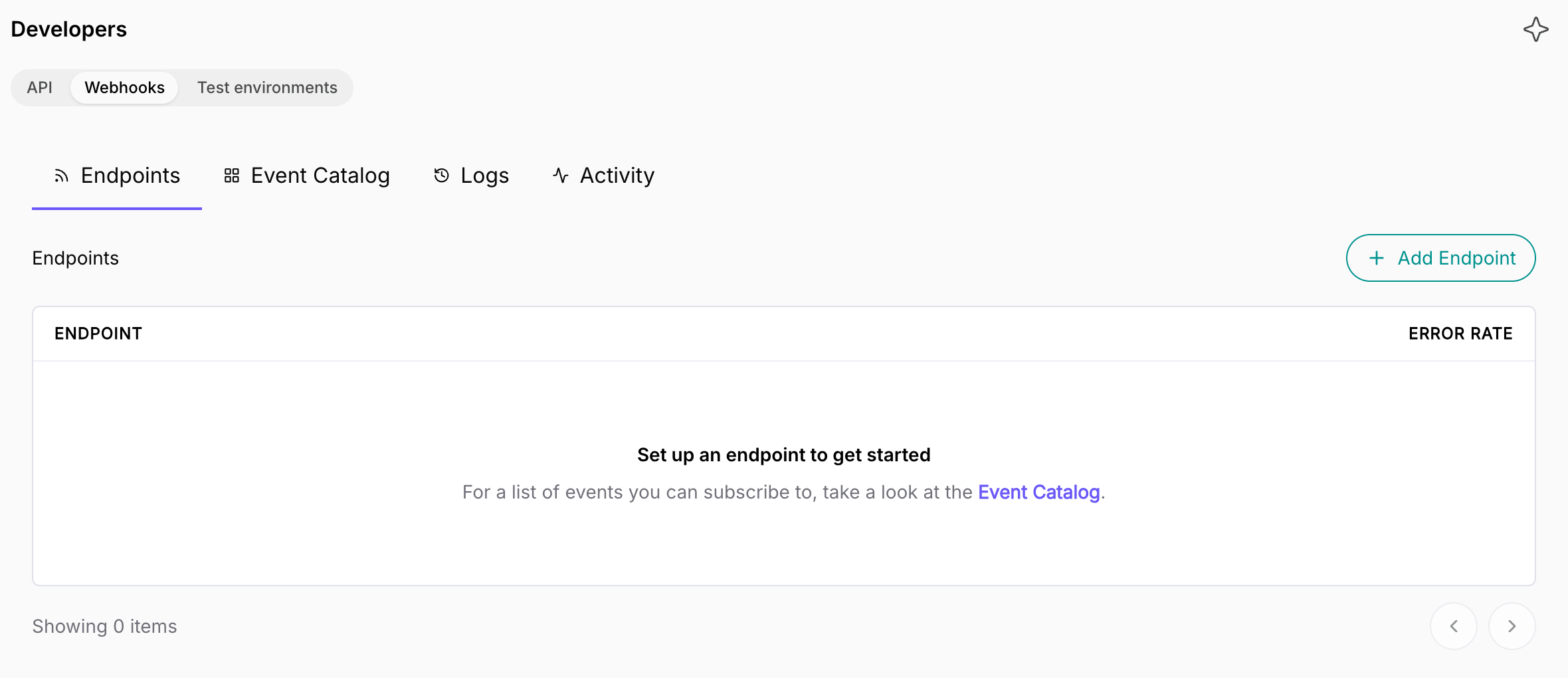
To register a webhook endpoint, your network needs the API & webhooks add-on. Pricing The owner of your Spacebring network should follow these steps:- On the left-side panel, click (…) menu next to your network name.
- Go to Network settings > Developers > Webhooks.
Get each date of a repeating booking
A repeating booking is a single booking, sobooking.created is sent for it once, with its first date. To act on each date a resource is booked, such as sending a door code, handle booking.upcoming:
- It’s sent an hour before a booking starts, and an hour before each date of a repeating booking.
- Each date carries its own
startDateandendDate. A date after the first has theid{bookingId}_{isoDate}, as retrieve bookings returns it withsingleBookings. - A date waiting for its payment is sent once it’s paid.
- A booking made, paid, or rescheduled less than an hour before it starts gets no
booking.upcoming. Handlebooking.created,booking.paid, orbooking.updatedfor it.