

Spacebring allows you to customize the member web portal. Customization enhances the effectiveness and appeal of the member web portal, driving user engagement and business success.Documentation Index
Fetch the complete documentation index at: https://www.spacebring.com/docs/llms.txt
Use this file to discover all available pages before exploring further.
Customize member web portal
To customize member web portal, follow these steps:- Go to Spacebring as an owner.
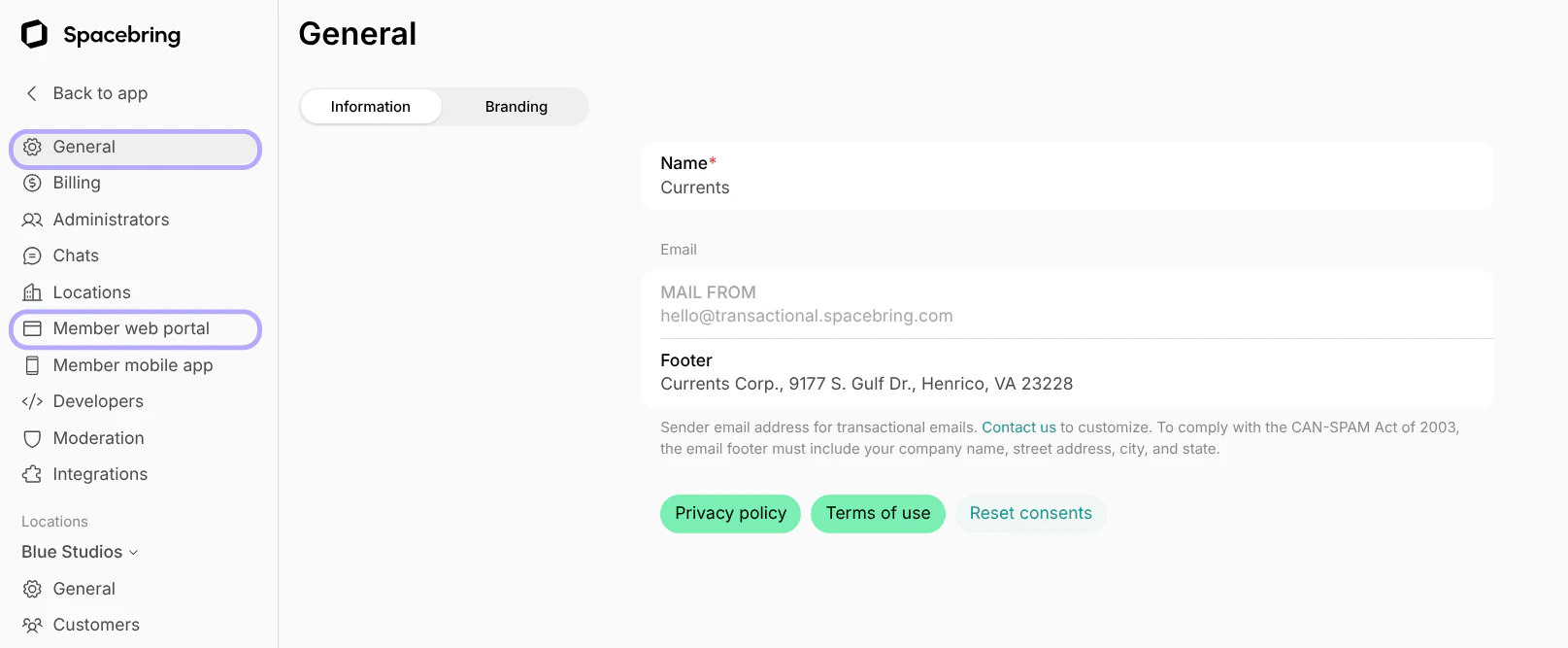
- On the left-side panel, click (…) next to your network name > Network settings > General > “Information” and “Branding” tabs or Member web portal > “General” and “Landing page” tabs.
The theme of the member web portal follows the browser’s theme. To change it, users go to the browser’s settings, find the “Appearance” section, and switch between light or dark mode. The portal theme will update automatically.
- General > “Information” tab — name, email footer.
- General > “Branding” tab — look and feel of the member web portal, such as logo, accent color, background gradient, and font.
- Locations — add and delete locations.
- Member web portal > “General” tab — network language and custom domain.
- Member web portal > “Landing page” tab — headline, description, index in search engines.
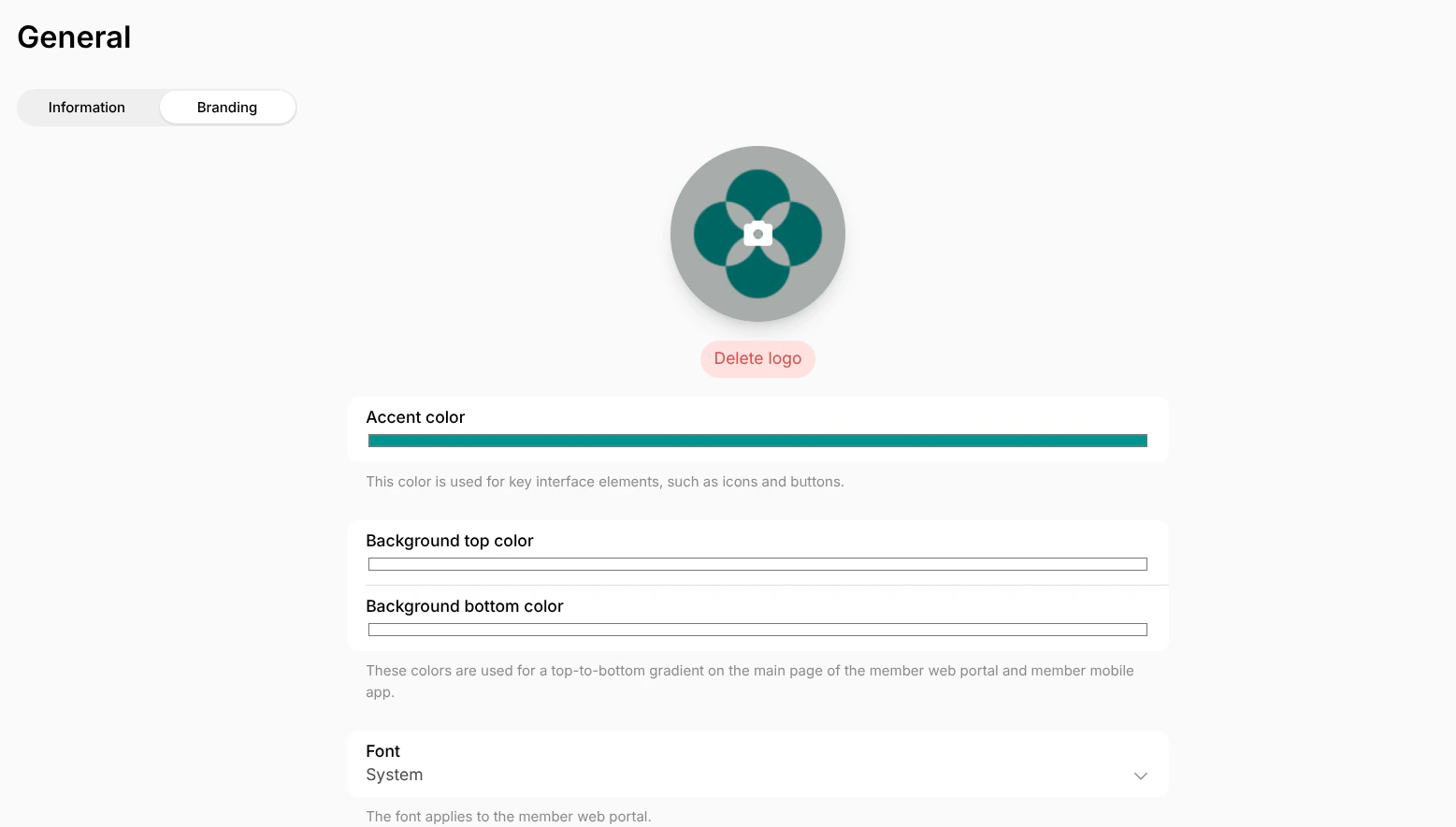
All changes except the custom domain apply to the member web portal automatically.
The custom domain will show as verified once it has been properly configured and the DNS records have completed propagation.
Supported fonts for the member web portal
The following fonts are supported for the member web portal:- Arimo
- Barlow
- DM Sans
- Fira Sans
- Hubot Sans
- IBM Plex Sans
- Inter
- Kanit
- Lora
- Manrope
- Merriweather
- Montserrat
- Mulish
- Noto Sans
- Noto Sans KR
- Nunito
- Nunito Sans
- Open Sans
- Oswald
- Playfair Display
- Poppins
- Quicksand
- Raleway
- Roboto
- Roboto Condensed
- Roboto Mono
- Roboto Slab
- Rubik
- System
- Work Sans
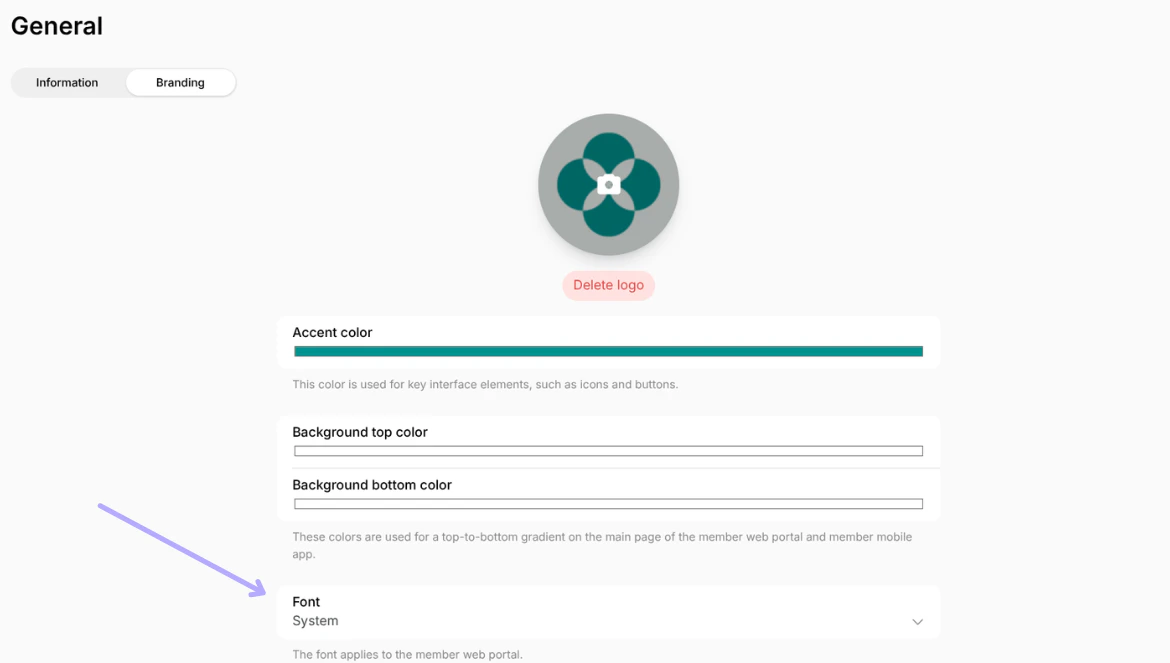
The font family applies to the member web portal only.