

Admin web portal
- Go to app.spacebring.com.
- Enter the email associated with your admin account and verify it with the confirmation code.
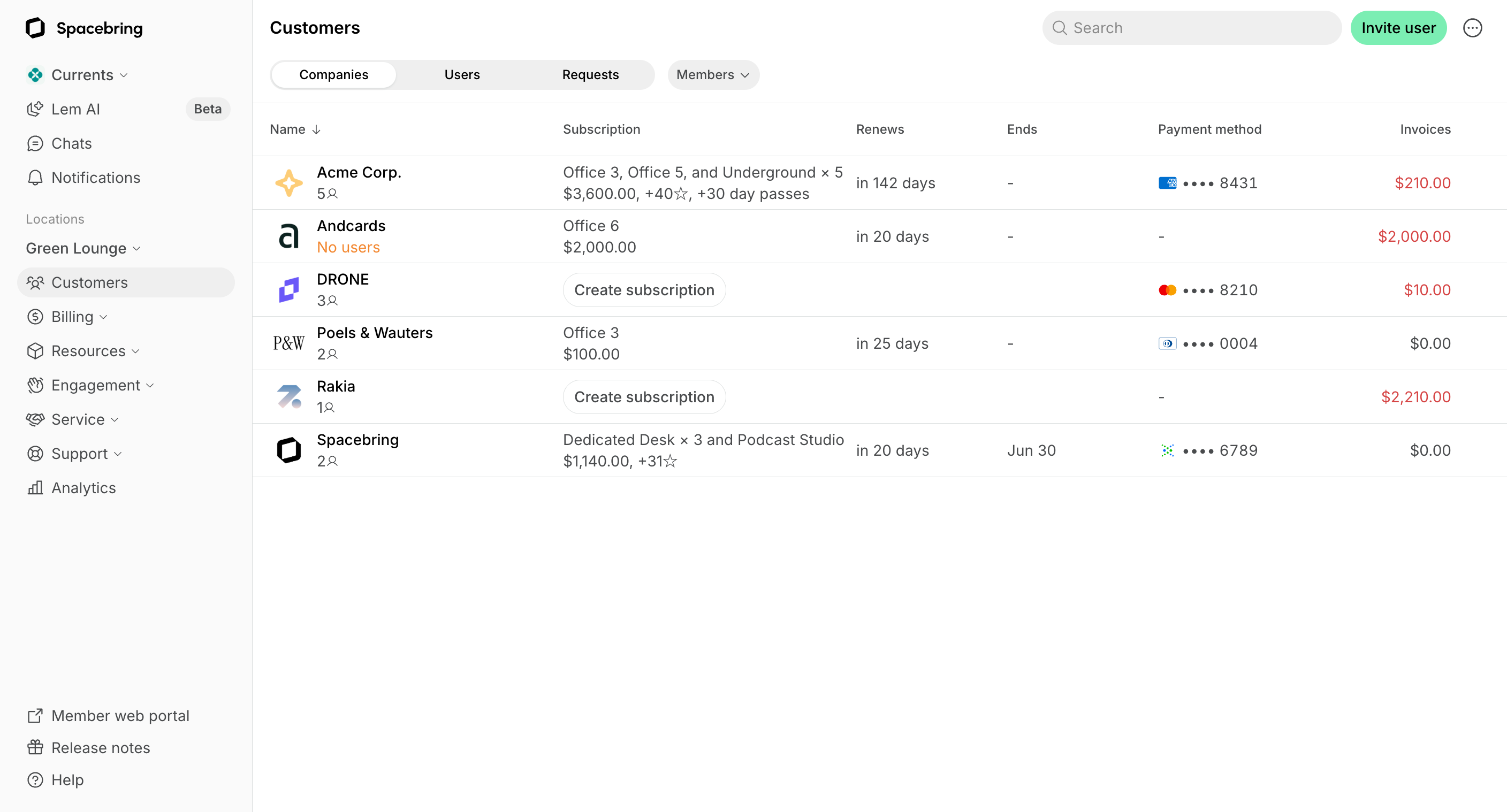
The admin web portal automatically matches your browser’s theme, and the admin mobile app matches your device’s theme. To switch between light and dark mode, update the Appearance setting in your browser preferences, or the theme in your device settings.
Admin mobile app
- Download the Spacebring admin mobile app from Google Play or App Store.
- Enter the email associated with your admin account and verify it with the confirmation code.
Requires Android 8.0+ or iOS 17.0+.
Customers
Notifications
Room bookings
Chats
Support tickets
Feed
FAQs
I am a new administrator using Spacebring. Is there a guide to help me get started?
I am a new administrator using Spacebring. Is there a guide to help me get started?
Here’s how to get started with Spacebring as a new administrator:
- Log in to app.spacebring.com using your administrator email address.
- Watch our on-demand webinar “Introduction to Spacebring” to learn the Spacebring essentials in under an hour.
- Check out our Overview guide to understand the functionality and navigation in Spacebring admin portal.
- Watch our Product guides on YouTube.
- Browse our Docs and Guides for detailed explanation and setup of any functionality.
- Join our free monthly webinars or watch past sessions on demand for expert tips and deeper insights into managing your space with Spacebring.
Why can't I access my admin account?
Why can't I access my admin account?
- Unable to see admin features? Double-check that you are signed in to the admin portal and not the member portal.
- Lost access? Regain admin role by clicking on the network name > Network settings > Locations > Become administrator button next to the needed location. Then, go to Customers > open your profile > check the Activities section to identify who removed your admin role.
How do I find Location settings or Network settings?
How do I find Location settings or Network settings?
Both are in the left-side panel of your admin dashboard:
- Network settings — at the top of the panel, find your network name, click (…) next to it.
- Location settings — a bit below, find the Locations section, click (…) next to the location you need.