- On the Network settings > Lem AI page, make sure you have “Lem AI” enabled.
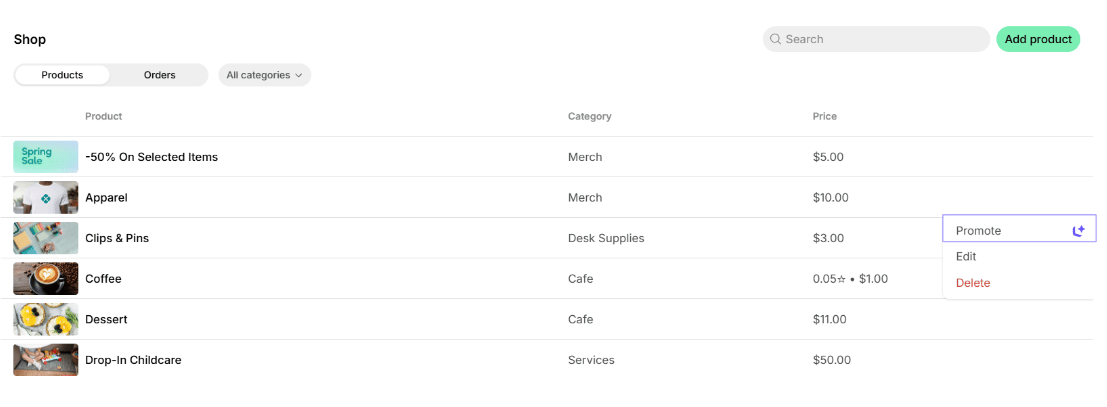
- Go to the Events, Shop, or Benefits page.
- Create an event, product, or benefit, or choose an existing one.
- Click the
(...)menu next to it >Promote.
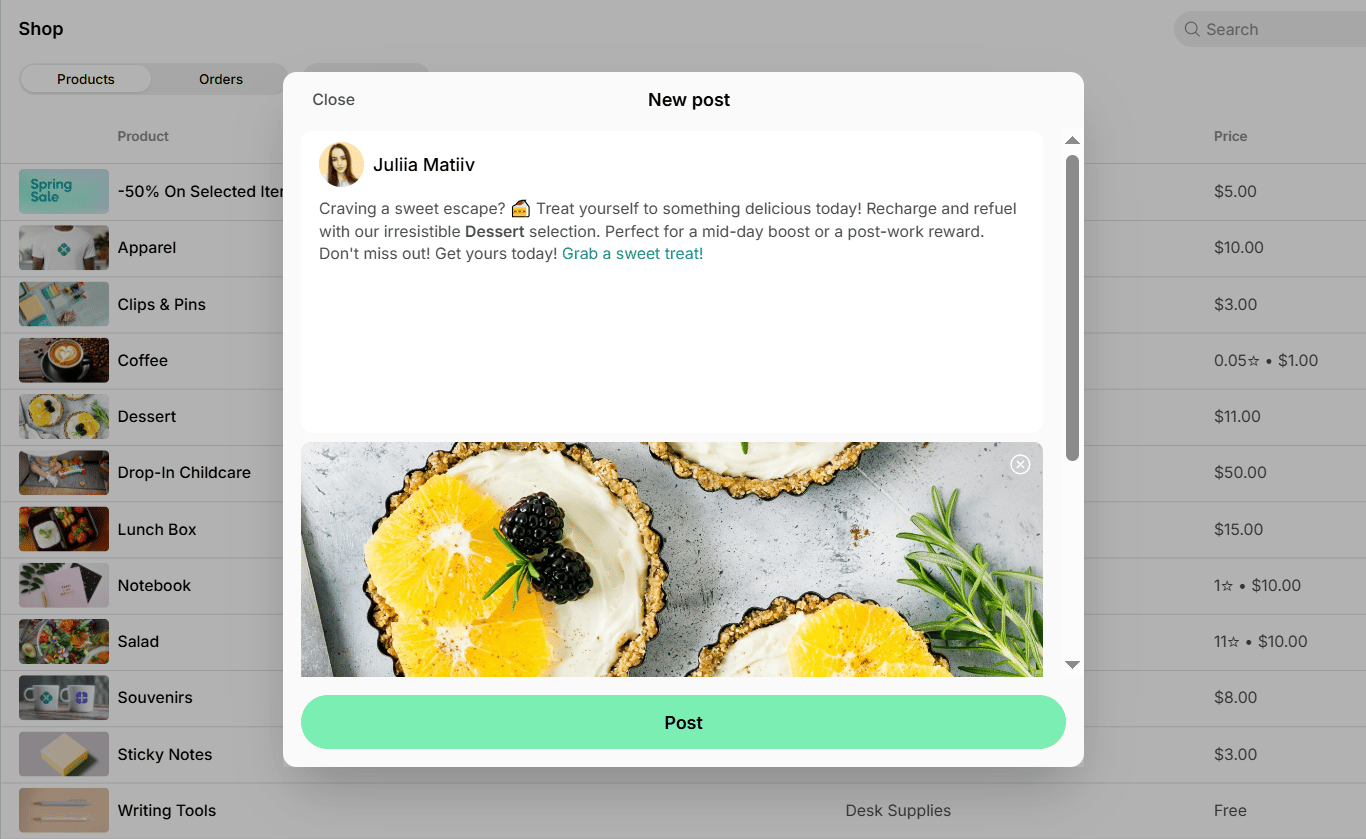
- You’ll see a tab with an AI-generated feed post. The post is generated based on your event, product, or benefit details and includes its brief description, image (if added), and a direct link to join, order, or apply for it.
- Feel free to make any edits, then click
Postto publish it.