

Documentation Index
Fetch the complete documentation index at: https://www.spacebring.com/docs/llms.txt
Use this file to discover all available pages before exploring further.
Assign or remove administrator role
Administrators can assign new administrators or remove admin access for any user. For this:- Navigate to Customers > “Users” tab > select the user from the list.
- Press the (…) menu top right in their profile > select
Edit.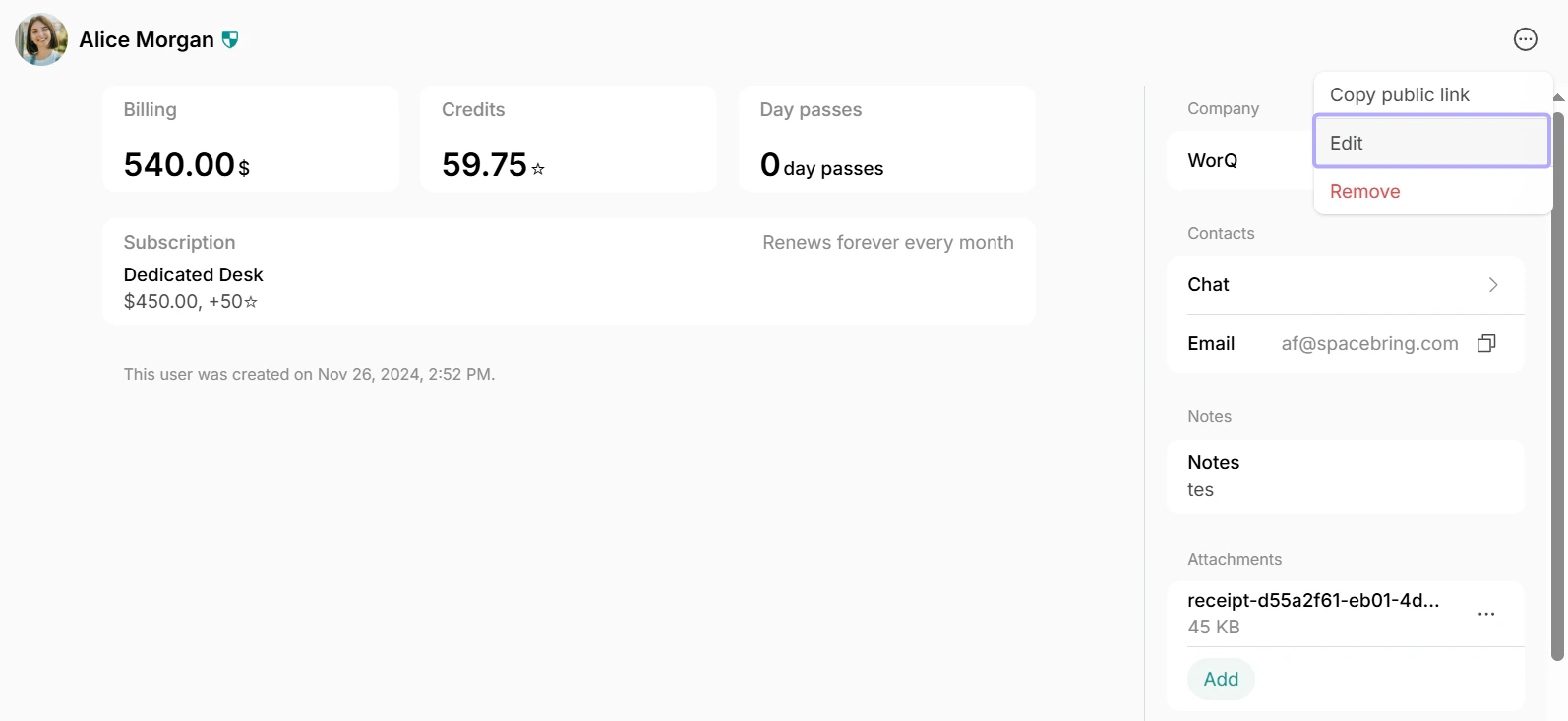
- Toggle the “Administrator” switch:

- Enable it to make the user an administrator. When enabled, you can also customize administrator permissions.
- Disable it to make an administrator a regular member.
- Press
Saveto confirm the change.
If the user is not yet added to Spacebring, invite them first and toggle the “Administrator” switch.
Become administrator
If you’re an owner, you can assign yourself administrator access. For this:- Log in to Spacebring with the owner’s account.
- Go to the Network settings > Locations > press (…) next to the necessary location > select “Become administrator”. The change applies automatically.
