

Documentation Index
Fetch the complete documentation index at: https://www.spacebring.com/docs/llms.txt
Use this file to discover all available pages before exploring further.
Who is an owner
The owner of your app refers to the user responsible for managing the entire network and is a single point of contact in your organization regarding the subscription with Spacebring.The owner’s role is always restricted to one user.
What an owner can do
- Manage payment and invoicing information for subscription to Spacebring.
- Customize the member web portal and mobile app (their appearance, description, logo, privacy policy, terms of use, etc.).
- Manage network language.
- Manage the visibility of your member web portal’s landing page in search engines.
- Add and delete locations.
- Manage Chats.
- Connect network-level integrations (Google Analytics, Twilio, Meta Pixel).
- Add abusive users to the blacklist.
- Become an administrator of any location.
Transfer the owner role
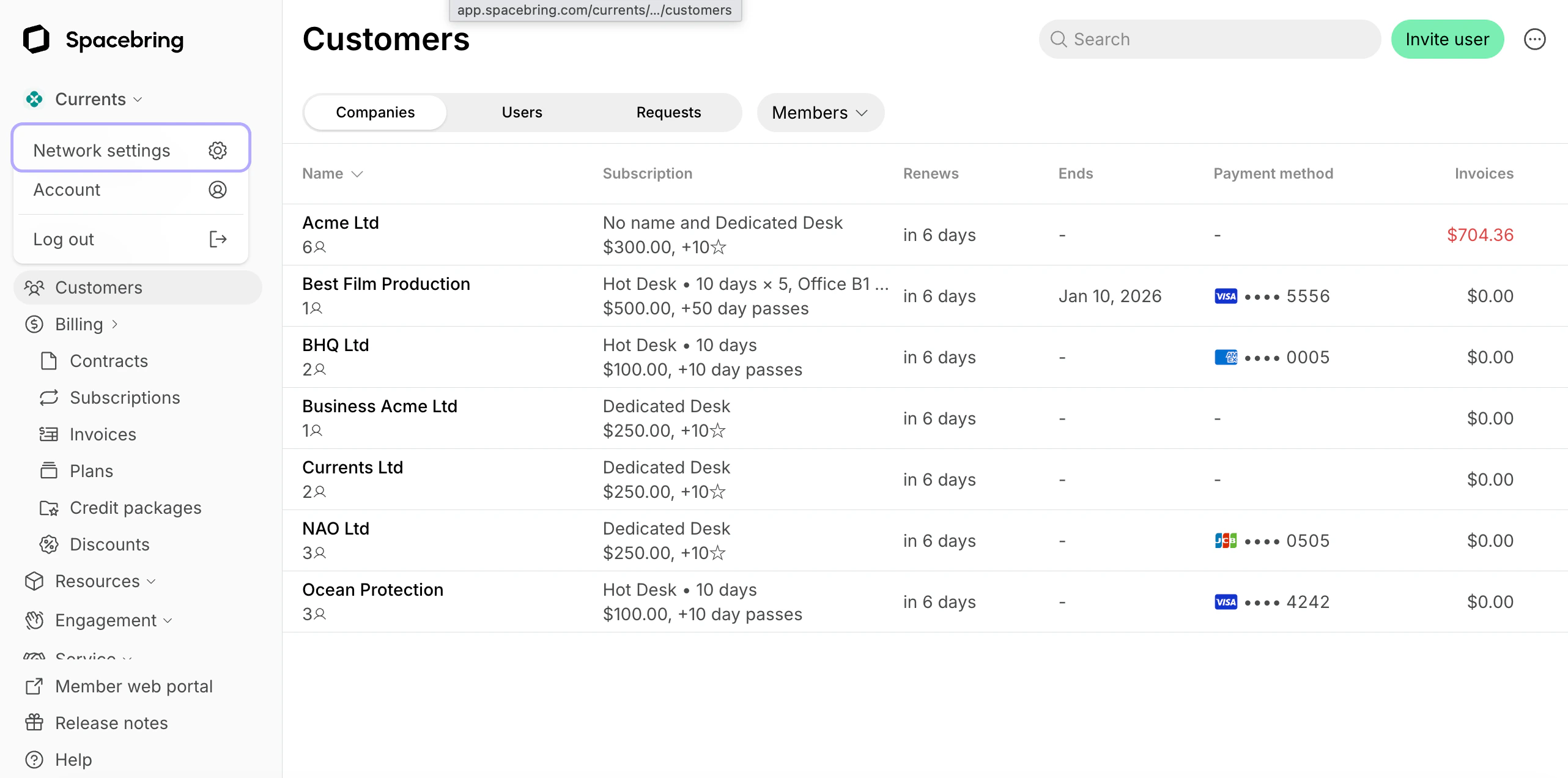
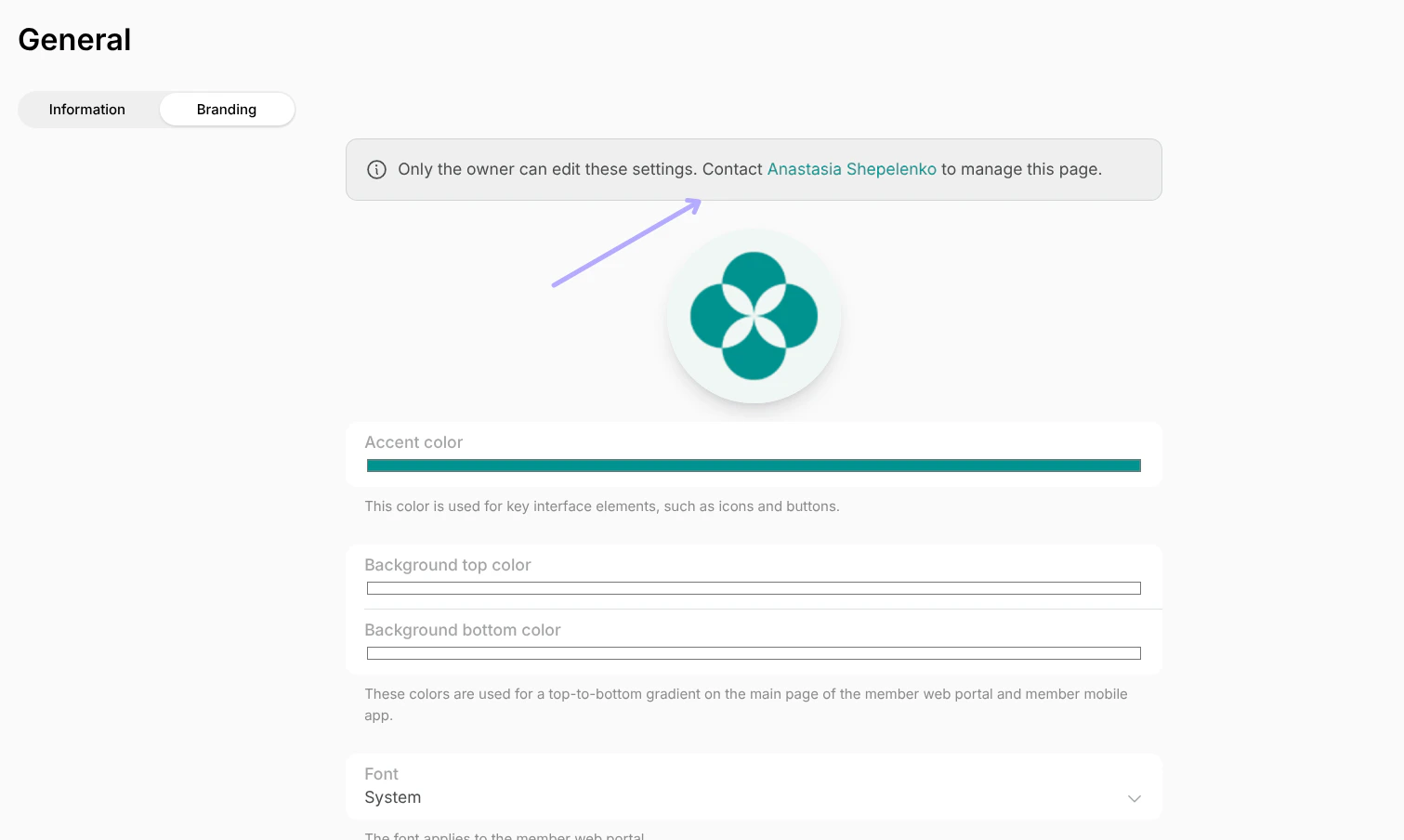
Only the owner themselves can manage their role and reassign it to someone else. To delegate the owner role to another person, do the following:- Log in as an owner to Spacebring and press the network name > Network settings > Administrators page.
- Select a new owner in the “Owner” section.
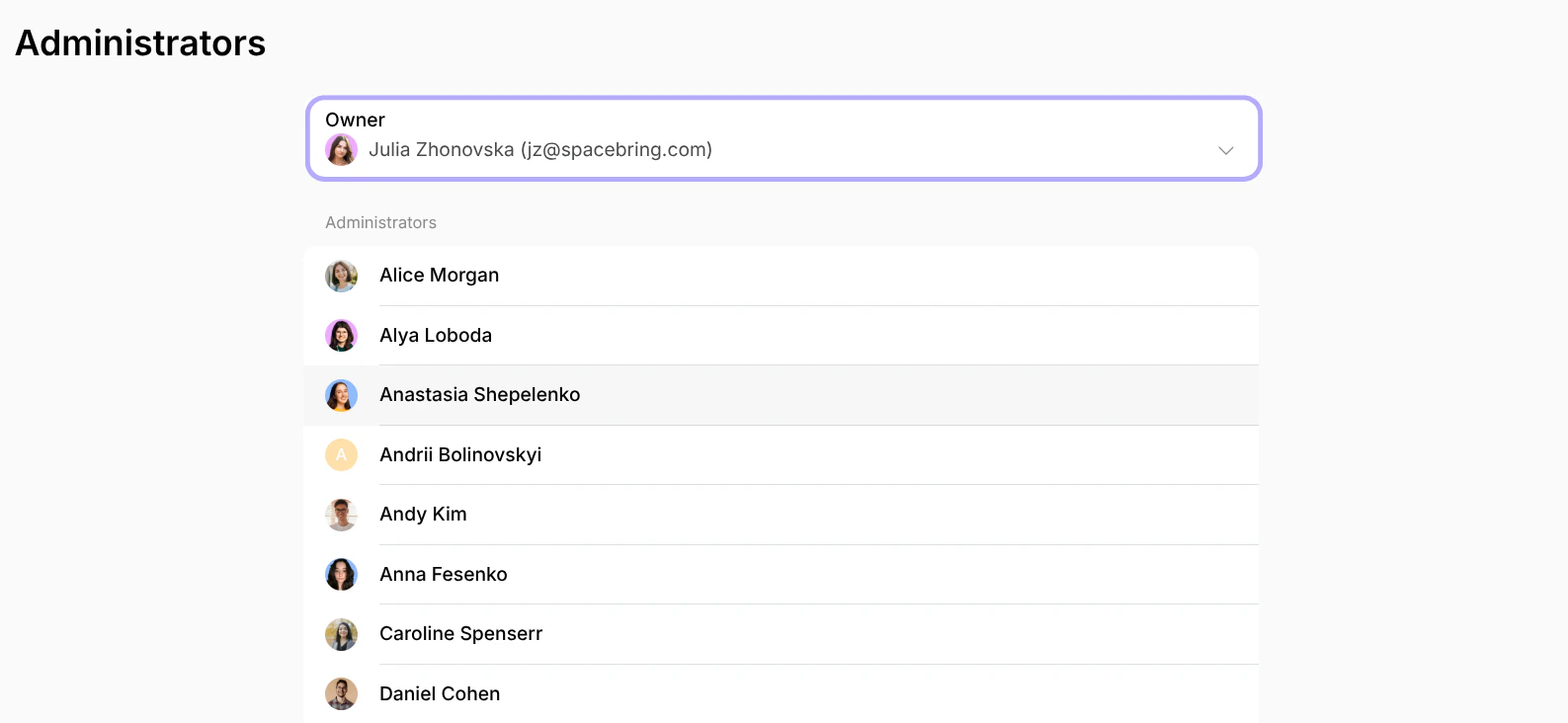
- Confirm your choice.