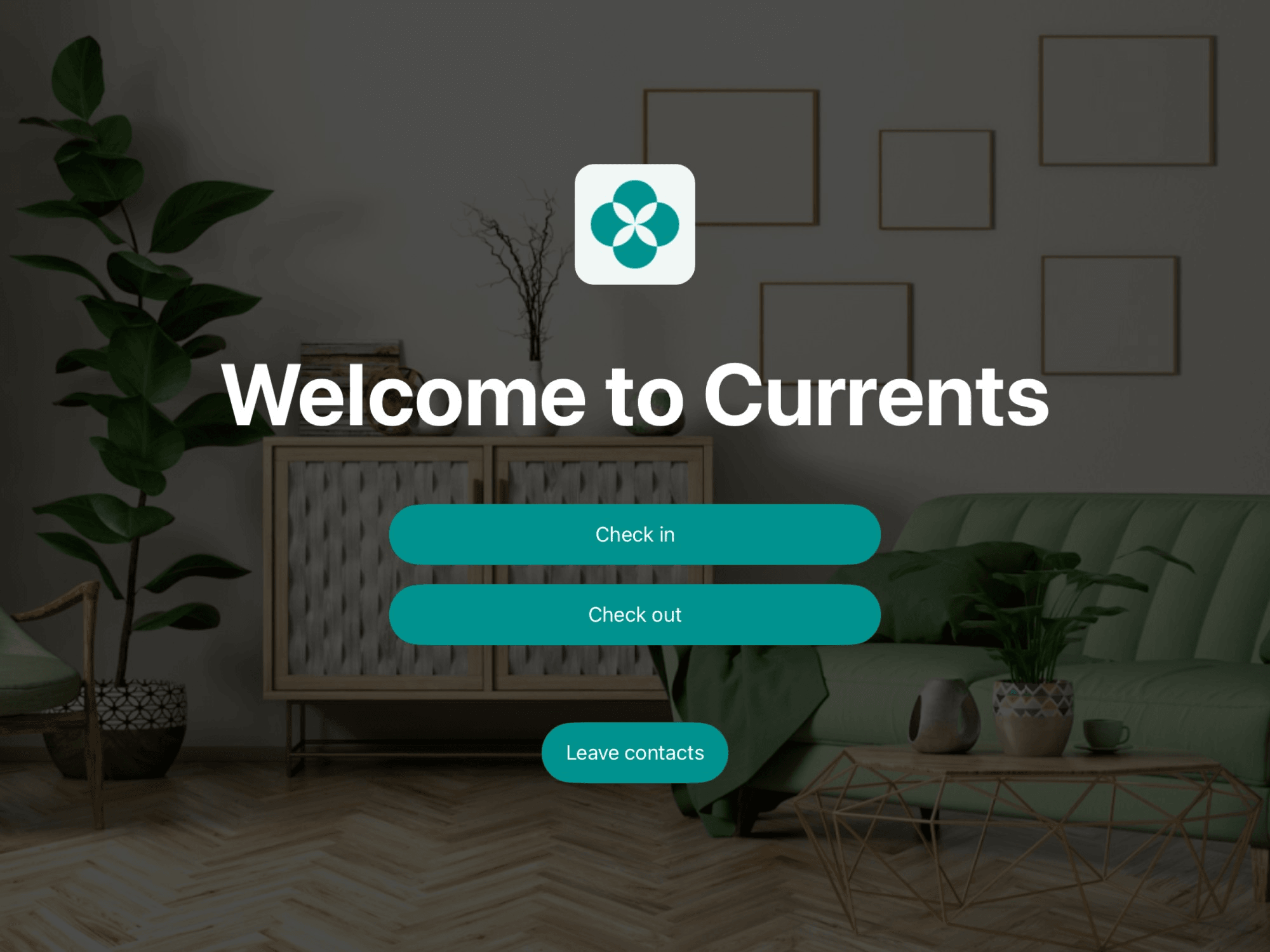
Once the Visitors module and the Reception app are set up, you can collect contact information from all walk-ins coming to your space with the help of Reception app. This helps grow your lead and marketing base without missing valuable connections. You can later convert these walk-ins into nonmembers or members in just one click.
Walk-ins are people who visit your space without a prior booking or registration — often to:
- Request a tour
- Learn more about your pricing or membership plans
- Explore your space
It would be a pity to miss collecting their contact information to reach out later. Reception helps you collect their contact details on the spot through the Leave contacts feature.
If a person already has a booking or is coming to a member as a visitor, they don’t need to leave their contacts — they’re already registered through the member portal or mobile app.
- Go to Spacebring > click the (…) menu next to the location name on the left-side panel > Location settings > Front desk > Reception tab.
- Enable the Leave contacts switch.
- Enable the Reception app on your tablet.
- The Leave contacts button will appear by default on the screen.
- A walk-in person taps the Leave contacts button on the Reception app.
- They enter their contact information and click Submit.
- Done! The contacts are saved.
When people leave their contacts on the Reception app, they automatically agree to your privacy policy.
- Go to Front desk > Visitors on the left-side panel > open the Contacts tab.
- Filter contacts by Create date to see contacts created in a ready-made period, such as Today or Last 28 days, or click Custom to set an exact date or range.
- Click a certain contact to invite them as a member or add them as a nonmember, if you convert them and need to create a booking or assign a subscription.
On the Contacts tab, apply the necessary filters, then click (…) in the top right corner > Export contacts > CSV or XLSX to download a report on the filtered contacts.
The report includes each contact’s name, email, and phone number, and the date they were collected.