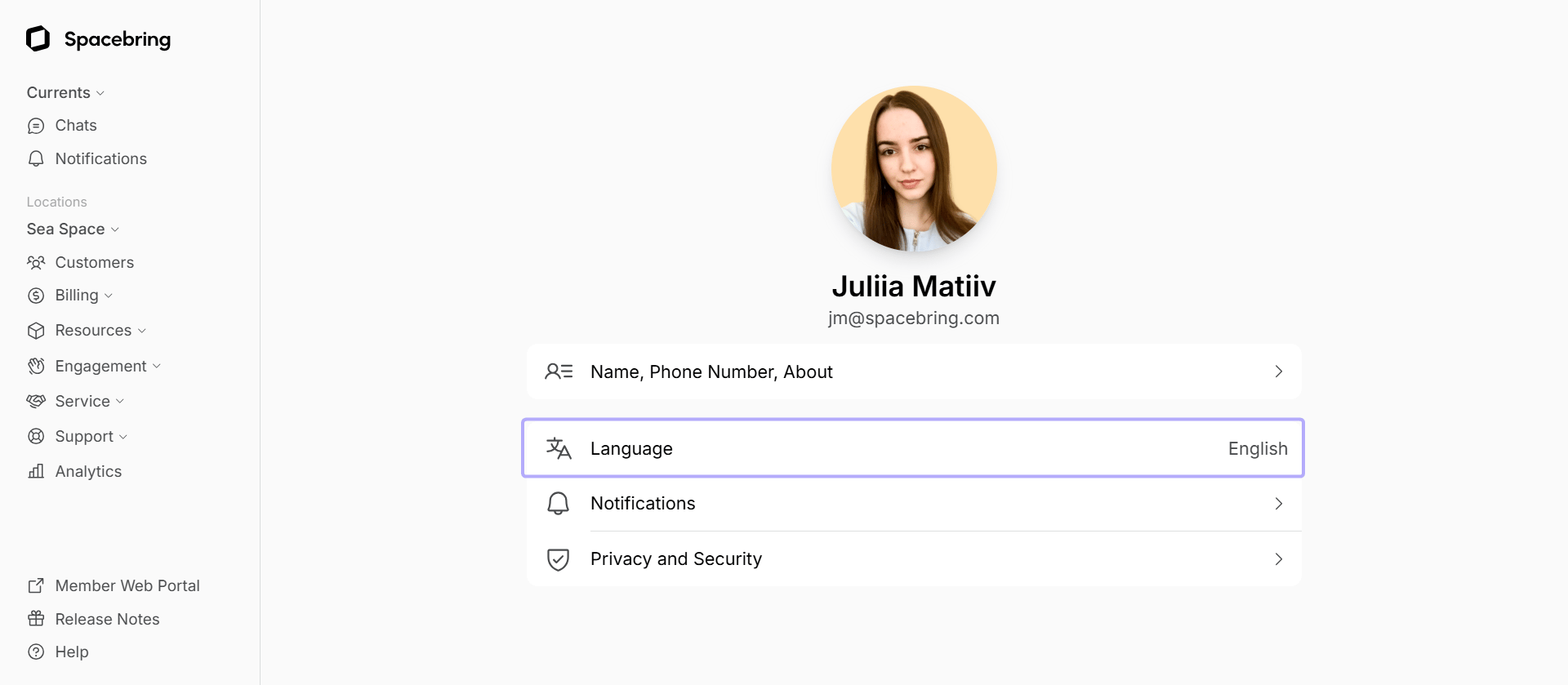
By default, Spacebring will be displayed in the administrator’s browser preferred language before/unless the administrator sets a different account language manually.
- Click the network name in the top-left corner of the left-side panel.
- Go to the Account > Language page.
- Select the language and press Save.