

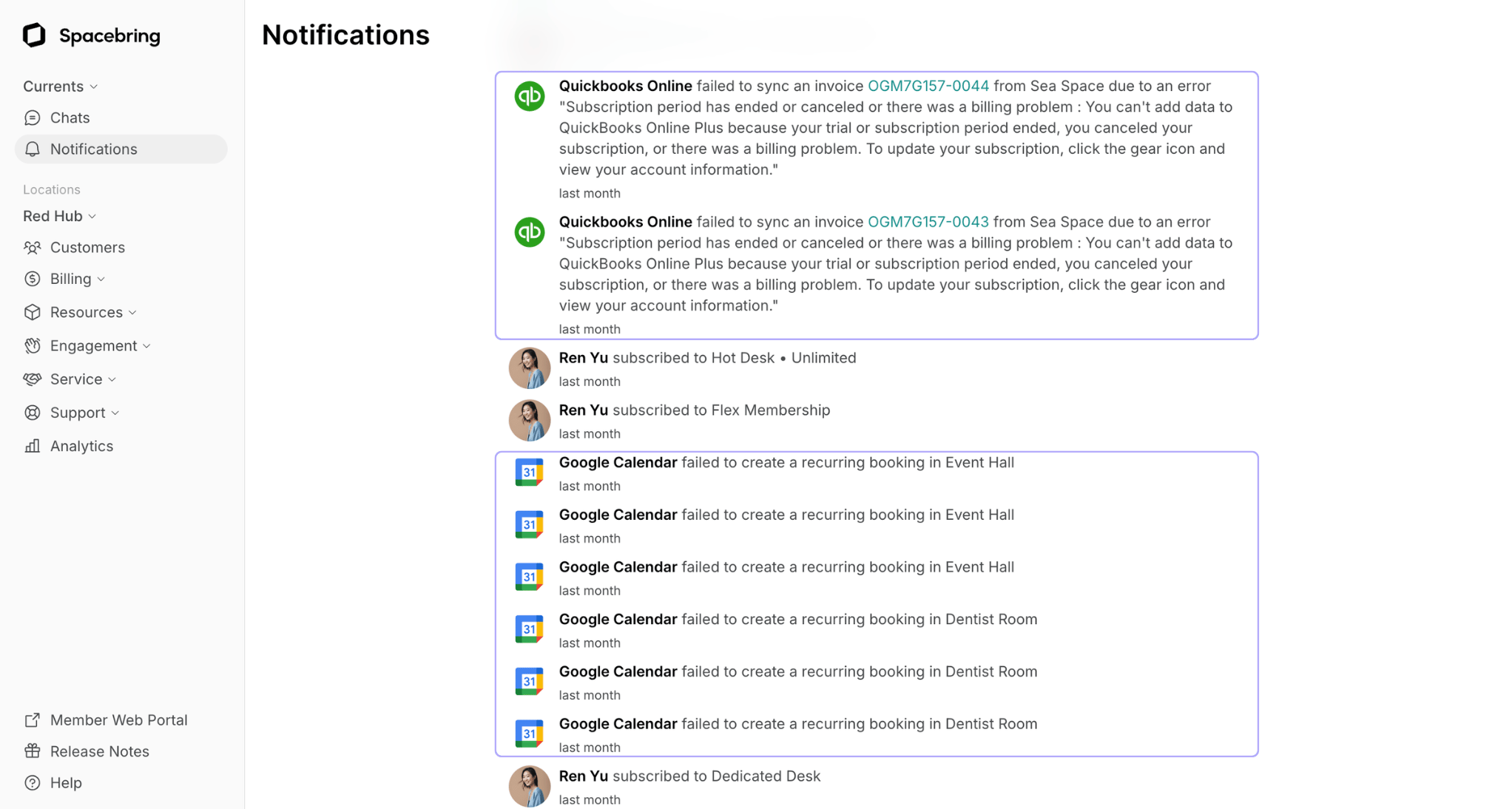
- Google Calendar
- Xero
- QuickBooks Online
Notifications regarding integration failures are sent only to the administrators of the locations where the error or disconnection occurred.
Resolve issues with integration connections
While it’s possible to connect various third-party products to your location, Spacebring is not responsible for errors or disconnections caused by other products. Notifications about integration failures are provided to help you identify and address issues with the external product more quickly. To resolve integration issues, follow these steps based on the error description shown on the Inbox page in Spacebring: Expired connection
If your connection with a third-party product has expired:- Disconnect the integration in Spacebring.
- Reconnect it using the updated account credentials for the product you’re integrating.