

Zapier is a distinct company not affiliated with us. For any inquiries regarding Zapier’s solutions, services, or pricing, please reach out to Zapier directly. We do not have the authority to provide information or support on behalf of Zapier.
How Zapier works
Triggers and actions are events inside your apps. A Zap connects a trigger in one app with an action in another, letting Zapier take care of tasks automatically when a trigger event occurs. Spacebring offers triggers and actions you can use with Zapier to link with other apps. Learn more on Zapier’s page.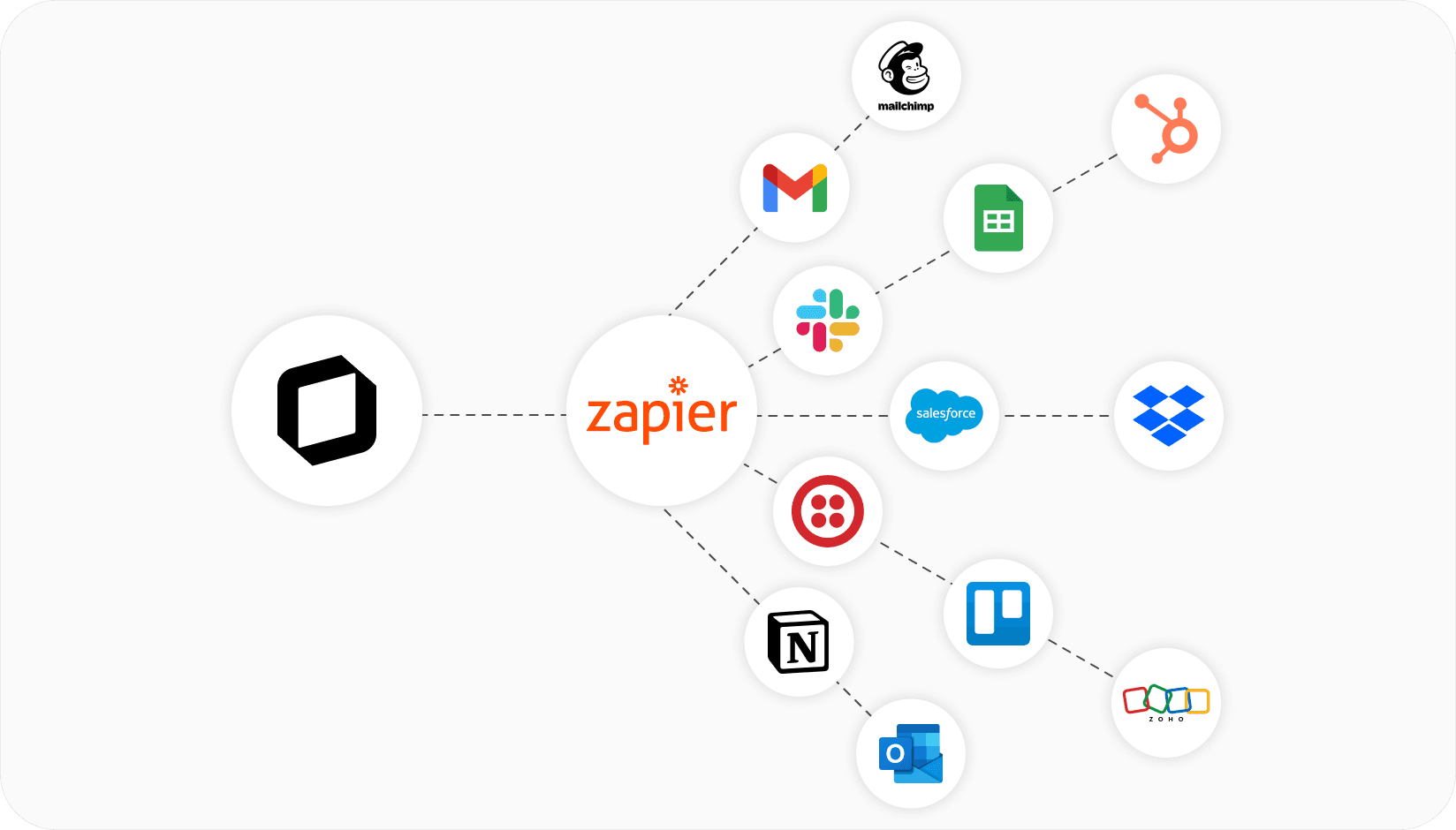
Supported triggers
A trigger is an event that starts an automated workflow.Supported actions
An action is the task that Zapier performs in response to the trigger.Supported searches
A search is used to look up specific data in an app before performing an action.How to set up an automation
Zaps are created and managed in your Zapier dashboard, not on the Integrations page in Spacebring. To connect Spacebring with another app, follow these steps:- Log in to Zapier and start creating a Zap.
- When choosing Spacebring as a trigger or action, connect your account by signing in using your Spacebring administrator email address.
- Configure the necessary automation by selecting relevant triggers and actions.
- Test and publish your Zap.
Common cases
Zapier integration with Spacebring allows you to connect a wide range of apps. Some of the most popular scenarios include:- CRM integration Automatically invite contacts to your member portal and mobile app, or create new CRM entries when members are added in Spacebring. HubSpot example
- Accounting integration Sync invoices and monetary payments for services, and keep customer records in sync across systems.
- Notifications and external communications Notify benefit or product providers, track user registrations through automated notifications with Gmail, Outlook, Slack, and more. Use Gmail for automation Gmail example
FAQs
Is Zapier a free platform?
Is Zapier a free platform?
The integration is free to use from the Spacebring side. You can also take advantage of Zapier’s free plan to set up the connection, making the integration completely free for you on both ends.
Why is my Zap not working?
Why is my Zap not working?
A good first step is to check your Zapier history, which lets you review past data transfers and spot any errors or inconsistencies. If you find any issues, we recommend consulting Zapier’s help resources for additional help.