

How room display availability indicators work
Room display signals room availability by tinting the background color of the tablet.| Tablet color | Explanation |
|---|---|
| Green | The room is available for booking. The free time until the next booking is longer than the minimum booking duration set for this room. |
| Yellow | A meeting room will become available in less than 60 minutes. |
| Red | The room is unavailable for the next 60 minutes. |
Room display respects users’ privacy settings. If a user selects “Administrators” for their “Booking title visibility”, their booking title will not appear on the display.
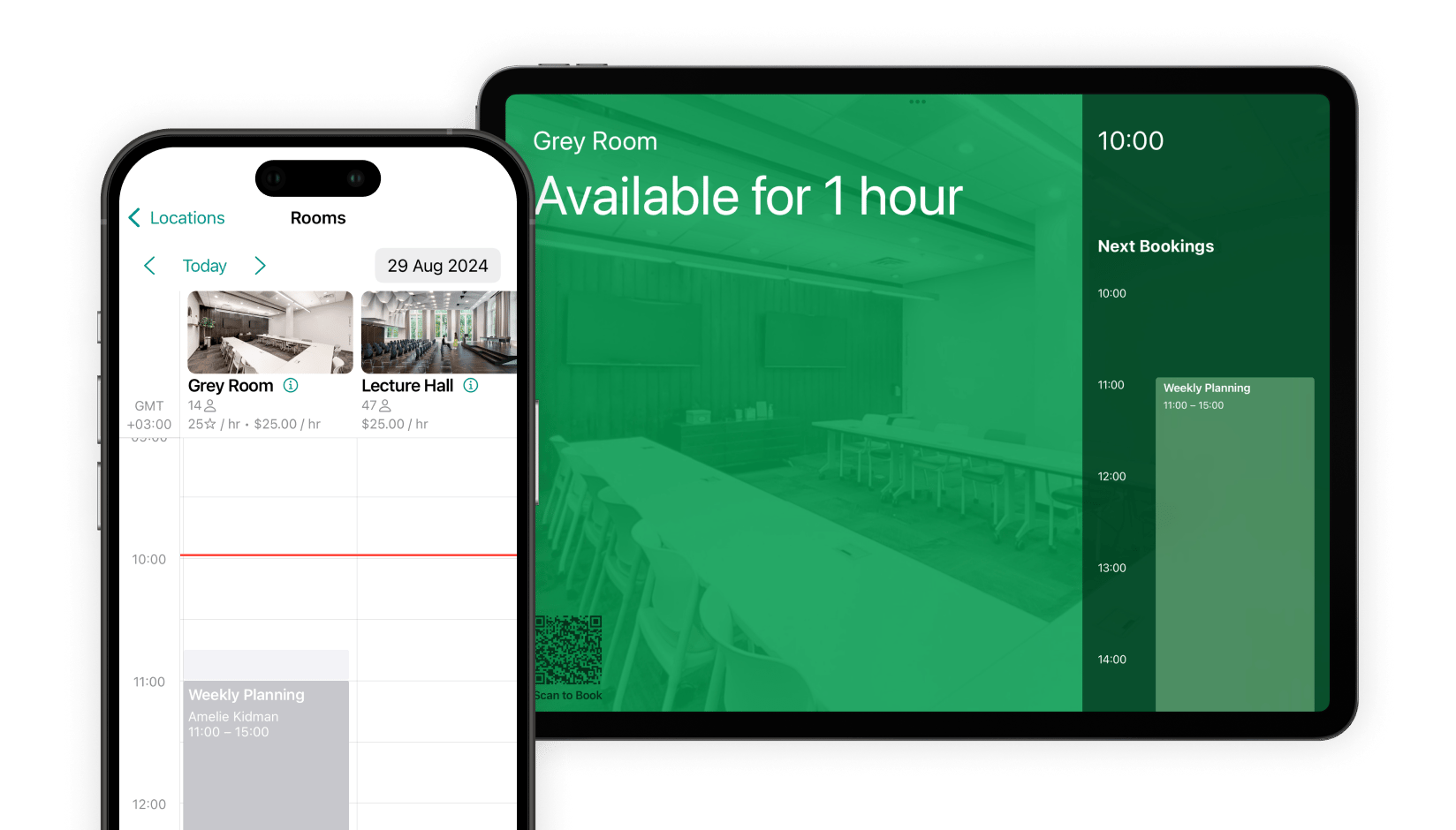
How users make ad-hoc bookings with a QR code
How abandoned booking protection works
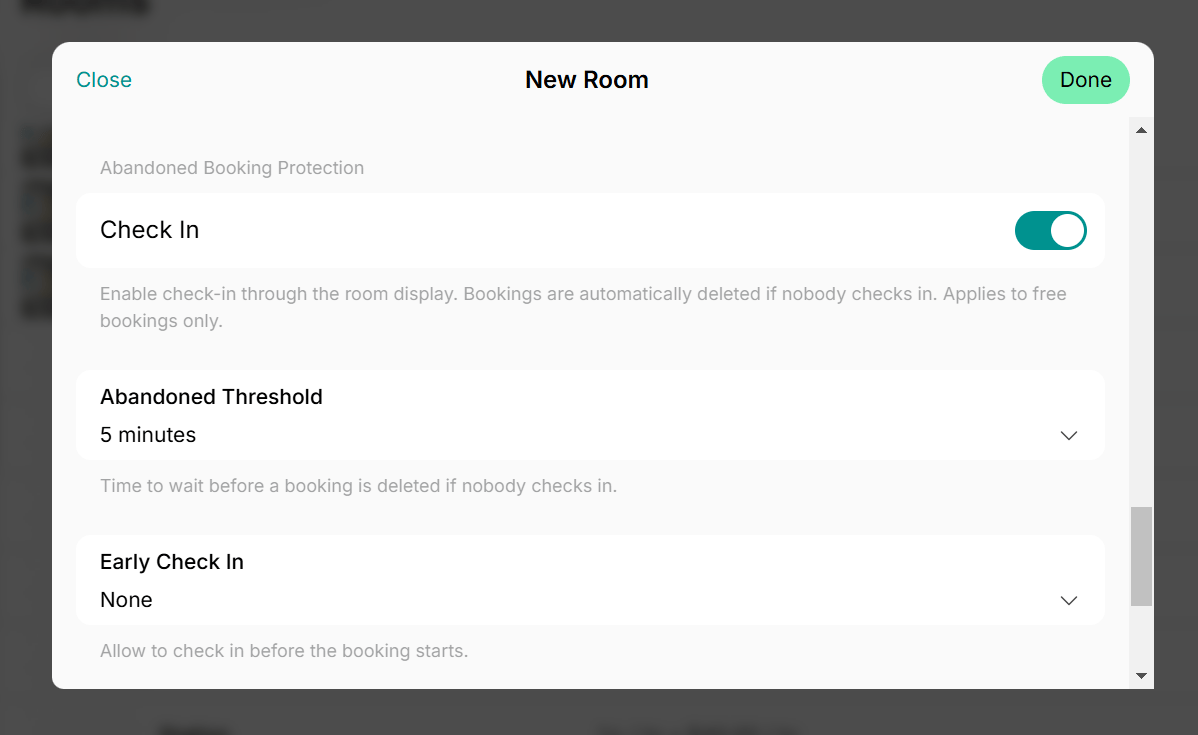
To prevent no-shows, Room display supports a check-in feature for totally free rooms (with “Money” and “Credits” pricing disabled). When a booking is made for a room, it is initially created in a “Tentative” status. The booking remains “Tentative” until the user checks in via Room display. When creating or editing a free room in Spacebring, you can enable and configure “Check in” to prevent abandoned bookings:- Abandoned threshold — defines in how much time after the booking start the booking is auto-removed if nobody checks in. If the threshold is reached without a check-in, the booking status automatically changes to “Canceled”.
- Early check in — defines how much time before the booking start the
Check inbutton appears and users can check in. Once a user arrives and checks in, the booking status automatically changes to “Confirmed.”
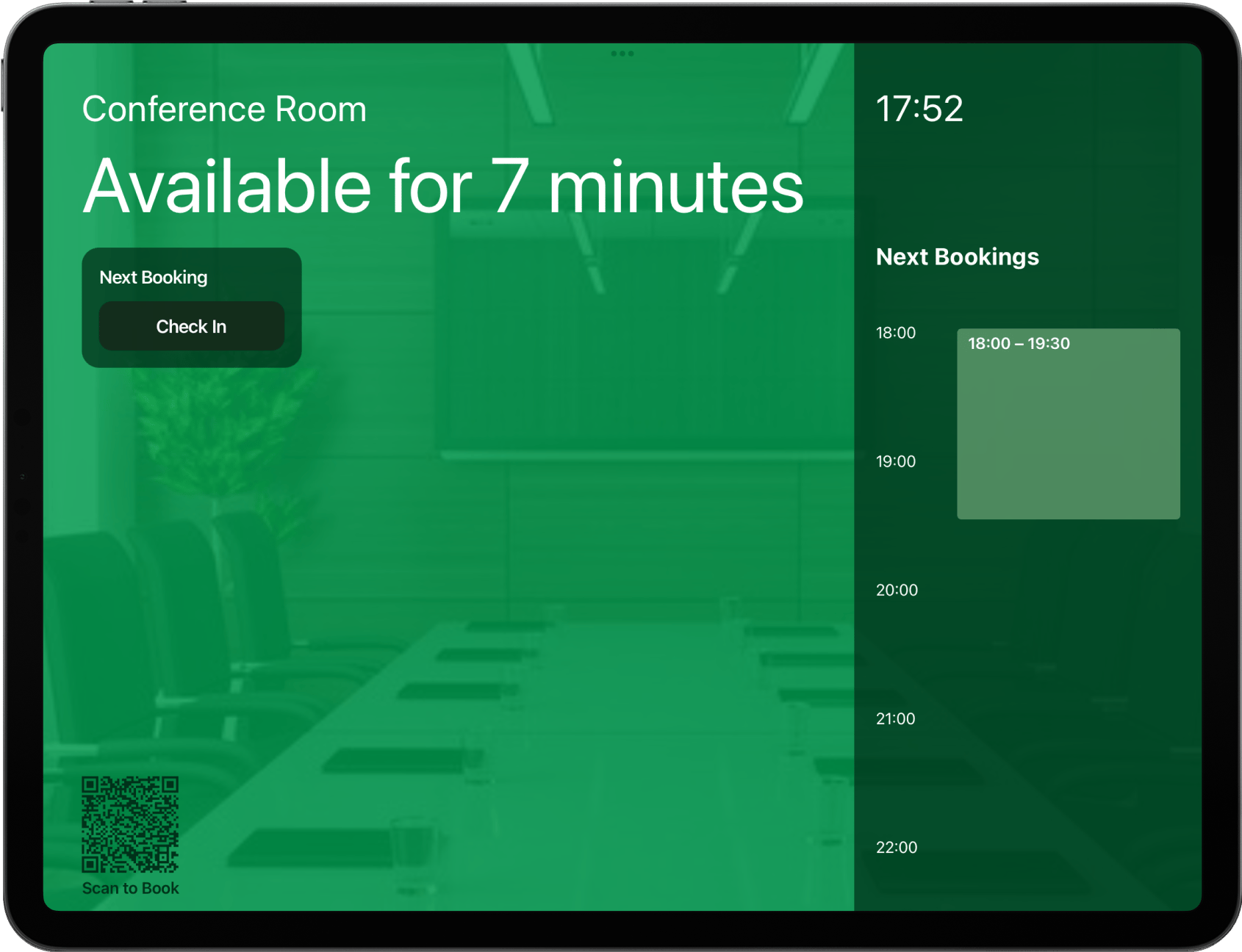
Check in button appears on the room display based on the “Early check in” time you set (e.g., 10 minutes before the booking starts).
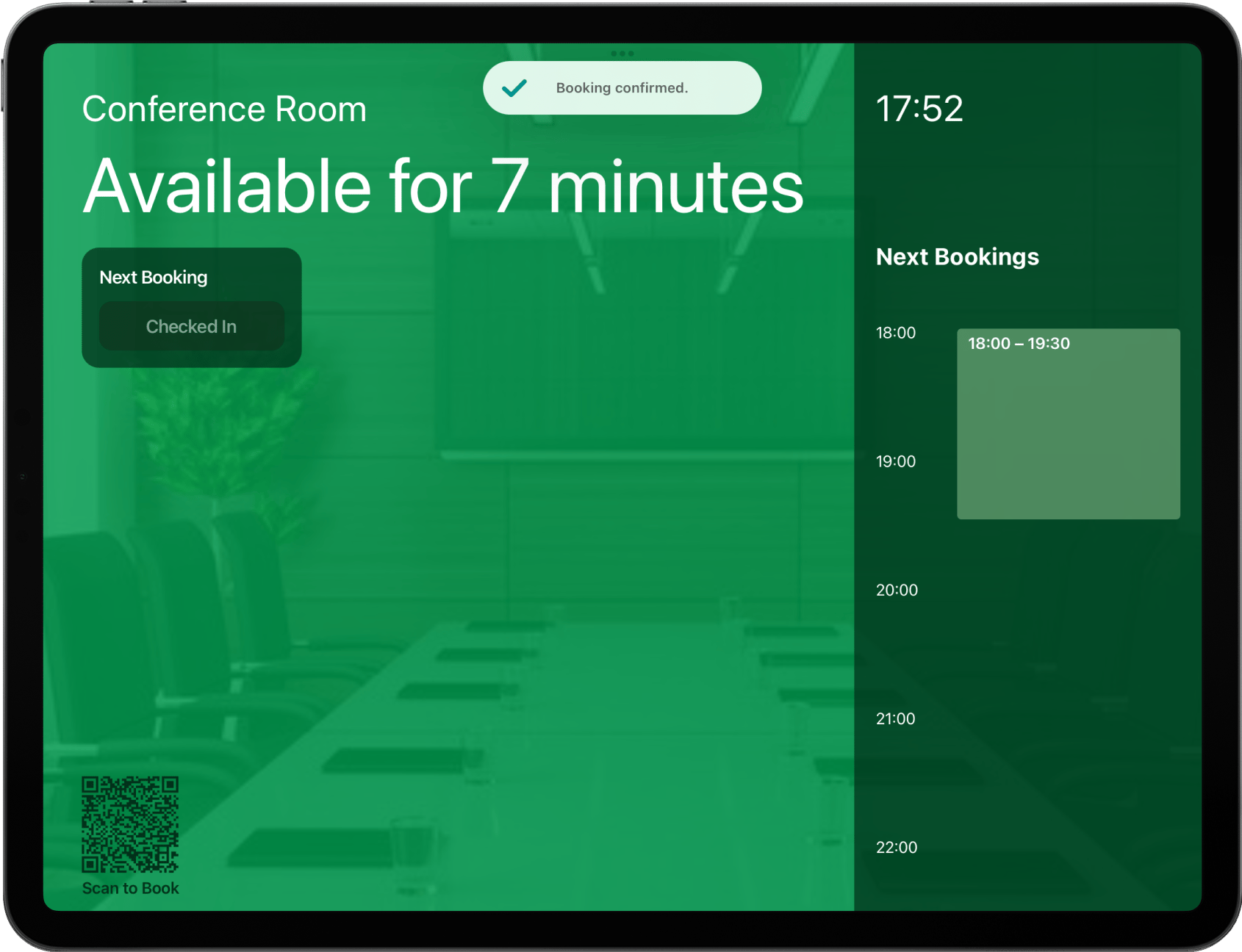
Check in, the booking is confirmed, and a confirmation message appears on the screen.
Troubleshoot issues with Room display
If you are having trouble enabling or using the Room display app, here are the most common reasons and how to fix them:1. Poor Internet connection
1. Poor Internet connection
If bookings don’t appear on the room display or you’ve faced an issue accessing it, the tablet might have a weak or unstable internet connection. Reconnect the tablet to Wi-Fi or connect to a different network.
2. Logged in with the wrong email address
2. Logged in with the wrong email address
To set up Room display for a room in a specific location, you need to be logged in with an administrator account for that location.Log out of the app and log back in with an administrator account that has access to the correct location.
3. Outdated app version
3. Outdated app version
Make sure you’re using the latest version of the room display app. The new version of the Room display might be available to install. Check the App Store or Google Play for updates, or simply click on the
Update button.4. Your Spacebring subscription is not active
4. Your Spacebring subscription is not active
Check your Spacebring subscription status to make sure it is active and not suspended.
5. The device doesn't meet technical requirements
5. The device doesn't meet technical requirements
Ensure your tablet device meets the requirements to install the Room display app.