

Connect Spacebring in Claude
1
Open the connector
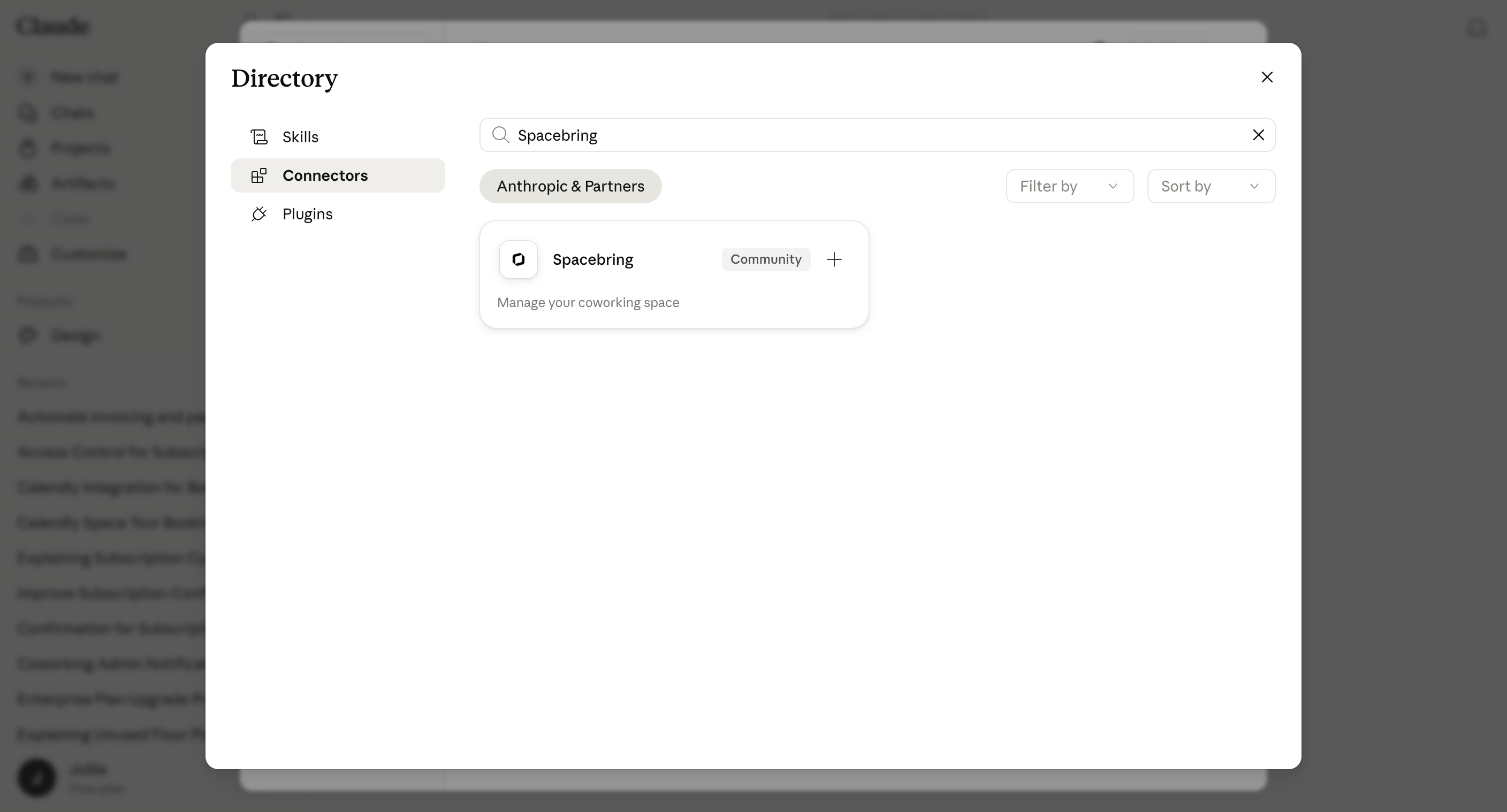
- Open Spacebring in the Claude connector directory.
- Alternatively, in Claude go to Settings > Connectors and search for Spacebring.
2
Connect
Click Connect.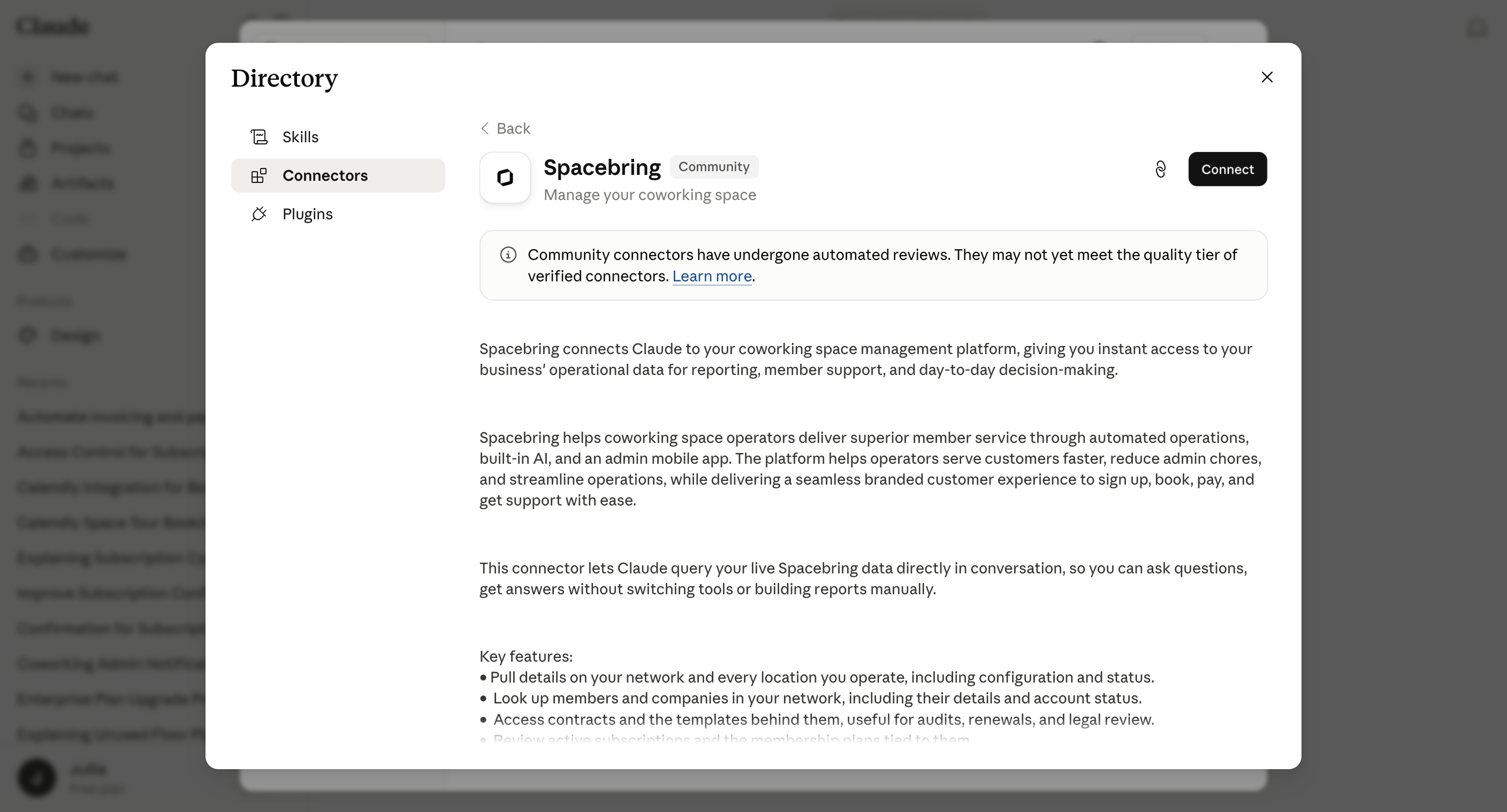
3
Authorize your network
When prompted, sign in, choose your network and what your AI assistant can access, then click Allow.
4
Start asking
Claude can now access your Spacebring network. Just name what you’re looking for in plain language, and Claude will answer.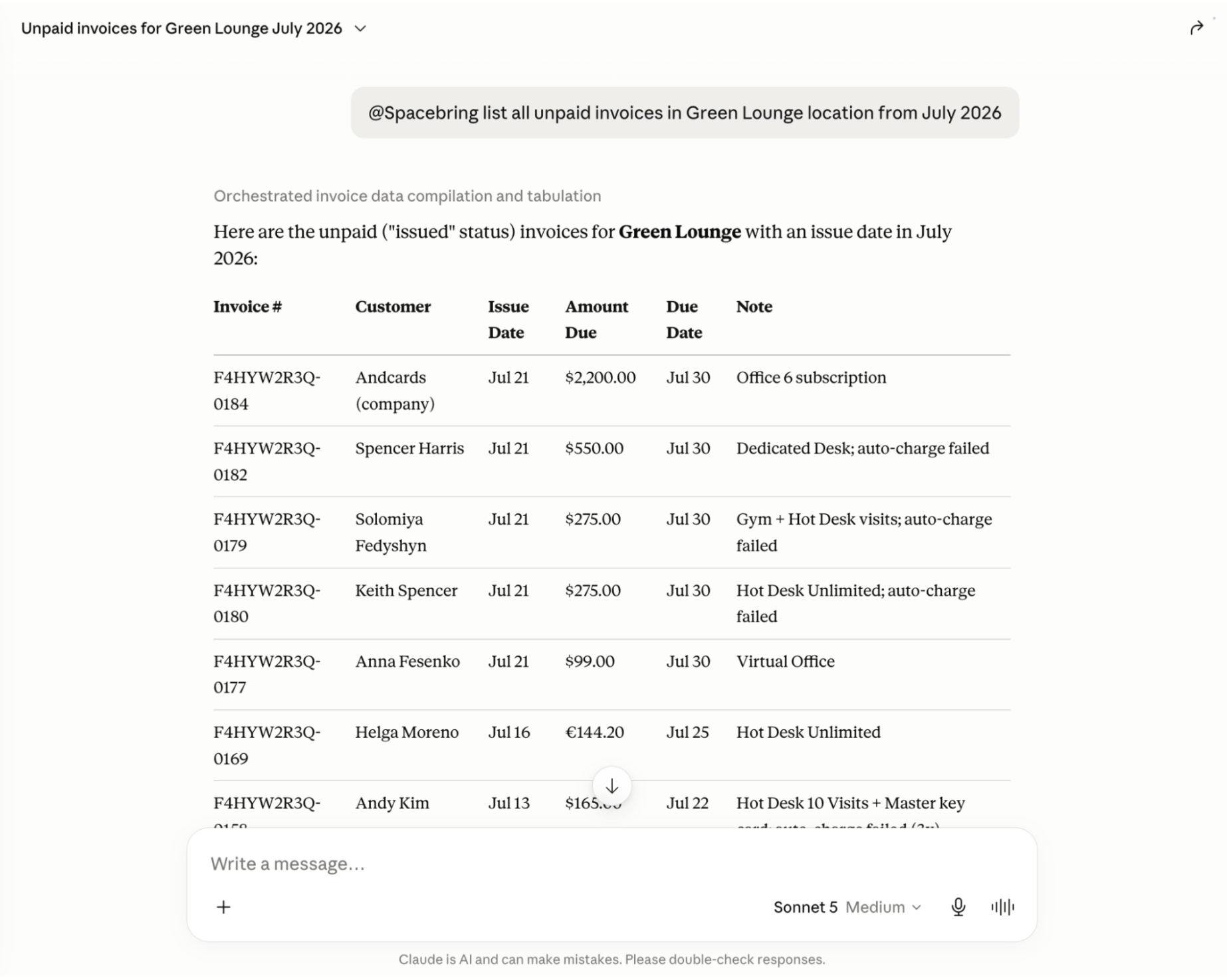
What you can ask Claude
Ask about any of the following, in plain language, and Claude finds the answer for you:- Network and locations
- Members and companies
- Plans and subscriptions
- Resources and bookings
- Invoices and contracts
- Shop products and orders
- Benefits and applications
- Guides
For the full list of tools Claude can use, see Supported tools.
- Combine these in a single request — for example, ask for a member’s subscription, recent invoices, and bookings together, and Claude pulls up all three
- Pass what it finds to your other connectors — for example, draft reminder emails for overdue invoices
Data security and privacy
Connecting Spacebring doesn’t open a new way into your Spacebring network. Claude can only access the data your own Spacebring account can see, and only after you approve the connection.- Claude can create, change, or delete data only in the areas you set to Write when you approve the connection — today that’s benefits, check-ins, events, feed posts, comments, and likes, plans, guides, discounts, packages, the shop, alternative currencies, invoices, credit notes, contracts, subscriptions, support tickets, resources and bookings, credits, day passes, payments, and visitors. With Read only, it can’t change anything.
- Spacebring checks your role and permissions on every request.
- Your data is stored on Spacebring’s secure servers.
- The data Claude looks up becomes part of your chat. Anthropic handles it under its own terms and privacy policy.
- Your Claude plan and settings decide, for example, whether your chats can be used to train Anthropic’s models.
For more on how Spacebring protects your data, see Data security and privacy.
Disconnect Spacebring from Claude
You can disconnect Spacebring from Claude at any time to end its access.1
Open your connectors
In Claude, go to Settings > Connectors.
2
Find Spacebring
Locate Spacebring in your list of connectors.
3
Disconnect
Disconnect the connector to immediately end its access to your Spacebring network.
The Spacebring connector is powered by the Spacebring MCP server. You can also connect Spacebring to ChatGPT or another MCP-compatible assistant.