

Connect Spacebring to Telegram
- Click the network name in the top-left corner, then go to Account > Connected accounts.
- Open the menu (…) next to Telegram and click Connect. A chat with Agent opens with the request Connect Telegram already sent.
- You get a link in the chat. Open it — it works once and expires in 15 minutes, so ask again if you need a new one.
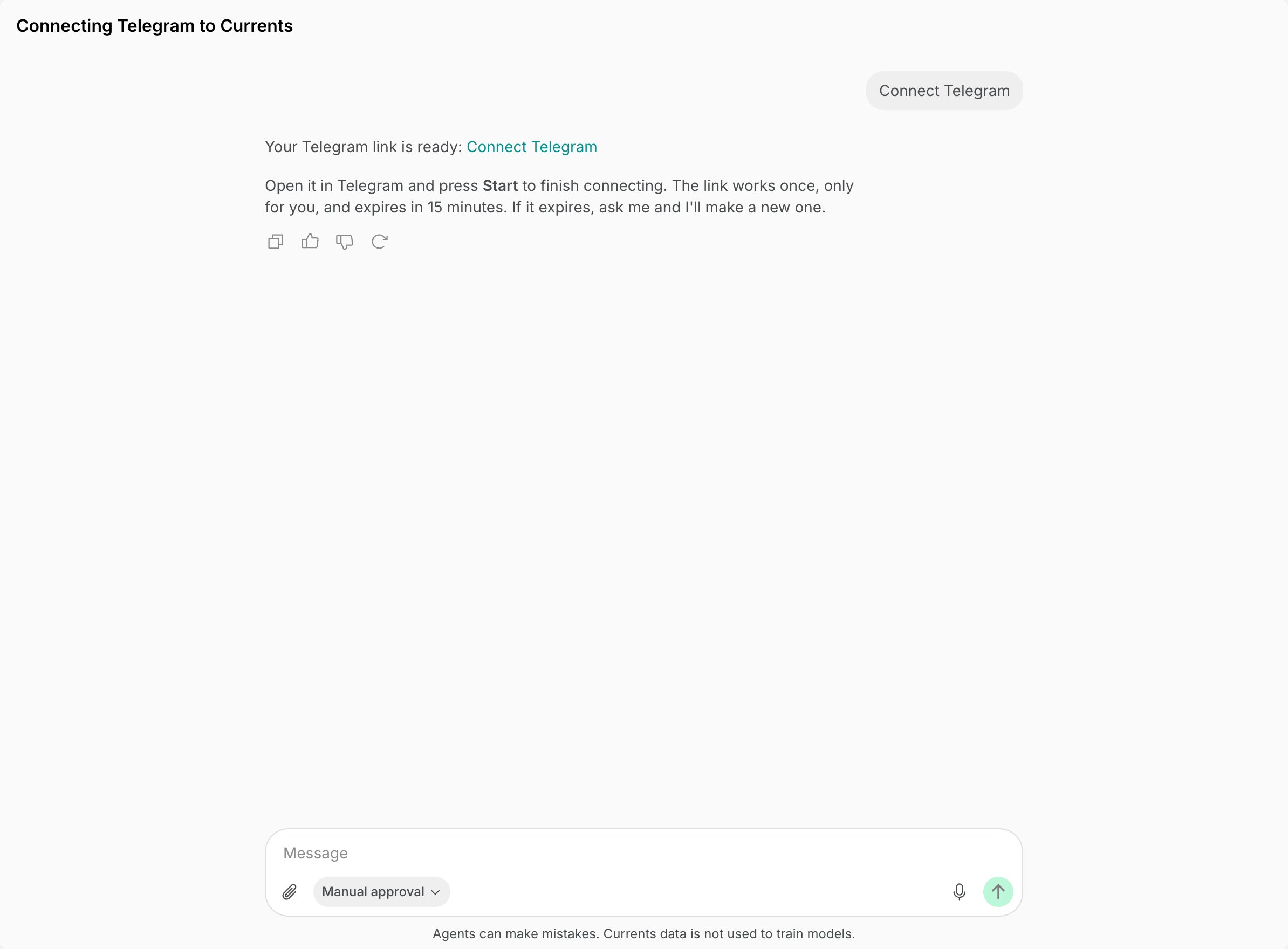
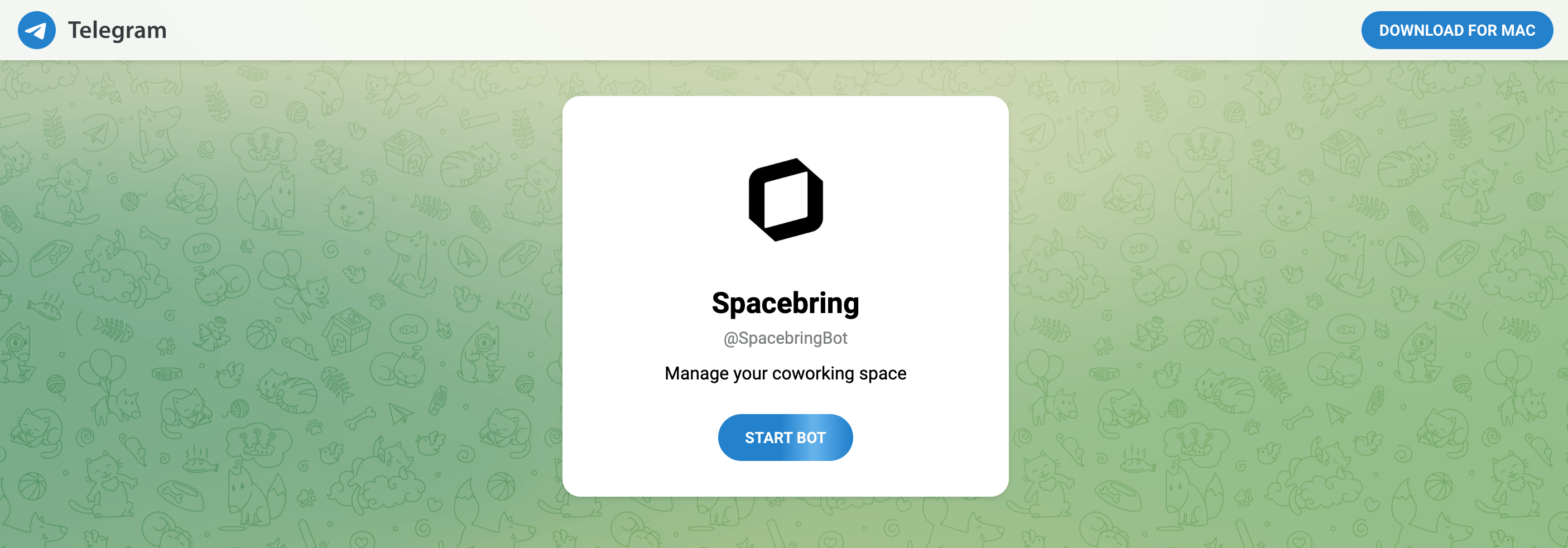
- Telegram opens the chat with
@SpacebringBot. Press Start bot. Spacebring confirms which network the chat is connected to and lists what you can do.
Only administrators can connect Spacebring to Telegram. Each administrator connects Spacebring to their own Telegram account.
Ask Spacebring in Telegram
- Open your chat with Spacebring.
- Send your question in plain language, the same way you would in your Spacebring admin dashboard. Spacebring keeps the conversation, so you can follow up on its answer.
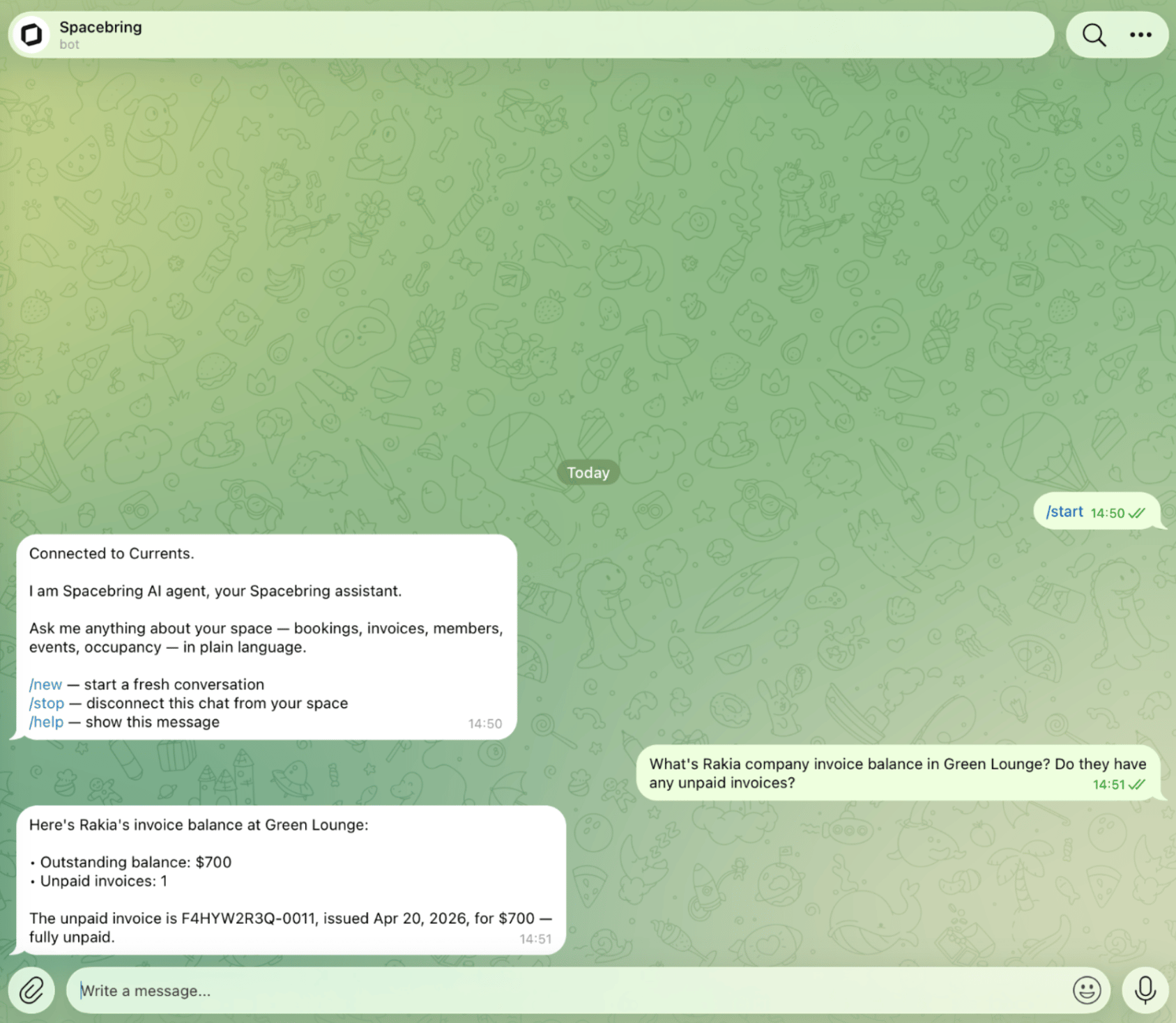
@SpacebringBot, not in Telegram groups or channels.
What you can ask Spacebring
Ask about any of the following, in plain language, and Spacebring finds the answer for you:- Network and locations
- Members, companies, and contracts
- Plans and subscriptions
- Resources, bookings, and occupancy
- Invoices, payments, and discounts
- Credits and day passes
- Shop products and orders
- Events and tickets
- Benefits and applications
- Feed posts, support tickets, and visitors
- Guides
- Combine these in one request — for example, unpaid invoices per location for last month. This is charged to your network balance and is unavailable while the balance is empty, until it’s topped up on the Network settings > Billing page.
- Link you straight to the right page of your Spacebring admin dashboard.
- Answer how-to questions about Spacebring from its documentation.
Commands
In your chat with Spacebring in Telegram, these commands are available from the menu or as messages.How Spacebring in Telegram works
- In Telegram, Spacebring answers questions. To create, edit, or change settings, ask directly in your Spacebring admin dashboard.
- Telegram cannot show charts, tables, or file exports, so answers come as sentences and short bullet lists.
- You can send images up to 5 MB. Documents, spreadsheets, voice messages, and video cannot be read in Telegram — send those in your Spacebring admin dashboard, which supports more file types.
- Your Telegram chat is connected to one Spacebring network at a time. Connect again from another network to switch to it, which also starts a fresh conversation.
- Spacebring stops answering you in Telegram as soon as your Spacebring administrator role is removed.
Disconnect Spacebring from Telegram
- Send
/stopin your chat with Spacebring in Telegram, or go to Account > Connected accounts and click Disconnect next to your Telegram account. - Spacebring stops answering your questions. Your earlier messages stay in Telegram and in your Spacebring admin dashboard — nothing is deleted.