Promote an event, product, or benefit
- Go to the Events, Products, or Benefits page.
- Create an event, product, or benefit, or choose an existing one.
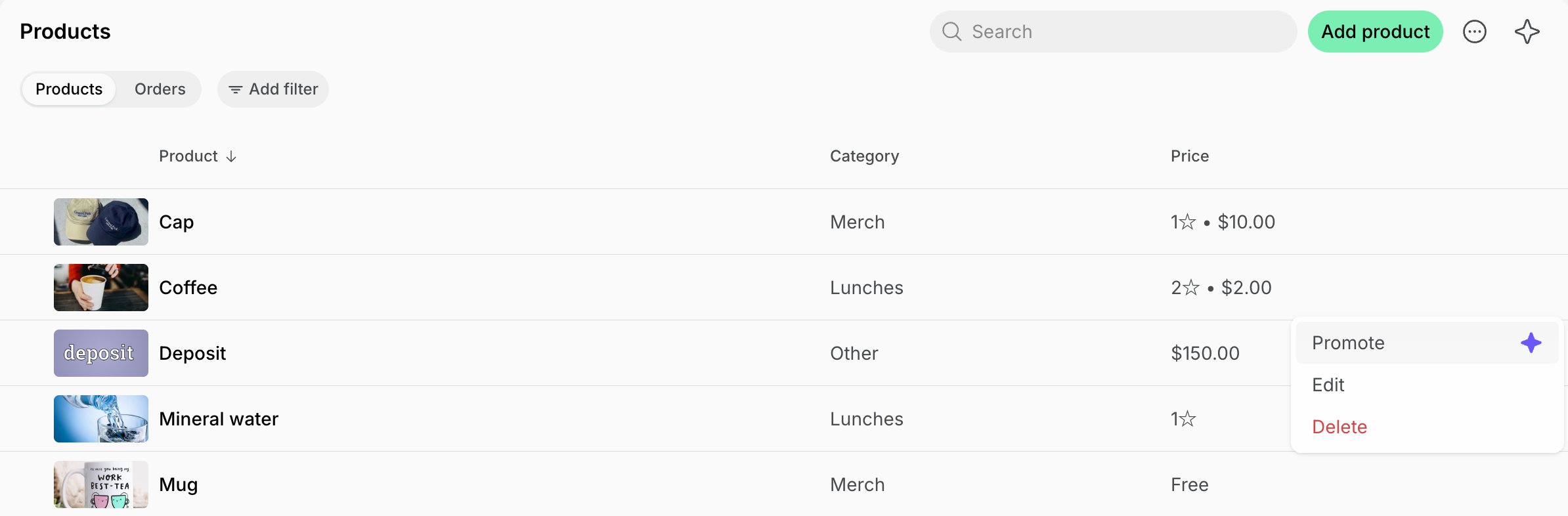
- Click the (…) menu next to it > Promote.
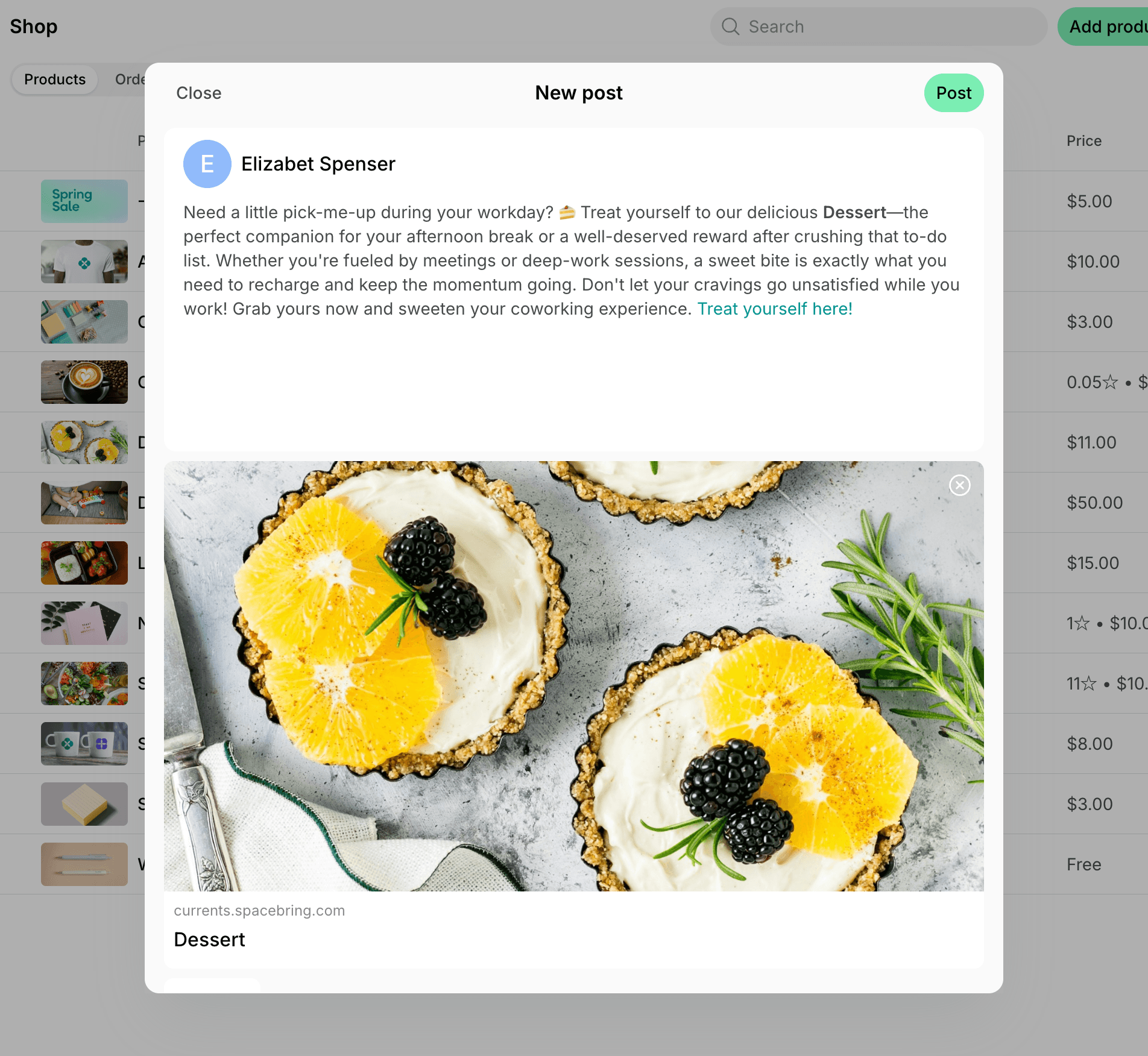
- Review the post Agent wrote in the New post window. It includes a short description of the item, its image if it has one, and a link to join, order, or apply for it.
- Edit the post if needed, then click Post to publish it.