

- Sell one-time bundles of credits and day passes to members who need occasional access rather than a recurring plan
- Let members purchase more when they run out of credit or day passes in their subscription
- Create packages with custom expiration periods or non-expiring packages
- Encourage credit payments, reducing small transactions and payment processing fees.
Create packages
- Go to Billing > Packages.
- Click Create package.
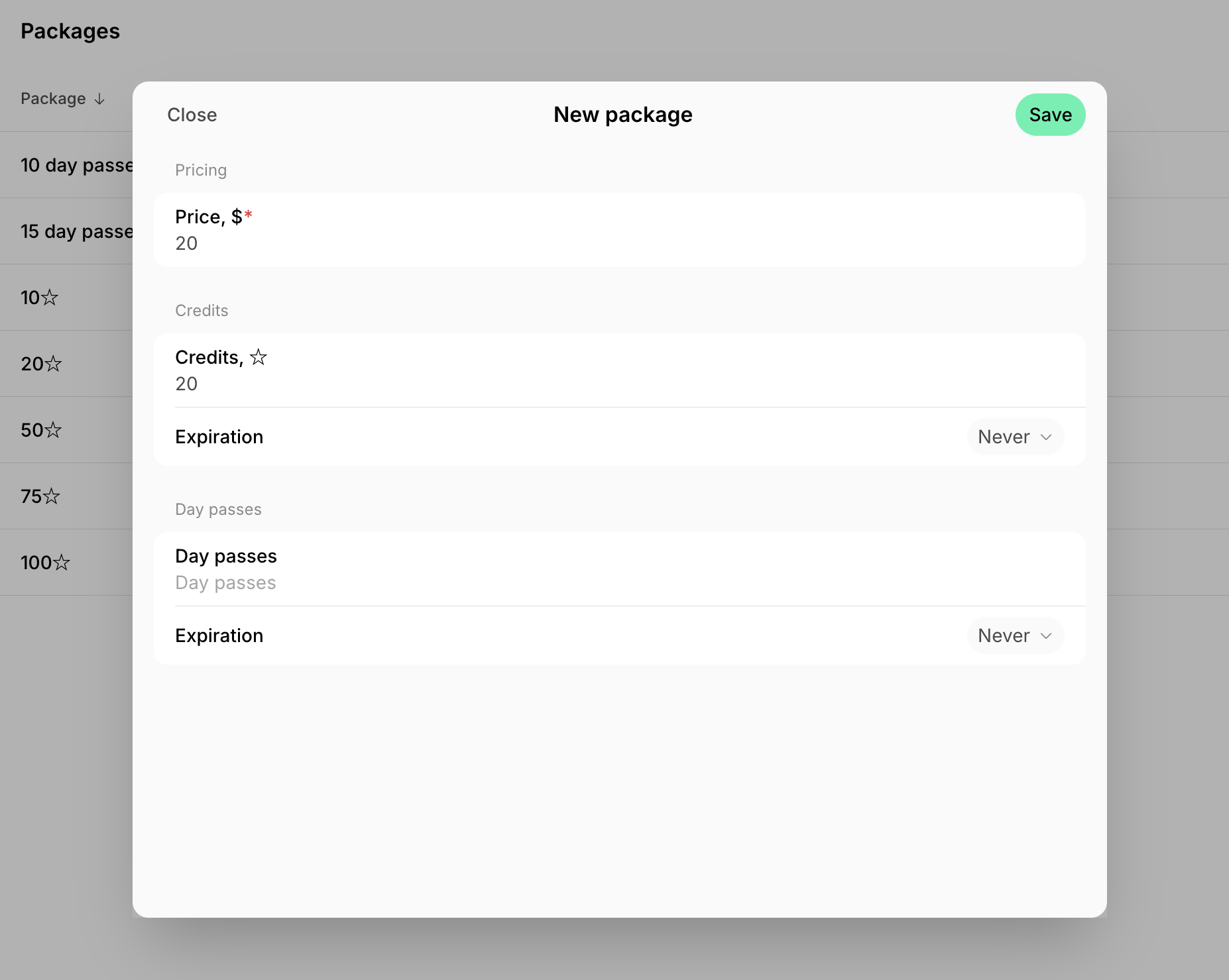
- Enter the package price.
- Enter the number of credits, day passes, or both to create a mixed package.
- Turn on Expiration and enter how many days after purchase the credits or day passes stay usable, from 1 to 3650. Leave it off for a non-expiring package.
- Click Save.
How members buy packages
- Members buy packages from the Membership > Credits and Day passes pages.
- Individual members — under the Personal section.
- Company managers and members — under the company section.
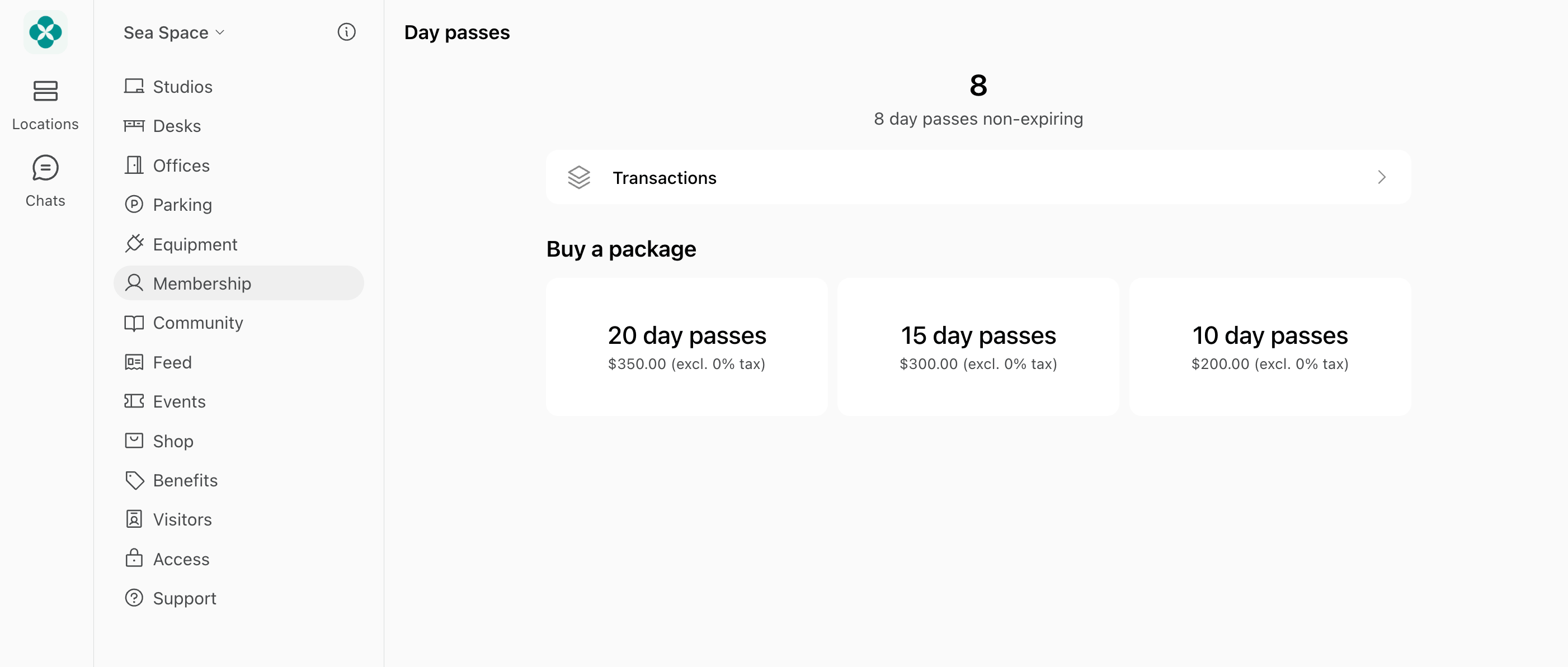
- After purchase, credits or day passes are added immediately to their balance and can be used until the package expiration date (if there is any).
Only members can see, buy, and use packages — nonmembers cannot:
- Invite them as a member so they can buy a package, or
- Nonmembers can sign up for plans with credits and day passes instead.
Company members (non-managers) can only purchase packages for their company if they have a permission to use company card or company invoice for this.
Manage packages
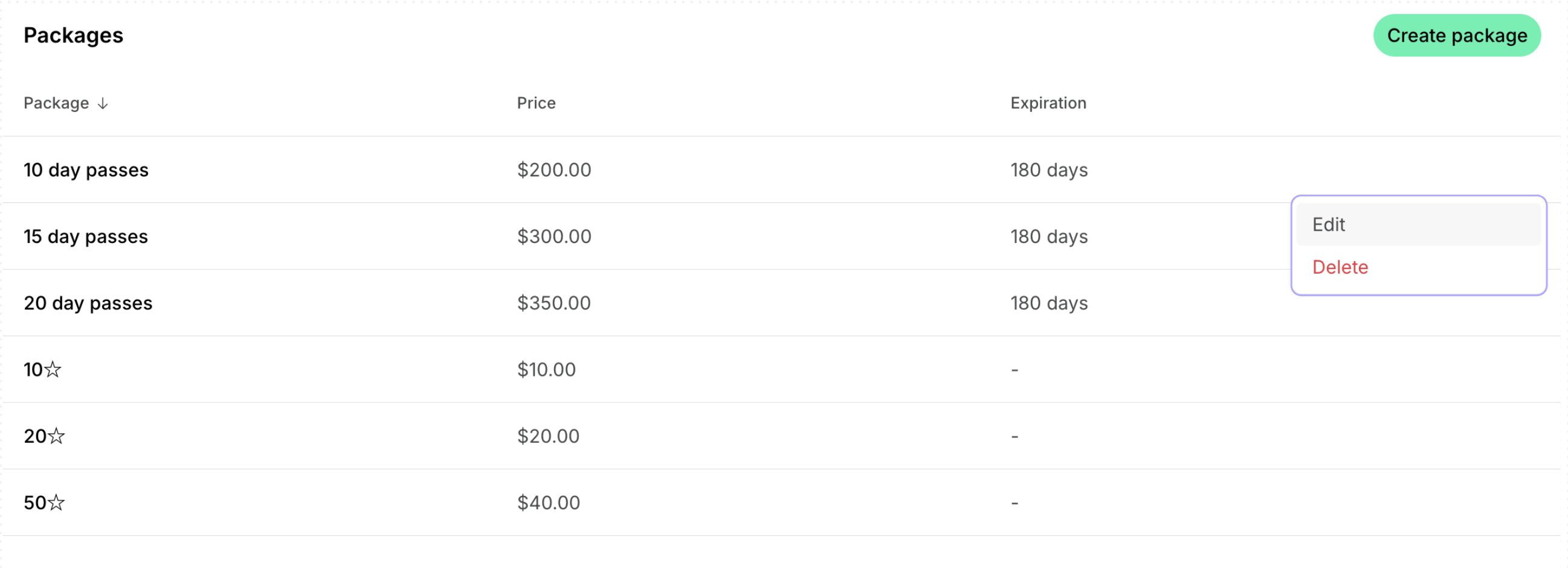
To edit or delete a package:- Go to Billing > Packages.
- Press (…) next to the necessary package and tap Edit or Delete.
Export a packages report
On the Packages page, click (…) in the top right corner > Export as CSV or Export as XLSX to download a report on all packages. The report includes each package’s price and currency, the number of credits and day passes it contains, how many days they last, and the package’s create date.Best practices
To encourage package sales:- Price larger packages slightly below their equivalent monetary value, or
- Give members discounts on packages of credits and day passes.
FAQs
What is the difference between a plan with credits or day passes and a package of credits or day passes?
What is the difference between a plan with credits or day passes and a package of credits or day passes?
- Plans — your membership options. Both members and nonmembers can sign up for plans with day passes. Signing up creates a subscription for the customer and grants the plan’s day passes, along with its other allowances and access. If the subscription is recurring, it renews next period, such as next month, and grants a new balance of day passes.
- Packages — bundles of credits or day passes sold for a set price. Only members can see and buy them, on the Membership > Credits and Day passes pages. A package is a one-off purchase that adds its credits or day passes to the member’s balance, for when they need more than their subscription grants or book only occasionally.
Where can members see transactions for their package purchases?
Where can members see transactions for their package purchases?
- If purchased by card — on the Membership > Billing > Transactions page.
- If purchased with an invoice — on the Membership > Billing page > Upcoming invoice or Invoices.
- Package purchases are also reflected in their credit history on the Membership > Credits/Day passes > Transactions page.
Where can I track customers' credit package purchases?
Where can I track customers' credit package purchases?
- Enable notifications for package purchases.
- Use the Payments tab on Analytics to monitor package sales.
- Export a transactions report and filter it by Package type.