

Set payment method permissions
As a company manager
- Go to Membership > the section with the company name > Billing.

- In the Payment methods section, click (…) next to the payment method > Edit.

- Set the permission for each service:
- Company managers — only company managers can use this payment method for this service.
- Company members — both company managers and members can use this payment method for this service.
- None — neither company managers nor members can use this payment method for this service. Available for Company invoice only.
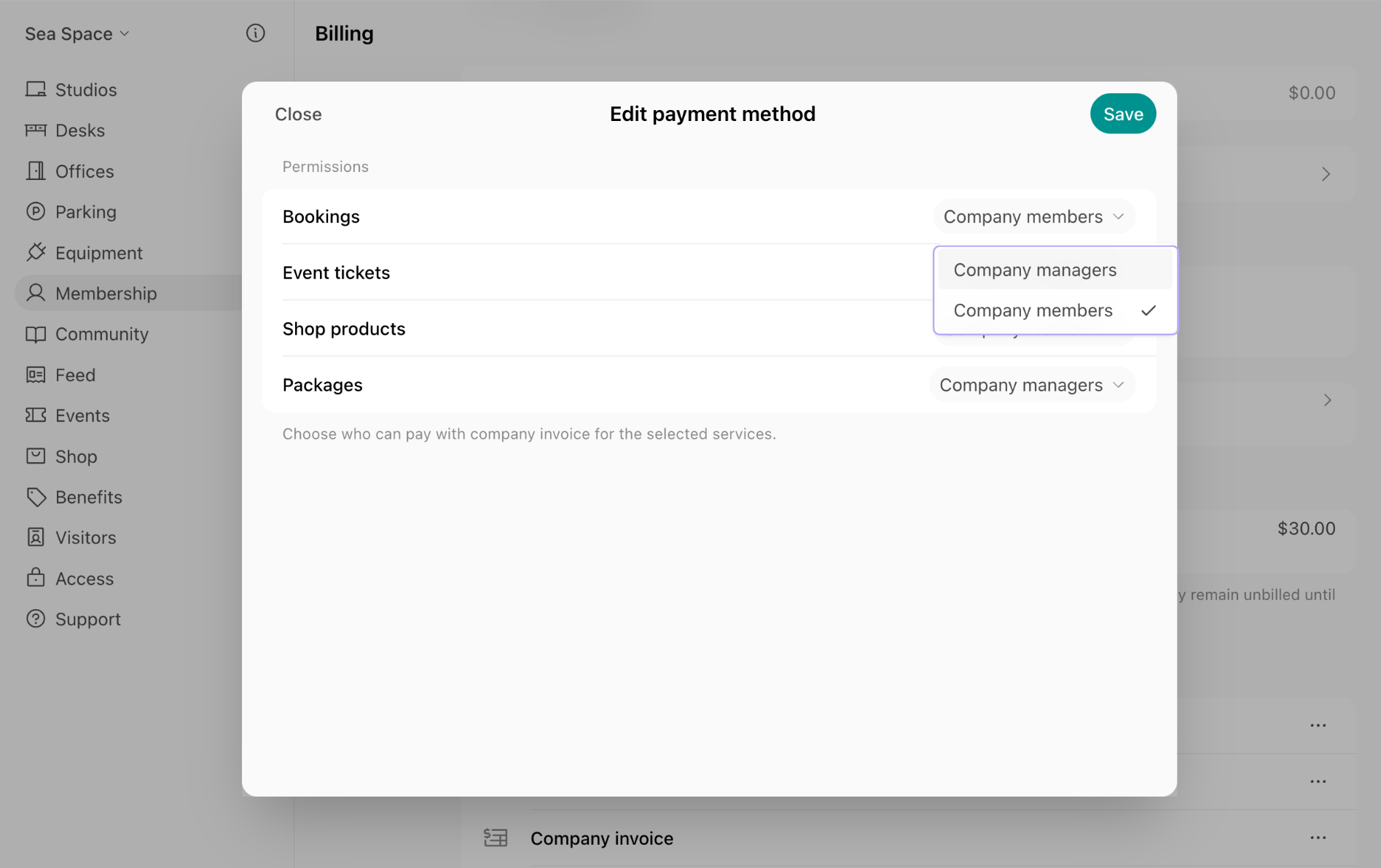
- Press Save.
By default, permissions for company credits and day passes are set to Company members, while permissions for company cards are set to Company managers.
Only administrators can set a Company invoice service to None. Company managers see only the services an administrator set to Company managers or Company members, and can switch between those two.
As an administrator
- Go to the Customers page > open the company.
- In the Payment methods section, click (…) next to the payment method > Edit.

- Set the permission for each service > press Save.
How payment method permissions work
When company members may use a payment method for a service, it appears for them in the Payment section when they book or buy.
- Membership > Billing > Transactions — payments made with the company card.
- Membership > Billing > Pending invoice items — payments made with the company invoice that aren’t billed yet. Once billed, they appear on the subscription’s Upcoming invoice or on a separate invoice, depending on the subscription’s Add to subscription invoices setting.
- Membership > Credits > Transactions — payments made with the company credits.
- Membership > Day passes > Transactions — payments made with the company day passes.
FAQs
How can company managers control company spending and balances?
How can company managers control company spending and balances?
Set the payment method’s permission to Company managers, and book for colleagues when needed.When making a booking, company managers see a Booker section where they can select a company member instead of themselves and pay with a company payment method.