

- A full timeline of a customer’s journey, from their initial sign-up to changes in their membership role.
- Billing settings changes that directly affect the customer’s charges.
- Accountability and the possibility to check which administrator performed a specific action, such as creating or canceling a customer’s subscription, in case of mistakes.
See the history of changes to a customer
- Go to the Customers page > Users or Companies tab.
- Open the profile of the user or company.
- Scroll to the Activities section under the Internal notes field.
- To see the exact date and time for a certain event, hover over the timestamp next to it.
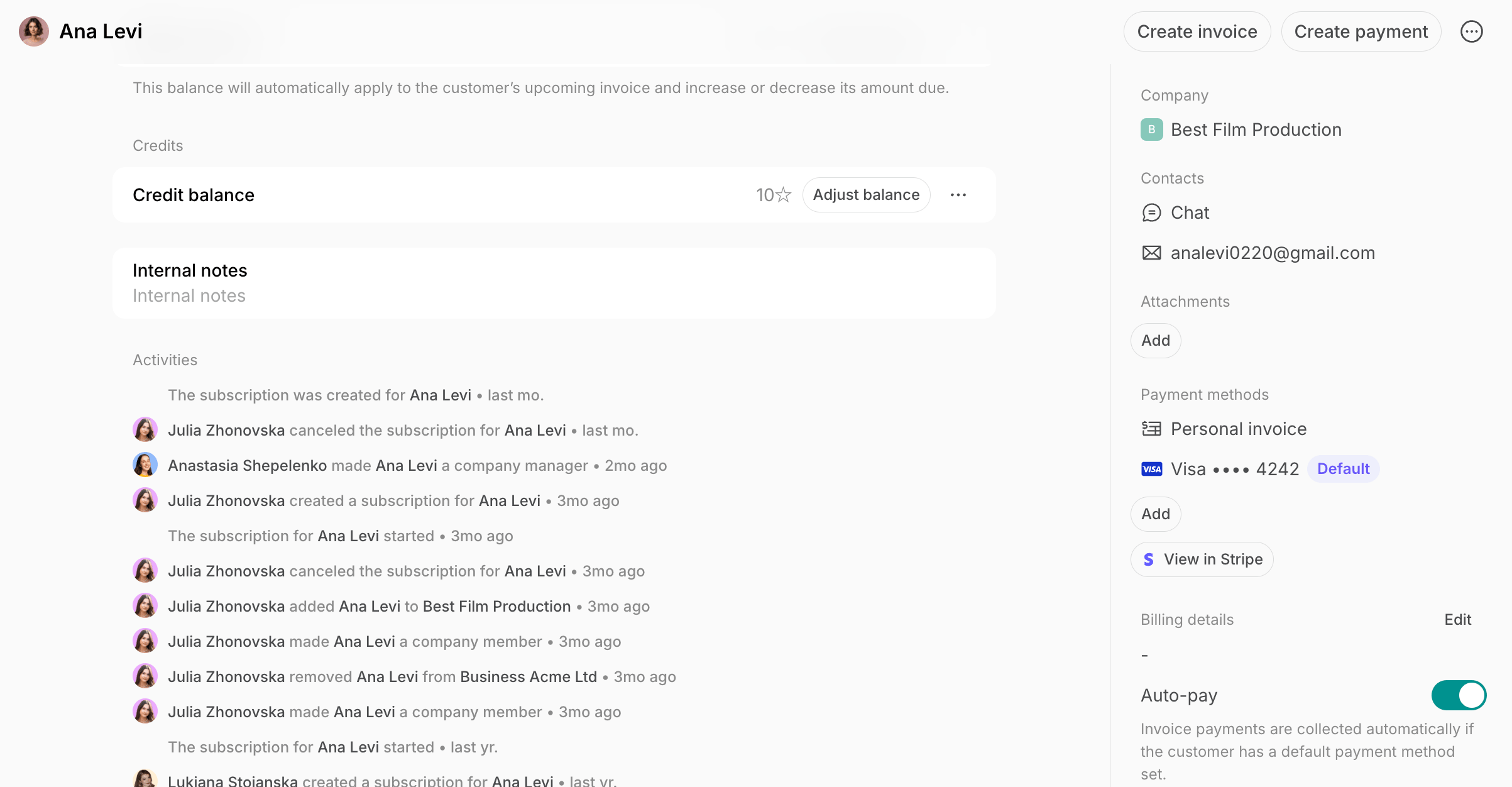
Activities are displayed starting from September 17, 2025, when this feature was released. Events that happened before this date aren’t shown.