

Calendly is a distinct company not affiliated with us. For any inquiries regarding Calendly’s solutions, services, or pricing, please reach out to Calendly directly. We do not have the authority to provide information or support on behalf of Calendly.
Prerequisites
To enable Calendly integration with Spacebring, make sure you’ve completed the following prerequisites:- Have an active Spacebring subscription.
- Have your Calendly account and event set up for tour bookings.
Enable the Calendly integration
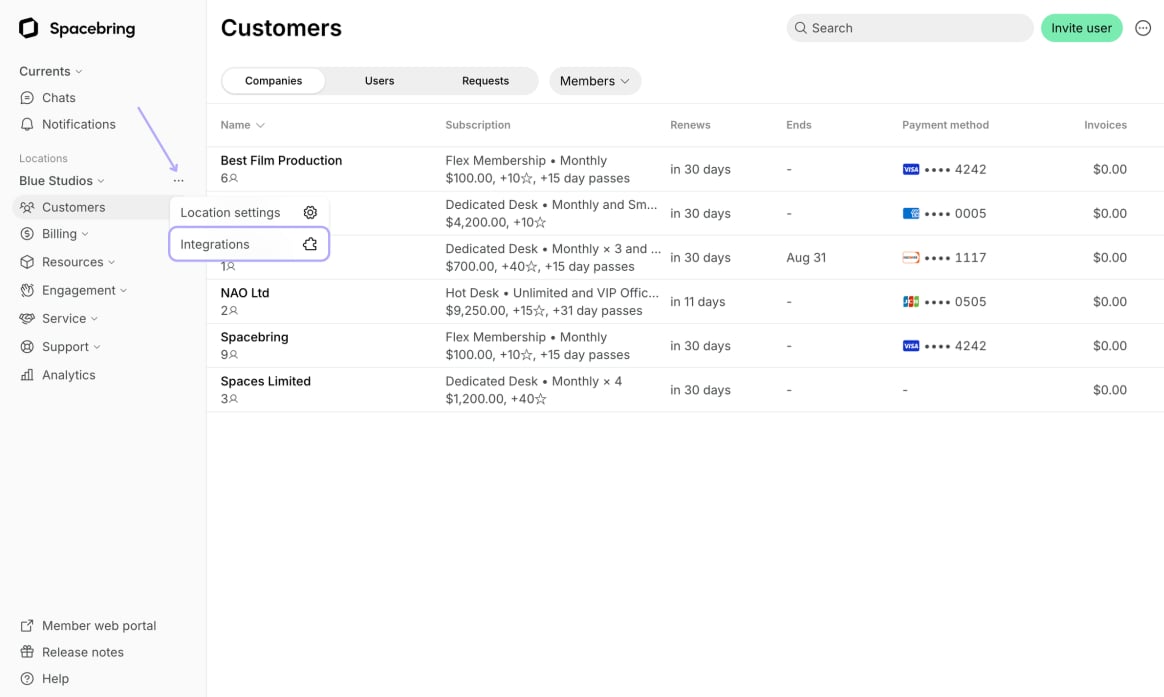
- Go to Spacebring > Integrations page by pressing the menu (…) next to the location’s name.
- Find the Calendly integration page.
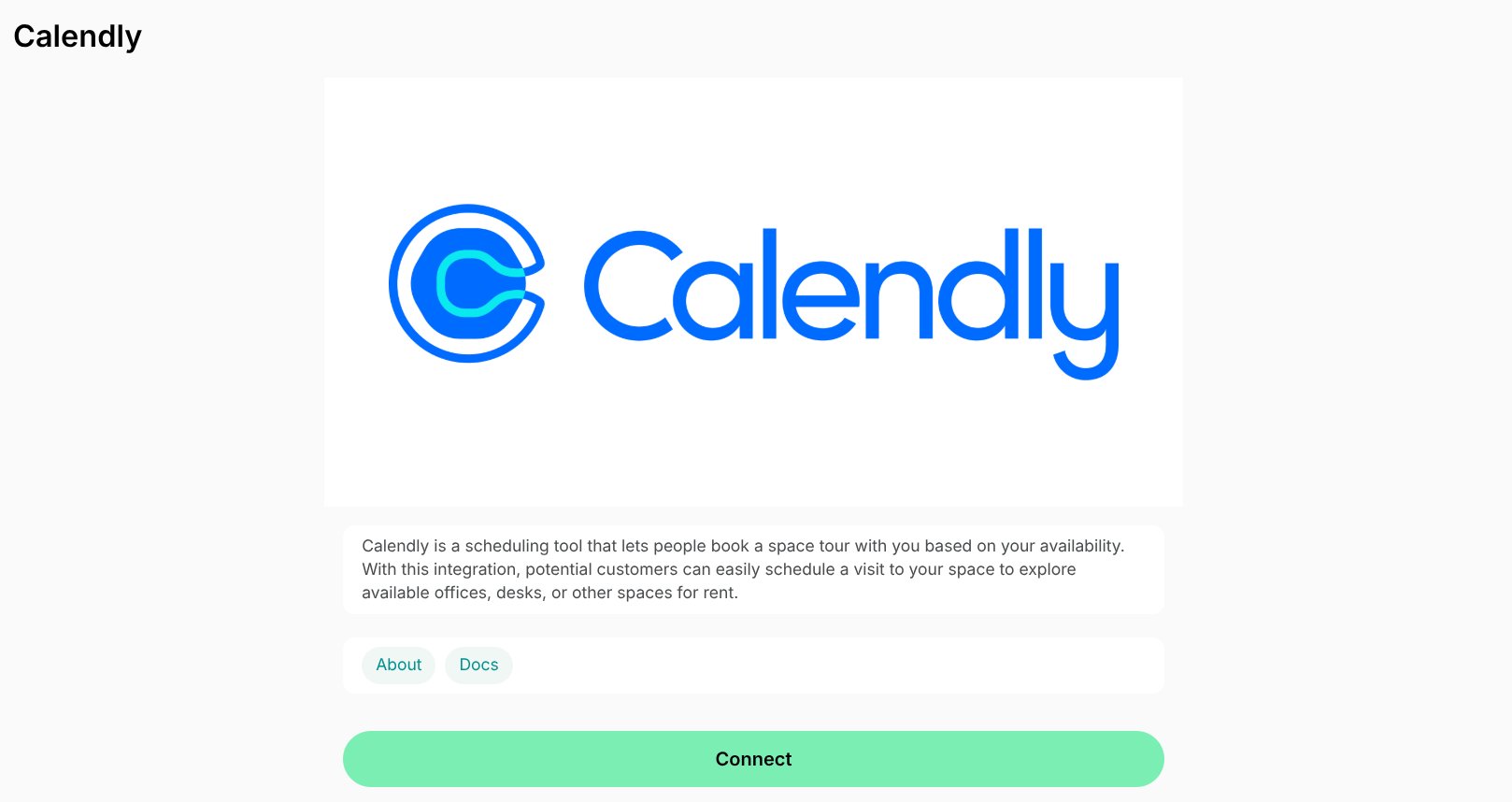
- Press Connect.
- Paste your event link for space tours from Calendly.
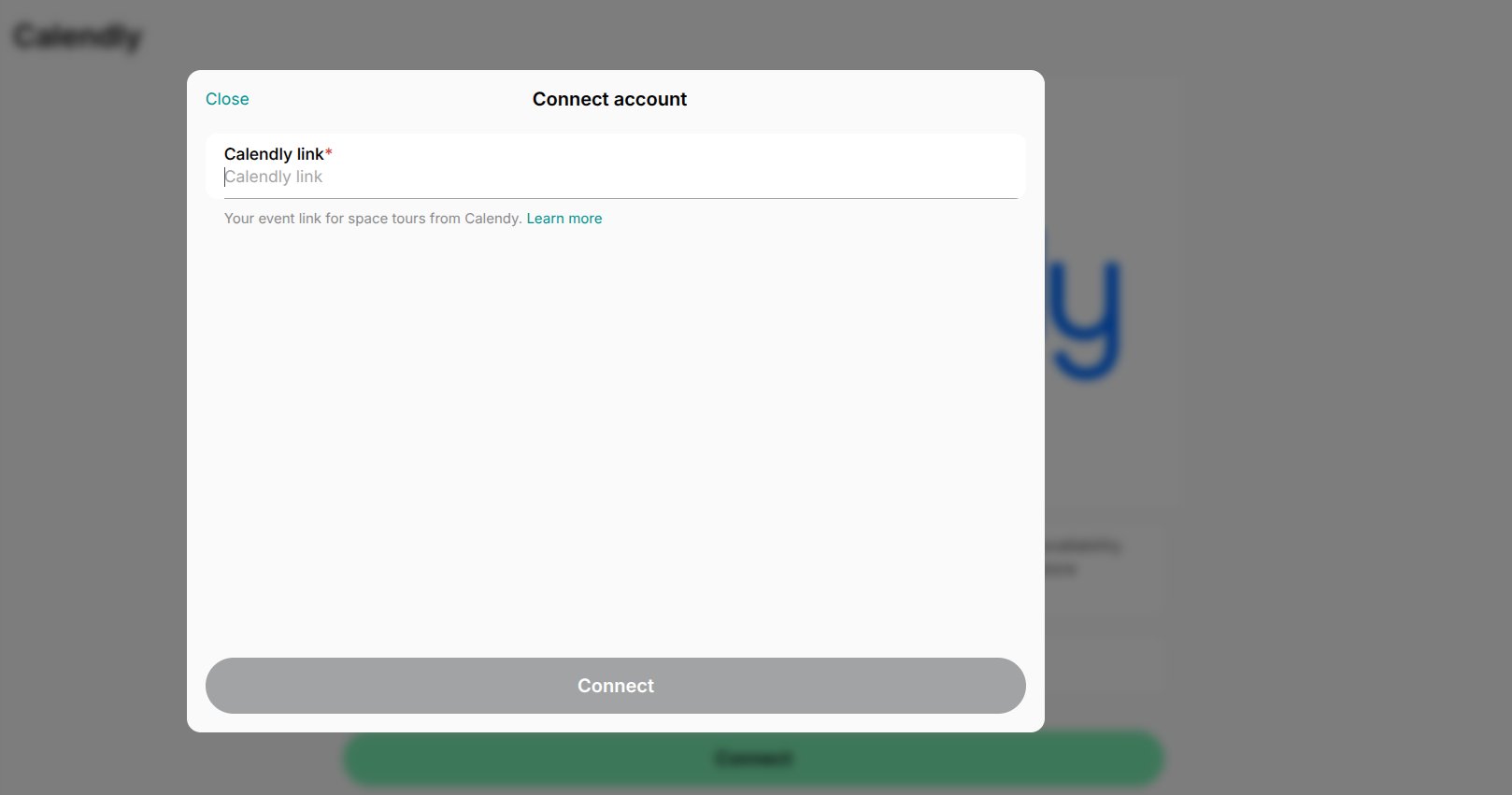
- Press Connect.
You can connect a separate Calendly event link to each location in Spacebring.
How the Calendly integration works
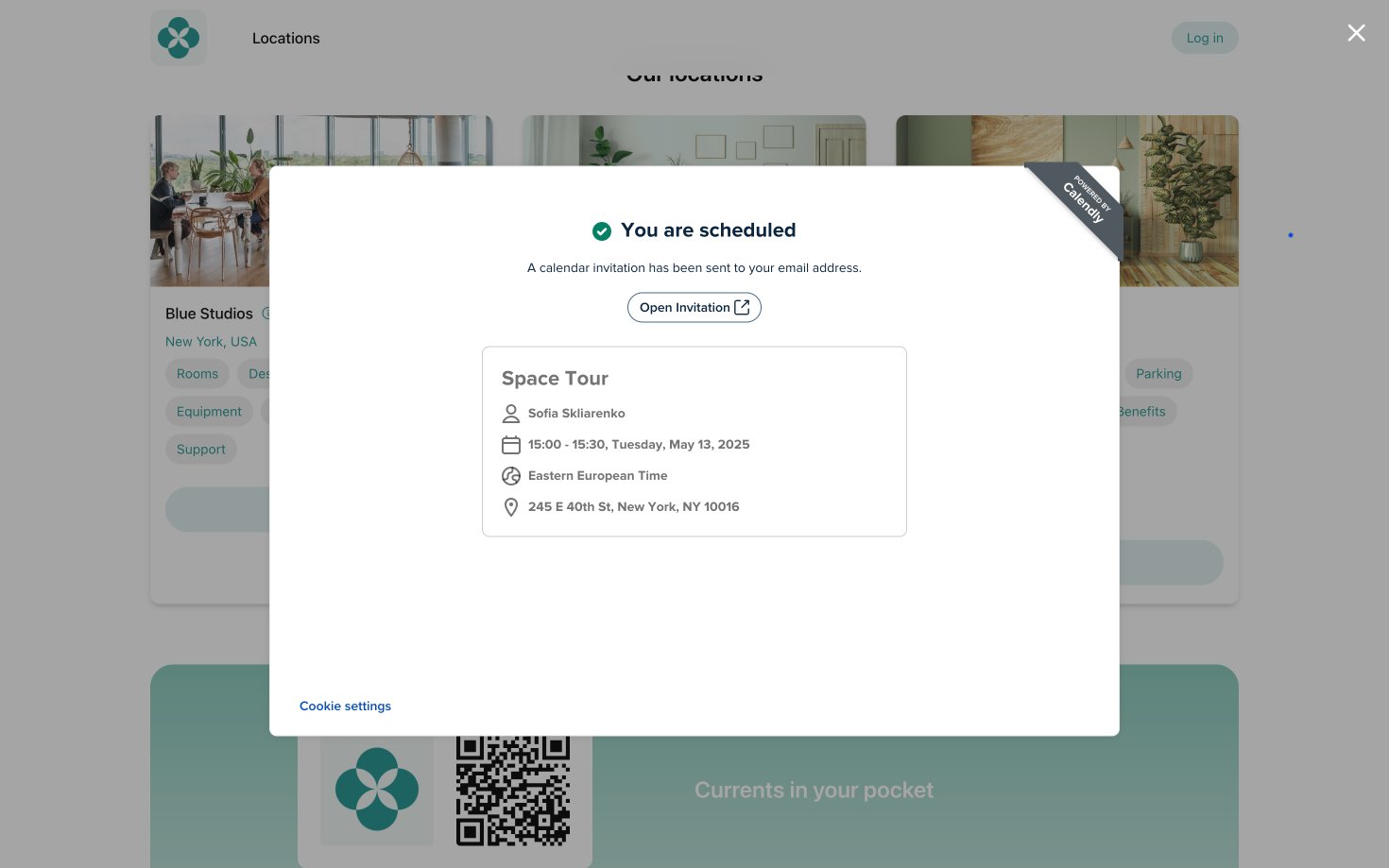
Once the integration is connected in the specific location, all users can conveniently book the available time slot by pressing on the Book a tour button under the necessary location on your landing page.
Disconnect the Calendly integration
To update the event link or disconnect Calendly, follow these steps:- Go to Spacebring > Integrations page by pressing the menu (…) next to the location’s name > Calendly.
- Press Disconnect and confirm your choice.