

- A free or discounted day at a desk, often called a free day pass, for people looking for a coworking membership.
- A paid day in a private office, for businesses considering a long-term office rental.
Offer a free trial day at a desk
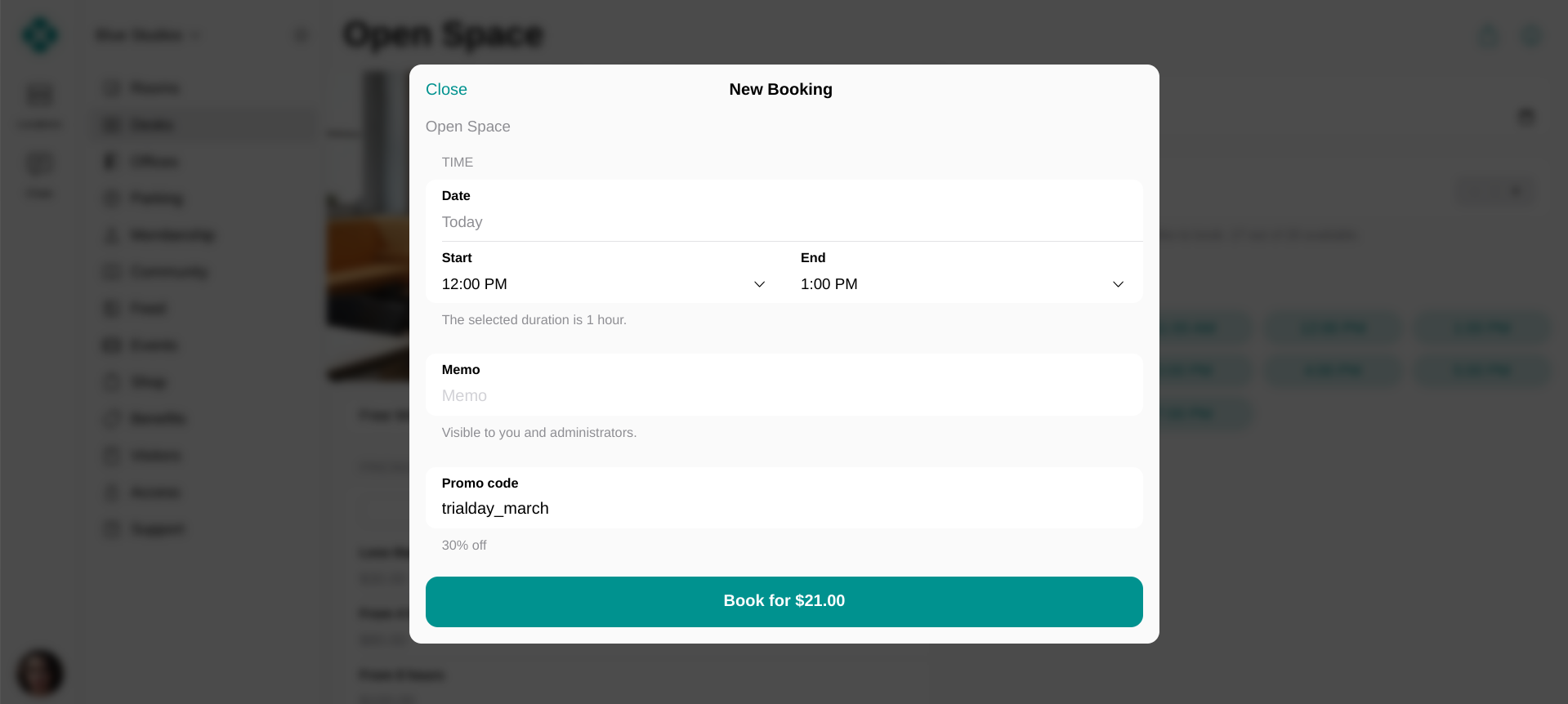
A free trial day at a desk, or a free day pass, is set up as a discount on a desk booking. Give the customer a promo code, and let them book the desk themselves in the member web portal or mobile app.- Go to Billing > Discounts and create a coupon.
- In Redeemable for, select Hot desk bookings, Dedicated desk bookings, or both.
- Enable Apply to specific items if only some desks are part of the offer, and select them.
- Set Discount type to Percentage and enter 100 for a free day, or a smaller number for a discounted one.
- Create a promo code for that coupon and enable Limited by first purchase, so only customers making their first booking of that desk type at this location can use it.
- Share the promo code directly with people who ask about your space, and publish it on your website, in your newsletter, and on social media. Add a link to the desks in your member portal next to it, so the customer can book straight away.
- The customer books a desk and enters the promo code at checkout to redeem their free day.
Offer a private office for a day
A business that is considering one of your private offices can try it for a day first.- Go to Resources > Offices and edit the office you want to offer for a day.
- Enable Money, Credits, or both, and set the price for booking the entire office.
- Set a daily price only, if the trial day is the whole offer.
- Add more price tiers if you also want to sell shorter, hourly bookings of the office.
- Set Min duration and Max duration to 1 day to allow full-day bookings only, or widen the range to allow hourly bookings too.
- Press Save. Customers can now book the office on the Offices page in the member web portal and mobile app.
- Promote the trial day on your website, in your newsletter, and on social media, together with a link to the office in your member portal.
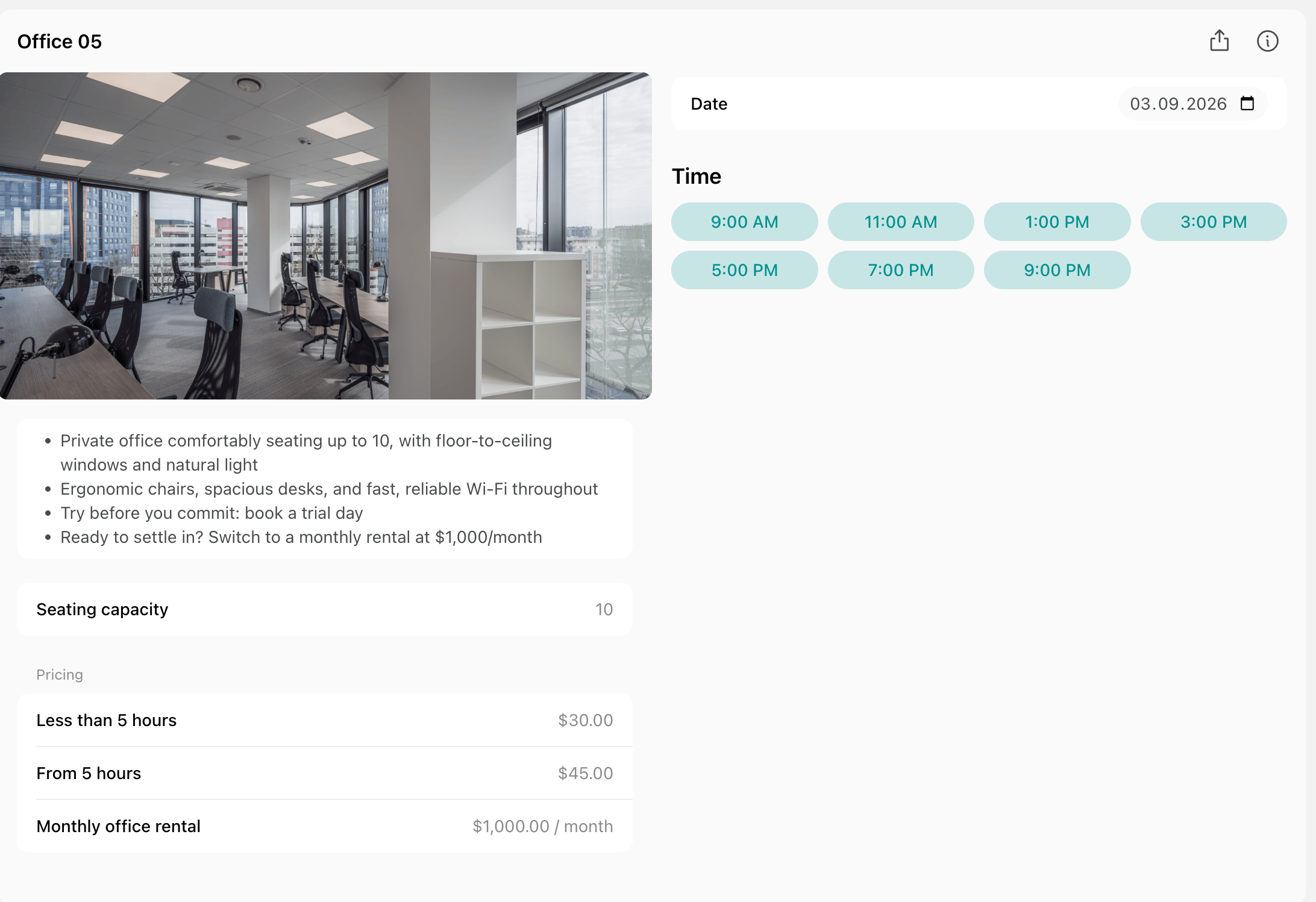
Customers can only book an office for dates when none of its seats is rented. Assigning the
office, or one of its seats, blocks hourly and daily bookings for the dates that assignment covers.