

1. Personalised onboarding
Welcome members
Send personalized welcome chat messages: Introduce the member web portal and mobile app to the new members when they join and explain that they can find anything they need there. Provide a guided tour of a new platform, highlighting key features and how to use them.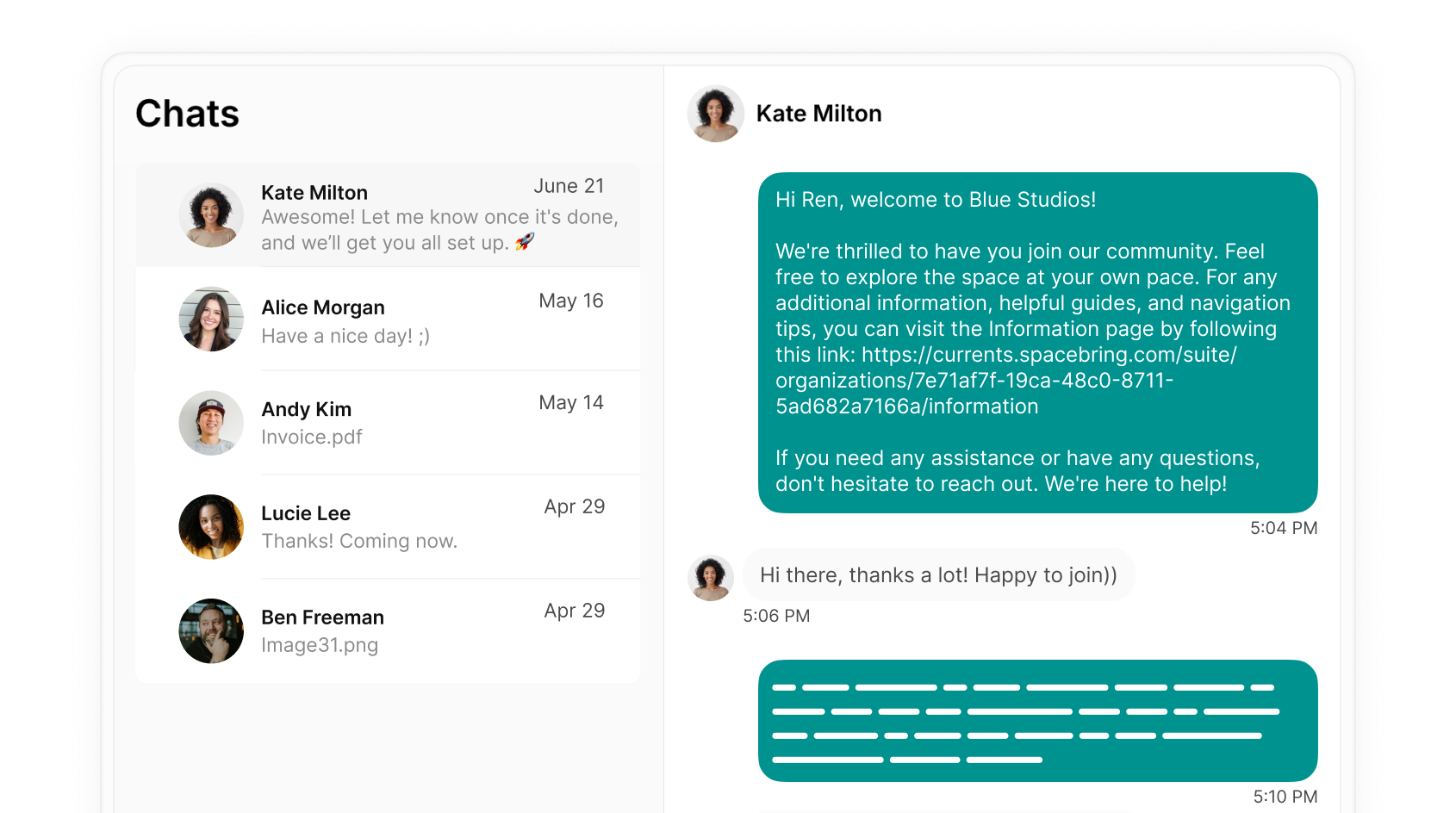
Connect members with the community
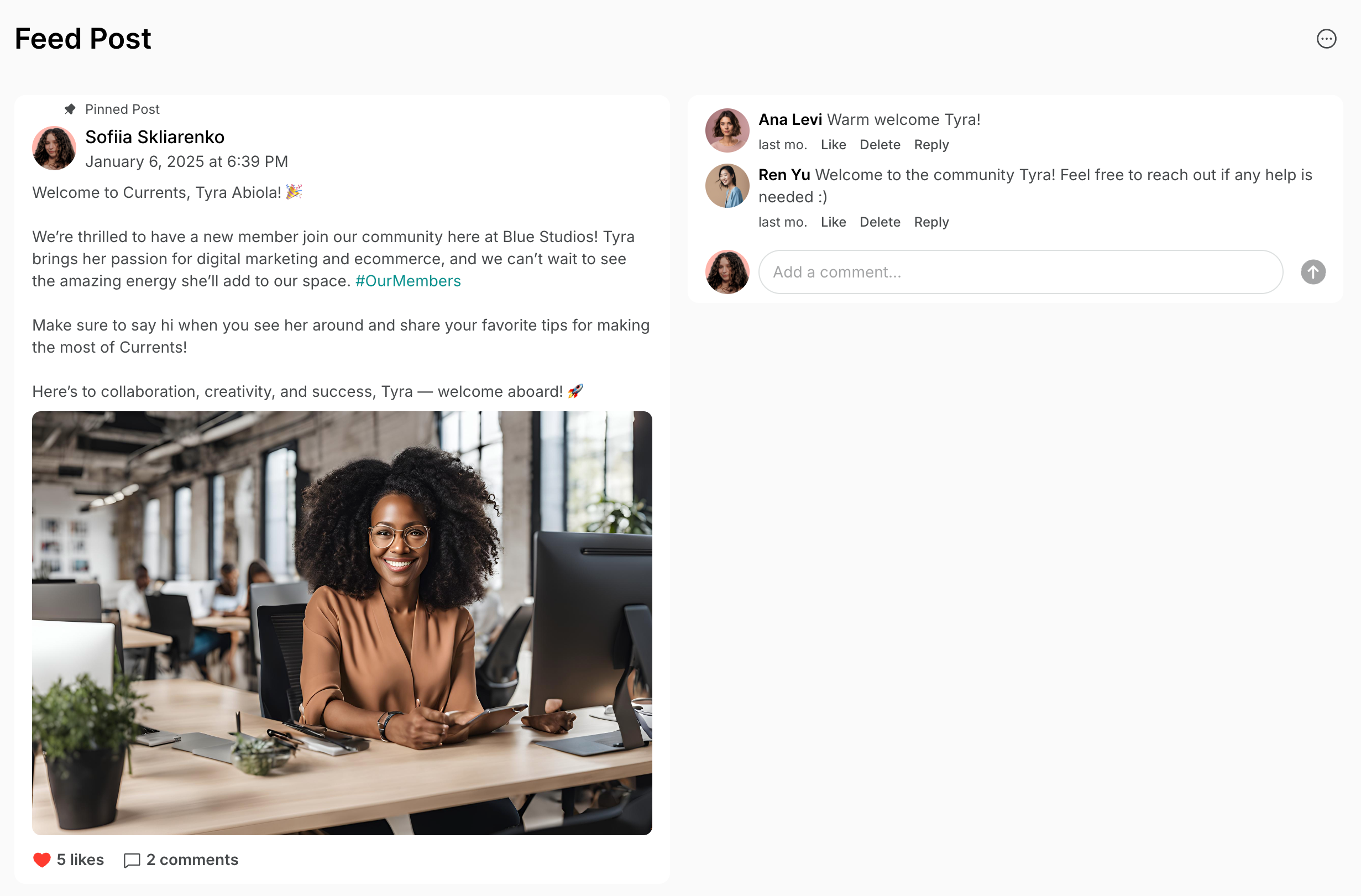
- Introduce new members to others with similar interests or professions by creating a feed post about all new members who join using relevant hashtags.
- Add new members to your newsletter audience automatically by connecting the Mailchimp integration to Spacebring.
Streamline the administrative process
If the user applies for an office or a membership in the member web portal or mobile app, administrators receive a support ticket. Collect the necessary verification documents and contract signatures from the new customer via a single support ticket or chat message, making it convenient and quick.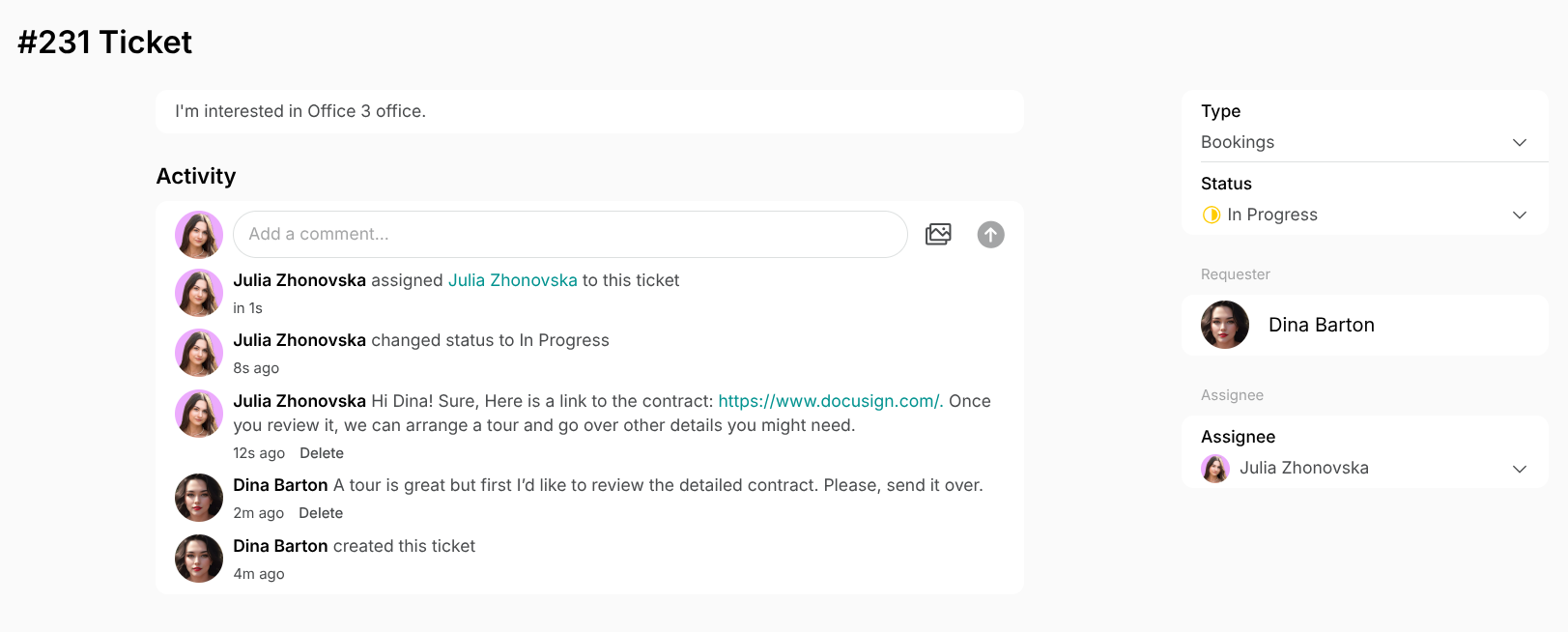
2. Community building activities
Organize events
- Organize regular events, workshops, and meetups through the Events page to foster a sense of community.
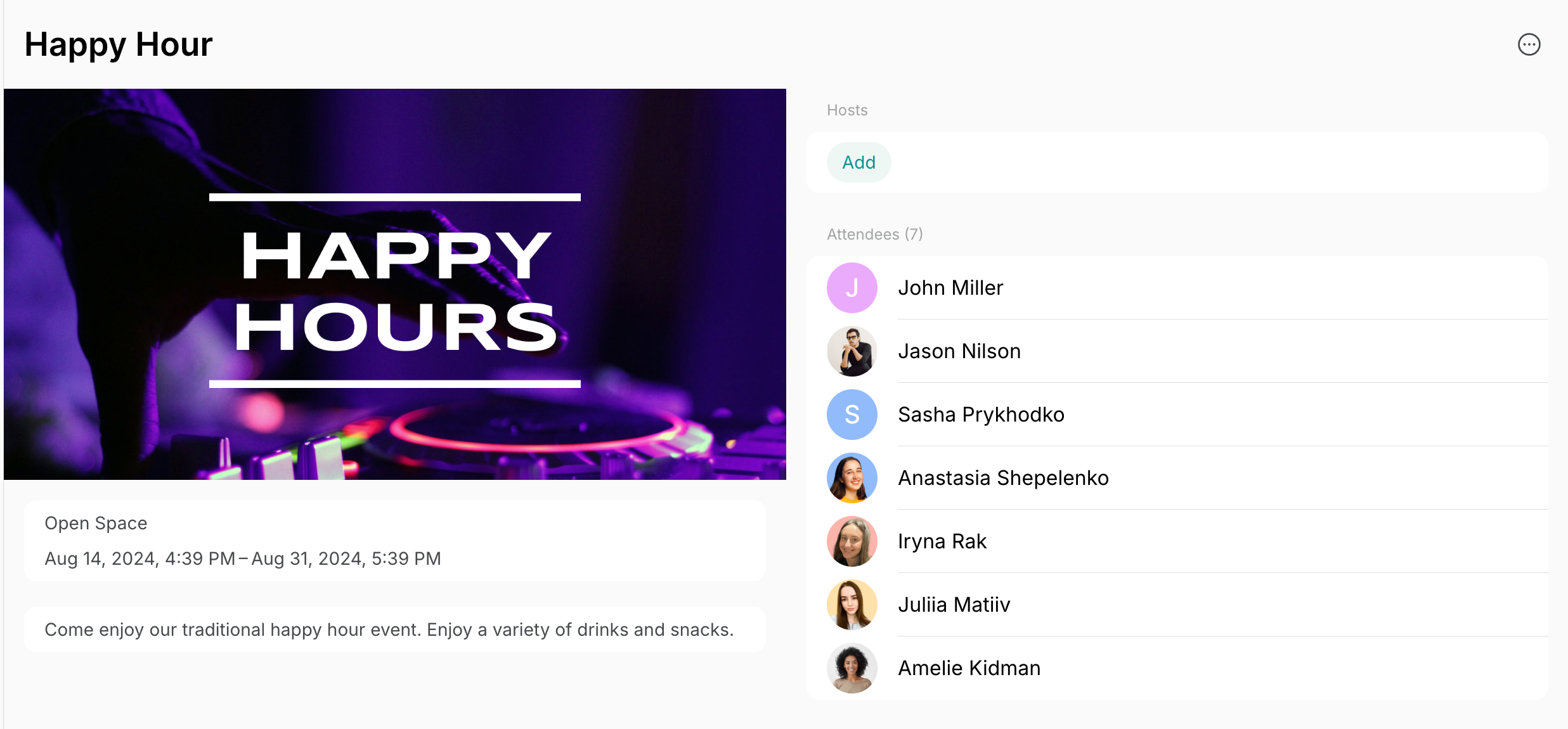
- Create posts with links to events on the Feed page so that all users receive a push notification and notice an upcoming event.
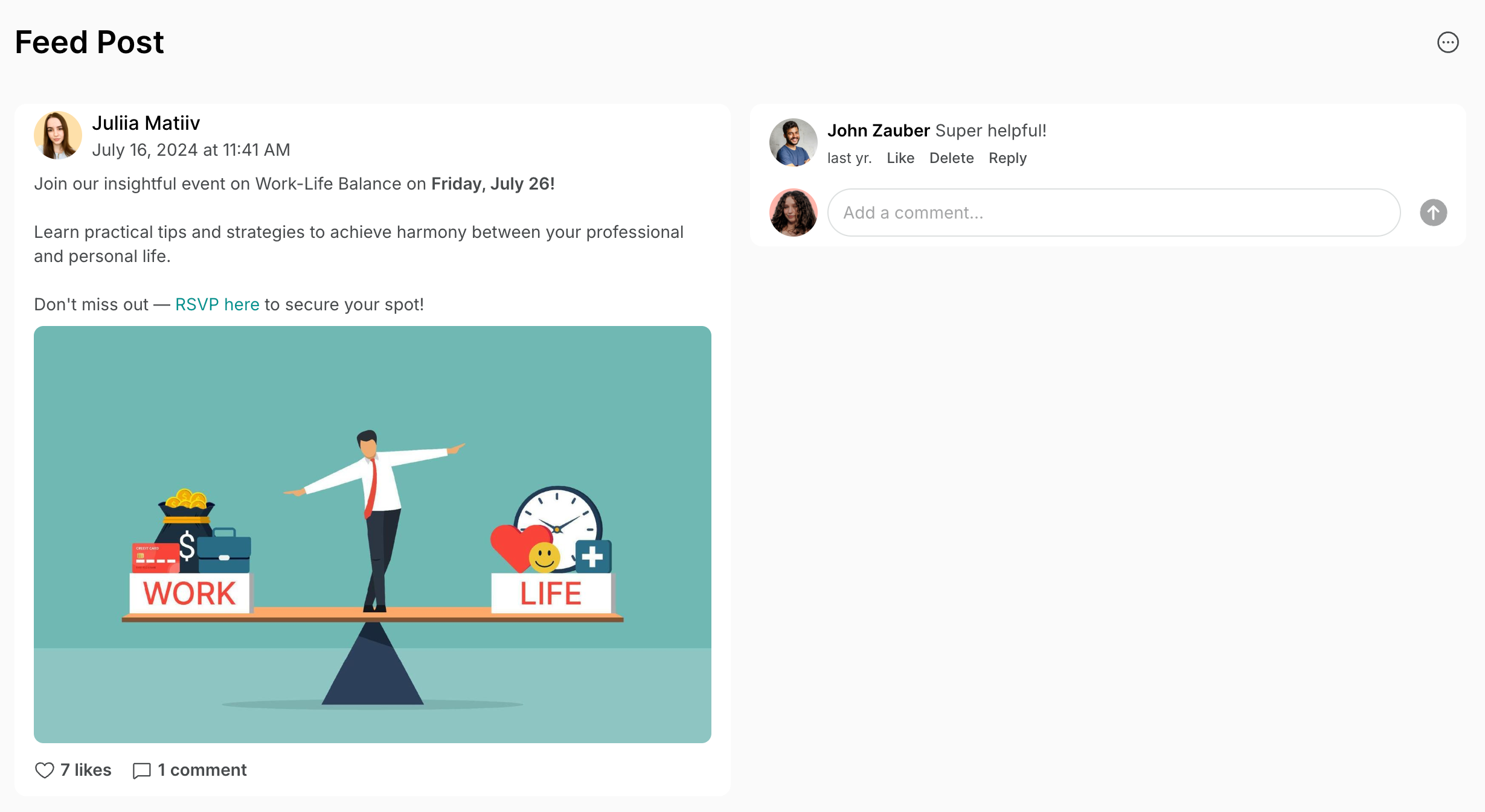
- Create a poster with the upcoming events and add a QR code for each event there, so that people could scan the one they are interested in and join.
Encourage member interaction
- Create group chats around shared interests — for example a yoga group, a speaking club, or a film-lovers club — so members can organize activities and socialize inside the app.
- Set the Community page visibility to location or network members to allow view and easily connect in a chat with other members.
3. Feedback and surveys
Consolidate and manage feedback
- Use the Support page for all issue reporting and feedback to keep requests in one place. Place QR codes around the space for easy access and add a house rule: all questions or feedback should go through the Support page. Manage tickets efficiently to boost member satisfaction.
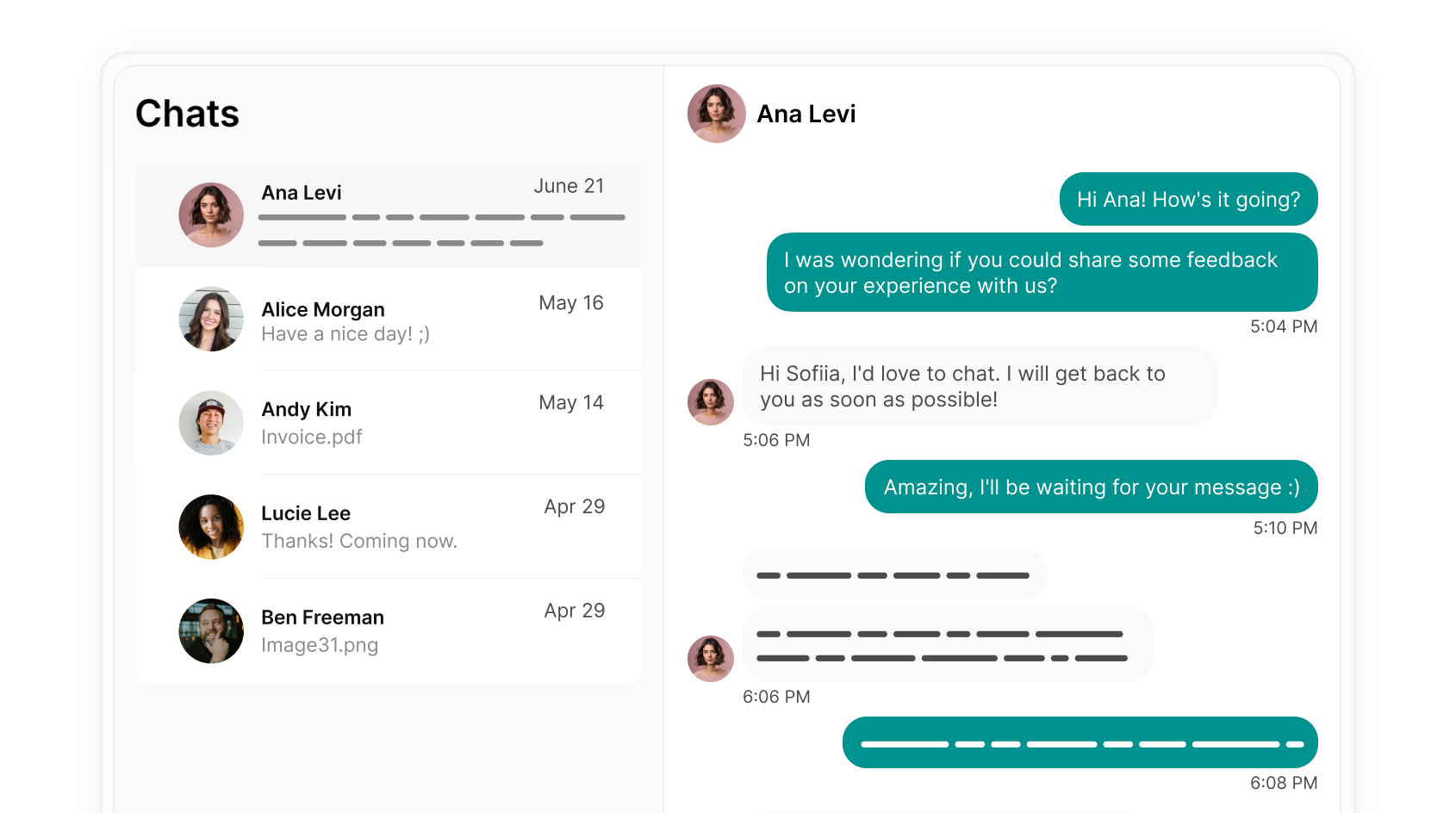
- Check-in with your members in 1:1 chats after their first day, week, or month with you, asking about their experience.
- Set up automated emails with Zapier with a feedback survey attached to be sent to customers after they make their first booking.
Provide accessible information and assistance
- Create location guides with key information and policies to address common customer questions and ensure easy access, reducing the need for repeated explanations.
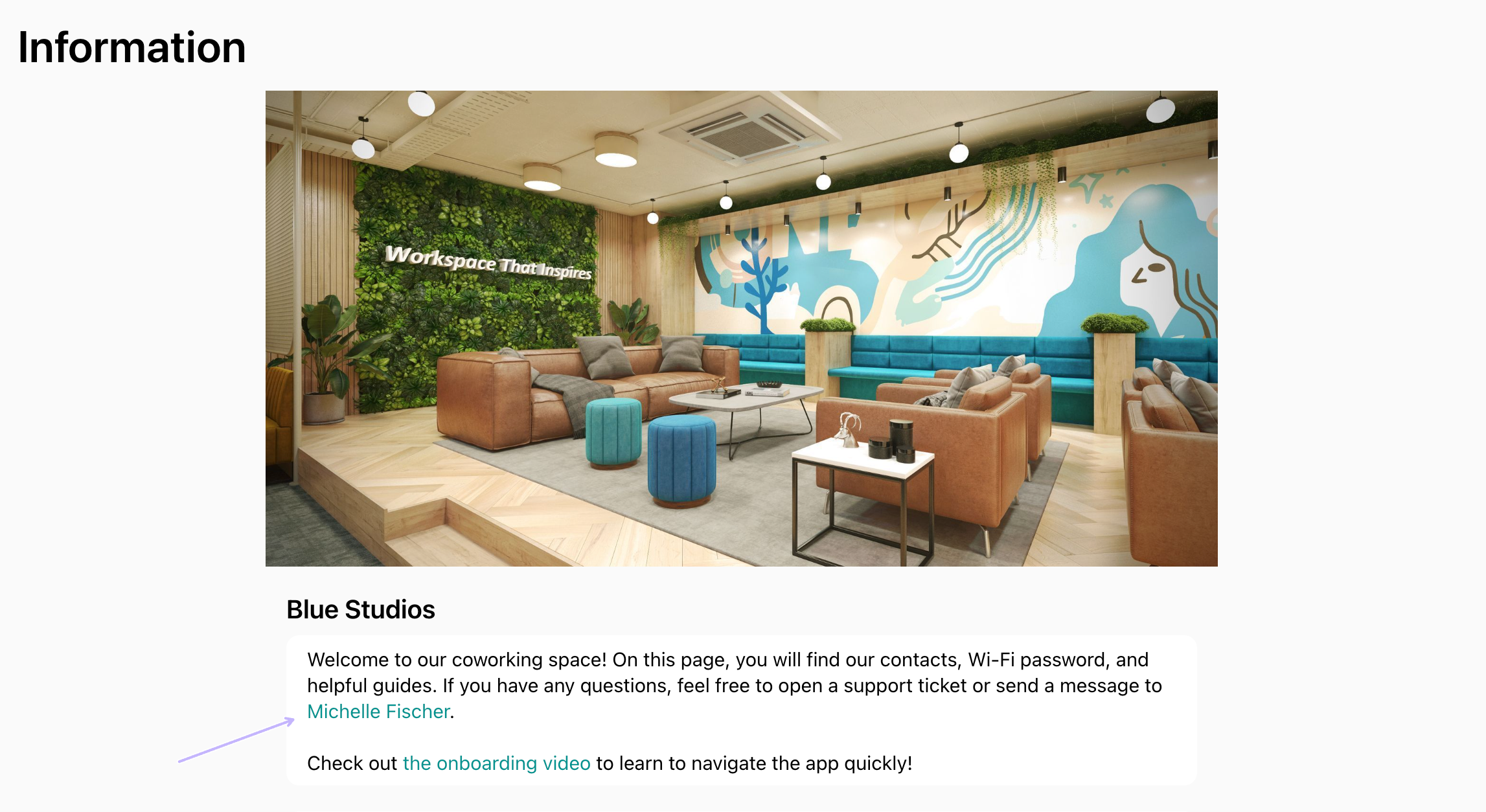
- To allow users to quickly contact community managers, administrators can add a public link to the manager’s profile as a hyperlink on the Information page and/or resource descriptions. This enables users to easily start a chat.
4. Regular updates and announcements
- Send announcements that every member must see, such as a fire drill or a change of opening hours, as a campaign. A campaign goes out by email or push notification to the members of one or more locations, or only to members on a plan, of a company, or who attended an event.
- Share community or space news on the Feed page and update members after implementing feedback. The member web portal and mobile app support push notifications, keeping all users informed.
- If you already send newsletters from Mailchimp, keep your audience up to date with the Mailchimp integration.
- Use group chats for conversations with specific groups of members, where they can reply and talk to each other.
FAQs
How can I send targeted messages or emails only to company managers or to members of specific companies?
How can I send targeted messages or emails only to company managers or to members of specific companies?
- To reach the members of specific companies, create a campaign with the Company rule.
- To reach only company managers, use the Mailchimp integration. It tags every synced member as a company manager and with their company’s name, so you can filter the audience in Mailchimp.