- Flexible memberships to appeal to a wider audience.
- Promo codes to offer discounts and boost engagement.
- Recurring add-ons to memberships.
- One-off services available to both members and nonmembers
Memberships and rentals
This revenue model allows recurring payments, ensuring consistent income from members who require regular services.Flexible memberships
Flexible memberships offer a set number of day passes per month, giving users limited access to the workspace at a lower cost than full-time hot desk memberships or dedicated desk rental plans. Ideal for:- Companies with hybrid schedule that don’t need to visit the space daily.
- Freelancers needing part-time access.
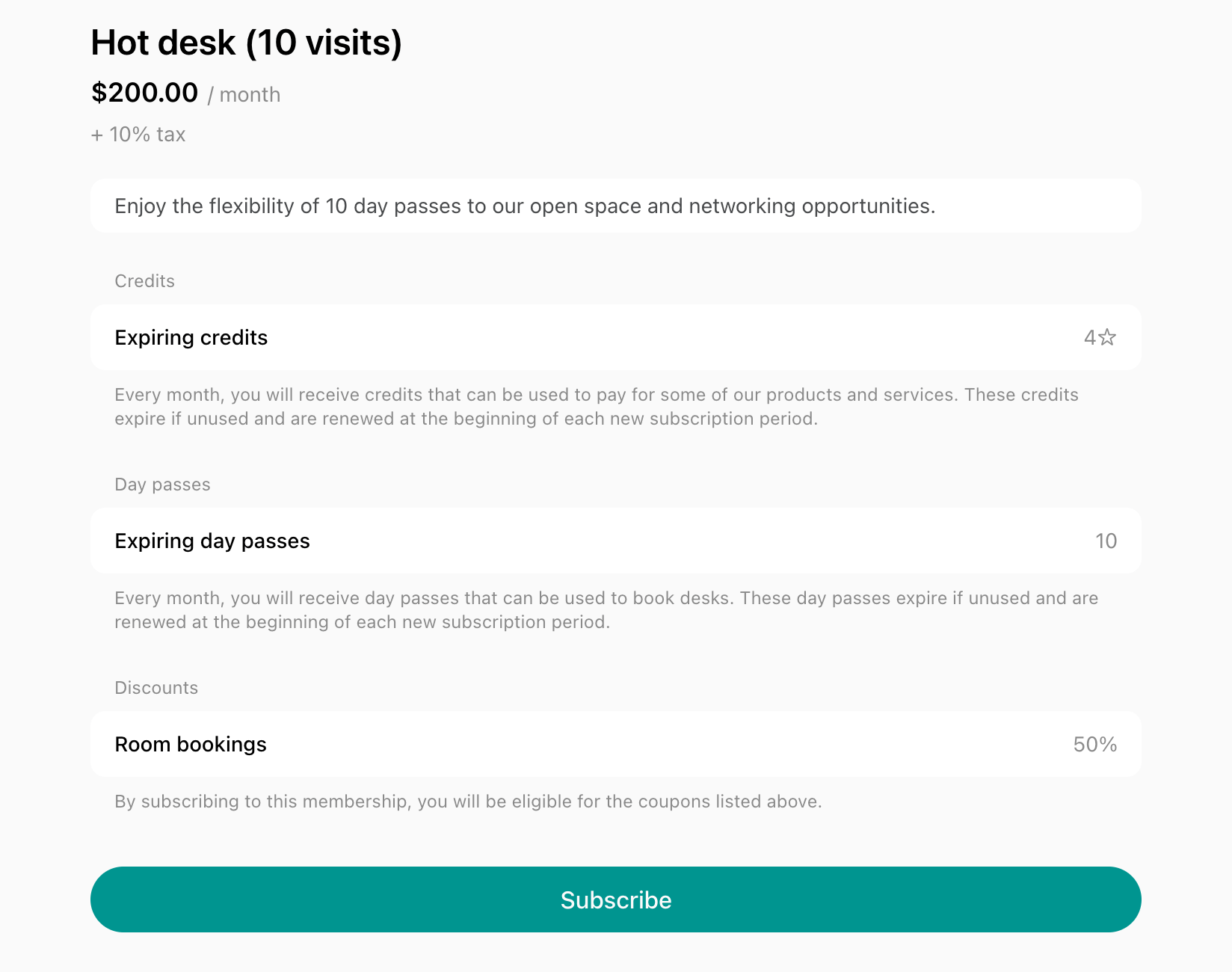
By creating memberships once and enabling the Sign up switch, you automate the process, allowing users immediate membership sign-ups.
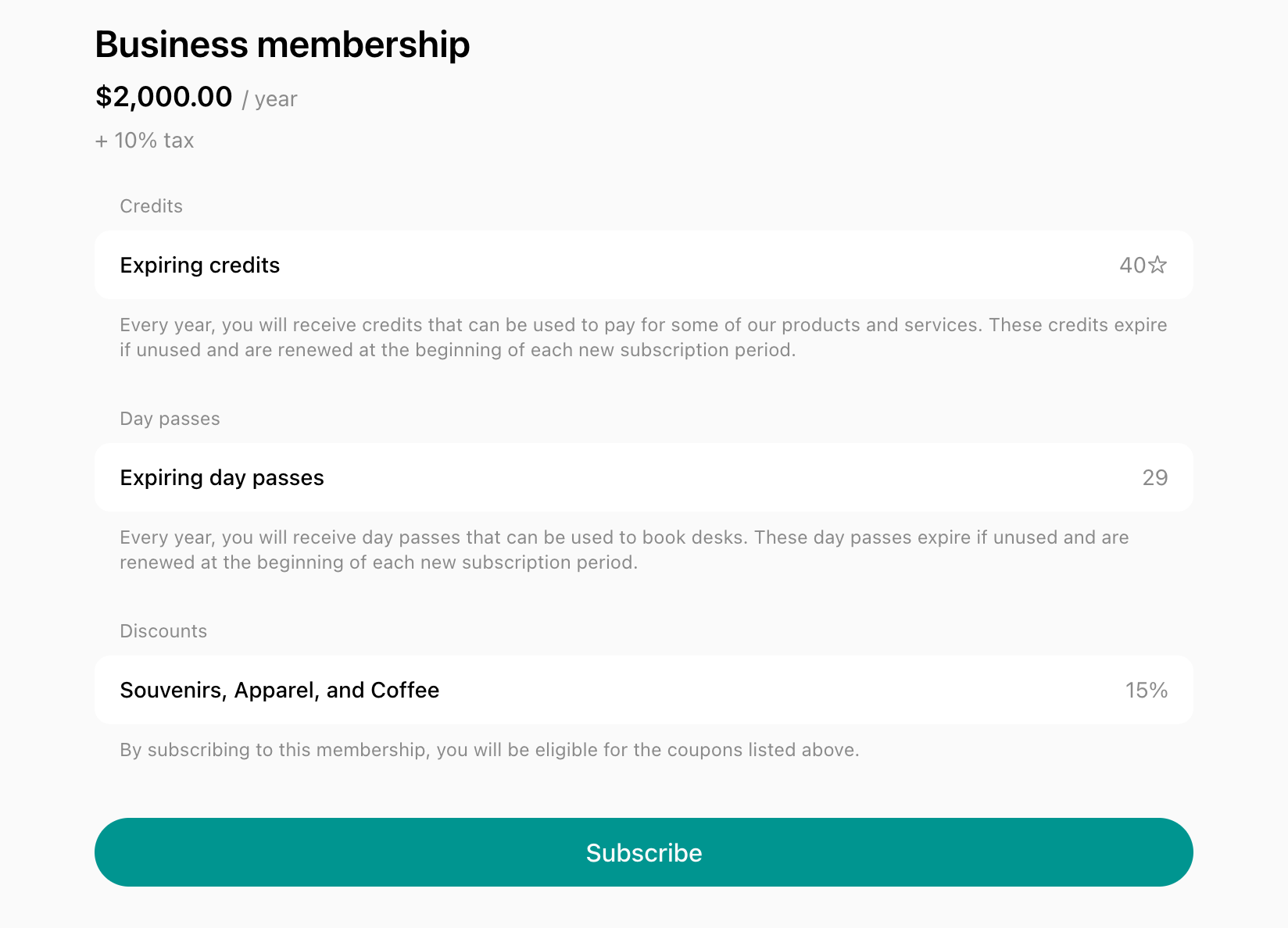
Memberships with expiring credits
Memberships with expiring credits allow users to prepay for a set credit balance to book services like meeting rooms. Ideal for:- Users who don’t need a desk but occasionally need rooms.
- Those who want to prepay for services.
- Customers looking to save costs with discounted credit bundles.
Hybrid offices
Maximize space utilization by offering flexible hybrid offices. It enables more private spaces to be utilized, even if the company exceeds the office’s capacity. Ideal for: Companies with hybrid teams looking to reduce costs while offering on-demand desk booking. How it works: company members book seats for specific days on demand. Bookings are tracked to stay within the daily limit, ensuring space isn’t overcrowded. How to set it up: Manage a hybrid officePromo codes
Promo codes are powerful tools to drive sales, attract new customers, and promote your space and services.Users redeem the promo code right at checkout when booking a resource or signing up for a membership via the member web portal or mobile app.
Trial day or discounted first month
Ideal for: Hesitant and cost-conscious new customers who might be enticed to try your services and make the initial booking or sign up with a special discount. How it works: Distribute the promo code publicly through your marketing materials and ads, including a link to the page where users can redeem it.The promo code with enabled Limited by first purchase property will be valid only once for users who have never purchased that type of service in a specific location before.

Seasonal offers and early bird discounts
Ideal for: Customers who enjoy time-restricted deals and seasonal discounts.- Generate buzz around your space’s grand opening.
- Attract attention to new services.
- Boosts bookings and sign-ups during low seasons in your space.
- Drive more traffic to your space with special holiday discounts.
The promo code may be valid only up until a specific date or only for the first X customers to create a sense of urgency.

Buy-one-get-one and other discounts on repeat bookings
Ideal for:- New price-hesitant customers.
- Encouraging loyal customers to book more with special offers on their favorite services.

Partnership discounts
Ideal for: Businesses, organizations, or communities willing to partner and expand their customer base through cross-promotion with you. How it works: Distribute the promo code with your partner and ask them to promote it—e.g., via printed cards with a QR code linking to the member web portal. In return, you can offer their discount to your members on the Benefits page. How to set it up: Create a promo code to share with your partner’s community.
Bring-a-friend referral programs
Ideal for: Your loyal members who have a large network and are happy to refer your space to them for a special discount. How it works: Distribute the promo code to the specific member, which they can use to refer your space to their friends. You can track the redemptions and reward the referring member accordingly. How to set it up: Create a promo code for each referring member with their name to easily track their referrals.
Membership add-ons
Charge recurring fees for parking, lockers, coffee, or mail handling on top of your members’ main memberships or rentals. Ideal for: Members who need extra services every month, such as a parking space or a locker. How it works: Members add an add-on to their subscription while they sign up for a membership or rental, or sign up or apply for it later themselves. Administrators can also add it to a member’s subscription, so it’s billed on the same invoice. How to set it up: Organize recurring add-ons
One-off services
This revenue model allows to upsell existing users by purchasing one-off services.Equipment
Offer various equipment for hourly or daily rentals such as monitors, projectors, camera or microphones for your customers’ meetings or events. Ideal for: Members and companies who require extra equipment for their meetings, presentations, or events. How it works: Users select and book equipment for a specified duration on the Equipment page. Payments can be made online with money, credits, or members can add the cost to their invoice with the Pay with invoice feature. How to set it up:- Add equipment.
- Promote equipment rentals among your customers and track them on the Equipment timeline.
- Monitor which equipment rentals are popular and for which duration to enhance your offerings.

Packages
Sell one-off packages of credits and day passes to members. Ideal for:- Members and companies who need occasional access rather than a recurring membership
- Customers who run out of credits or day passes in their subscription and want to get more to continue making bookings and purchases conveniently.

Products in Shop
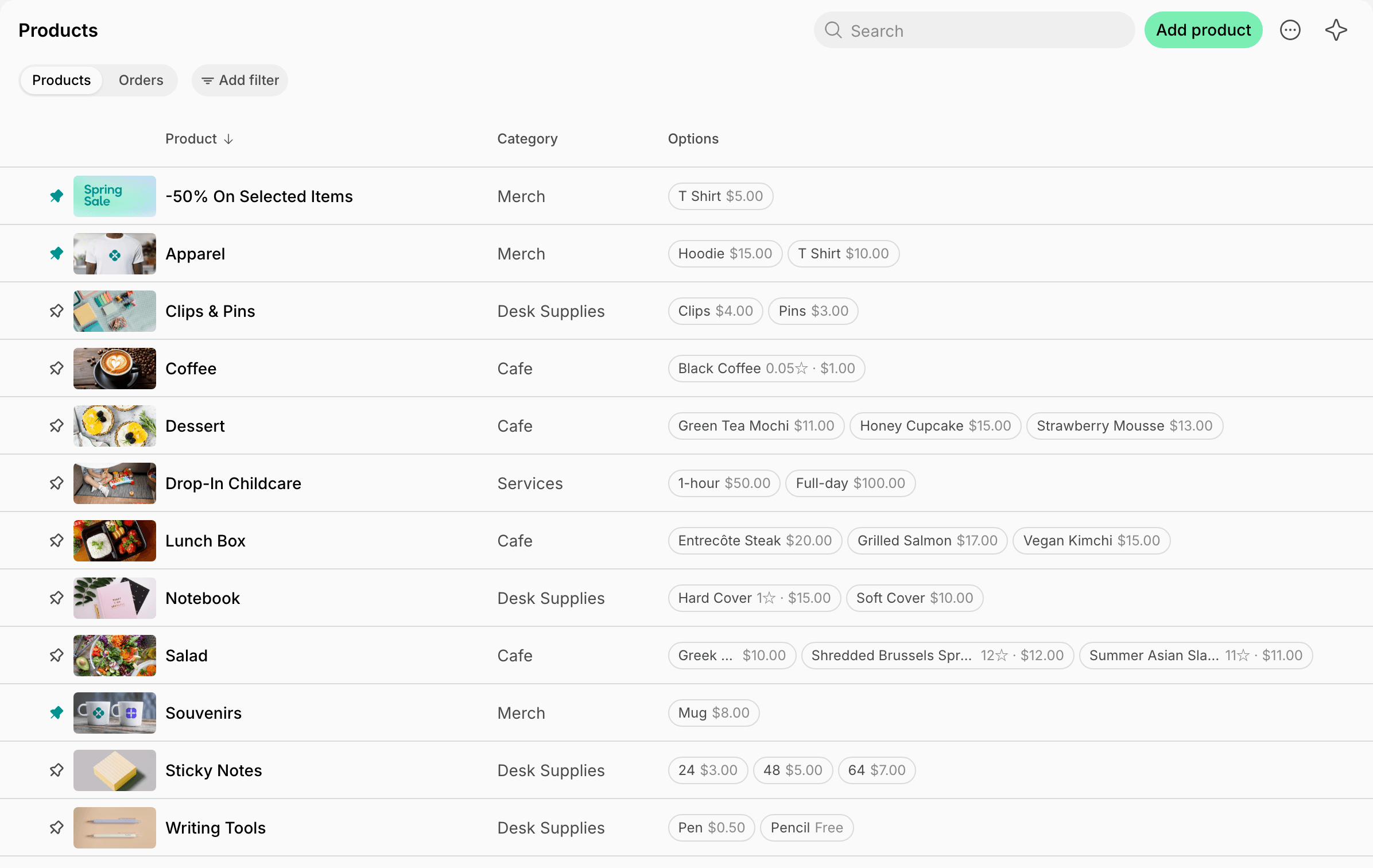
Sell one-time products and services like food, merchandise, and other non-rental items. Ideal for: All users who want to get additional services such as office essentials. How it works: Users make one-off orders by selecting. Nonmembers make payments with money online, while members can include their expenses in the invoice with the Pay with invoice feature. Users can also add products to a booking, such as coffee for a meeting, and pay for both at once. How to set it up: Create products that users purchase on Shop page. To sell them with bookings too, offer them on the resource. Understand what products are popular to provide a better assortment and track your revenue regularly on the Analytics page.