- Save on costs by renting a smaller office.
- Provide company members with a convenient on-demand seat booking system.
- Get a single consolidated invoice each month.
How to add a hybrid office
- Add an office.
- Create a company that rents this office.
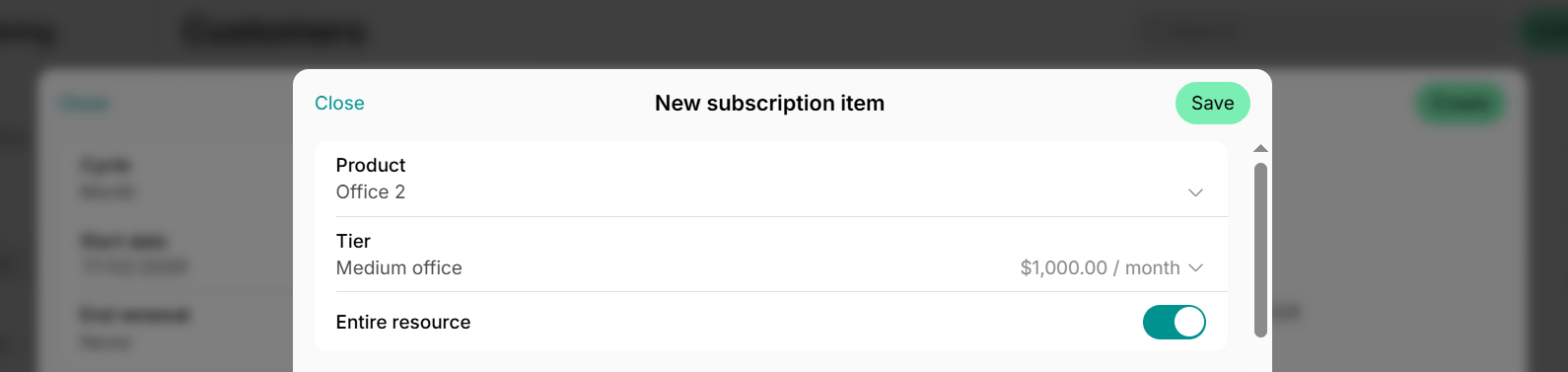
- Create a subscription for the company and add this office as a product in its subscription items. This rents the office to them and assigns it to them entirely for the subscription period.
- Inform the company about their office and provide instructions on how to use it.
The same setup works for any resource type. Assign an entire desk zone, parking lot, or room to a company, and its users book it on demand the same way.
How a hybrid office works
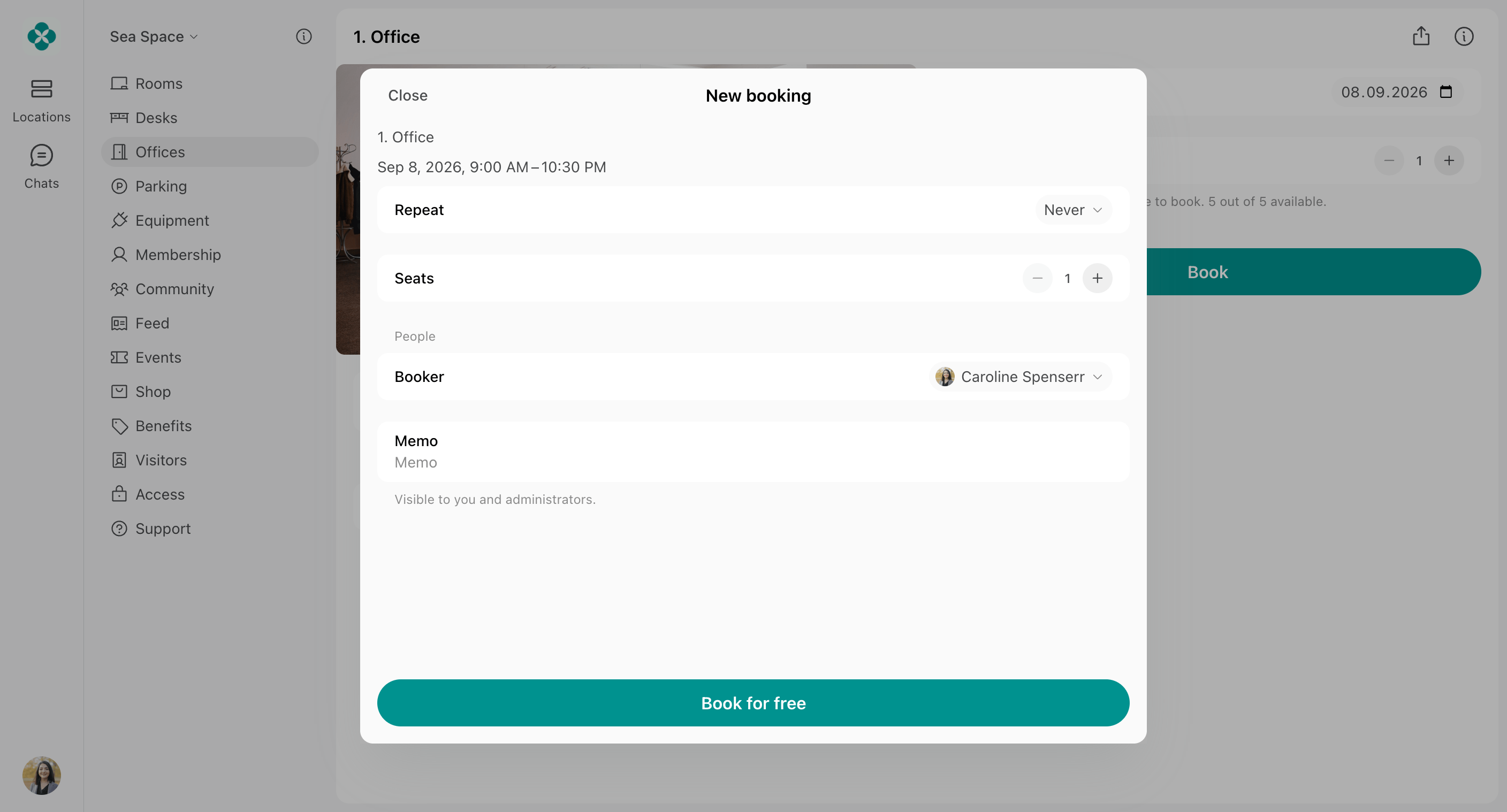
The hybrid office setup provides company members with the flexibility to decide on which days they work from the office and book seats for themselves on demand. Once the office is assigned to the company, only the members of this company can book it. Administrators can book seats for them only, not for anybody else. Members can book office seats by the hour or for a whole day, according to the office’s Availability increment and Min & Max duration settings.- Company members can book a seat in the office for themselves for free on the desired day, because the company already pays for the office rental.
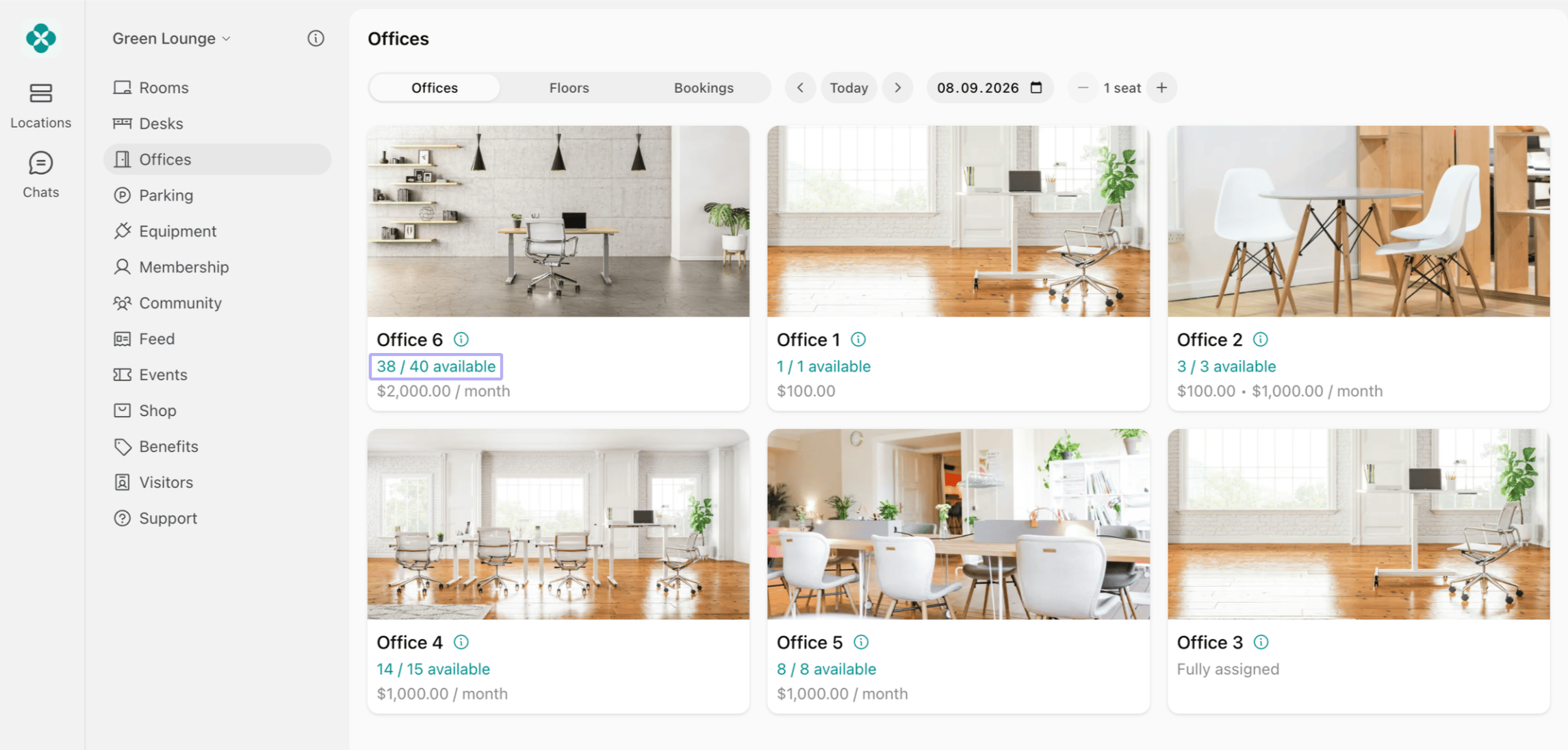
- They can see how many seats are booked for a particular day.
- They can check which of their workmates are also going to work from the office, by following a few simple steps:
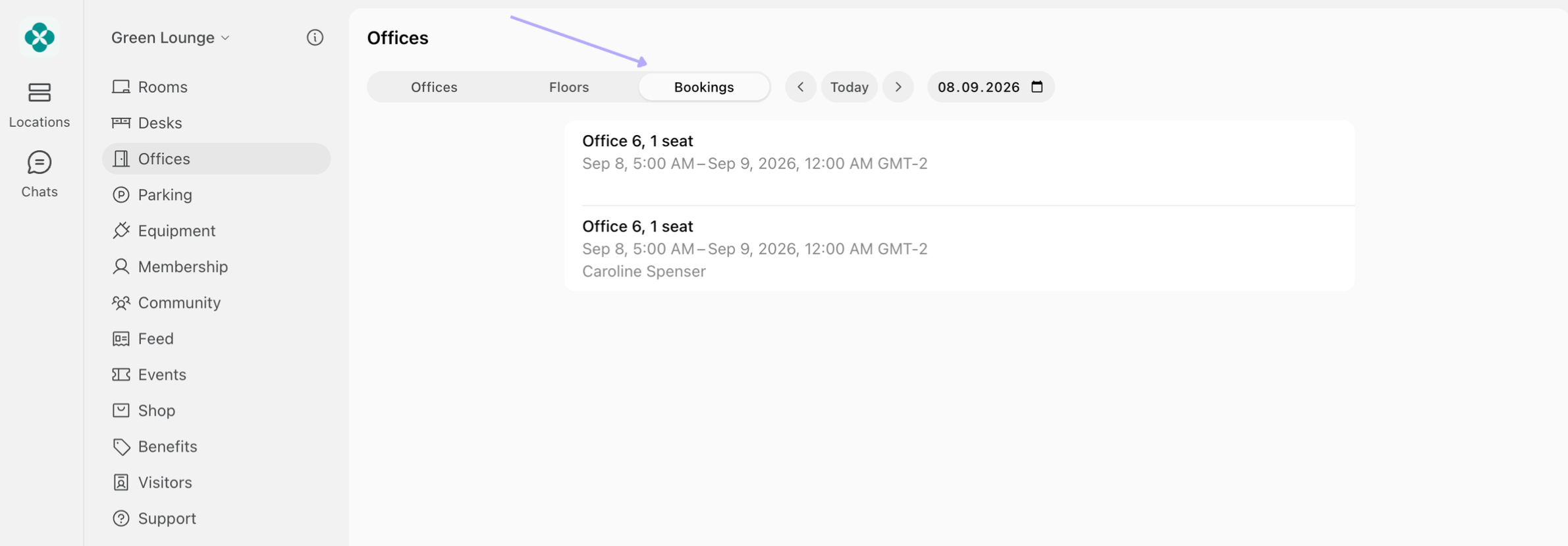
- Go to the Offices page > Bookings tab.
- Check the bookings for the desired date.