

Prerequisites
- Make sure only one desk remains by removing any existing full-day or half-day desks. For example, if you have Open Space full-day and Open Space half-day desks, leave only the Open Space desk.
- Before deleting any resources used for hourly desk bookings, ensure you download a bookings report with your customers’ future bookings associated with the resources you plan to delete.
- Check use cases on using booking rates to learn how to set them up in the app further.
Enable hourly desk bookings
Administrators go to Spacebring and follow these steps to set up different pricing options for desks:- Navigate to the Resources > Desks page.
- Start editing one of your desks, or create a new one if necessary.
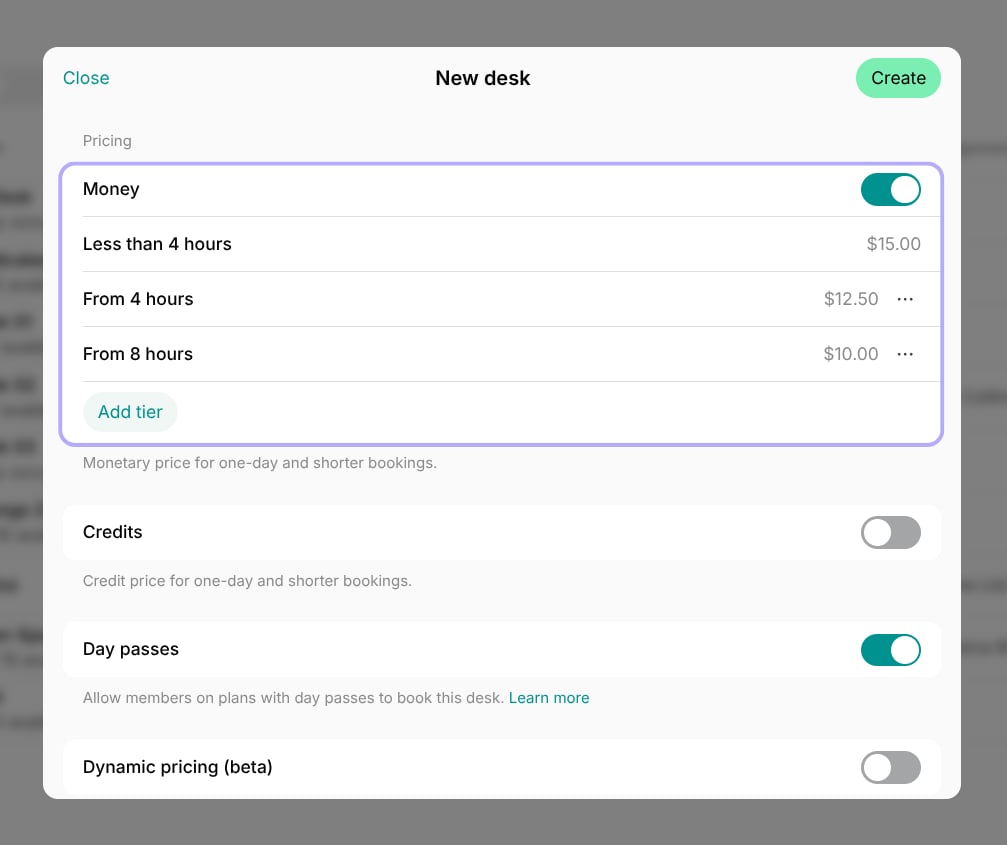
- On the Pricing tab, add booking rates to define fees for hourly, half-day, and full-day bookings.
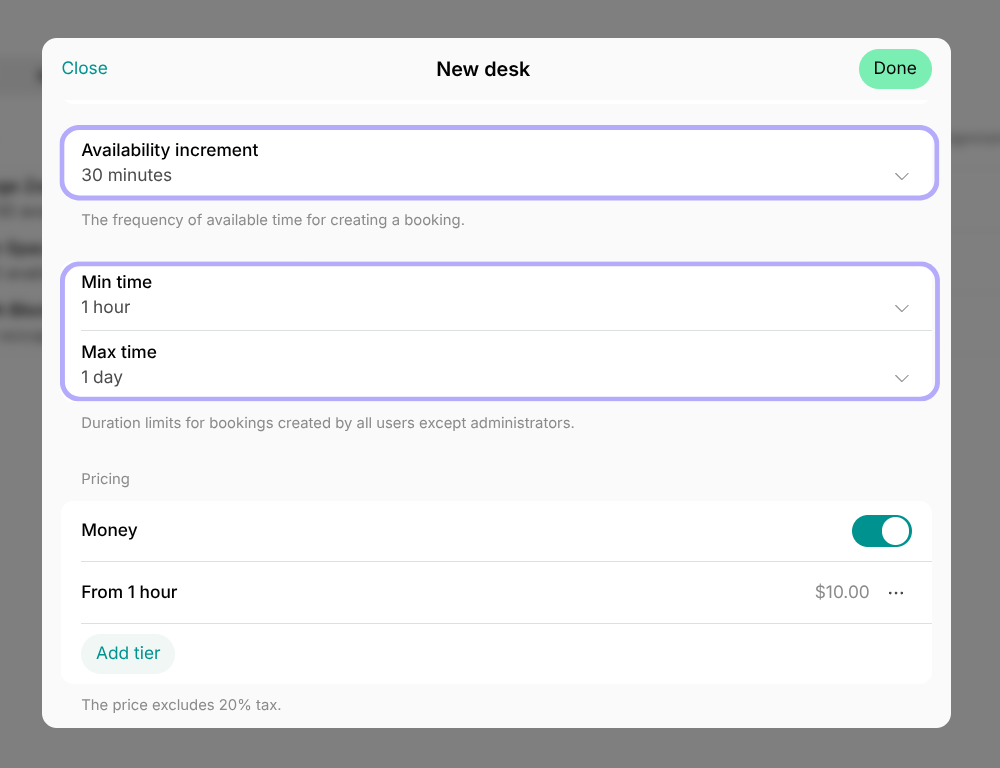
- On the Booking tab, choose the Min duration, Max duration, and Availability increment (the smallest bookable time slot). For example, if your desk can be booked for a minimum of 1 hour, choose “1 hour” in Min duration.
- Save the desk.
- If you have deleted any of your resources that had user bookings for future dates, recreate those bookings for your customers.
How users view desk booking options
Users can view desk booking options by navigating to Home > Desks, selecting the desired desk, and checking the Booking rates section.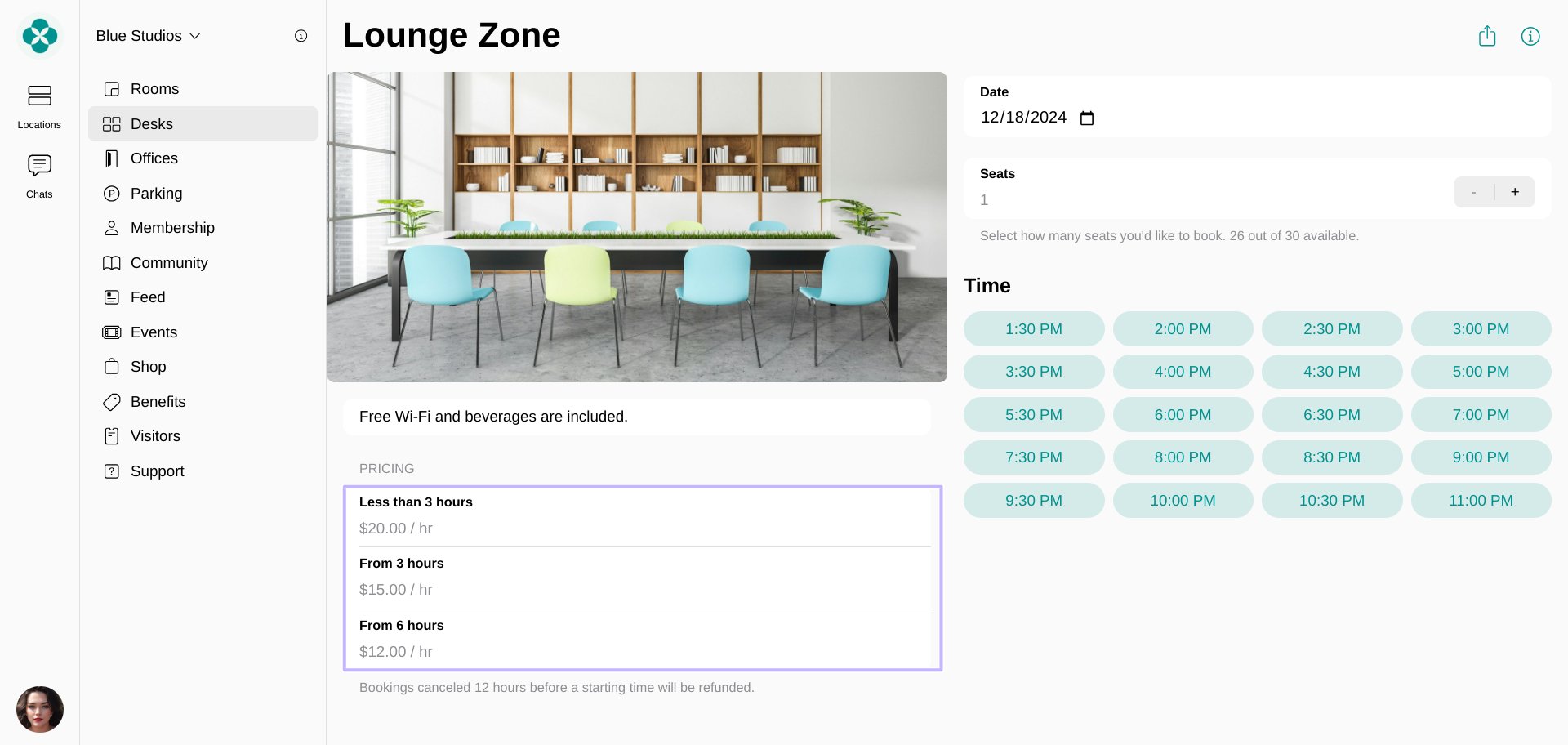
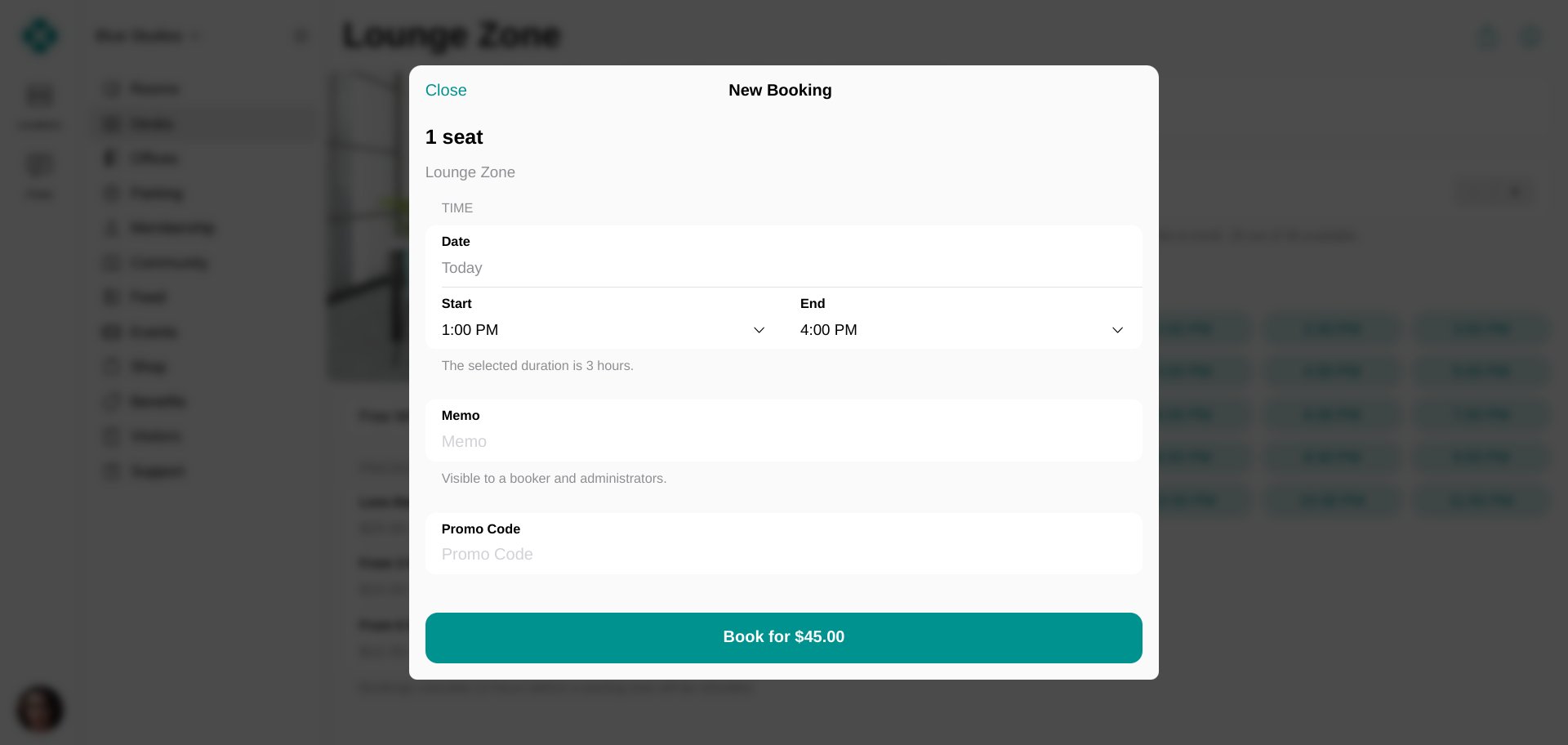
How desk availability works for hourly bookings
When desks are set up for hourly bookings, their availability shows the maximum number of seats that can be booked at the same time in each time slot. For example:- Your desk has 10 seats in total.
- 2 seats are booked for half a day from 8 AM to 2 PM.
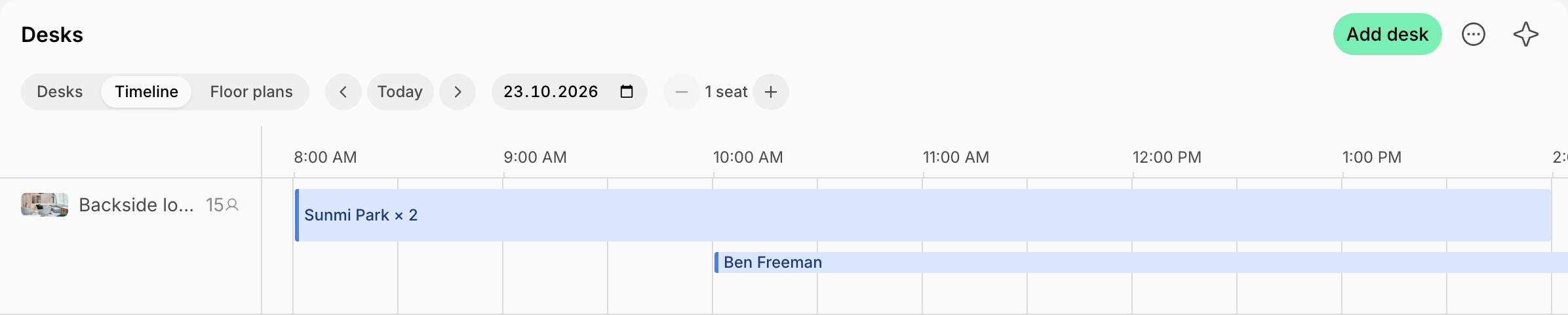
- The desk will still show 10 out of 10 seats available because users can still book all 10 seats—but only for the afternoon.
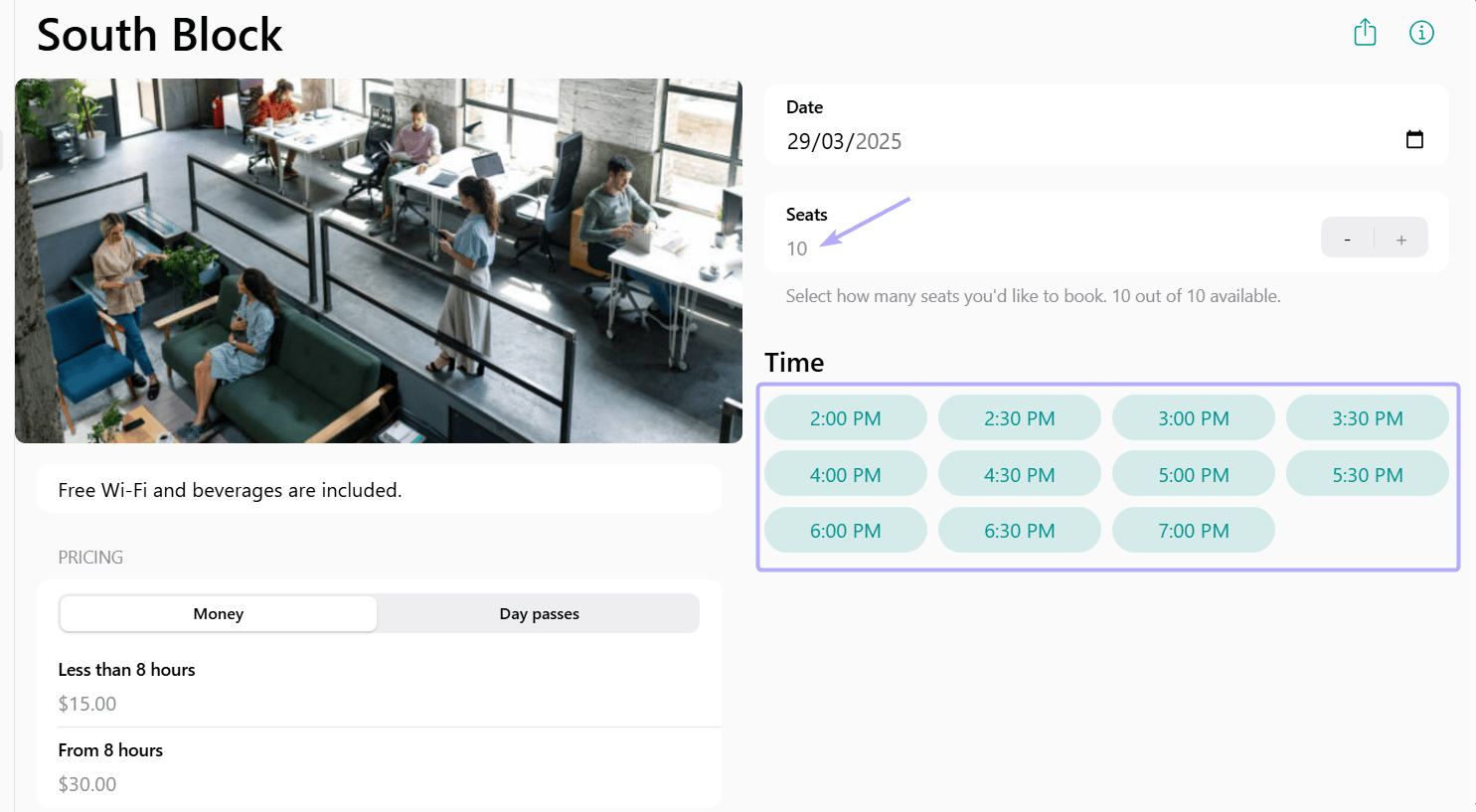
- When a user selects the number of seats needed, the system displays only those slots where the required seats are available. This ensures there are no booking conflicts while making the best use of your available desks.
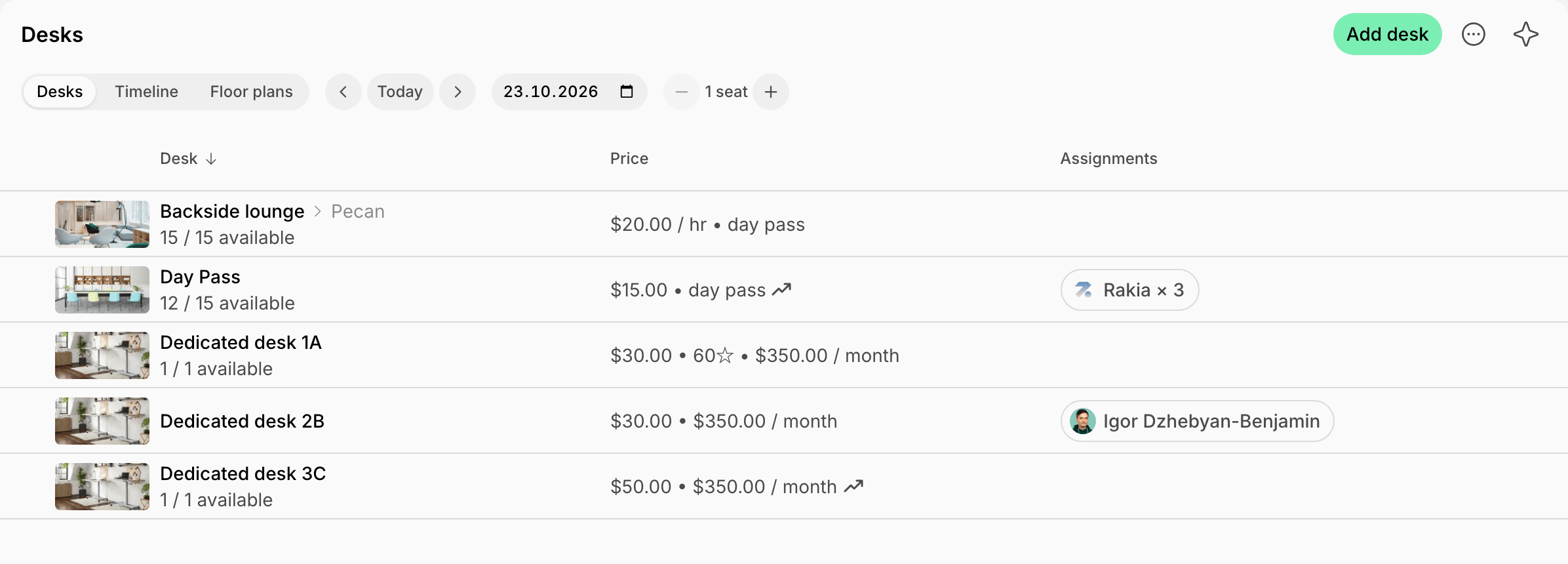
- When 1 or more seats are booked for the entire day, the total seat availability shows the reduced number accordingly.