Delete a draft invoice
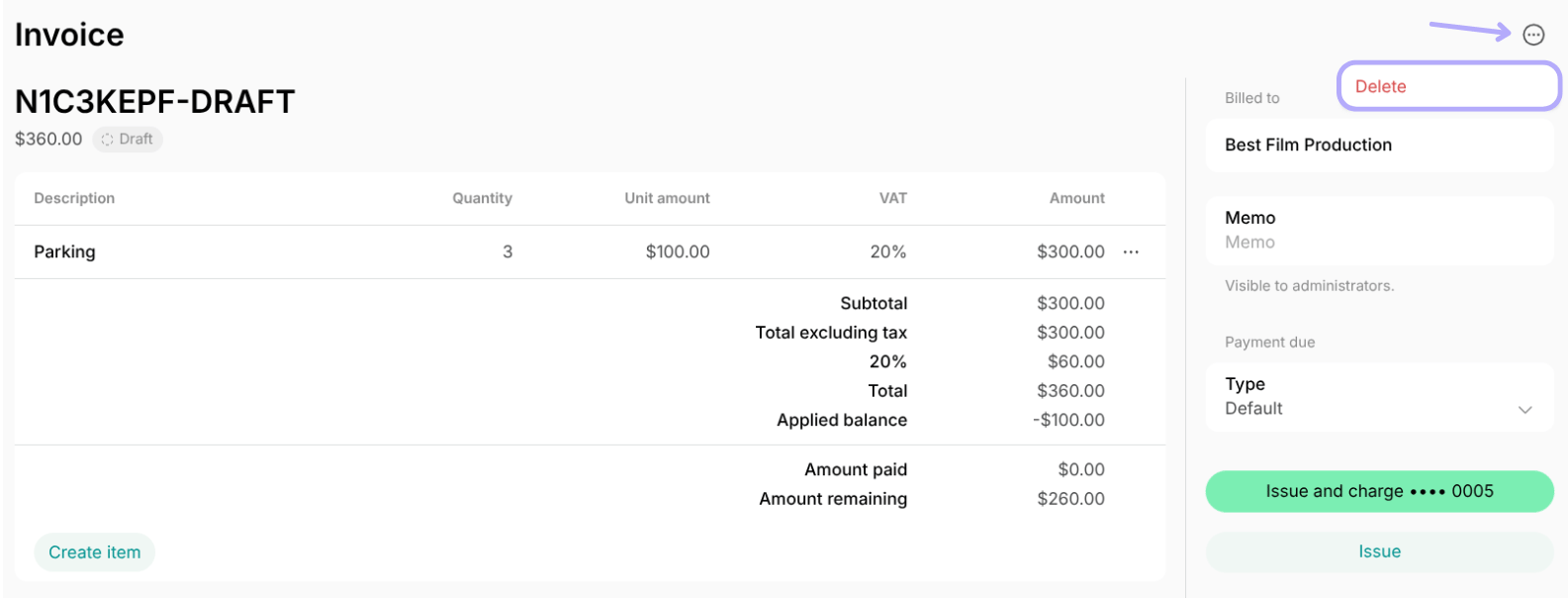
You can delete a Draft invoice — one created but not yet issued — at any time. To delete a draft invoice:- Go to Billing > Invoices.
- Locate the draft invoice you want to delete.
- Tap the menu (…) top right > click Delete and confirm your choice.
Void an unpaid invoice
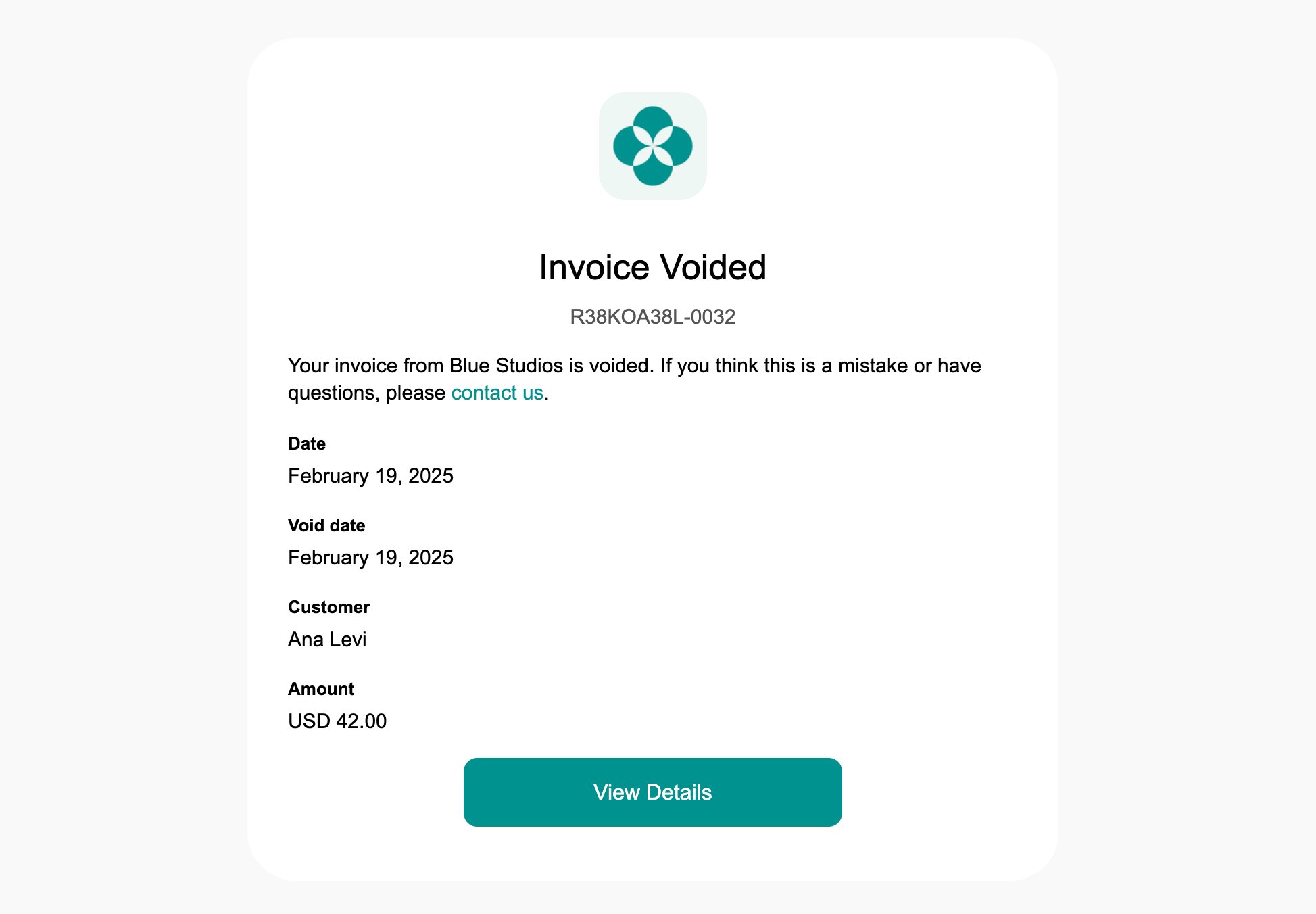
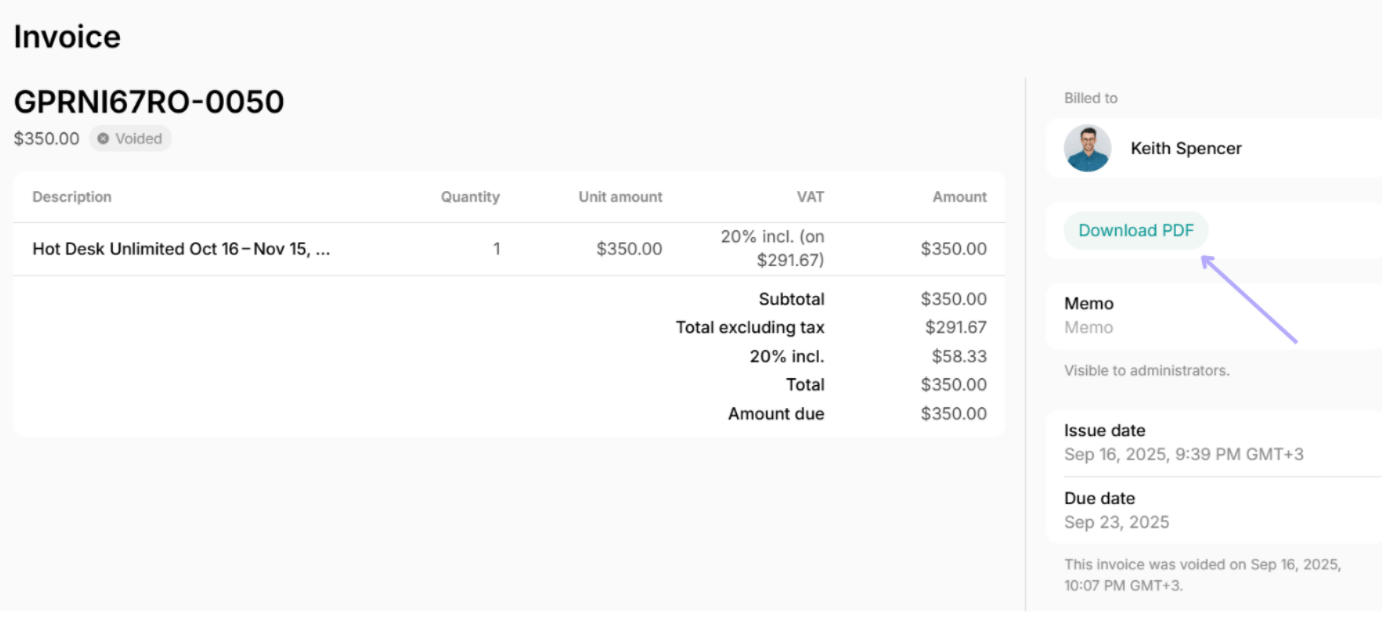
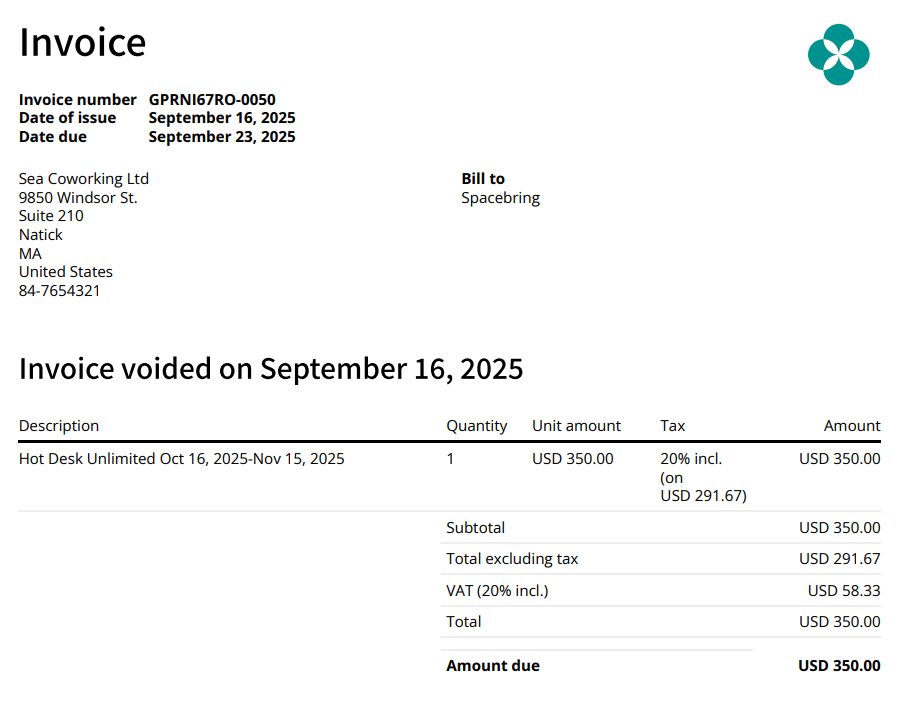
Deleting an issued invoice isn’t possible, but you can void it instead. Voiding cancels the invoice and its payment requirement while keeping a record of it, rather than erasing the data.Only invoices with the Unpaid status can be voided. When an invoice payment has Pending, Failed, or Processing status, you can’t void it. You also can’t void an invoice that has any successful payment recorded against it, including a partial one — issue a credit note instead.
- Go to Billing > Invoices.
- Locate the unpaid invoice you want to void.
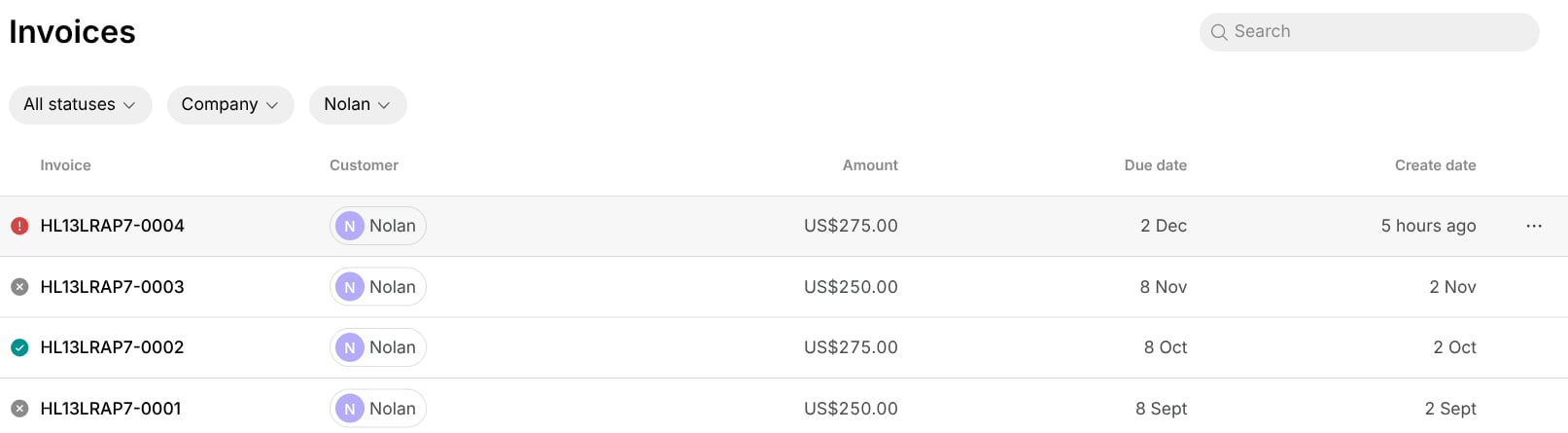
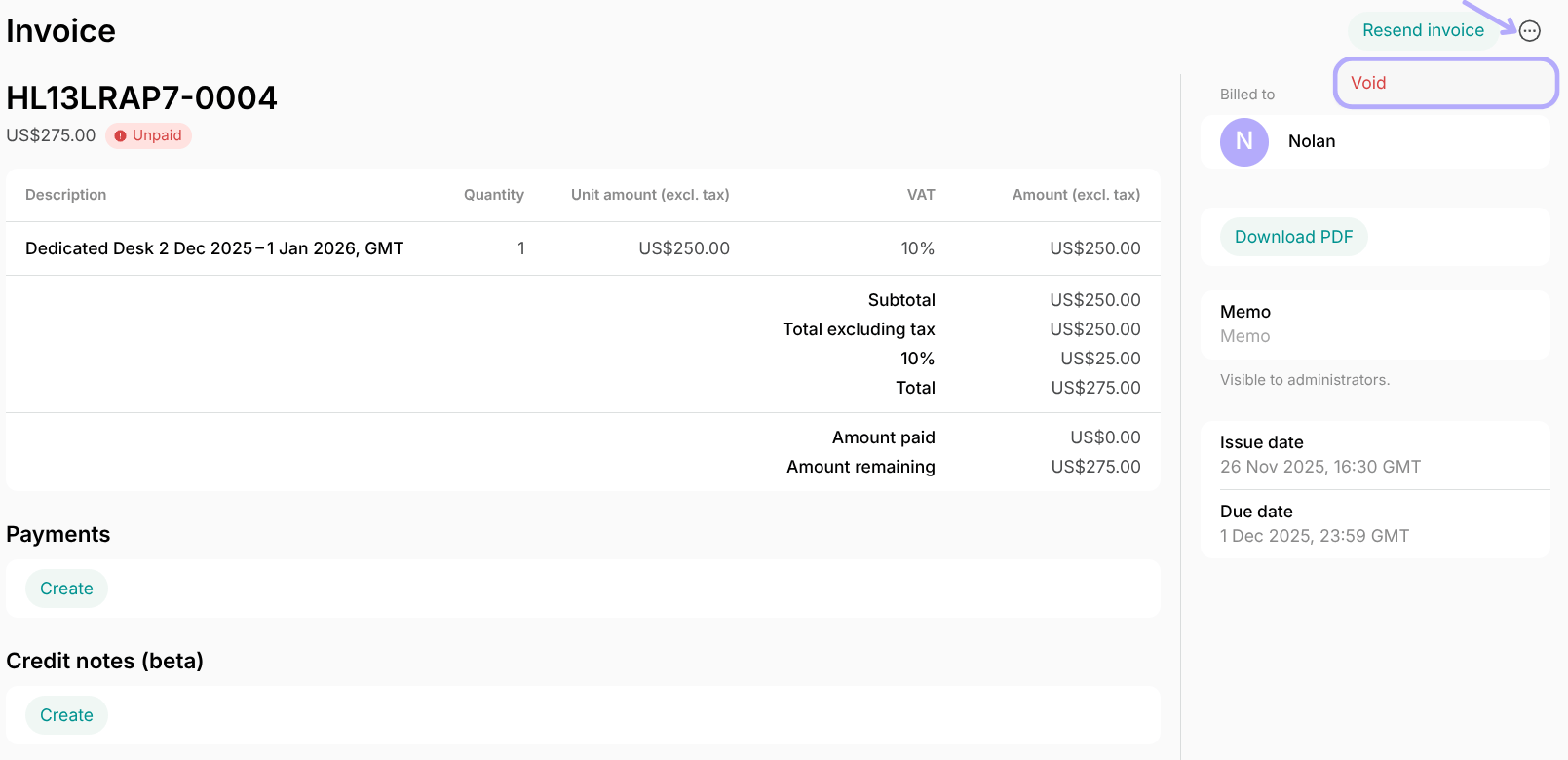
- Press the (…) menu top right, click Void, and confirm your choice.