

Delete a draft invoice
To delete a draft invoice, open Spacebring and do the following:- Navigate to Customers and select a user/company.
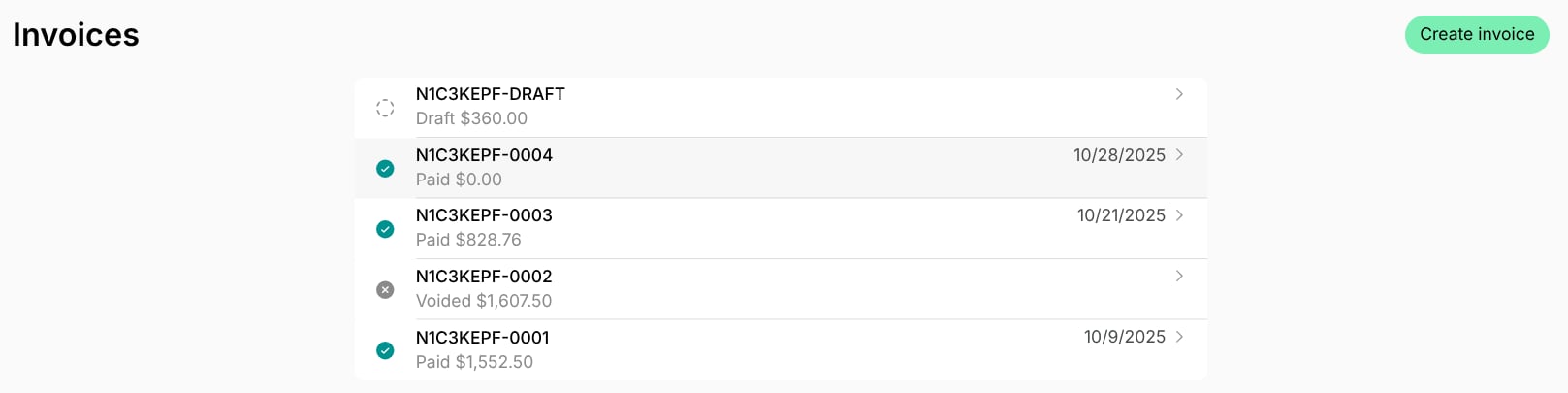
- Go to the Invoices page to see all the user’s/company’s invoices.
- Locate the draft invoice you want to delete.
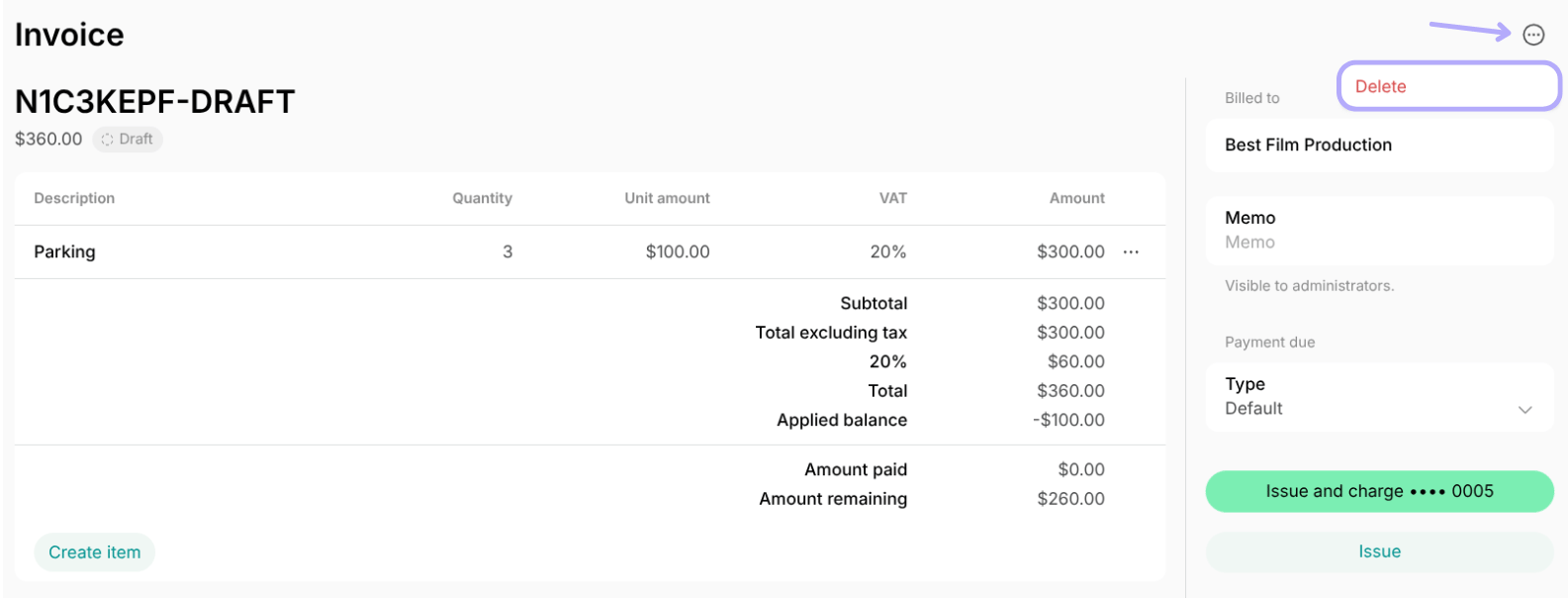
- Tap the menu (…) top right > click
Deleteand confirm your choice.
Deleting an invoice is irreversible. It is not possible to recover an invoice that has been deleted.