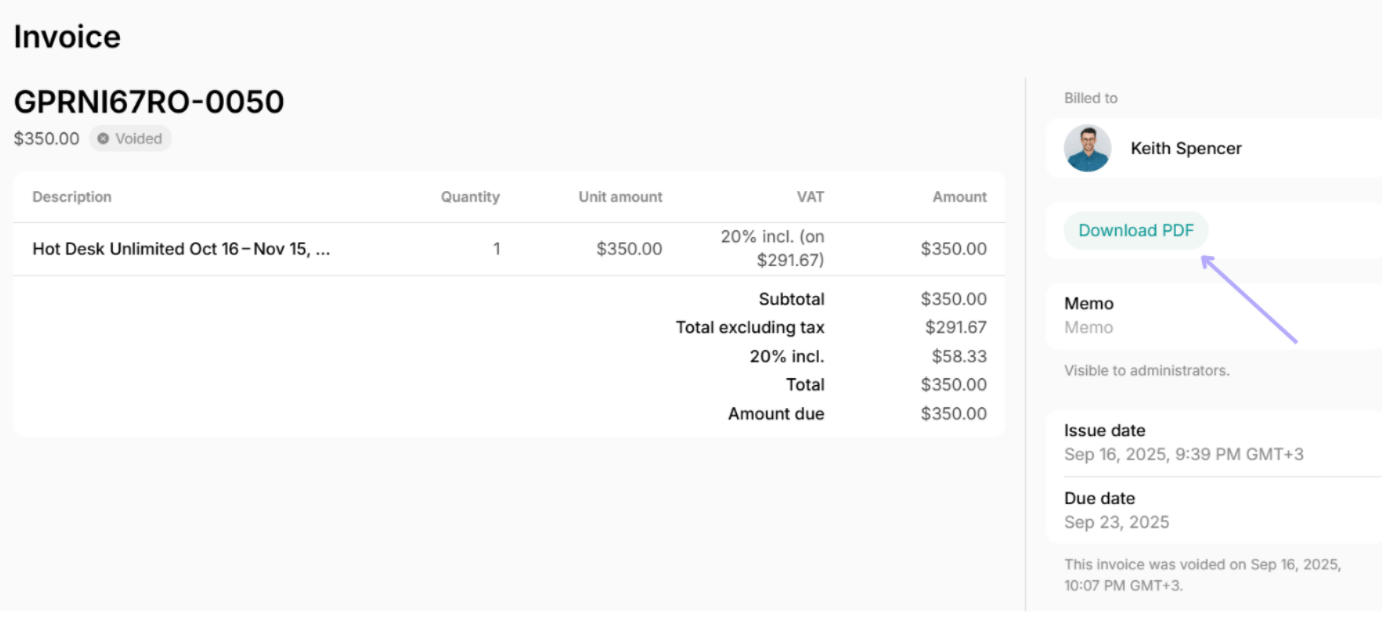
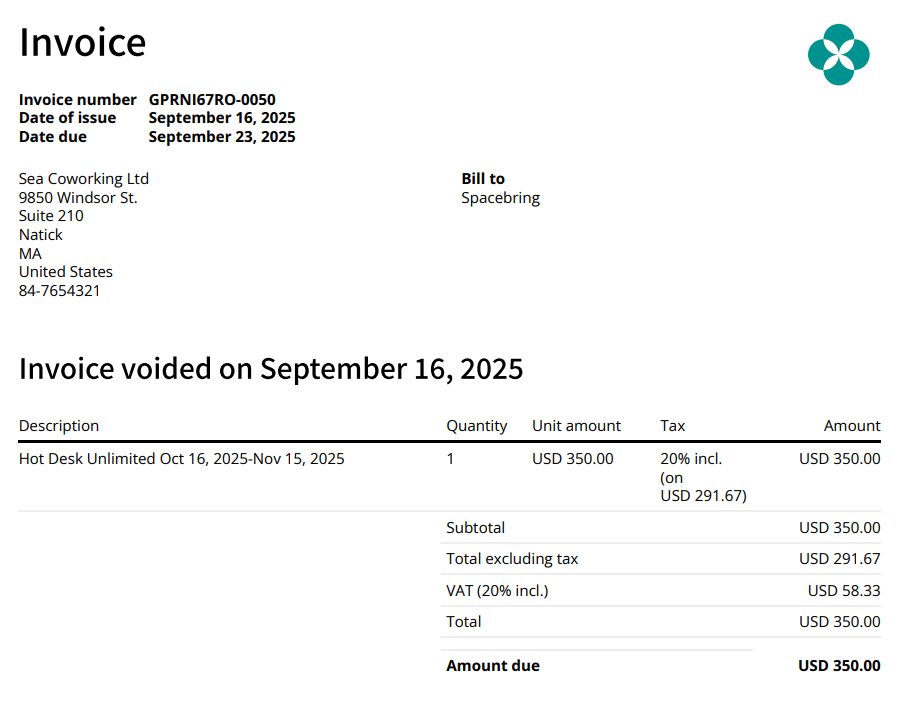
Only invoices with the “Unpaid” status can be voided. Understand invoice statuses.
Void an invoice
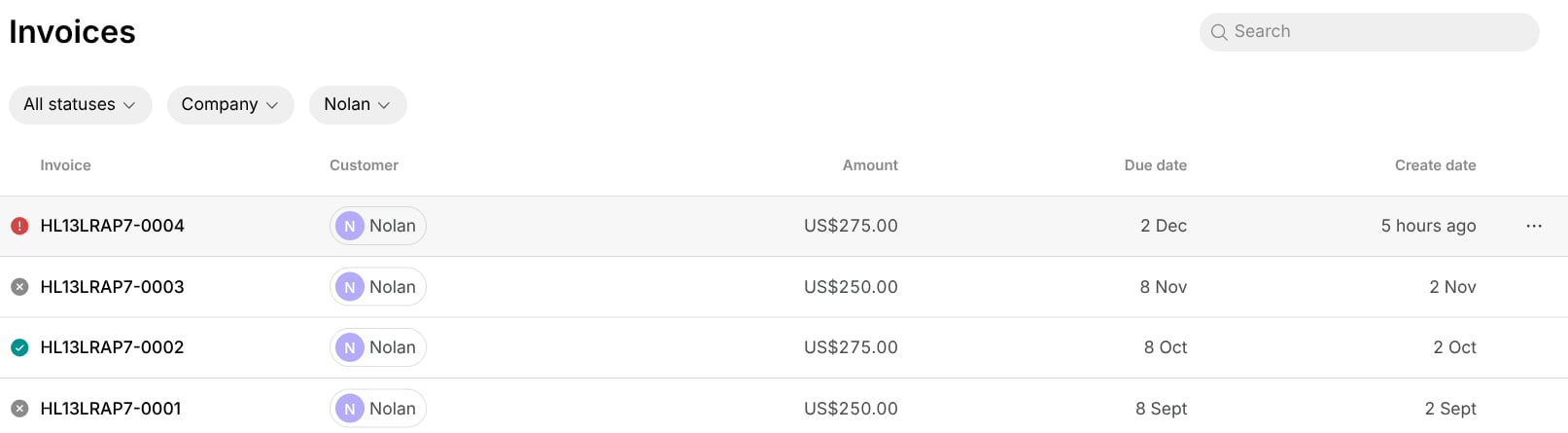
To void an unpaid invoice, open Spacebring and do the following:- Navigate to Customers and select a user/company.
- Open Invoices to see all the user’s/company’s invoices.
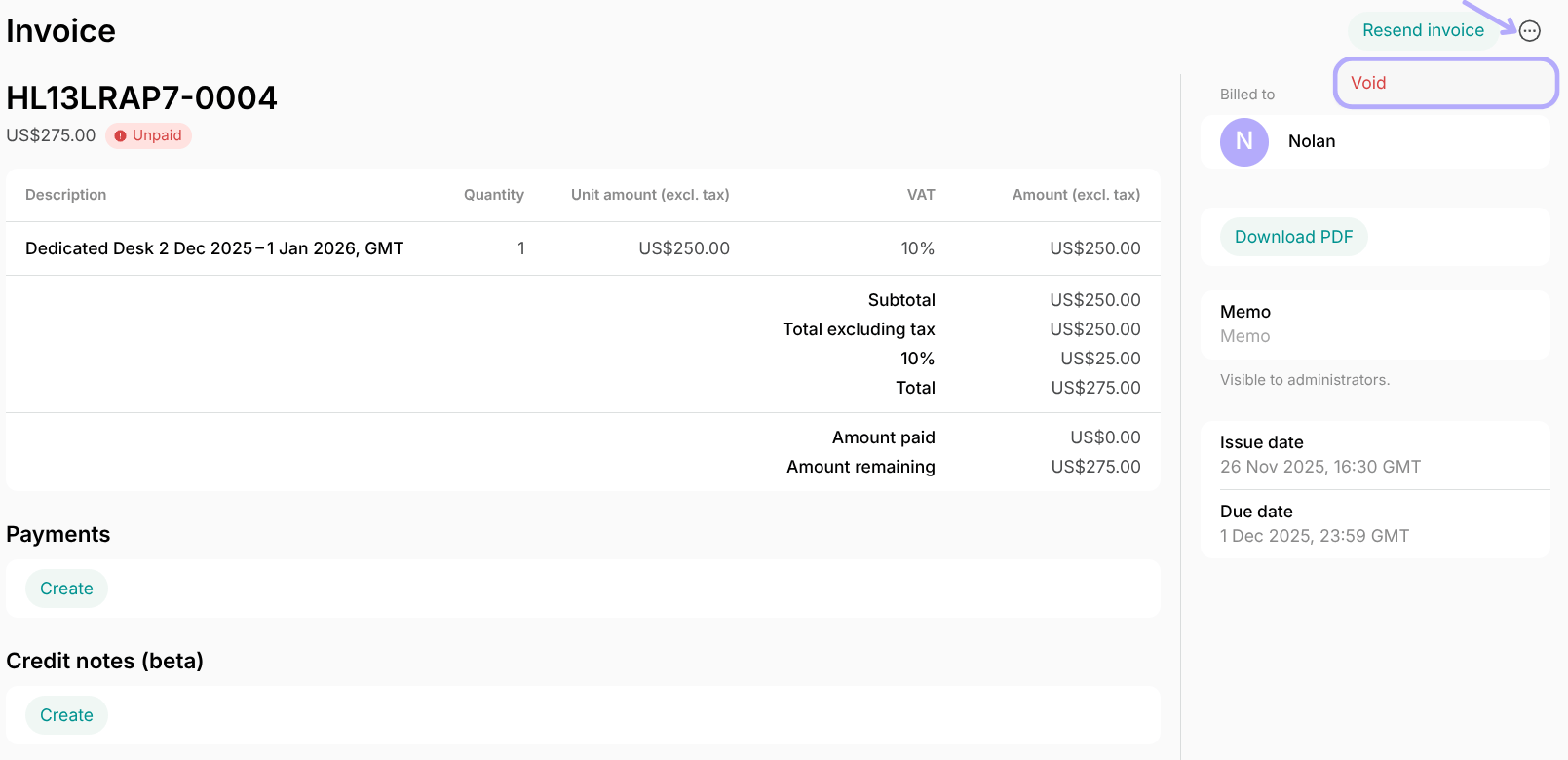
- Select an invoice and press the (…) menu top right. Click
Voidand confirm your choice.
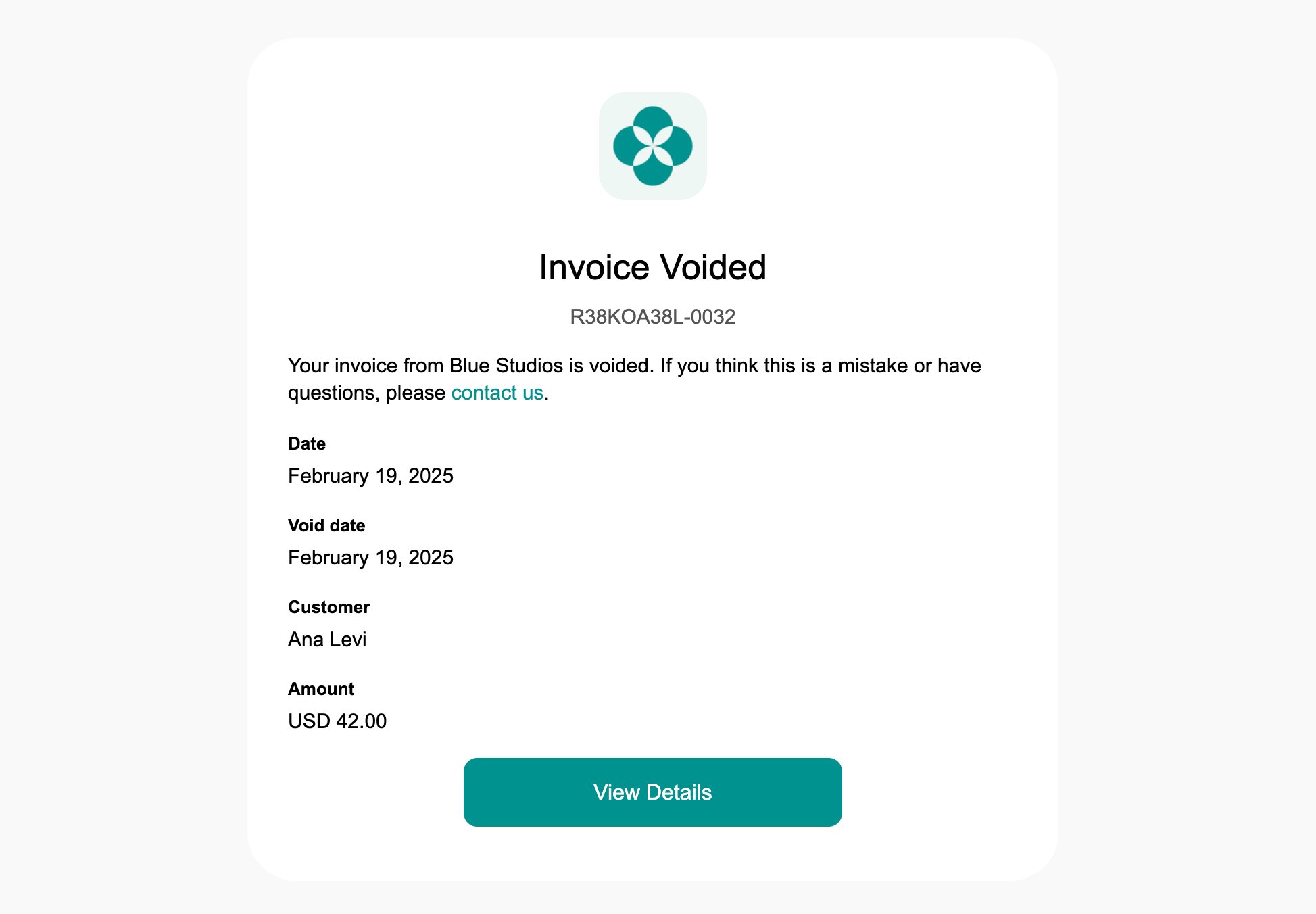
Voiding an invoice is irreversible. Once an invoice has been voided, it cannot be recovered.
When an invoice payment has “Pending”, “Failed”, or “Processing” status, you can’t void the invoice.
Download PDF after you void it.