

Manual payment
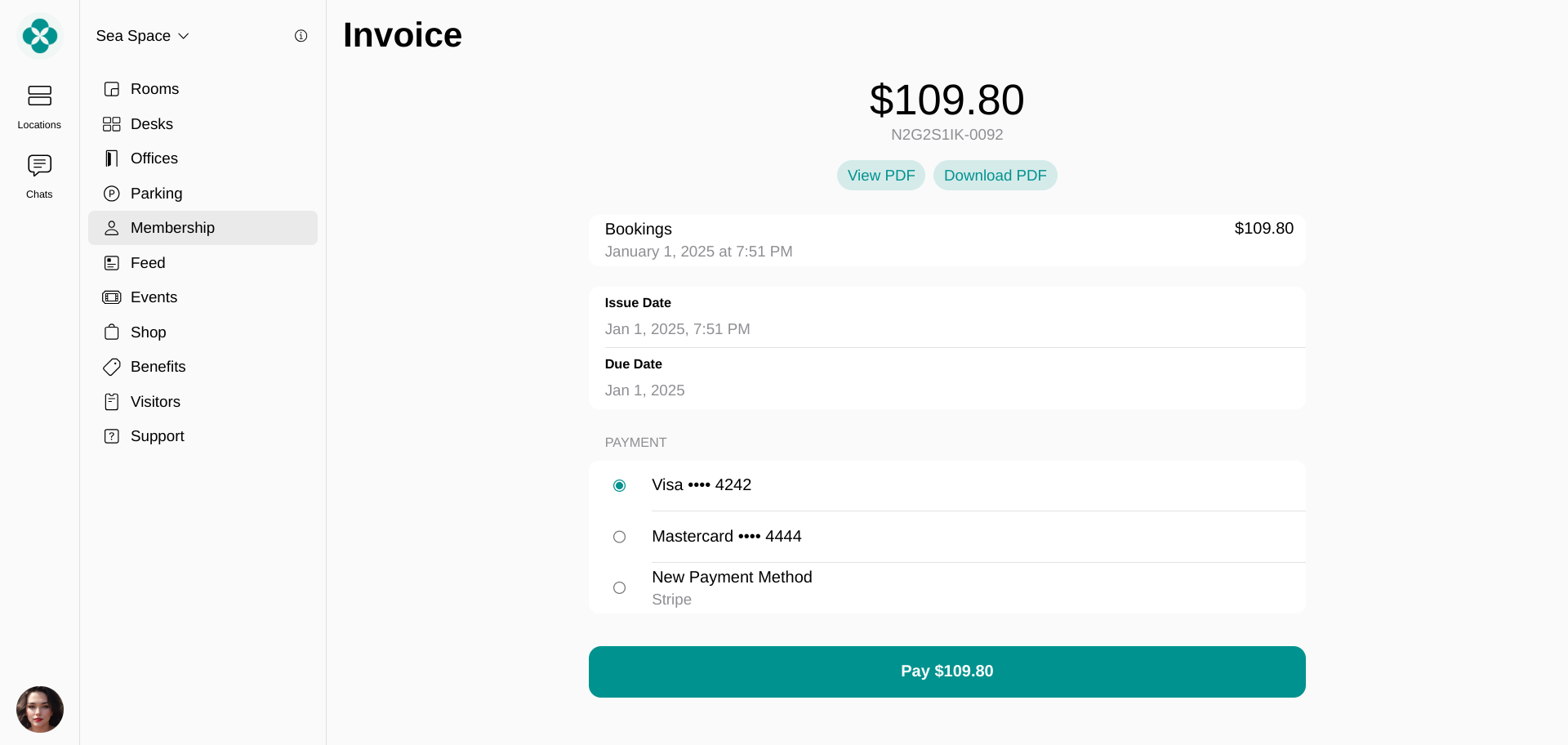
Manual payment is required in the following cases:- A user or a company has no default payment method on the Membership > Billing page.
- A user or a company has a default payment method on file, but the “Auto-pay” option is disabled for them. Manage Auto-pay
- Your connected payment gateway doesn’t support Auto-pay.
Automatic payment
If a default payment method is on file, Auto-pay is turned on, and your connected payment gateway supports Auto-pay, the system will process the payment automatically as soon as the invoice is issued. Both individual users and company managers receive an email that the payment is complete. The email includes details about the transaction and an option to view the receipt PDF attached.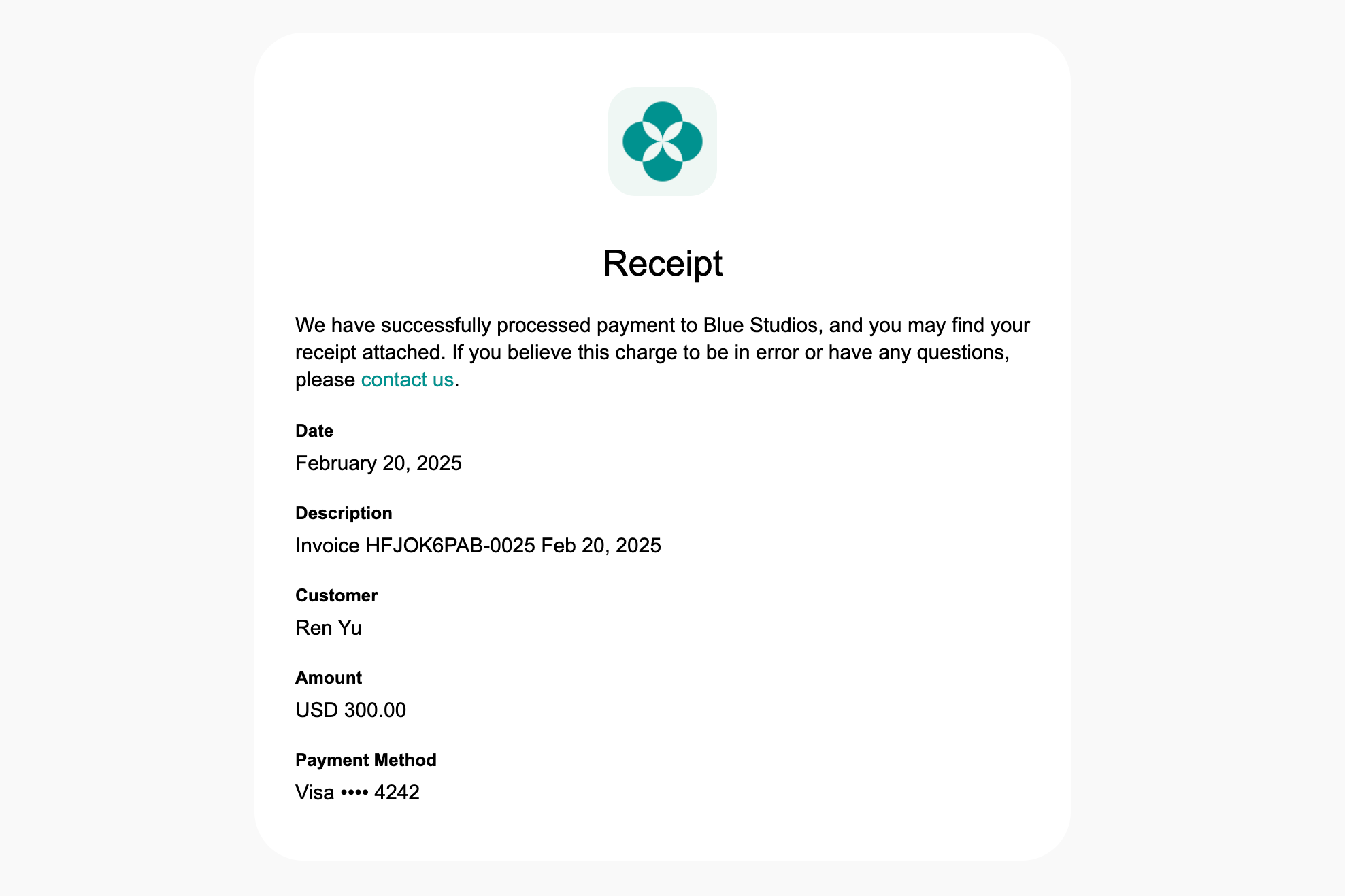
How can I check what payment gateway the user paid with for the invoice?
How can I check what payment gateway the user paid with for the invoice?
To find out what payment gateway the user paid with for the invoice, open Spacebring and follow the next steps:
- Navigate to Analytics > press the
Create reportbutton top right and select “Invoices” type. - Set the necessary start and end dates, status, and press
Download. - Find the necessary invoice and check the “Payment type” row to see the payment gateway.