

- Navigate to Customers > select the user/company you want to resend the invoice to.
- Go to Invoices > tap on the necessary invoice.
- Press
Resend invoicetop right to send the invoice to the customer once again.
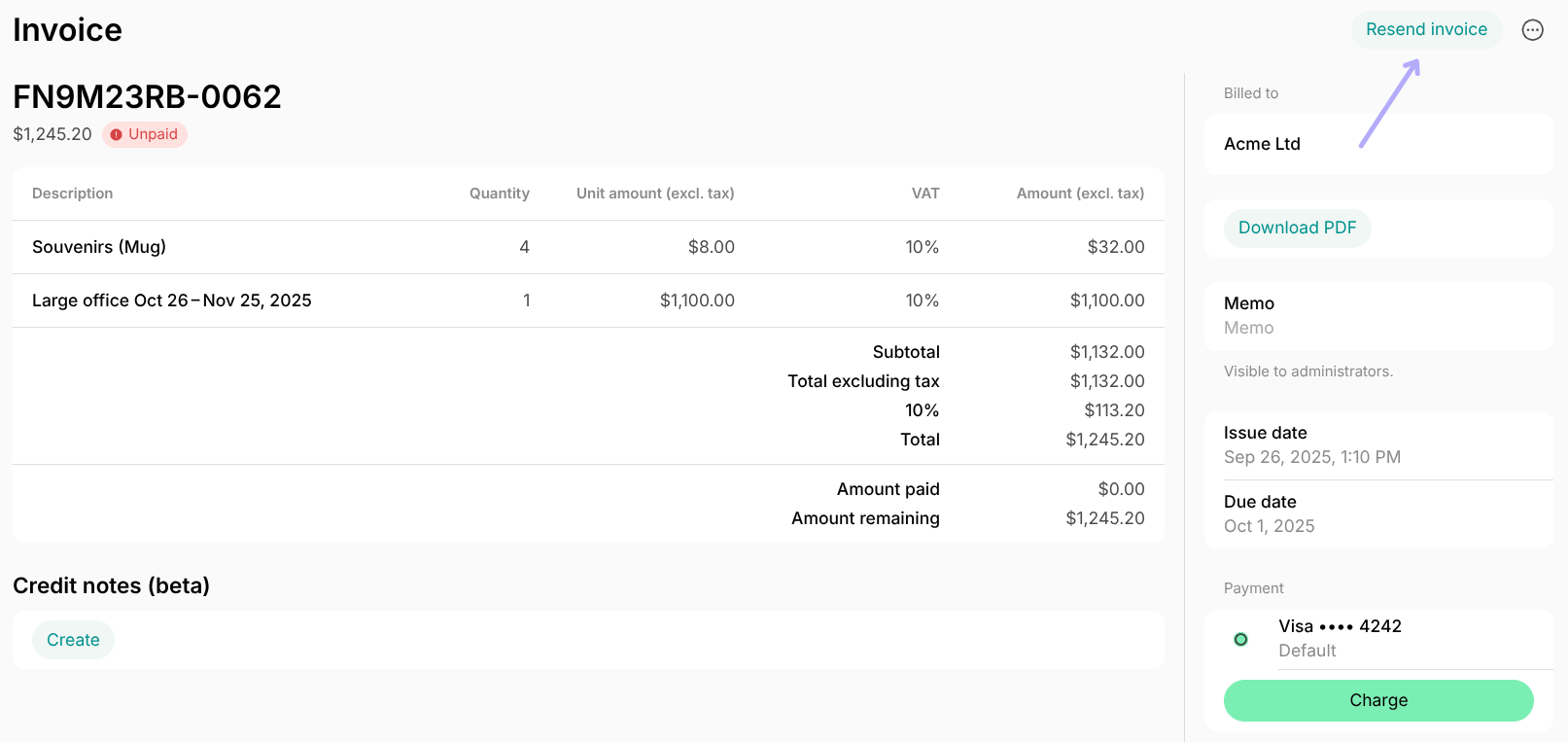
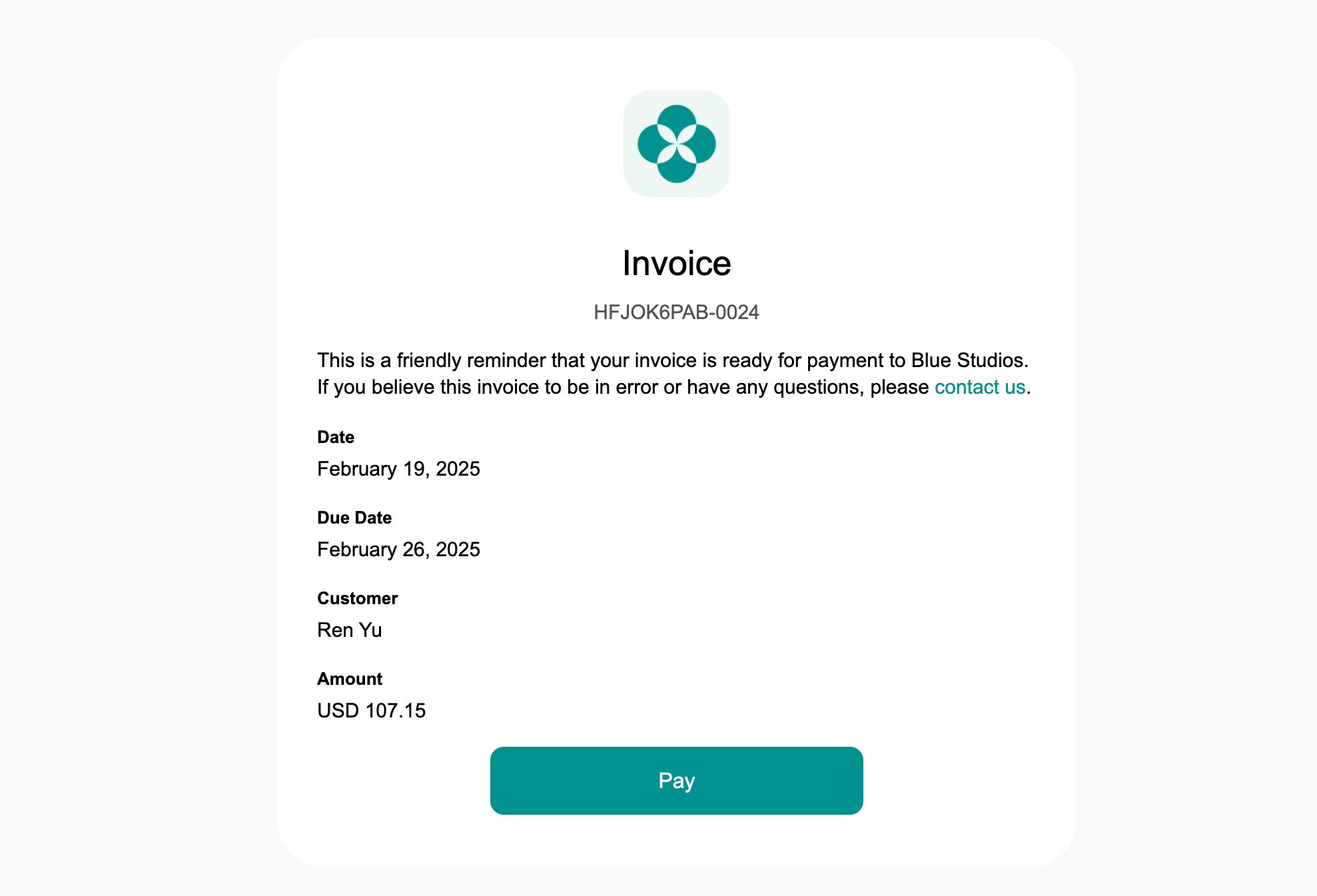
Only unpaid invoices show the
Resend invoice button. For paid invoices, this button is replaced by Send receipt, which emails the customer both the invoice and the receipt PDFs.