

🌍 HyperPay is available in Saudi Arabia, the United Arab Emirates, Bahrain, Jordan, Lebanon, and Qatar.
HyperPay is a distinct company not affiliated with us. For any inquiries regarding HyperPay’s solutions, services, or pricing, please reach out to HyperPay directly. We do not have the authority to provide information or support on behalf of HyperPay.
Connect HyperPay
To activate HyperPay, do the following:- Get the Entity ID and Access Token of your merchant channel from your HyperPay account, following this guide.
- Go to the Integrations page by pressing the menu (…) next to the location’s name.
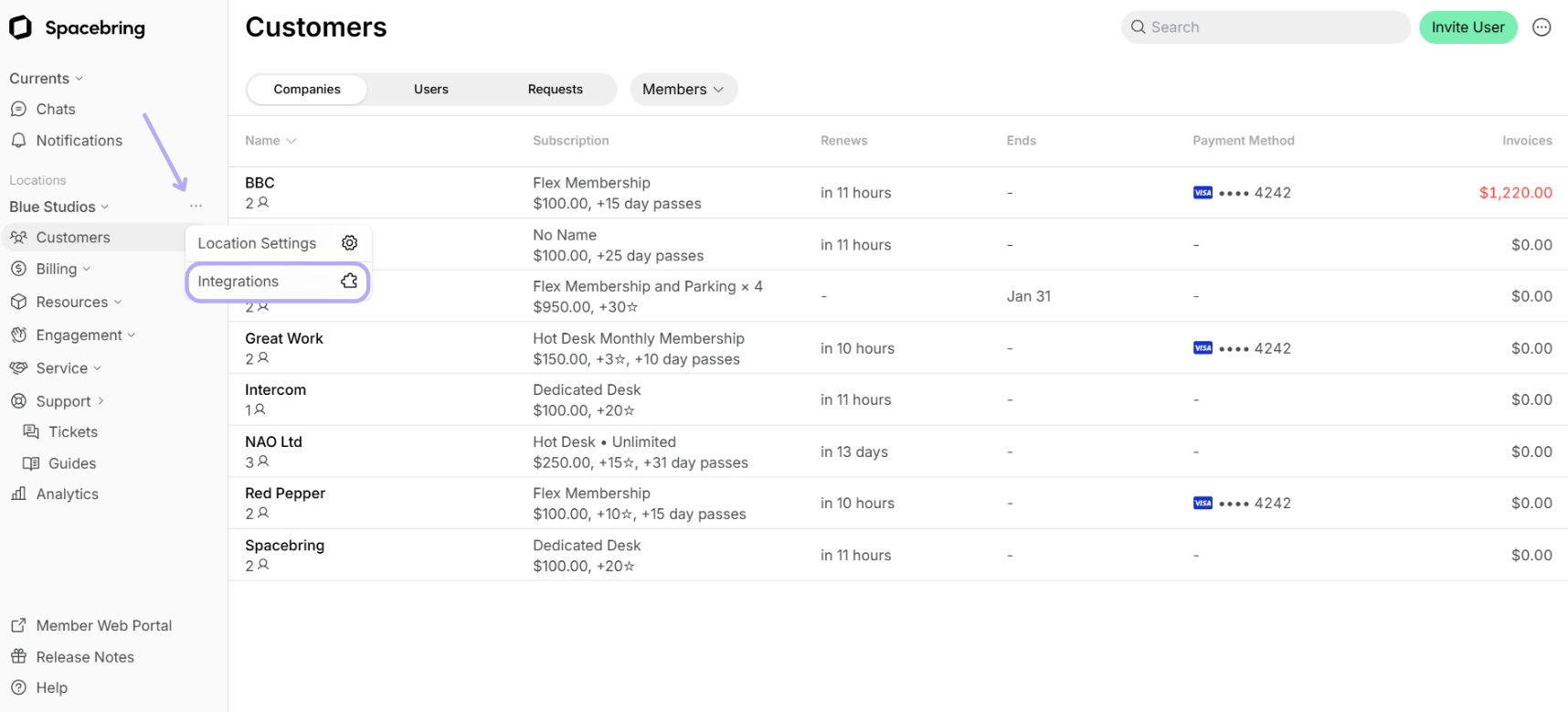
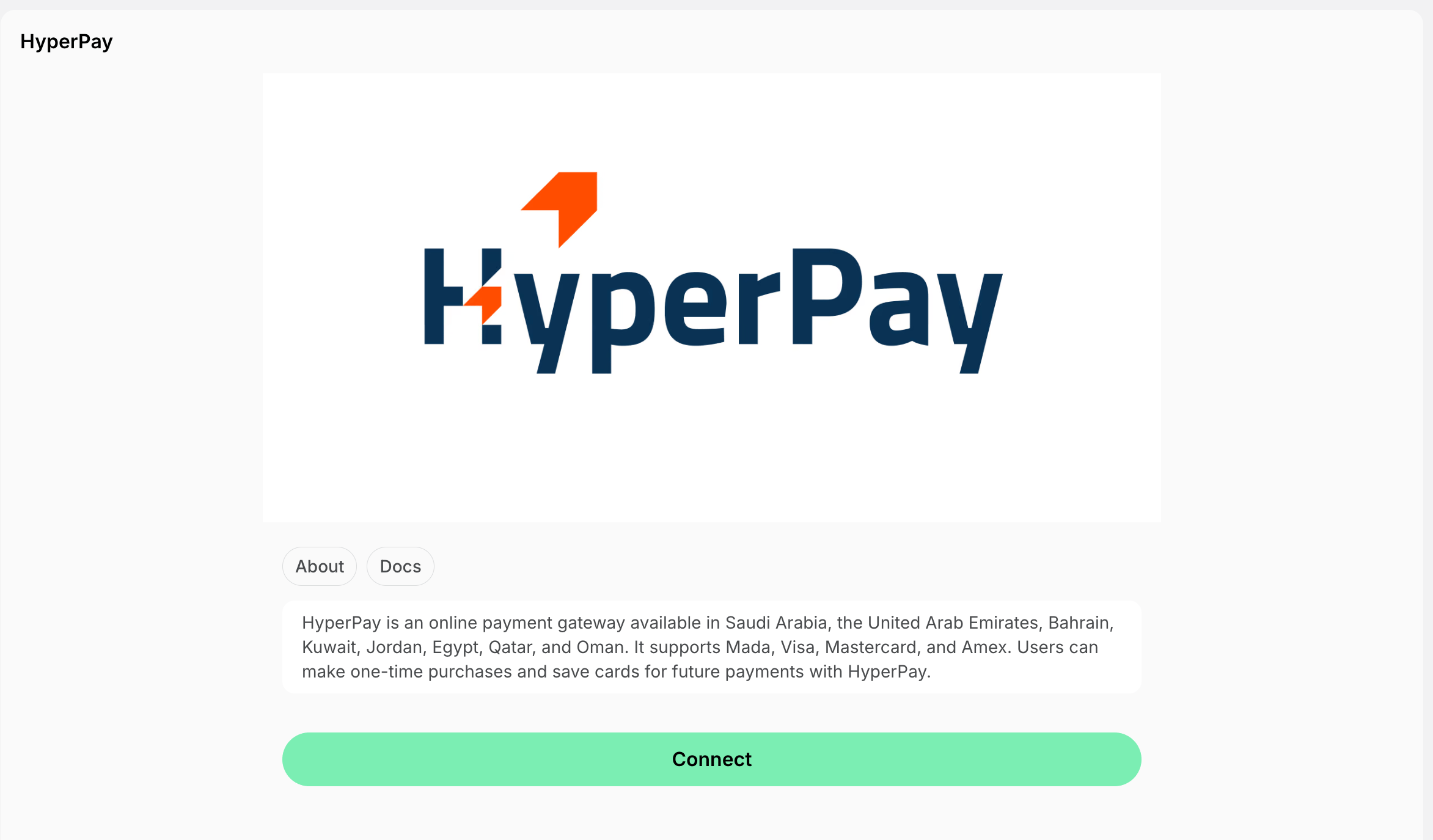
- Find the HyperPay integration page and press Connect.
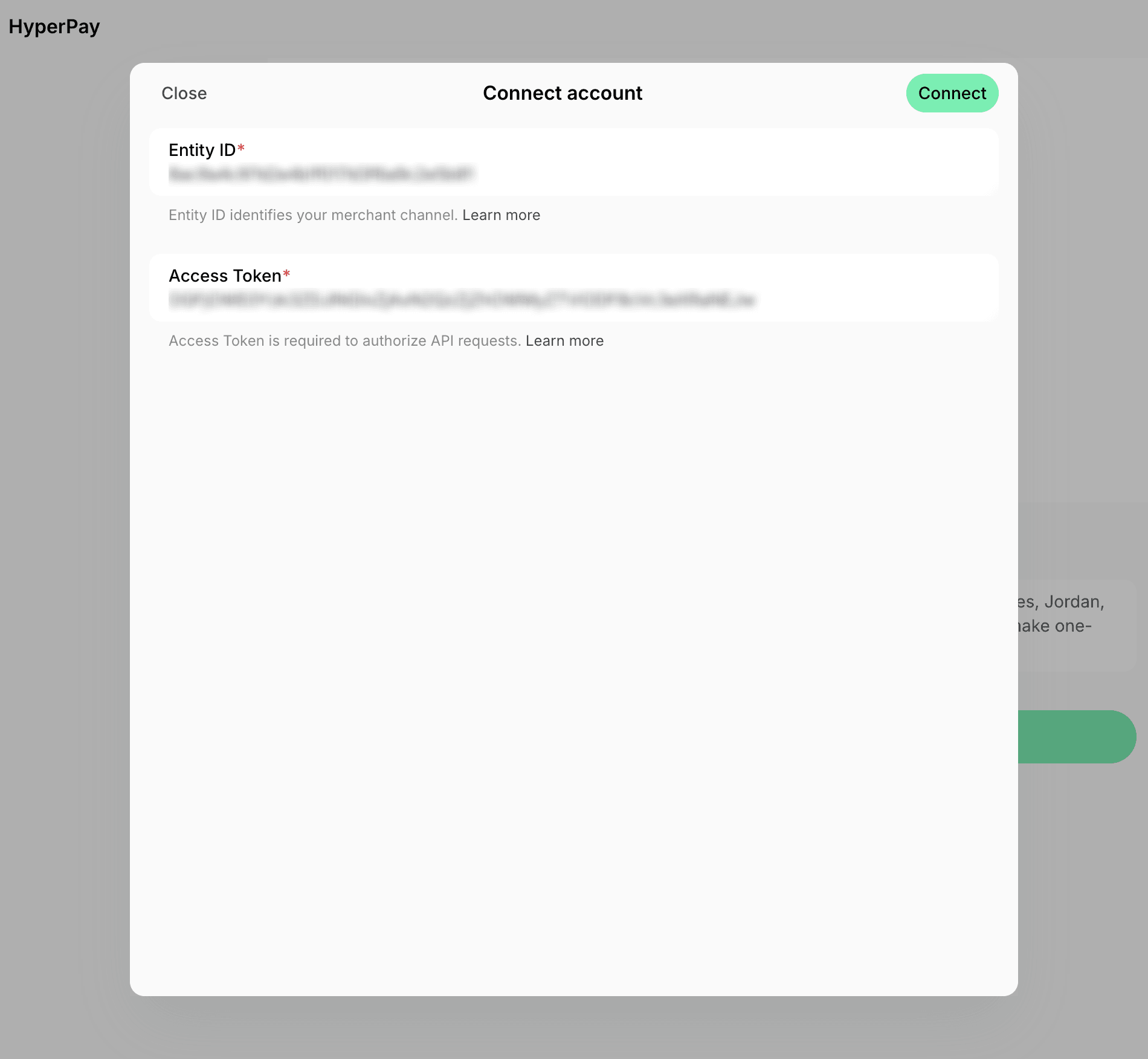
- Paste your Entity ID and Access Token, and press Connect.
Configure HyperPay
Payments are active for all products and services once you connect the account. To turn any of them off, press the menu (…) next to the location’s name > Integrations > HyperPay, and use the switches in the Payments section:- Bookings
- Event tickets
- Shop products
- Packages
- Invoices
How HyperPay works
The integration adds New payment method to the checkout section around member web portal and mobile app. Users selecting the New payment method enter their card details on the HyperPay payment form and confirm the payment with their bank. HyperPay accepts:- Mada, Visa, Mastercard, and American Express cards.
- Payments in AED, BHD, EGP, EUR, GBP, JOD, KWD, OMR, QAR, SAR, and USD.
Disconnect HyperPay
To disconnect HyperPay integration, follow these steps:- In Spacebring, press the menu (…) next to the location’s name > Integrations > HyperPay.
- Press Disconnect and confirm your choice.