

🌍 Mercado Pago is available in Argentina, Brazil, Chile, Colombia, México, Perú, and Uruguay.
Mercado Pago is a distinct company not affiliated with us. For any inquiries regarding Mercado Pago’s solutions, services, or pricing, please reach out to Mercado Pago directly. We do not have the authority to provide information or support on behalf of Mercado Pago.
Connect Mercado Pago
- Get the Access token from your Mercado Pago Dashboard. Locate Mercado Pago credentials
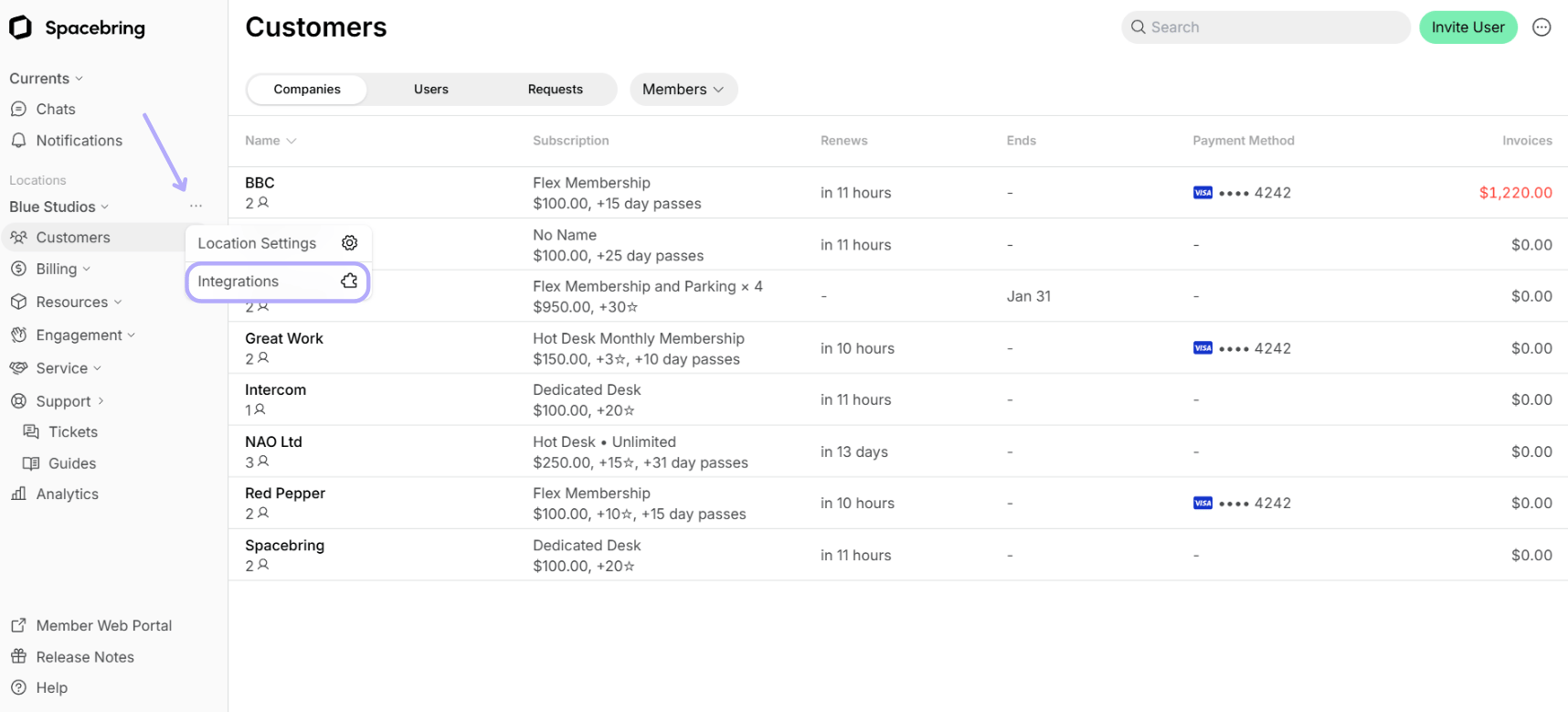
- Go to the Spacebring > Integrations page by pressing the menu (…) next to the location’s name.
- Find the Mercado Pago integration page.
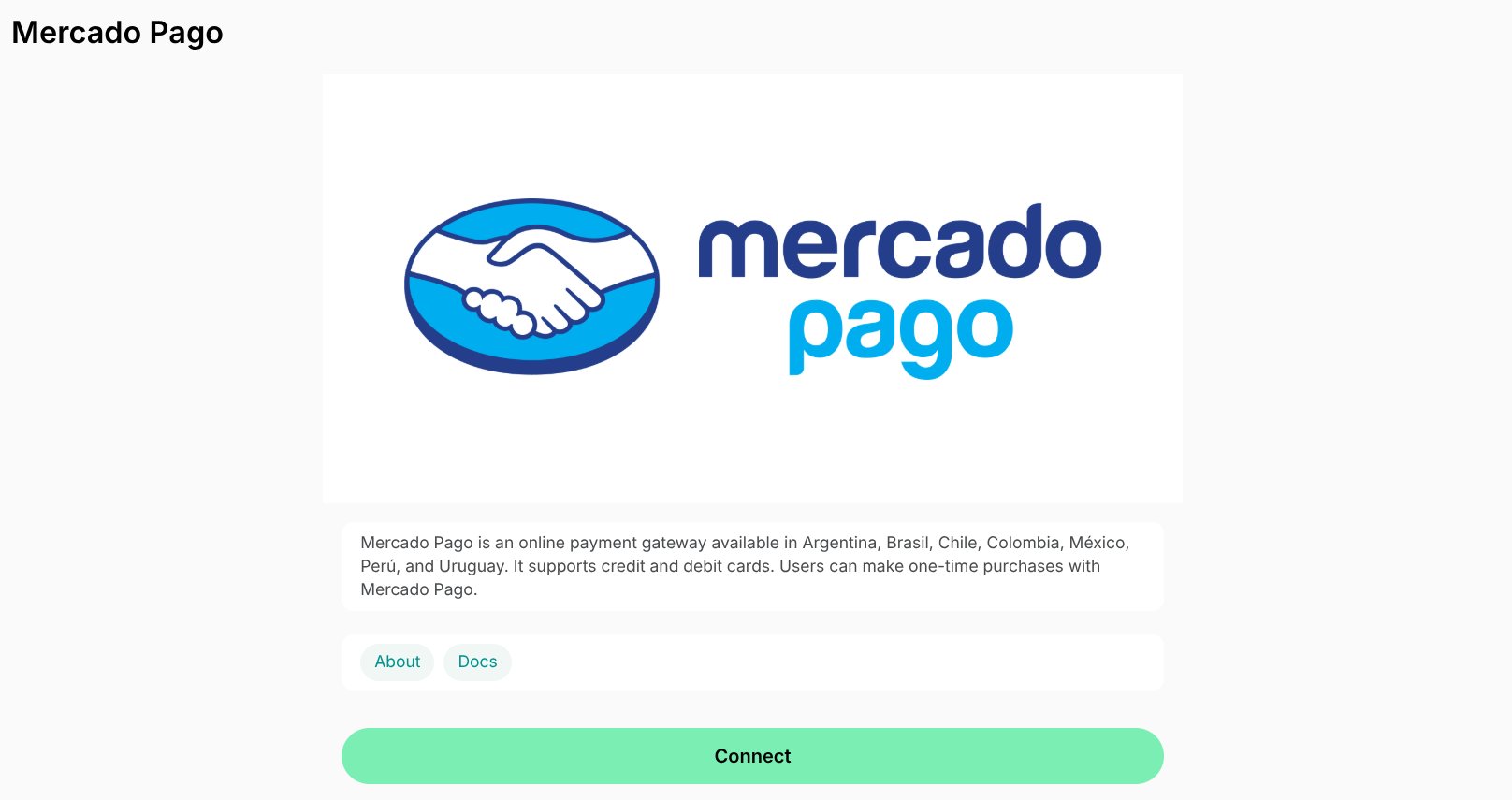
- Press Connect.
- Fill in your Access token, and choose your Mercado Pago account currency.
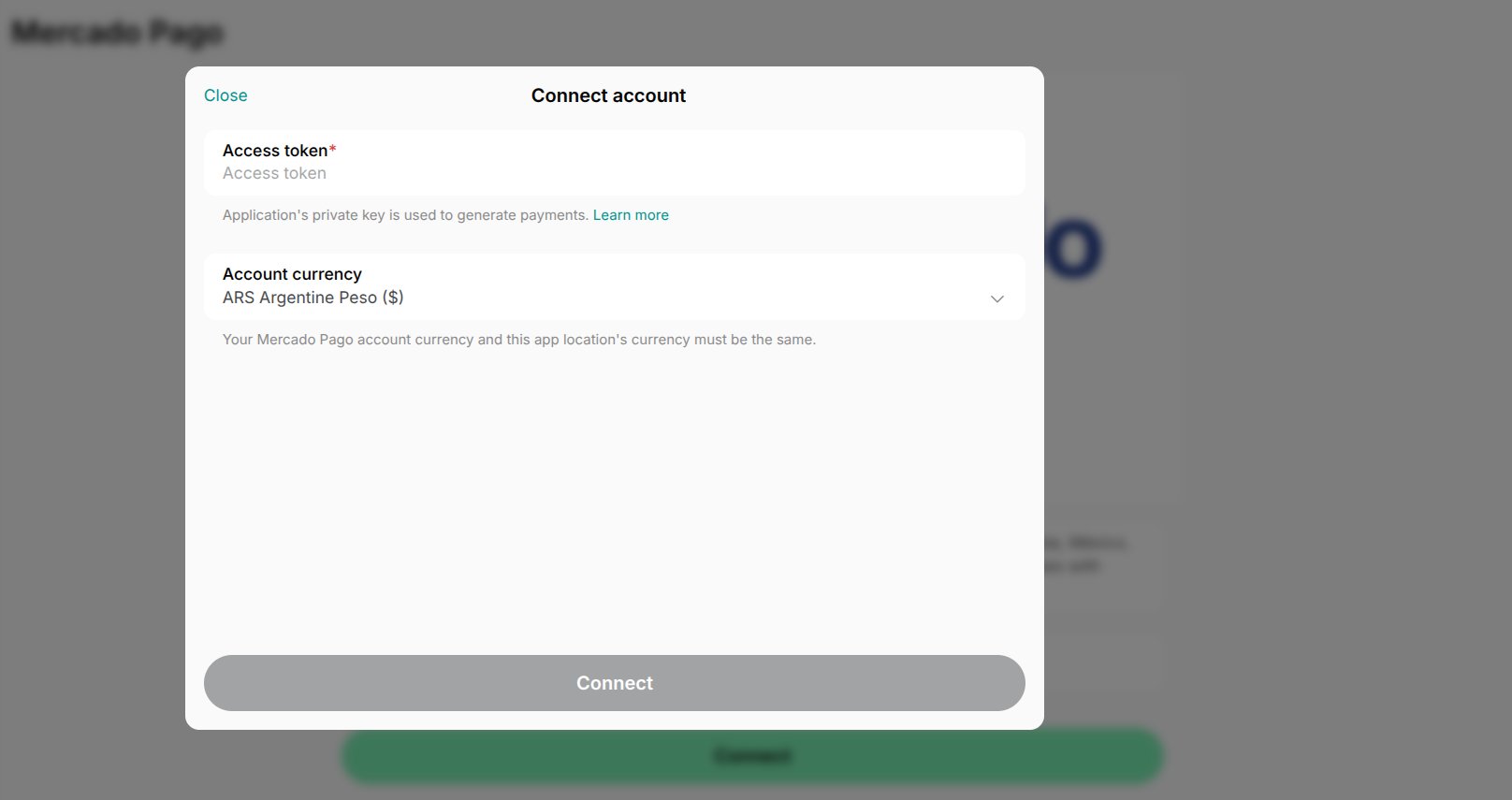
- Confirm your choice and select what services the payments should go through > Save.
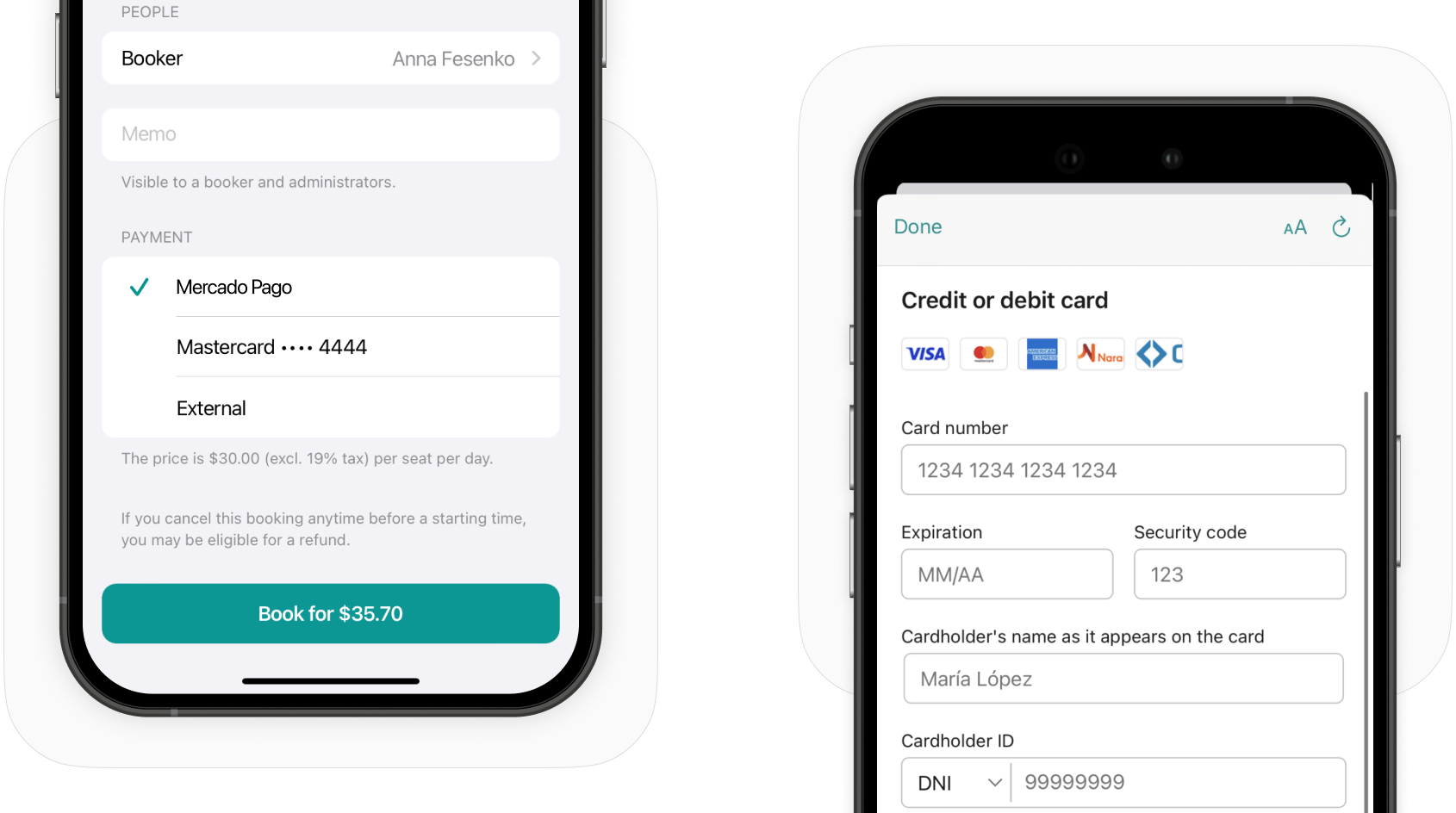
How Mercado Pago works
Identify users’ transactions in Mercado Pago
You can easily find users’ transactions in the Mercado Pago dashboard using the following unique identifiers:- ID — coincides with External Reference in the Mercado Pago dashboard. You can copy the ID of the transaction from the transactions report.
- Time — coincides with the date and time of the transaction in the Mercado Pago dashboard.
- Description — the types of purchases users make, such as room bookings, desk bookings, Shop orders, etc.
Disconnect Mercado Pago
To disconnect Mercado Pago integration, follow these steps:- Go to Spacebring > Integrations page by pressing the menu (…) next to the location’s name > Mercado Pago.
- Press Disconnect and confirm your choice.