

Prerequisites
Enable admin notifications for new bookings by the users who send requests, such as nonmembers, to be notified whenever one of them requests a booking.Understand booking permissions
You can set booking permissions for resources that customers book:- Rooms
- Desks
- Parking lots
- Equipment
- Visibility – Who can see the resource
- Booking – Who can book the resource immediately
Booking permission levels
For example, if Visibility is set to Public and Booking is set to Location members, everyone can see this resource, but only members and administrators can book it immediately. Nonmembers can request a booking. Understand user roles
The Booking permission is set as Public by default.
Configure booking permissions
- Go to Resources > Rooms, Desks, Parking, or Equipment.
- Add or edit a resource that requires administrator verification, and configure the Visibility and Booking permissions on its Permissions tab.
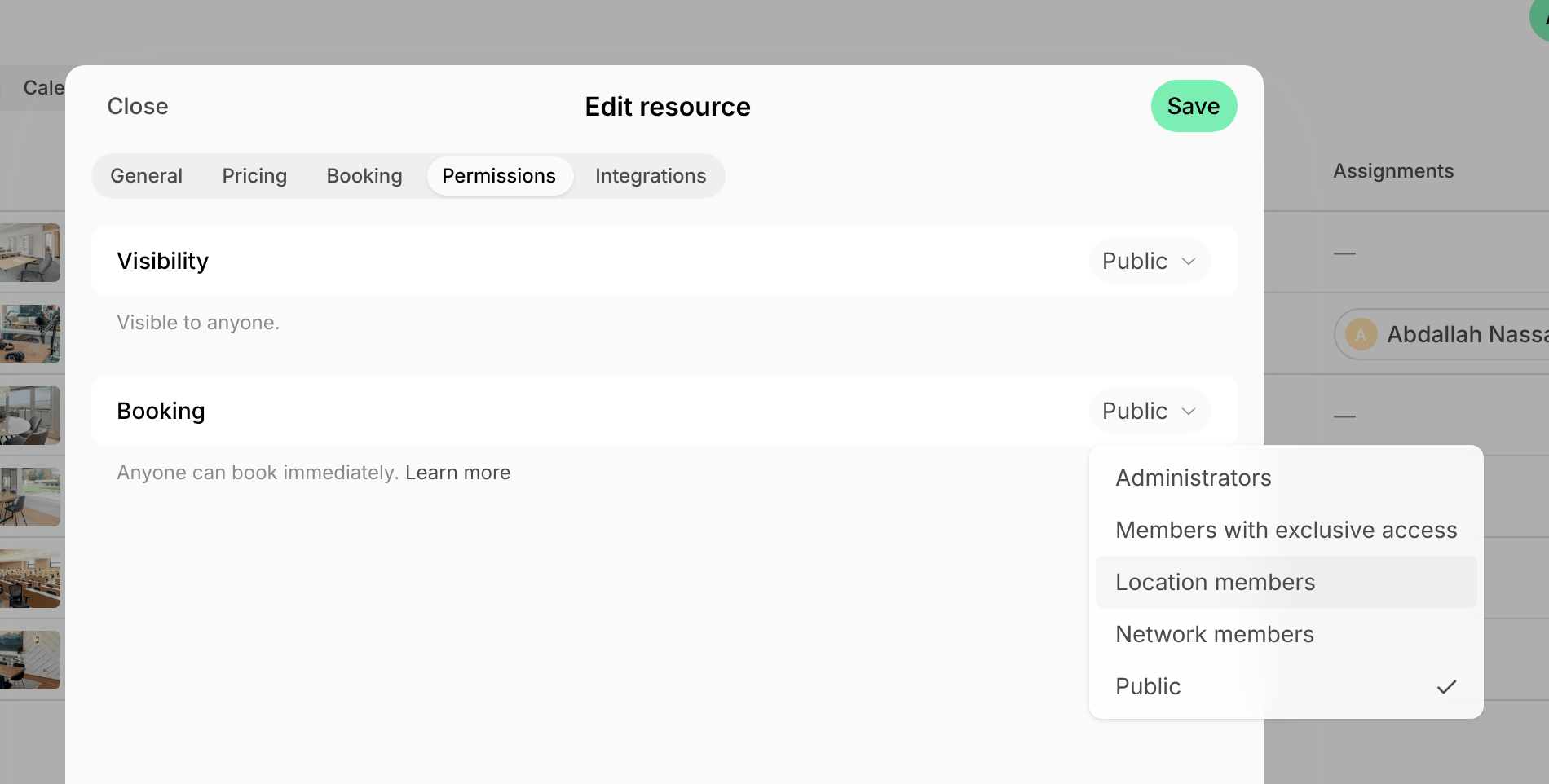
- Once the permissions are configured, press Save.
How users request a booking
- Go to the page with the necessary resource.
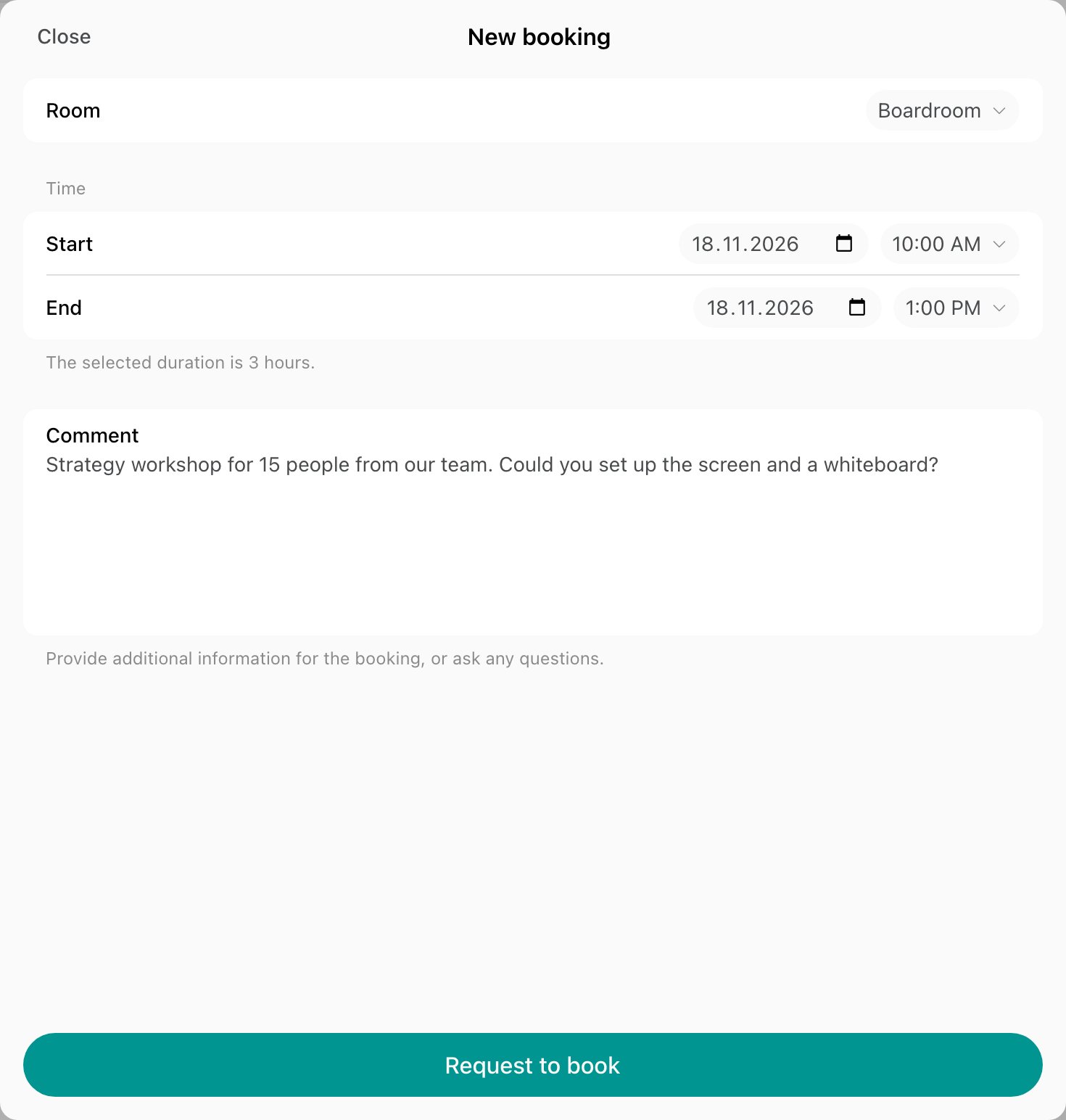
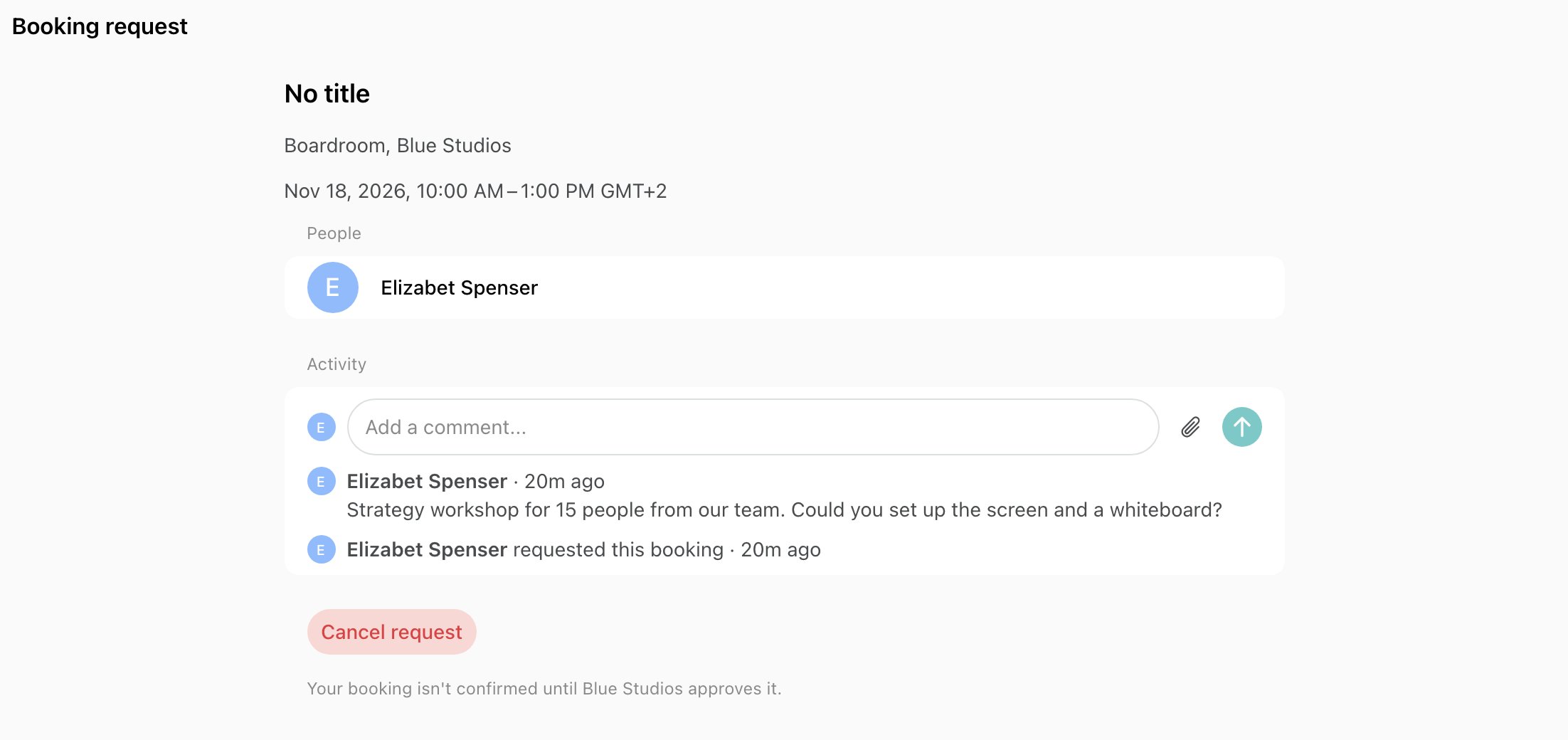
- Select the resource, date, and time, optionally leave a comment, and press Request to book.
Approve or decline a booking request
New requests appear on the Bookings page with the Requested status. A user who wasn’t a customer of the location becomes a nonmember when they send a request, so you can send them a contract or an invoice before you approve it.- Go to Bookings and open the request. The page shows whether the requested time is still free, and the user’s comment is the first entry in its Activities section.
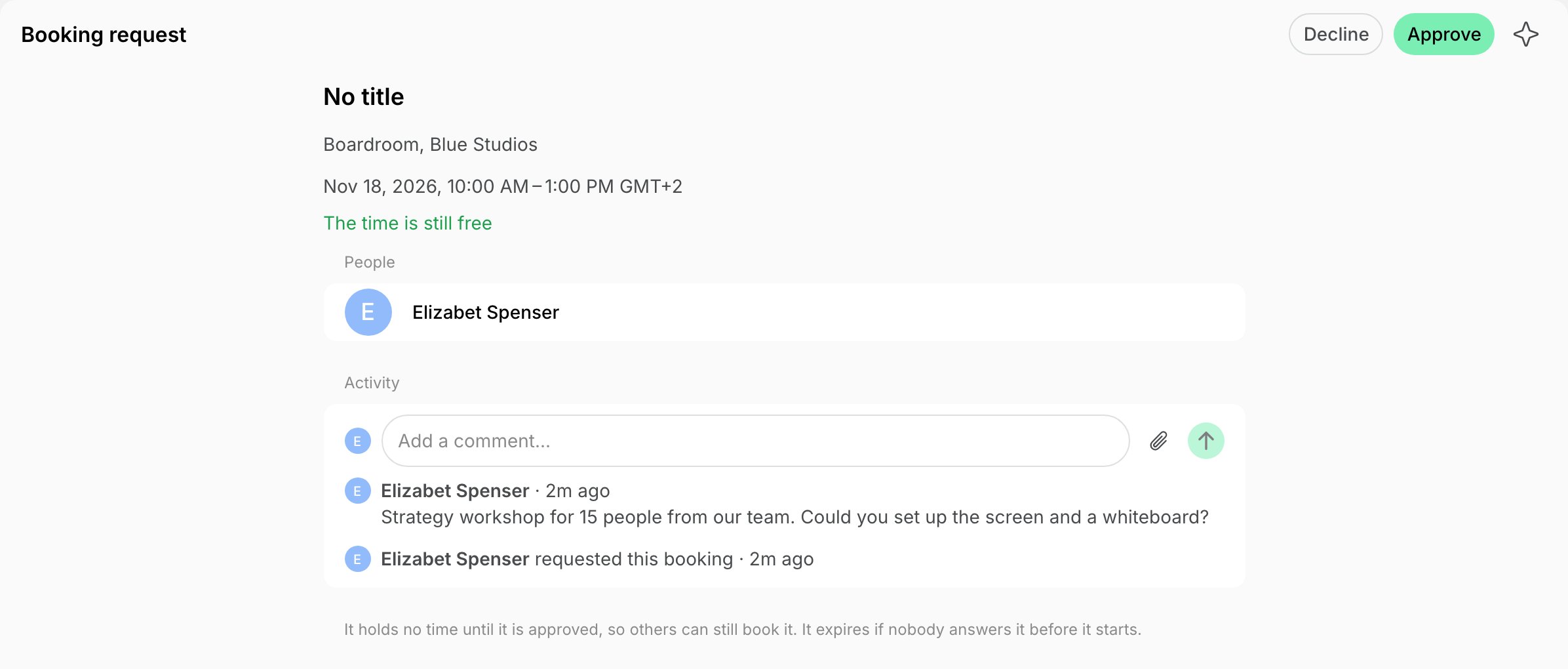
- To approve it, press Approve. The booking form opens with the requested resource, time, and seats, and the user as the booker.
- Change the time, seats, title, memo, or invitees if needed.
- In the Payment section, choose Invoice to bill the user, External to record a payment the user makes outside Spacebring, or a free booking.
- Press the button at the bottom to create the booking. The user gets the same notification as for any booking you make for them.
- To decline it, press Decline, optionally enter a Reason, and press Decline again. The user gets the reason by email and push.
Message a user about a request
To ask what a user needs before you answer, or to agree on another time, write to them in the Activities section of the request page. They can reply, and attach files, from the same page in their bookings. The conversation closes once the request is answered, and the booking an approval makes keeps it in its Activities section.- When the user writes, administrators who manage bookings at the location get a push and an inbox notification, through the same setting as new requests.
- When you write, the user gets a push and an email, and the request is marked as unread in their bookings until they open it.
Best practices
Restricting booking permissions is perfect for:- Podcast or recording studios, massage rooms, beauty workstations, or costly equipment that require a background check and should not be available for instant booking by nonmembers.
- Resources with flexible or irregular schedules, like conference halls or event venues, where availability must be confirmed.
- Resources with conditional pricing structures.
- Any resources that should only be accessible after admin approval rather than immediate booking by certain user groups.
FAQs
Why did a customer send a booking request instead of booking immediately?
Why did a customer send a booking request instead of booking immediately?
The Booking permission of the resource they chose doesn’t let them book it immediately. To check and adjust it:
- Go to the Resources page > Rooms, Desks, Parking, or Equipment, based on what the user requested.
- Click (…) > Edit next to the necessary resource.
- On the Permissions tab, find the Booking permission section and adjust it, as needed, to allow users to book immediately.
Why is one of my resources available for requests only and not for bookings, even though I didn’t change its 'Booking' permission?
Why is one of my resources available for requests only and not for bookings, even though I didn’t change its 'Booking' permission?
Please remember that the Visibility and Booking permissions are interconnected, and the Booking permission cannot allow a lower user role than the Visibility permission. For example, a room cannot be visible only to members but bookable by the public.That’s why, when you edit one of these permissions, the other may automatically adjust to maintain this hierarchy. For instance, if you temporarily set the room’s Visibility to Hidden, the Booking permission automatically adjusts to Administrators. However, if you later revert the Visibility to include members or the public, the Booking permission does not update automatically. It remains set to Administrators unless manually changed.To avoid such issues, always review and update both the Visibility and Booking permissions together to ensure they align with your desired settings.
Can I approve a request if someone booked the same time meanwhile?
Can I approve a request if someone booked the same time meanwhile?
No. A request holds no time, so approving it fails when the time is already booked. Change the time or the resource in the booking form, or decline the request with a reason.