
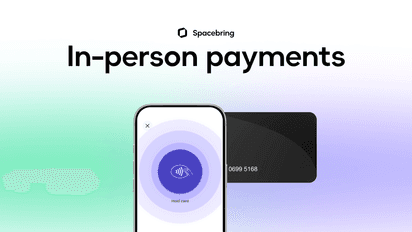
Accept contactless payments right on your Android phone or tablet
Tap to Pay on Android lets you accept in-person contactless payments with Stripe and a compatible Android phone or tablet, with no extra hardware required.
Benefits and features

Get started quickly
Start accepting in-person payments with just a compatible Android phone or tablet, with no traditional hardware required.

Accept payments anywhere
Accept in-person payments in new settings, such as cafe, front desk reception, and more, without traditional hardware.

Stay flexible
Manage sudden influxes in customer queues and curate bespoke customer experiences.

Choose your device
Accept payments on a variety of NFC-equipped Android phones and tablets from Google, Samsung, Xiaomi, and more.
How it works
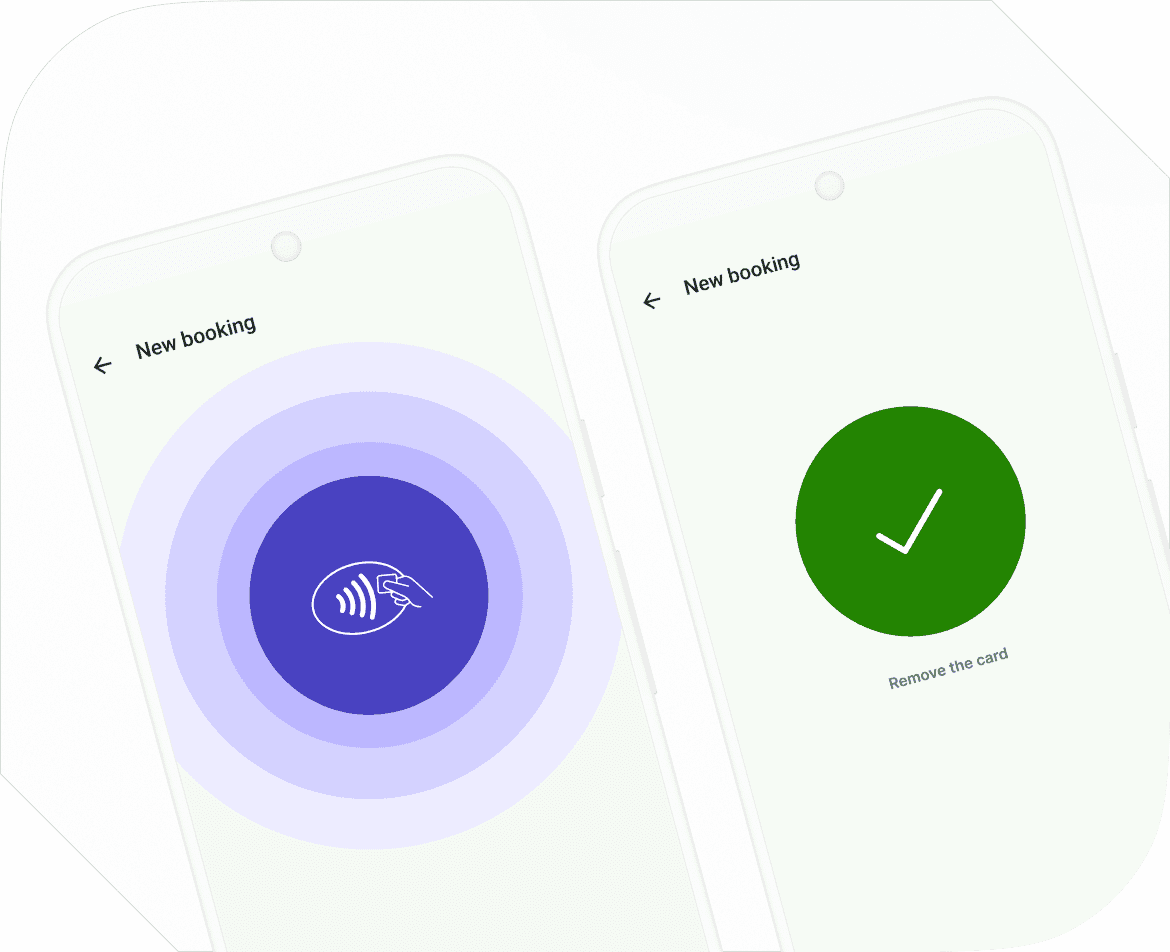
- Open the Spacebring admin mobile app on a compatible Android phone or tablet and select the In-person payment method when creating a booking or when creating a payment under the customer’s profile.
- Present the phone or tablet to the customer.
- The customer holds their contactless card or device under the bottom of the merchant device, under the contactless symbol.
- When you see the Done checkmark, the transaction is complete.
No additional hardware required
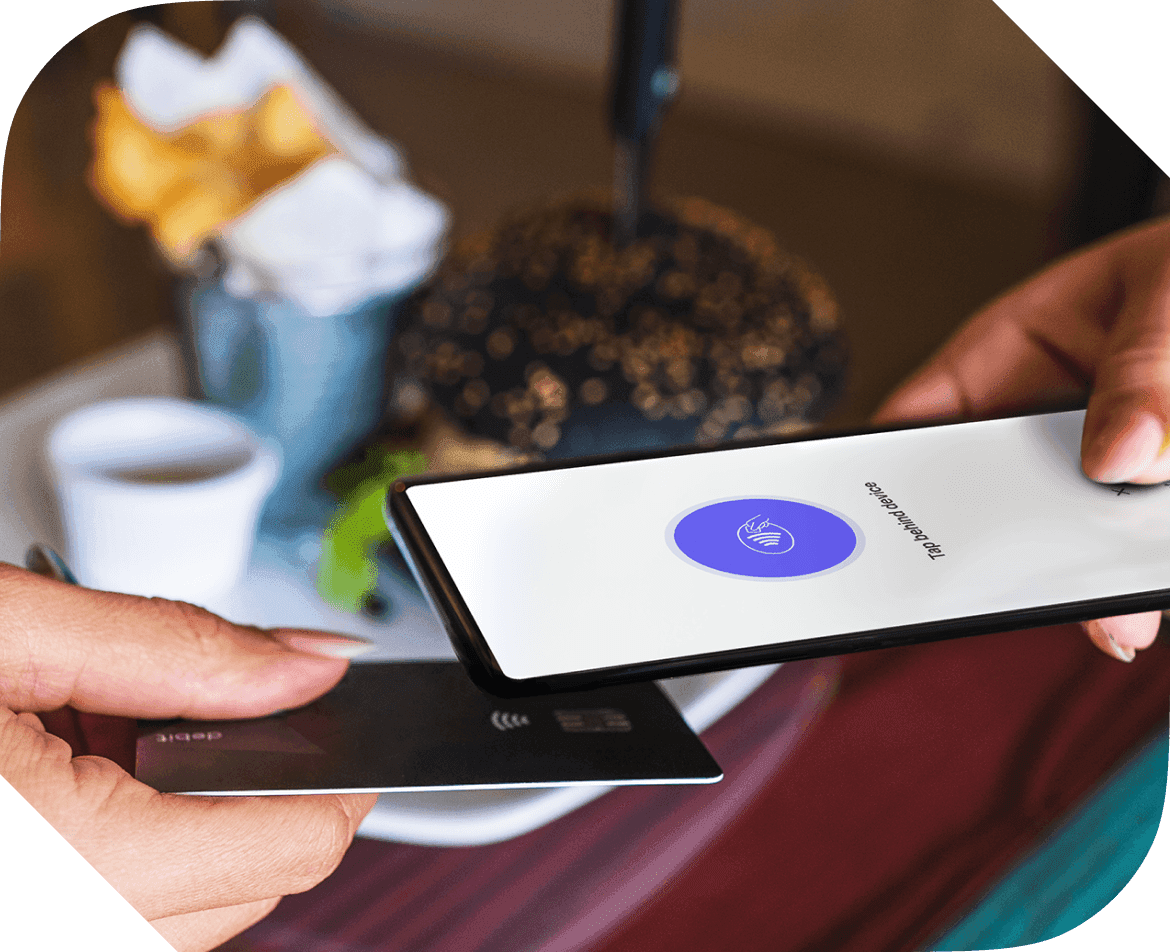
With Tap to Pay on Android, you can accept in-person, contactless payments right on your compatible Android phone or tablet. There’s no need for additional card readers or terminals. All you need is your Android device and the Spacebring admin mobile app.

Get started with Tap to Pay on Android and Spacebring today
Accept in-person payments for walk-in desk and meeting room bookings, day passes, and more, without additional terminals, right from your Spacebring admin mobile app.
Tap to Pay on Android requires a supported Android phone or tablet. Tap to Pay on Android is not available in all markets. For Tap to Pay on Android countries and regions, contact Stripe.
Android is a trademark of Google LLC.