
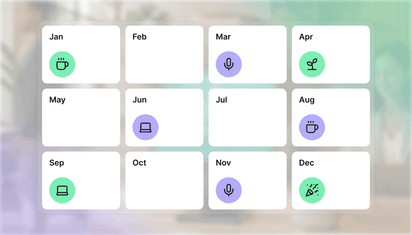
Make desk reservations and management effortless

Effortless hot desk management and booking
Effortless desk management
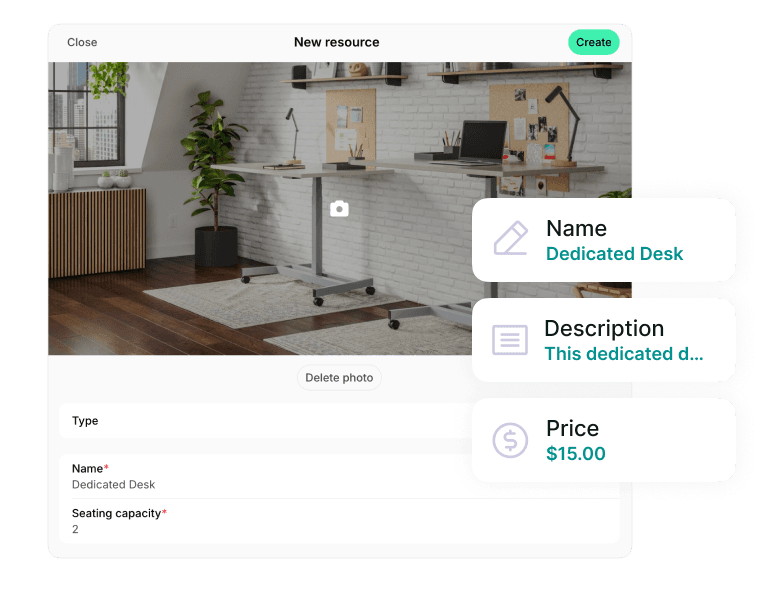
Flexible rules and properties
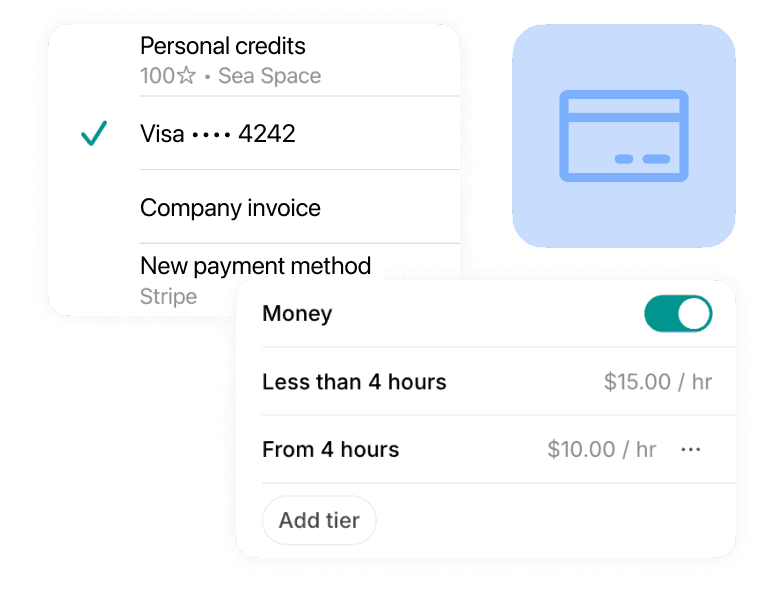
Diverse payment options
Self-reliant bookings
Seamless integration
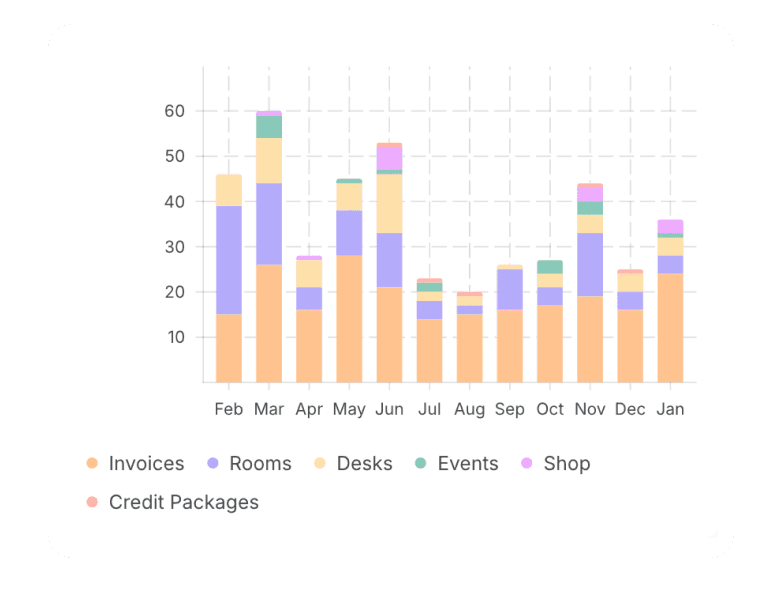
Powerful analytics
Managers at CitySpace don’t have to micromanage desk bookings anymore. They can just supervise a self-service desk booking system at work. The hassle of Google Calendars and Google Docs is left in the past. Today members book desks through hot desk booking software on their mobile devices and instantly pay for bookings with credits, banking cards, or invoices.Jakub BawolCitySpace


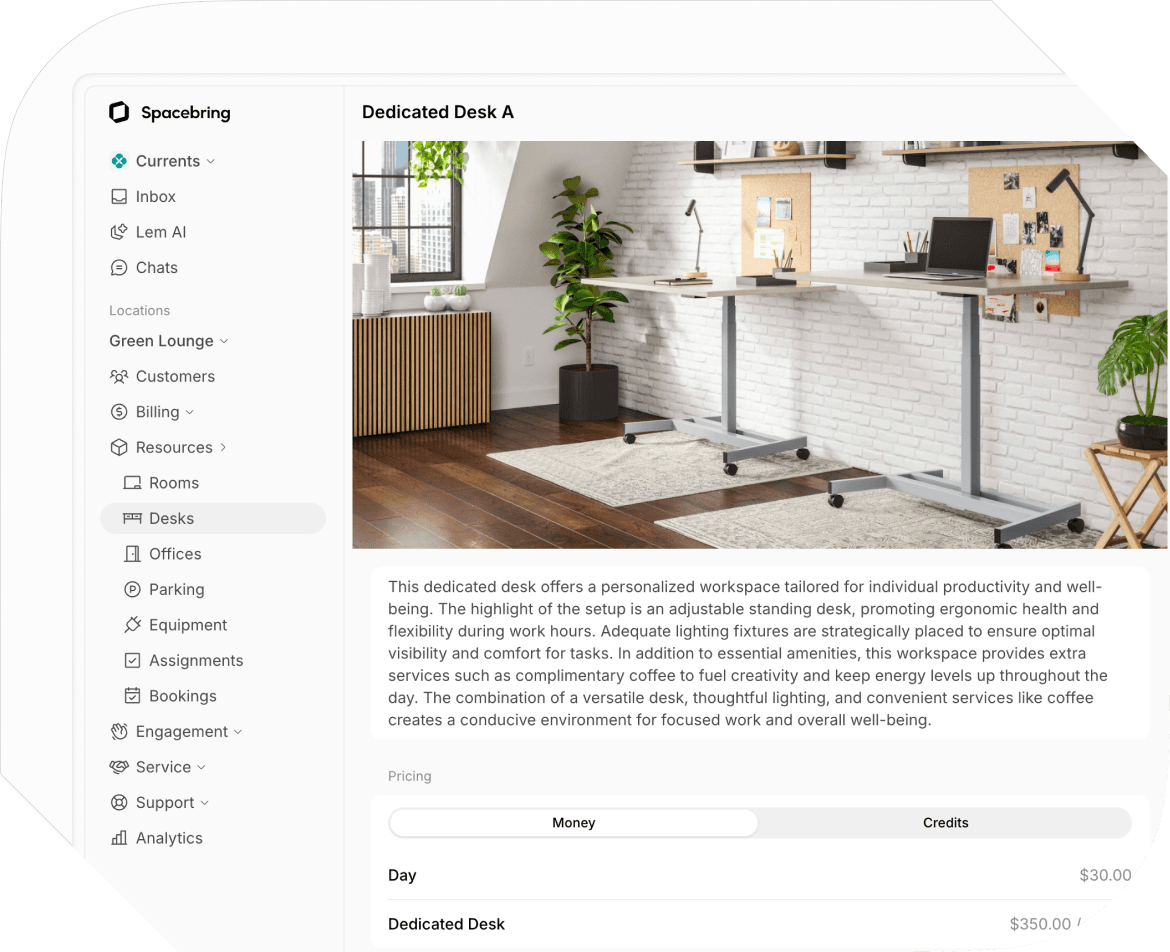
Easy fixed desk management and extra revenue
- Showcase dedicated desks with clear descriptions, pricing, and real-time availability.
- Manage desk occupancy effortlessly by assigning them via membership plans—desks are automatically allocated when clients subscribe, so desk availability is always up to date.
- Maximize revenue by converting underutilized space into flexible hot desking opportunities.
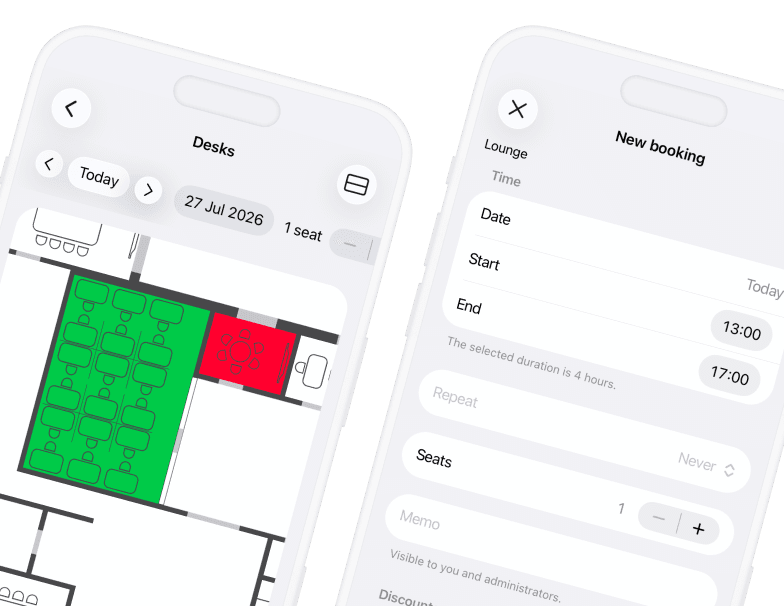
- Visualize space availability with occupancy diagrams and, with the Floor plans add-on, interactive floor plans.
- Confirm desk arrivals with check-ins when you want proof someone showed up, not only that they booked.
The automation of desks and memberships has been amazing. It's so easy for people to set up their membership and book a day pass, and it's all seamless.6mto double in size163%day pass sales increase$1Ksaved each month

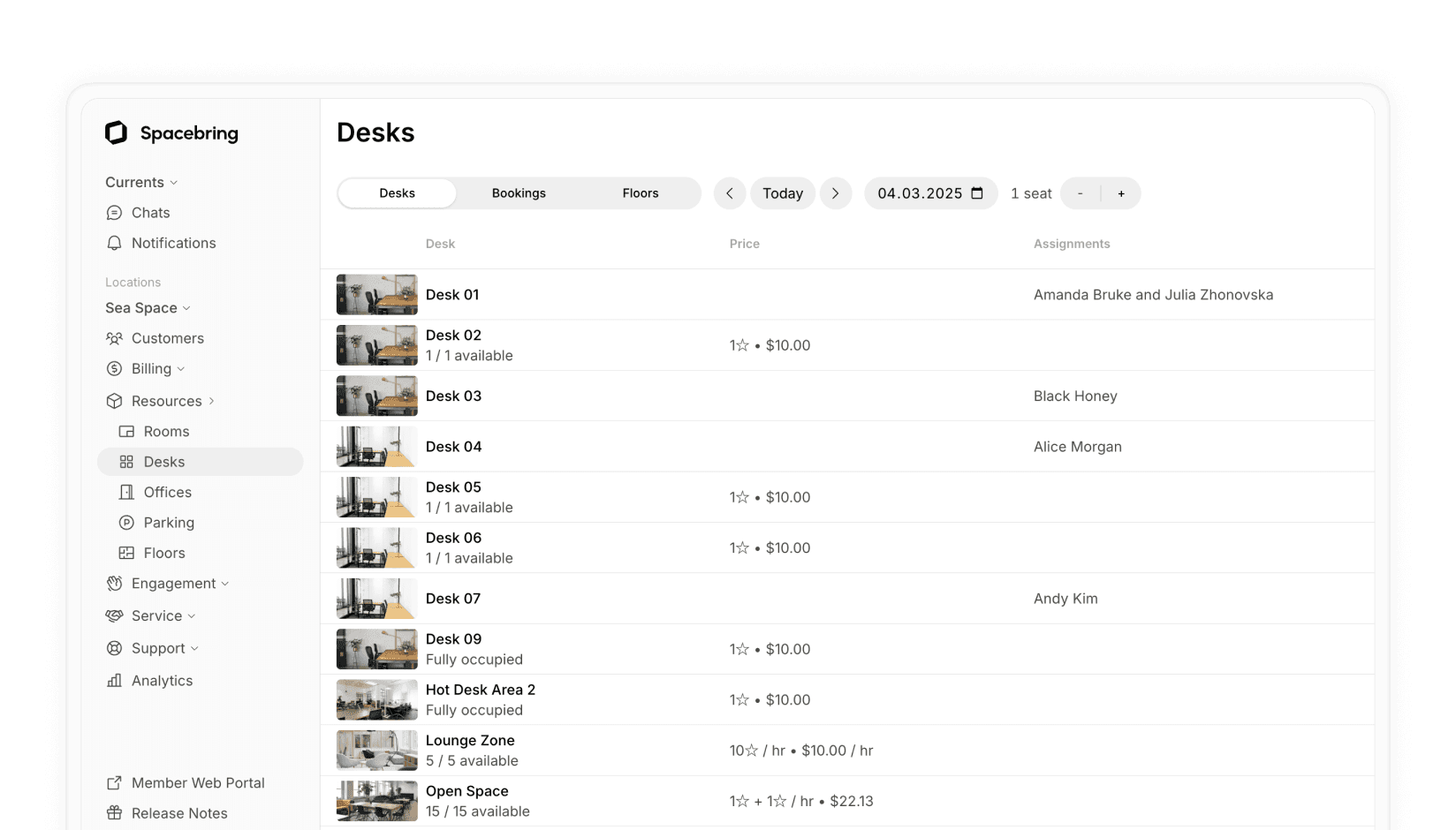
Desk booking software that follows your rules
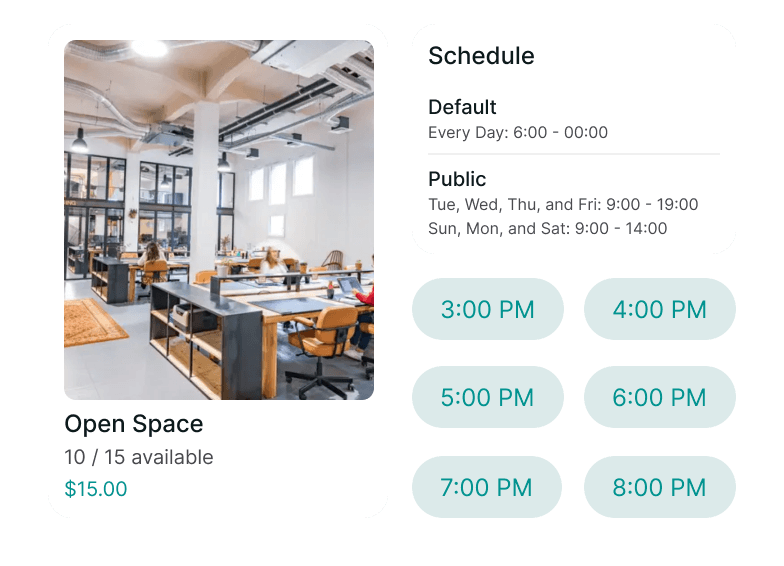
- Offer hourly, half-day, and full-day desk bookings, each with its own rate.
- Set up desks as bookable zones with a seat count, or as individual desks so members can pick a specific seat.
- Set minimum and maximum booking lengths, and how far ahead members can book.
- Add buffer time between bookings so your team can reset each desk for the next member.
- Require approval for chosen desks, and let the groups you pick book without it.
- Let members make recurring desk bookings, such as every Tuesday, and pay with credits, day passes, a saved card, or an invoice in the member web portal.
- Let members reschedule or cancel and get automatic full or partial refunds, based on your policy.
- Sync desk bookings with Google Calendar or Outlook Calendar.
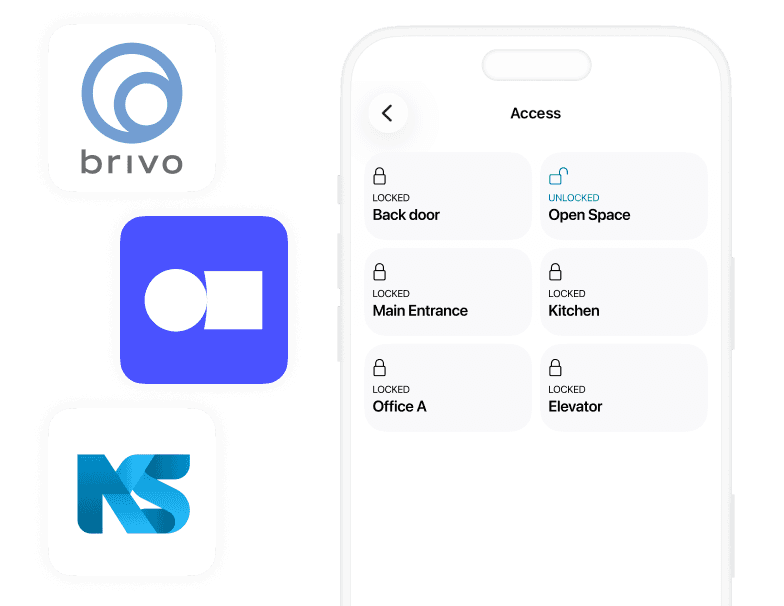
- Give members who book a desk door access through Kisi, Salto KS, and other access control integrations.
- Offer extras such as breakfast or lunch that members add when they book a desk.
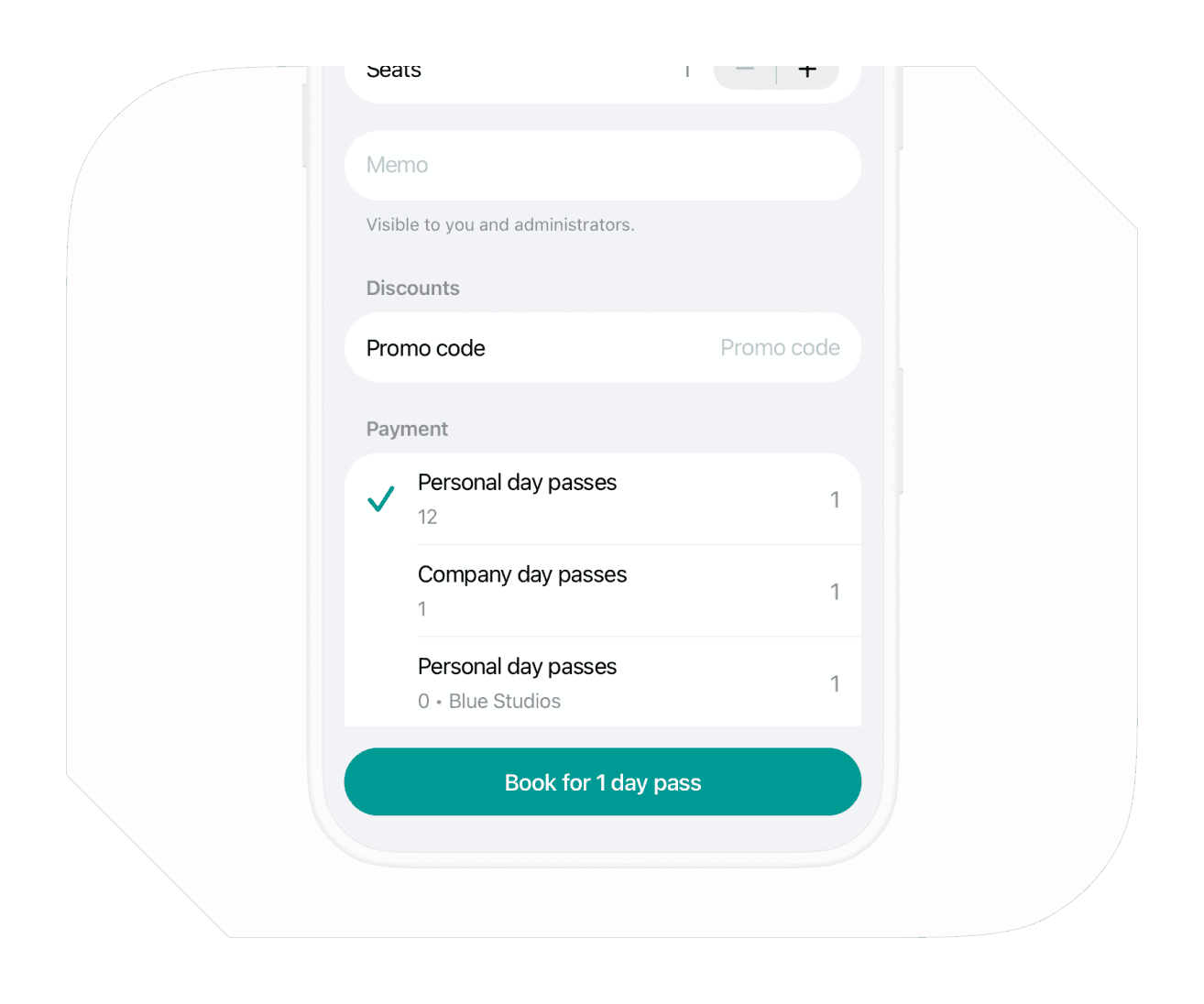

Desk bookings for part-time members
- Offer membership plans that include a set number of desk days.
- Bill members for extra desk bookings once they've used their included days.
- Let members see how many desk days they have left and how they've used them.
- Sell more flexible memberships than you have desks and raise space utilization, since not every member comes in every day.
- Stop tracking desk days by hand, with automatic allocation and usage analytics.
Frequently asked questions
What is desk booking software?
Desk booking software lets members see which desks are free and reserve one from an app or website, while you set the rules, prices, and access behind each desk. In Spacebring, desk bookings run alongside your memberships, billing, and door access, so a booking, its payment, and entry stay in step.
Can I manage hot desks and dedicated desks in one place?
Yes. Add hot desks that members book by the hour or day, and dedicated desks for one member or company. When someone subscribes to a plan that includes a dedicated desk, the desk is assigned to them, so availability stays up to date.
How do members book a desk?
Members book in your branded member web portal or, with the Member mobile app add-on, in your own member mobile app. The Floor plans add-on lets them pick a desk straight from an interactive plan of your space. You can also link desk pages from your own website.
Can I stop a few members from holding every desk?
Yes. Set a maximum booking length and choose how far ahead members can book. You can also limit members who book with day passes to one seat a day, and, for free desks, cap how many bookings each member can have scheduled at once.
