
Memberships and invoices can be billed automatically. But some payments happen in person: a walk-in who wants a desk for the day, a room booked for an hour, tickets sold at the door.
If you can't take the payment right there, you end up sending a link and following up later. In this guide, you'll learn the main ways to accept in-person payments and how to set them up so every payment is recorded in your billing.
What is an in-person payment?
An in-person payment is any payment a customer makes while they're with you. They tap or insert a card, hold up their phone or watch, scan a QR code, or hand you cash.
When a card is used like this, payment processors call it a card-present payment. Online and phone payments are card-not-present. The difference matters for your costs. As Stripe explains, processors often charge more for card-not-present payments because fraud and chargebacks are more likely. Your exact fees depend on your processor and your country.
When coworking spaces take payments in person
Here are the most common times coworking spaces take payments in person:
- Someone walks in and wants a desk for the day.
- A local business owner needs a meeting room for an hour.
- A visitor on a tour decides to stay and work.
- People turn up at an event without a ticket.
- Someone buys a coffee, a snack, or a few printed pages.
- A member loses their key card and needs a new one.
These are usually small amounts, but they add up. They also often come from people who aren't members yet, so a quick, easy payment helps them think well of your space. If day passes are a big part of your business, our guide to turning day-pass visitors into members is a good next read.
Five ways to take payment on the spot
Most spaces end up using two or three of these.
| Option | What you need | Works well for | Things to watch |
| Cash | A cash box and somewhere to note each sale | Very small purchases | Counting it, keeping it safe, and logging who paid for what |
| Card machine | A reader from your payment processor, bought or rented | A busy reception desk | The cost, keeping it charged, and payments that don't link to your coworking software |
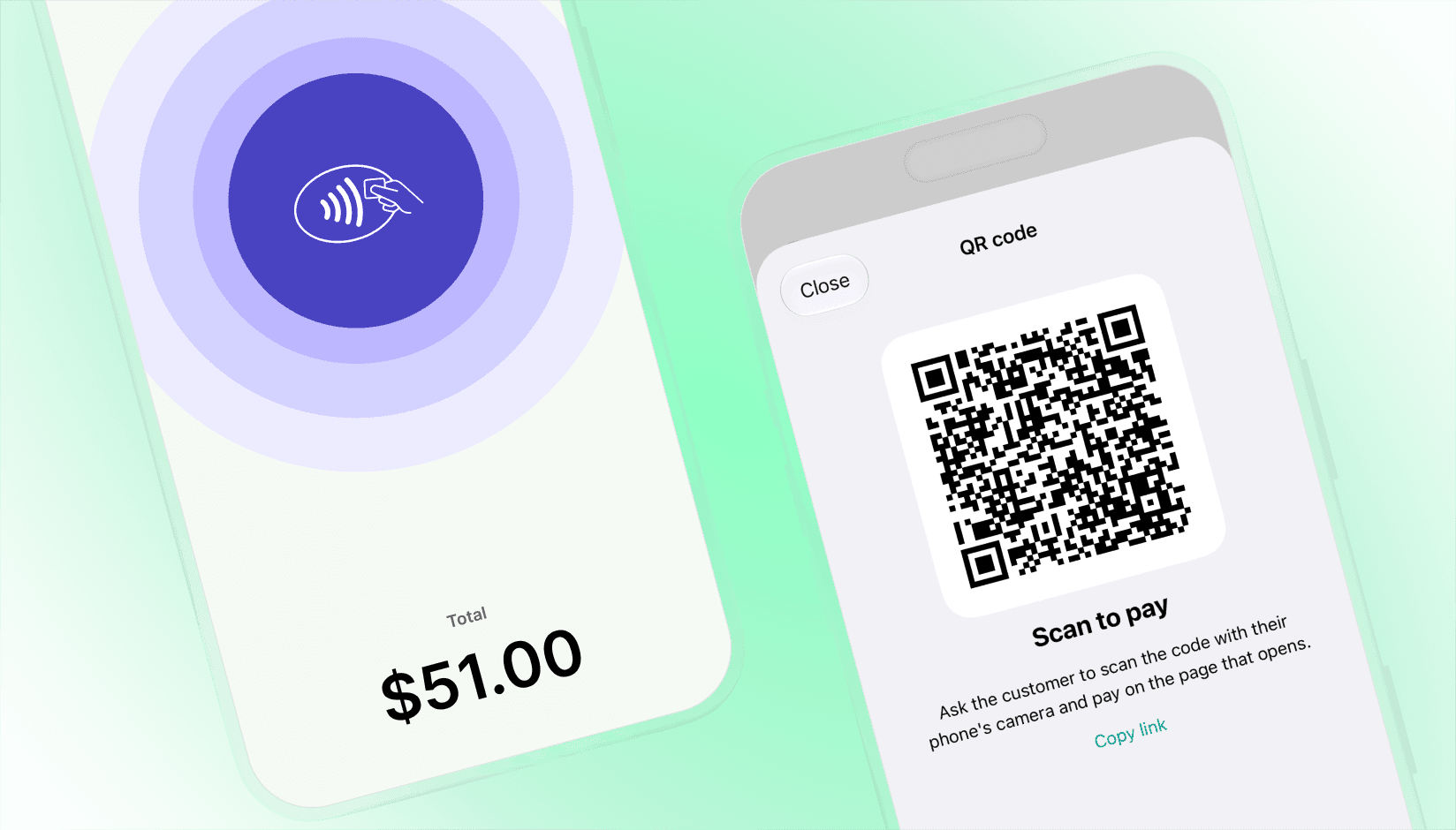
| Your phone as a card reader | A supported phone, an app that takes contactless payments, and a processor that offers it | Walk-ins, tours, events, anywhere away from the desk | Which phones and countries are supported depends on your processor |
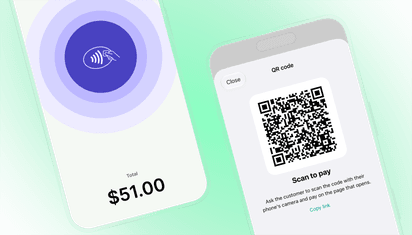
| Payment link or QR code | Your billing software or processor | People who'd rather pay on their own phone, or cards that won't tap | If you email the link instead of showing it, "I'll pay later" is very easy to say |
| Charge it to their account | Coworking software that tracks invoices and credits | Existing members | Only works for people who already have an account |
A simple way to decide: members can have it added to their account. Everyone else should pay before they leave.
Can you take card payments on your phone?
Yes, in a lot of countries. Many phones have an NFC chip inside. It's the same thing that lets you pay by tapping your own phone at a shop. With the right app and payment processor, that chip can read a customer's contactless card or digital wallet, so you don't need a separate card reader.
You'll usually need four things:
- A phone your processor supports. Each processor publishes its own device list.
- A country where your processor offers it. Stripe lists what's available in each country.
- An app connected to your processor. That can be the processor's own app, or your coworking software if it handles in-person payments.
- The in-person setup in your processor account. With Stripe, that includes adding a terminal location with your real business address.
If your coworking software can take the payment, use it. The payment then sits with the right customer and booking, and nobody has to match payments to bookings at the end of the month.
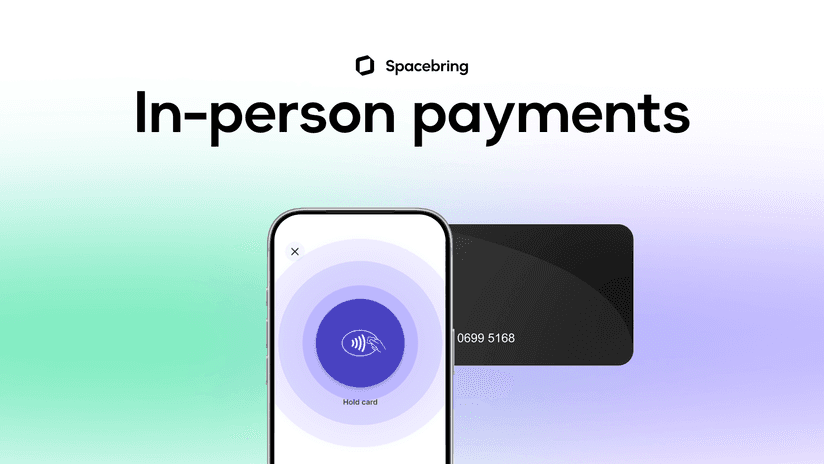
In Spacebring, for example, admins take payments in the admin mobile app with Tap to Pay on iPhone or Tap to Pay on Android, as part of the booking, event ticket, shop order, or one-off payment they're creating. Spacebring's in-person payments are powered by Stripe. Terms apply.
How to set it up, step by step
Here's the order we recommend:
- Write down what you sell in person and what each thing costs. If a price only lives in someone's head, everyone on the team will charge something slightly different.
- Ask your payment processor whether it supports in-person payments in your country, which phones work, and what each payment costs.
- Check your currency. With Stripe, for example, in-person payments only work in the local currency of your Stripe account's country.
- Decide who can take payments, and on which phones. Use phones that belong to named people and have a passcode. If the whole team shares one phone, you can't tell who took which payment.
- Make sure every payment ends up in your billing, with an invoice or receipt for the right customer. Otherwise, you'll have to match payments to bookings by hand at the end of the month.
- Agree how refunds and receipts work: who can refund, how quickly, and whether customers get a receipt by email. A short note for the team is enough.
- Test it. Charge yourself a small amount, refund it, and check that both show up where your accountant looks.
If you add a card surcharge, show it before the customer pays, and check your local rules first. In the EU, for example, surcharges on most consumer debit and credit cards are banned.
Three common examples
The tour that turns into a day pass. Your community manager shows a freelancer around. At the end, she decides to stay and work. Instead of walking back to reception, the manager books her a desk for today right there, and she taps her card on the manager's phone.
The full event. Thirty people signed up for Thursday's talk, and six more arrive at the door. Your host sells them tickets at the entrance, so nobody waits at reception. Planning more events? Here are ideas that work in coworking spaces.
The walk-in who needs a room now. A local accountant needs a room for an hour. You book it, they pay, you hand over the key. If the meeting runs over, you've got their details and can charge the extra time as a separate payment.
Mistakes to avoid
- Writing card numbers down to charge later. Card details on paper or in a spreadsheet still fall under the card industry's security standard (PCI DSS), and they put your customers at risk.
- A card machine that isn't connected to anything. You'll get the money, but you won't know what it was for.
- One shared phone and one login. You won't know who took or refunded a payment.
- Emailing a link to someone standing in front of you. Ask them to pay before they go.
- No plan B. Some cards don't work contactless, and some regions have contactless limits. Keep a QR code or payment link ready.
Final thoughts
In-person payments are usually small, but they're often someone's first purchase at your space. Pick the ways you'll take them, make sure each payment lands in your billing, and test your setup before your next busy day.
Want to see how this works in Spacebring? Book a demo, and we'll show you how admins take payments in the admin mobile app.
Frequently asked questions
1. How do you take in-person payments at a coworking space?
With a card machine, a phone that works as a card reader, or a QR code the customer scans to pay on their own phone. It works best when each payment lands on the right customer and booking in your coworking software, so there's nothing to match up later.
2. Can I take card payments on my phone without a card reader?
Yes, in many countries. Phones with an NFC chip can read contactless cards and digital wallets, as long as your app and payment processor support it. Check your processor's list of supported phones and countries.
3. Can I use Stripe for in-person payments?
Yes. Stripe supports in-person payments with its card readers and, in supported countries, with compatible iPhone and Android devices. You add a terminal location with your business address, then take payments in an app connected to your Stripe account.
4. What's the cheapest way to take card payments in person?
It depends on your processor and how much you sell. In-person card payments usually cost less than online ones, and using a phone you already own means there's no card machine to buy or rent.
5. What can I use instead of a card reader?
A phone set up to take contactless payments, or a payment link or QR code the customer opens on their own phone. For members, you can also add the charge to their next invoice or use their credits.
6. What if a customer's card won't tap?
Some cards don't support contactless, and some regions have contactless limits. Keep a QR code or payment link ready so they can pay on their own phone while they're still with you.
iPhone is a trademark of Apple Inc., registered in the U.S. and other countries and regions. Android is a trademark of Google LLC.