

Take online payments at your coworking space or flexible office with Stripe. Members pay for bookings, plans, and invoices in your web and mobile apps, so your team spends less time chasing membership fees.
Keep payment records in Spacebring
- Let customers pay for your products and services in your own branded web and mobile apps.
- Let members add, remove, and set default payment methods in your app.
- See members' payment methods, and charge their default payment method from Spacebring.
- Download receipts for successful payments in Spacebring.
- View any member's transaction history without opening the Stripe Dashboard.
- Open the same customer in the Stripe Dashboard from a direct link on the Payments page.
Accept one-off purchases
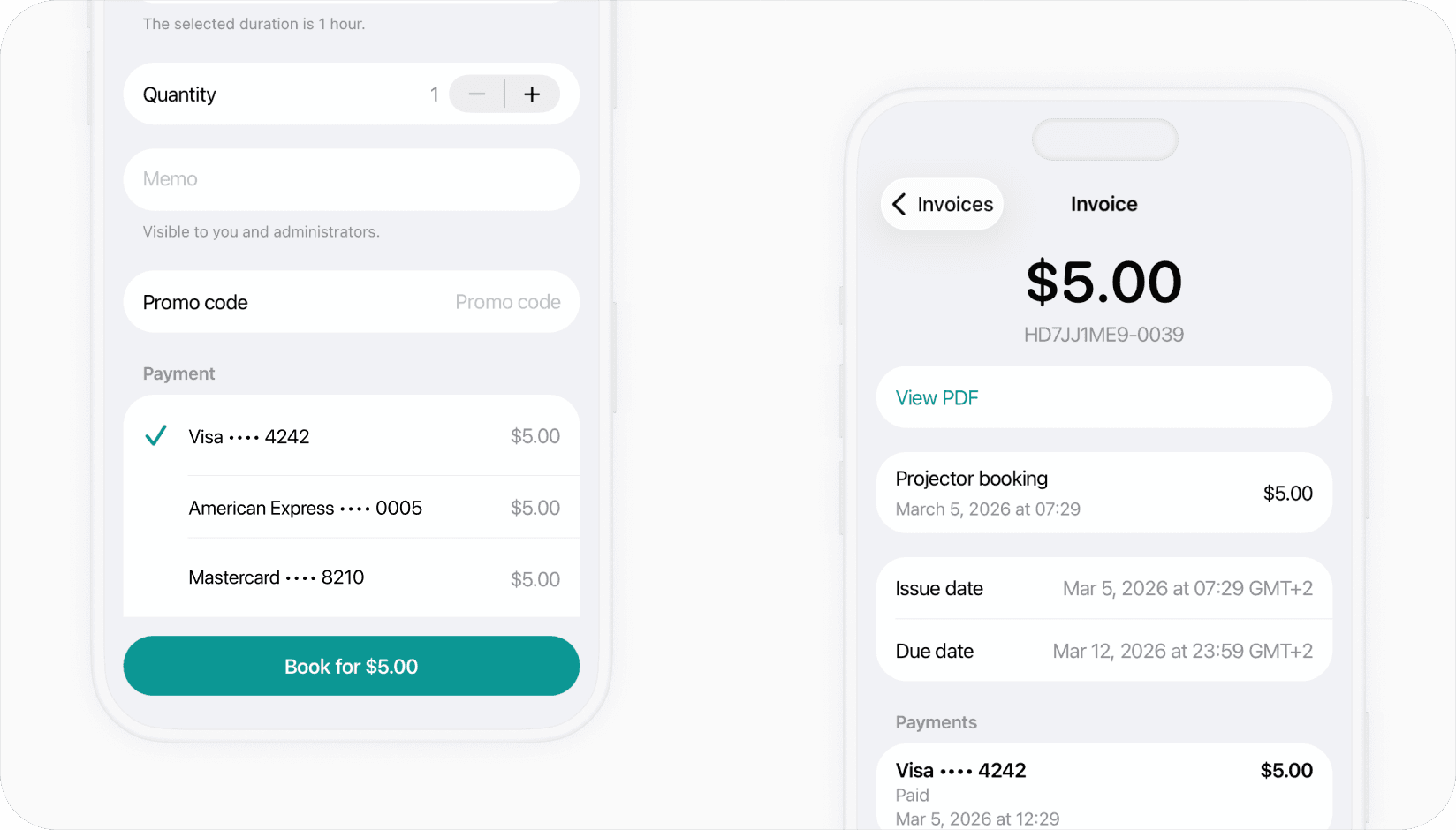
- Take payments for meeting room bookings, desk bookings, event tickets, shop products, credit packages, and invoices.
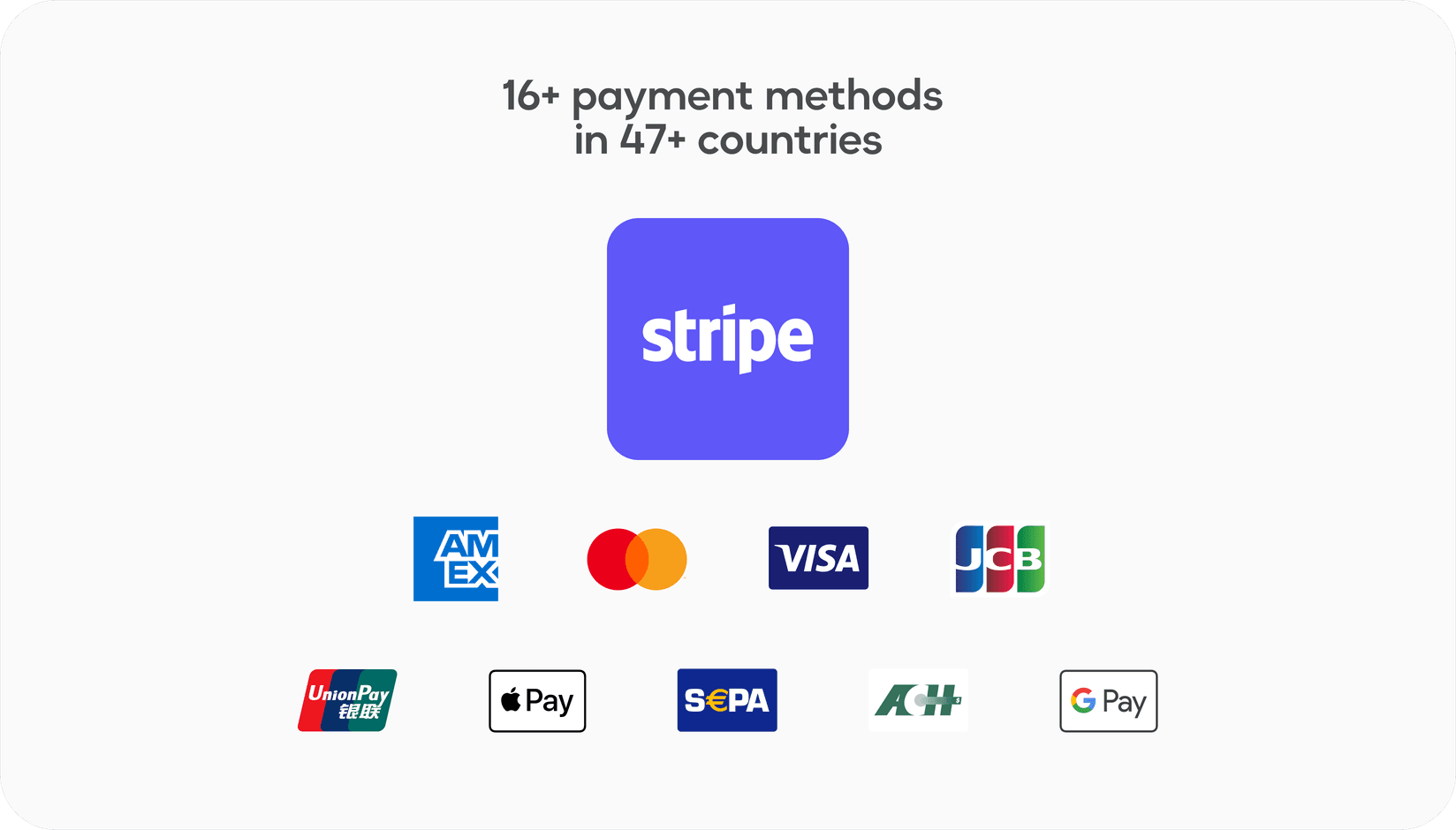
- Accept multiple currencies and dozens of payment methods, including cards, bank debits, and wallets such as Apple Pay and Google Pay.
- Let members save their payment details for faster purchases. Stripe stores them encrypted.
Automate invoicing & payment collection
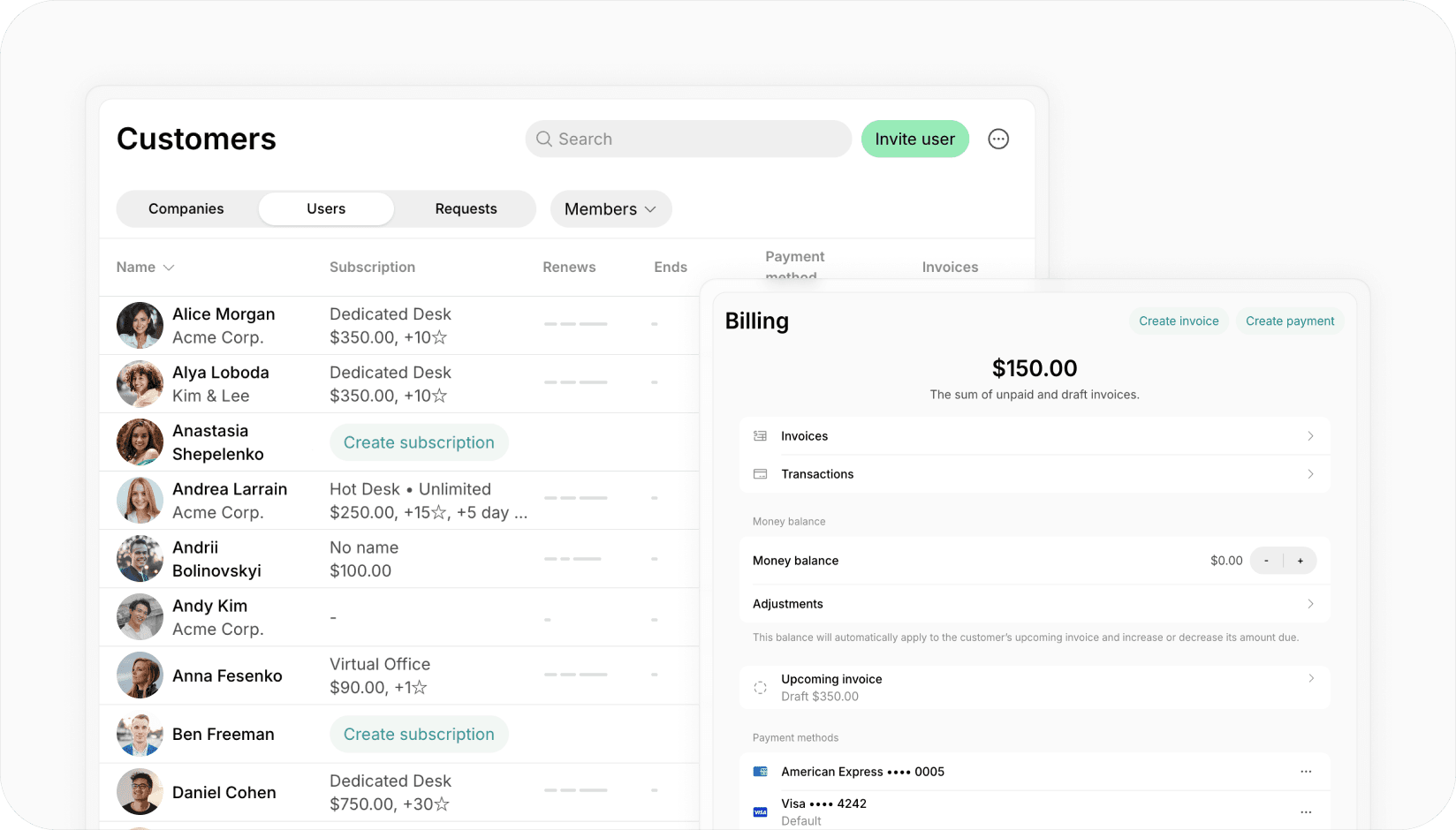
- Issue invoices automatically with auto-invoicing, and charge them to the default payment method on file.
- Collect payments automatically by bank card or direct debit.
- Pay only Stripe's standard processing fees. Spacebring charges no commission or integration fee, for one-off payments and direct debit subscriptions alike.
- See each member's active plan and default payment method on the Community page.
- Refund booking and event cancellations automatically.
- Refund any transaction manually from a user's or company's transaction history, including past bookings, invoices, and shop orders.
Tap into Stripe's platform
- Create Stripe customer profiles automatically, so you can use Stripe invoicing, subscriptions, analytics, and integrations.
- Sync payments made on Spacebring through Stripe to your accounting software, such as Xero or QuickBooks.
Put Stripe to work with your Spacebring data
Connect Stripe to an agent in Spacebring Intelligence, and it reads your Stripe account alongside your Spacebring data, on a schedule, when something happens in Spacebring, or when something happens in another app.
- Email your billing team each morning the Stripe payments that failed overnight, with each member's plan and open invoices.
- Add Stripe payouts and fees to your monthly revenue report, next to occupancy and new members.
- Look up a member's own Stripe charges, refunds, and disputes when they ask about their payment in chats.
Learn how to connect Stripe to an agent. The agent works in Stripe as the account you sign in with, and each run uses your prepaid balance. Any data you bring into Stripe through this connection is handled under Stripe's privacy policy and applicable terms of service.
Payment methods
| Payment method | For instant one-off payments | For invoice payments | Supports saving and auto-charging recurring invoices |
| Cards | ✓ | ✓ | ✓ |
| Wallets (Apple Pay, Google Pay, Link) | ✓ | ✓ | ✓ |
| Bank debits (ACH, Australia BECS, Bacs, NZ BECS, PADs, SEPA) | ✓ | ✓ | |
| Vouchers (Boleto) | ✓ | ✓ | |
| iDEAL | ✓ | ✓ | ✓ (saved as SEPA) |
| Bancontact | ✓ | ✓ | ✓ |
| TWINT | ✓ | ✓ | |
| BLIK | ✓ | ✓ | |
| EPS | ✓ | ✓ | |
| PayNow | ✓ | ✓ | |
| PromptPay | ✓ | ✓ | |
| Pay By Bank | ✓ | ✓ | |
| Przelewy24 | ✓ | ✓ | |
| Buy now, pay later (Klarna) | ✓ | ✓ | ✓ |
| Crypto payments | ✓ | ✓ |
Countries | |||
|---|---|---|---|
| North America | South America | Pacific | Asia |
|
|
|
|
| Europe | |||
|
|
|
|