

Bill members in Spacebring and find each invoice waiting in Holded as a sales invoice, ready for your team to work with.
Turn each issued invoice into a Holded sales invoice
- Create a Holded sales invoice each time you issue an invoice in Spacebring.
- Get the contact, line items, tax, and due date filled in on each Holded sales invoice.
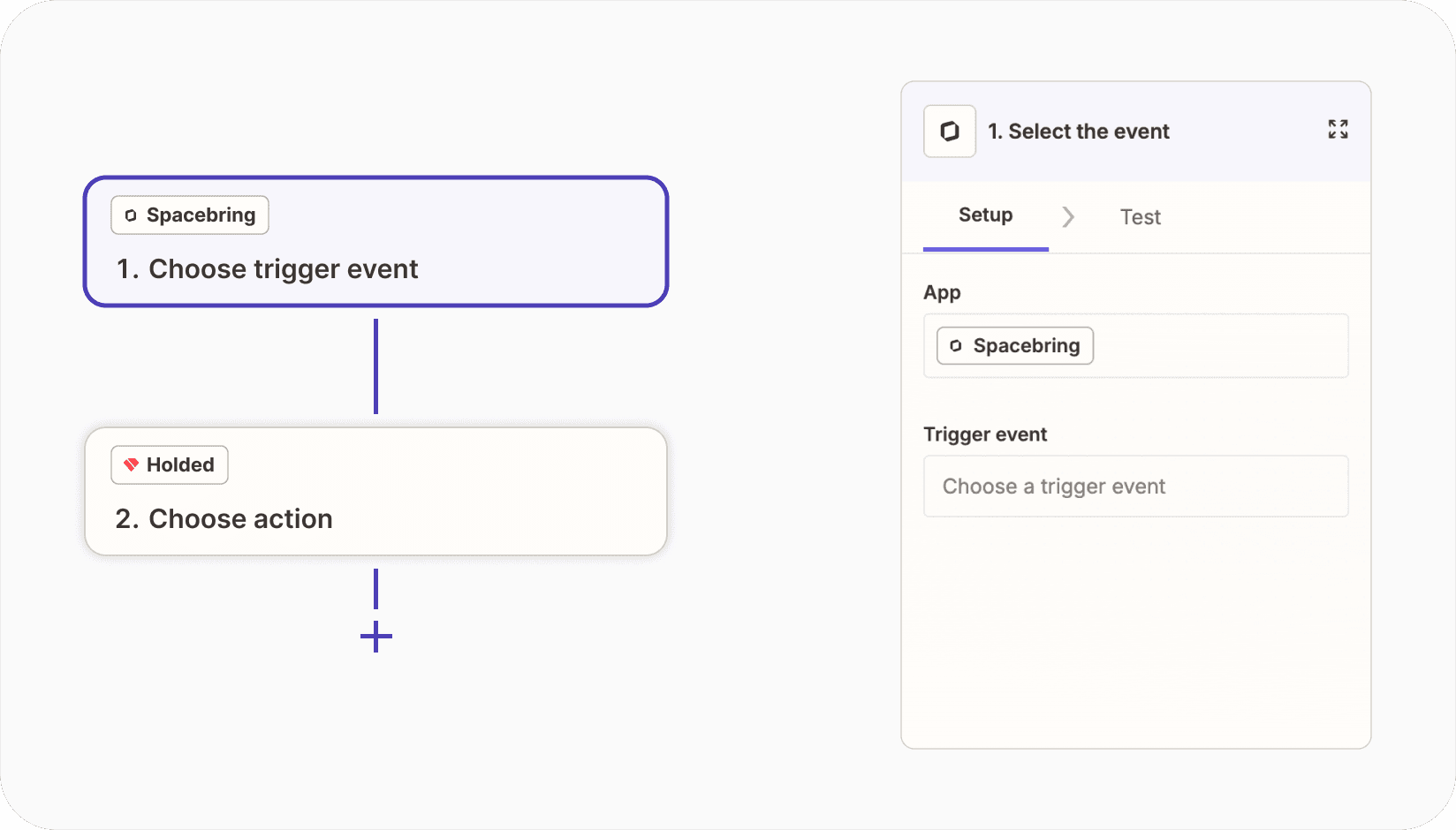
Set up the Zap
- Follow the steps to create a Zap in Zapier.
- Sign in to your Spacebring account inside the Zap with your Spacebring administrator email.
- Start with Spacebring's "New Issued Invoice" trigger, which covers invoices issued after you publish the Zap.
- Use Holded's "Create Sales Invoice" action.
- Map contact, line items, tax, and due date from each invoice to Holded.
Build and manage the Zap outside Spacebring. It doesn't appear on the "Integrations" page. Record payments and refunds in Holded, since the Zap sends only newly issued invoices.