

If your sales team works in HubSpot, an agent in Spacebring Intelligence can keep your CRM current with what happens in Spacebring. It starts when someone requests to join, signs a contract, or books, on a schedule, or when a deal is created in HubSpot, and creates and updates contacts, companies, deals, notes, and tasks in HubSpot.
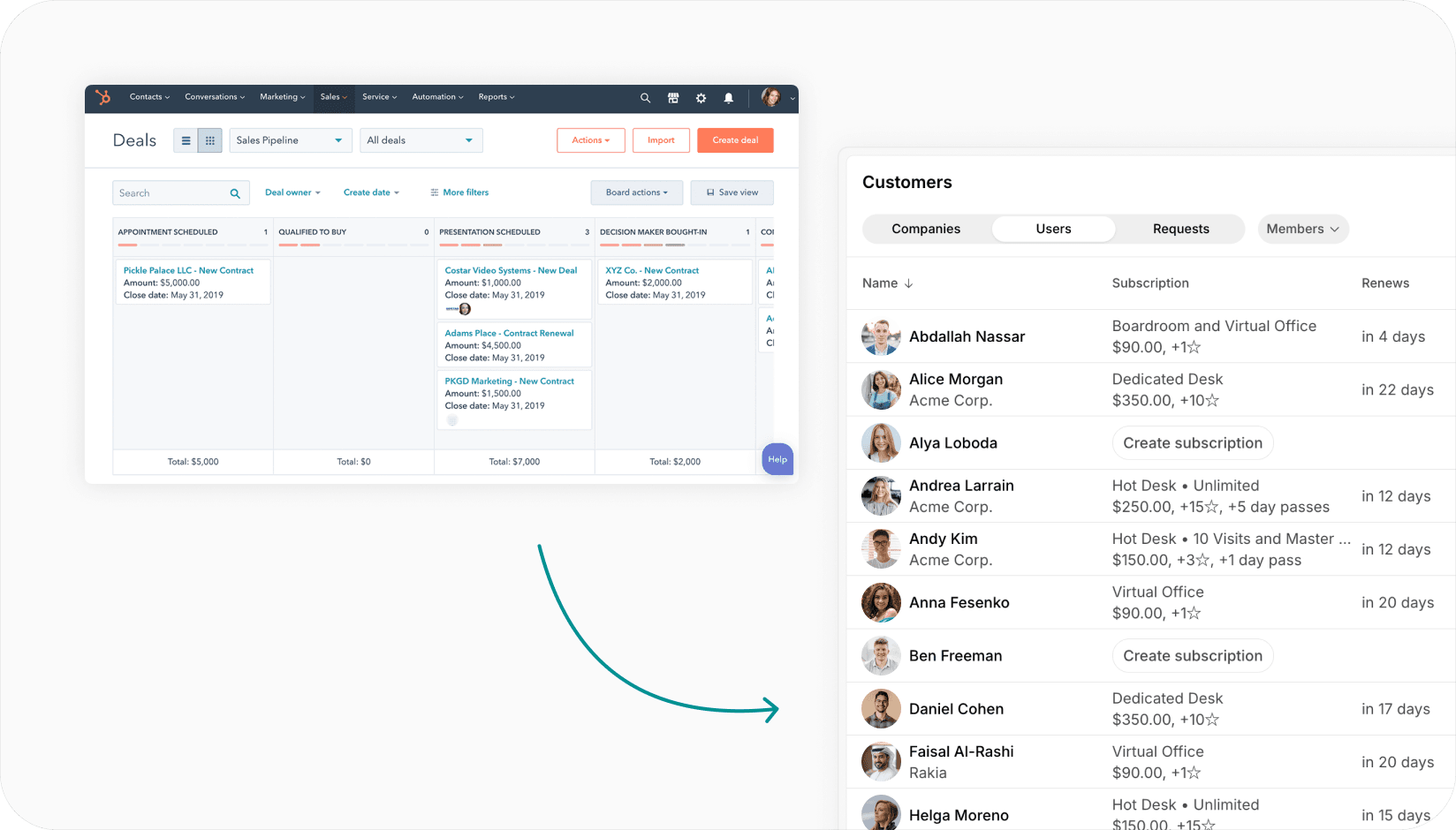
Put HubSpot to work with your Spacebring data
- Create the contact and company in HubSpot when someone requests to join, with the membership they asked about.
- Move the deal to closed won when the contract is signed in Spacebring.
- Log a note on the contact's timeline when a member books a meeting room.
- Create a task for the contact owner three days before a subscription ends, with the member's recent bookings and invoices.
- Look up the HubSpot deal before onboarding, so the welcome email matches what your sales team agreed.
- Run when a new deal appears in HubSpot, and use the deal's details in Spacebring.
Learn how to connect HubSpot to an agent. The agent works in HubSpot as the account you sign in with, within that user's HubSpot permissions, and each run uses your prepaid balance. Any data you bring into HubSpot through this connection is handled under HubSpot's privacy policy and applicable terms of service.
Sync data through Zapier
You can also connect HubSpot to Spacebring through Zapier:
- Invite related contacts to Spacebring when a HubSpot deal is won or updated.
- Invite a contact to Spacebring when they get the "Customer" tag in HubSpot.
- Create a HubSpot contact when a new member is invited to Spacebring.
- Add a note to the contact's HubSpot timeline when they book in Spacebring.