

Close the deal in Salesforce and let onboarding take care of itself. When a new customer is added in Salesforce, the company, its users, and their subscription appear in Spacebring, so nobody retypes contact details.
Onboard customers from Salesforce
- Create the company in Spacebring when a new customer is added in Salesforce.
- Invite the customer's users to your coworking space app.
- Start their subscription in Spacebring.
- Keep subscription data current by setting the contract end date in Salesforce.
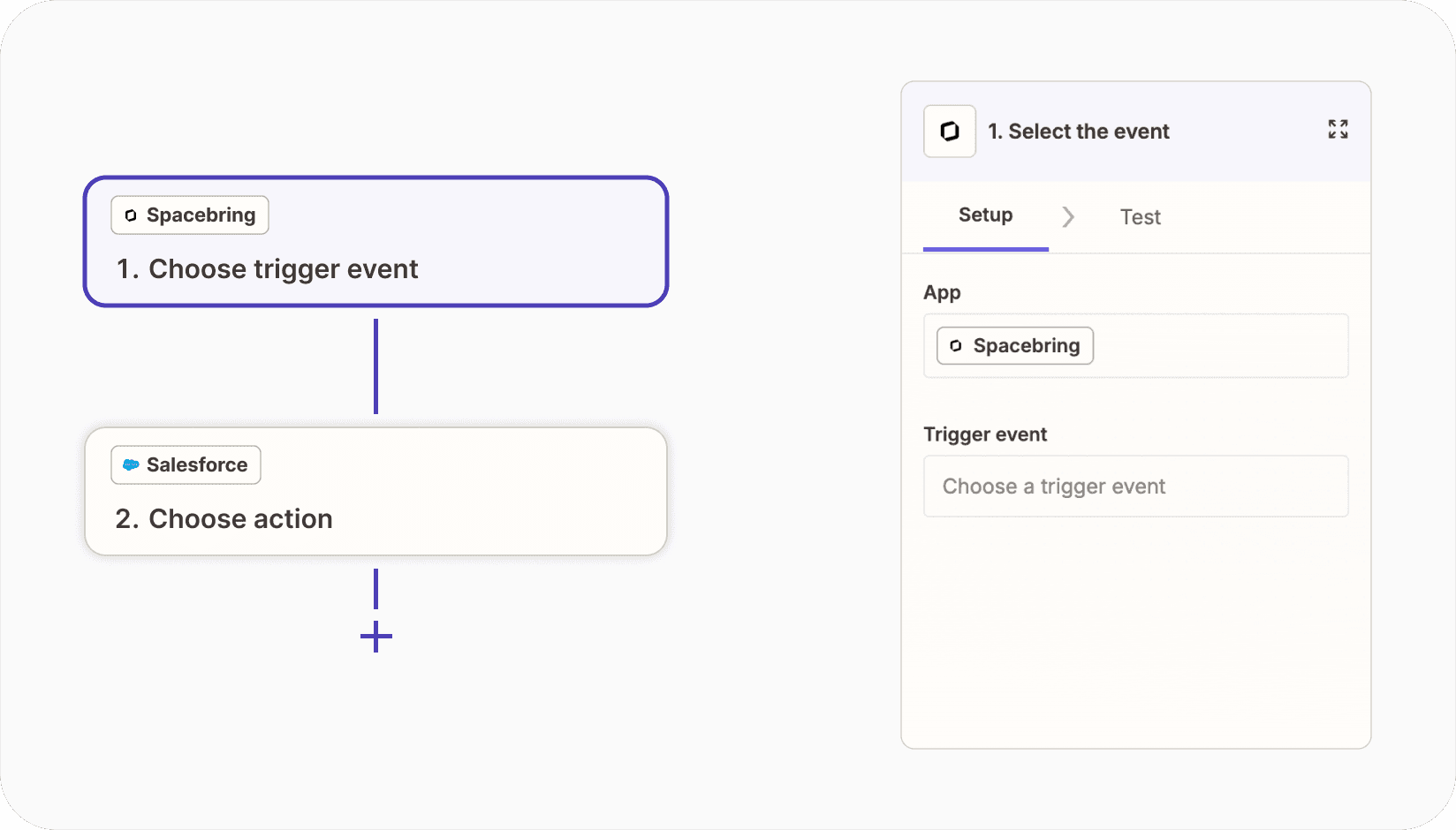
Set up the Zap
- Follow the steps to create a Zap in Zapier.
- Start with Salesforce's "New Record" trigger on the object you use for new customers.
- Add Spacebring's "Create Company", "Invite Member", and "Create Subscription for Company" actions, and "Update Subscription" for the end date.
- Fill in the fields each action requires, such as the company title, the member's email and name, and the subscription start date.
The Zap only acts on records created or changed after you publish it.