

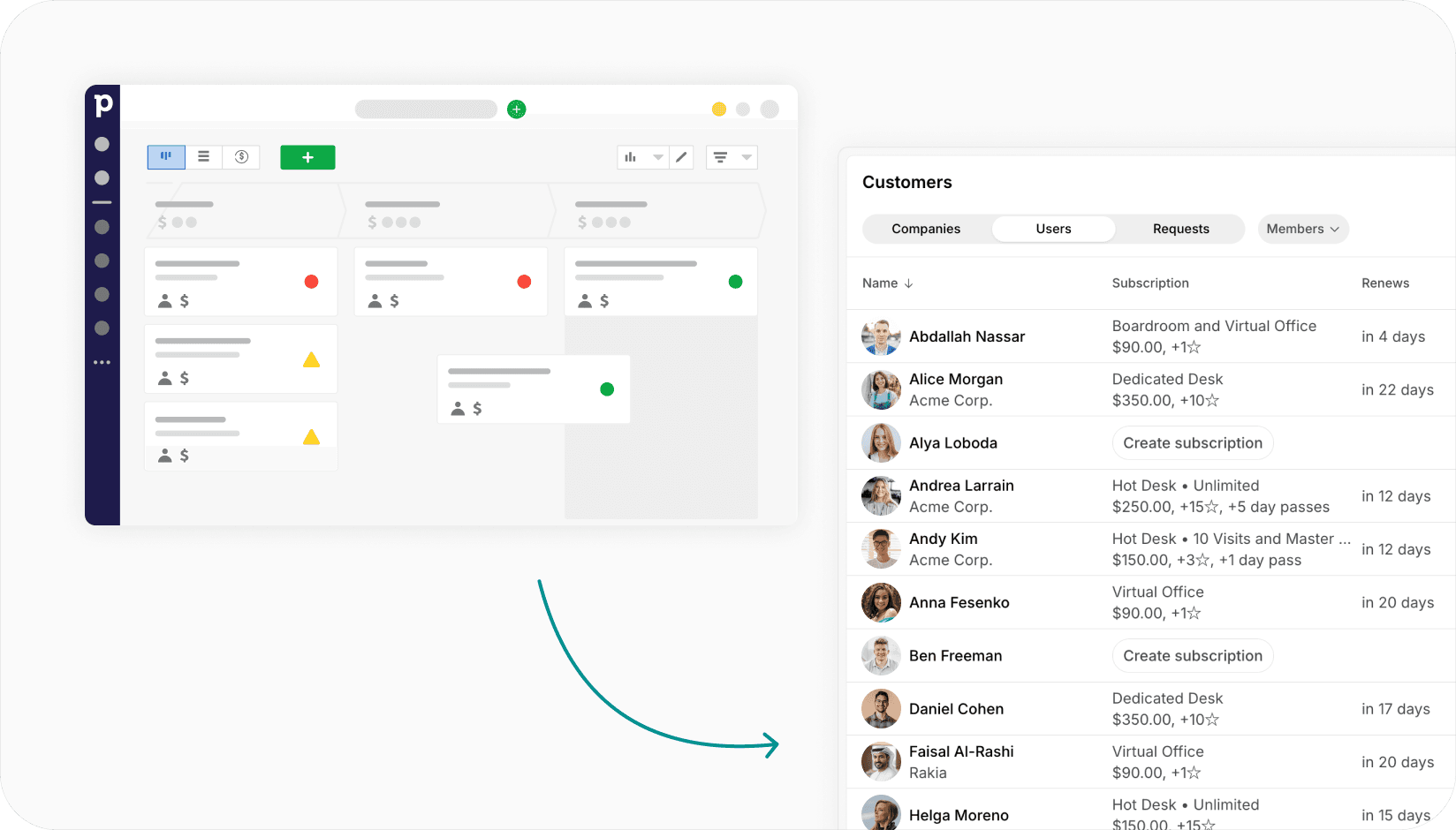
If your sales team works in Pipedrive, an agent in Spacebring Intelligence can turn external bookers, membership requests, and contracts from Spacebring into leads and deals in your pipeline. It starts when someone books a room, a visitor checks in, someone requests to join, a contract changes, or something happens in another app, and adds and updates leads, persons, deals, notes, and activities in Pipedrive.
Add leads from external bookers and membership requests
- Add a lead in Pipedrive when an external booker books a room, with their name, the room, and the booking time.
- Add a lead in Pipedrive when a visitor checks in, with their name, host, and arrival time.
- Add a lead when someone requests to join, with their name, company, and the membership they asked about.
- Schedule a follow-up call for the deal owner for the day after a visitor checks in.
- Add a note to the person with their bookings and day passes, so your sales team sees who is ready for a membership.
Keep deals in step with contracts
- Mark the deal as won when the contract is signed in Spacebring.
- Mark the deal as lost when the contract is declined.
Learn how to connect Pipedrive to an agent. The agent works in Pipedrive as the account you sign in with, and each run is charged to your prepaid balance. Any data you bring into Pipedrive through this connection is handled under Pipedrive's privacy policy and applicable terms of service.
Sync data through Zapier
You can also connect Pipedrive to Spacebring through Zapier:
- Invite related persons to Spacebring when a Pipedrive deal is won or updated.
- Invite a person to Spacebring when they get the "Customer" tag in Pipedrive.
- Create a Pipedrive person when a new member is invited to Spacebring.
- Add a note to the person's Pipedrive timeline when they book in Spacebring.