

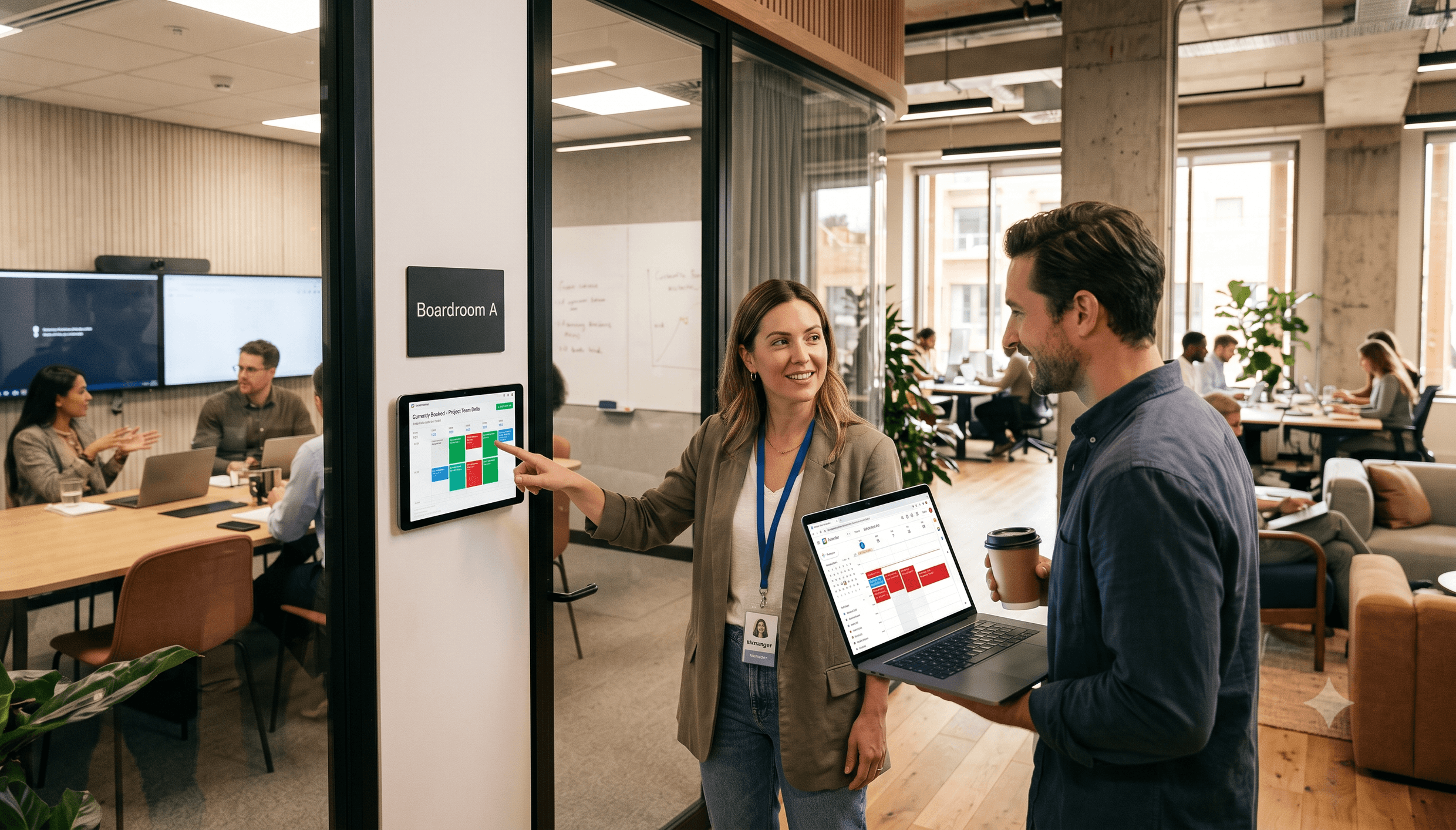
Meeting room booking is one of the most common requests a coworking space handles, often dozens of times a day. The same is true for flexible workspaces and office centers.
Without dedicated meeting room booking software, most spaces end up scheduling reservations in Google Calendar and sharing it with members, or taking bookings by hand.
That works at a handful of reservations a week. It breaks down fast once multiple members, teams, and locations are booking the same rooms.
The future belongs to coworking spaces prioritizing members' experience, relying on modern technology, and building a solid brand. This article compares the two approaches so you can see exactly what a dedicated system adds.
Google Calendar for meeting room booking: usability issues
Here's where Google Calendar (and similar shared-calendar setups) tends to break down as a coworking space's meeting room booking system:
- Two or more members make a reservation for the same time. The usage of Google Calendar does not prevent meeting room booking conflicts.
- As all members use the same calendar anyone can accidentally remove any event and the reservation disappears.
- Marking reservations in Google Calendar can hardly be called an intuitive meeting room booking process which leads to lower usage, so the next issue is the low utilization rate.
- There are no stated meeting room booking rules in Google Calendar, which leads to unfair usage. For instance, any room can be booked for a too long period by the same person.
- There is no meeting space usage statistics, which is not very good for management, you don't see the numbers and have to make additional efforts to figure out what's going on in your space.
- With Google Calendar you handle each reservation request manually, which is time-consuming, especially if your coworking space gives free hours to members.
- It's impossible to connect any payment gateway to Google Calendar, so the payments are processed by the manager, which takes time and doesn't contribute to member experience.
Google Calendar is a fine personal scheduling tool, but it wasn't built to manage a shared, monetized resource like a coworking meeting room.
When it's time to move off a shared calendar
Not every space needs to switch on day one. A shared calendar can hold up for a single room and a handful of regulars. Consider moving to dedicated software once any of these is true:
- You manage more than one or two bookable rooms, or more than one location.
- Staff spend real time each week resolving double bookings or chasing no-shows.
- You want to charge for rooms, whether by the hour, by credits, or to non-member guests.
- You have no way to answer "which room is our most booked, and at what times?" without manually checking a calendar.
- Members complain about not knowing whether a room is actually free when they walk up to it.
If two or more of these sound familiar, the manual process is already costing you more in admin time and lost bookings than a dedicated system would cost to run.
If you want to optimize meeting room bookings at your space, automate them with a self-service booking system built into your main coworking space management platform, rather than layering more manual process on top of a calendar.
As a rule, meeting room booking systems come with several configurations. Let's take a look at what you get on Spacebring's example and learn how to tweak the system to fit your needs better.
Booking system settings Google Calendar doesn't offer
1. Set a booking window (from/until)
A meeting room booking system allows setting the range of time when people can make meeting room reservations. You can keep it from 00:00 to 24:00 as it is by default on Spacebring, but we recommend setting more realistic values. You don't want members calling at night to complain the door is closed, and it's simply more convenient to see reservations on the calendar view.
2. Limit how far ahead people can book
Limit the period of meeting room booking if you don't want people to make room reservations, say, for the next year. Here you can set up the maximum time people can book ahead of today.

Set up a self-service room booking system to improve customer experience and save time for staff
3. Set the available days
There are days when your space is closed. Turn off the meeting room booking system for weekends or other days when you need a time out. It helps make sure people never book when you're closed, and there are no complaints about not being informed.
4. Require a booking purpose
Want to know why people book rooms? This is essential if you want to improve the user experience. You can use this information to analyze usage and install additional equipment, e.g. a whiteboard, when you notice members use the room for open team discussions.
5. Turn free hours into a credit system
It's important to provide limited access to meeting rooms even if it's unlimited in your space. People often make reservations and don't use them because they take the perk for granted. Once you give them credits, members realize the service isn't unlimited, start to value free hours more, and use credits carefully only when they actually need them.
What coworking space software with a meeting room scheduling solution does, and Google Calendar does not, is automate the distribution of credits, which takes a huge amount of work off managers' shoulders.
6. Upsell your members
Using workspace management software, you can sell services such as meeting rooms to teams more efficiently. For instance, Spacebring's Company invoice payment option allows tenants to use services now and pay for them later.
If a team member needs to reserve a meeting room but there are no credits in the corporate account, they can choose the Company invoice payment option and complete the reservation without distracting the team leader or asking the community manager to fix the issue. At the end of the month, the company manager receives a statement with all extra bookings and pays it by credit card or bank transfer. The process works the same way for individual members.
7. Make your meeting rooms available for external bookings
Implementation of a meeting room booking system inside the main coworking space app opens up new revenue streams for coworking space owners. You can make some of your rooms visible to the general public and start selling them externally to customers who aren't signed up for your membership. Booking a room at your flexible workspace and paying for it becomes as easy as opening your app anywhere, anytime. If customers have questions about their bookings, they can send you an instant message via Chats in the same app.
8. Forget about abandoned bookings
The abandoned bookings problem can be partially addressed with the help of credits, but a meeting room display with a check-in feature lets you forget about it completely.
If you're using a meeting room display, you can activate an auto-release feature. When it's turned on, all free bookings require a check-in. If a member doesn't check in, the system automatically cancels the reservation, freeing up your meeting room for another booking and preventing lost money and hours.
9. Make some meeting rooms private
Sometimes workspaces have an agreement with tenants that only certain teams will have access to particular meeting rooms. You can mark specific meeting rooms as private, and they'll become invisible (unavailable) to the rest of your members.
10. Build in turnover time
Back-to-back bookings don't leave time to tidy a room, reset the furniture, or wipe down shared equipment between meetings. Meeting room booking software can automatically reserve a buffer, such as 15 minutes, between bookings so staff always have time to prep the room for the next group.
Discover how hundreds of spaces worldwide unlock success and grow better with Spacebring
Well, those were 10 features of a professional meeting room booking system that Google Calendar fails to provide. Now, let's dig a little deeper and tackle some room-specific settings that will make your entire booking platform even more user-friendly.
Room-level settings Google Calendar doesn't provide
1. Add photos
People like to see what they're booking. New members especially want to know if a room suits their needs before they commit to it. Adding a room photo helps members make a well-grounded decision.
2. Give rooms memorable names
Give meeting rooms unique names so people can identify them easily. Get creative with names like Mars or Venus. You'll quickly find that distinctly named rooms are more memorable and get booked more often than "Room 3."
3. Add room descriptions
The description helps people understand the purpose of the room. You can also list available equipment.
For example:
- projector,
- monitor,
- whiteboard,
- WiFi password, as well as any specific booking rules and regulations.
4. Set seat capacity
You can identify the number of seats available in a meeting room, so nobody books a 20-seat conference room for a one-on-one meeting.
5. Set hourly prices for rooms
Your rooms may be free or cost money to use. Set an hourly price and start making money right away. Members will see an option to pay with a debit or credit card on the booking page, which matters because they want to know what a booking will cost before they commit to it. If you're deciding what to charge, our coworking pricing guide covers how to set rates that stay profitable as your space grows.
6. Set a price in credits
Indicate the number of credits needed to make a room reservation, so members can pay with their individual or team credit balance. A meeting room price set in credits helps members use them more thoughtfully.
7. Set minimum and maximum reservation time
This extra feature helps utilize rooms fairly. Minimum time ensures nobody books a 100-seat conference hall for 15 minutes. Maximum time prevents members from monopolizing a free meeting room. And the booking system itself guarantees there are no two meetings scheduled in the same room at once, so there are no "I booked first" disputes to referee.
For design ideas to make the rooms themselves worth booking, see our guide to meeting room design ideas.
8. Access control
When members book meeting rooms, an access control system like Kisi or SALTO KS can grant access to the room for the duration of a booking through integration. If preventing unauthorized use of meeting rooms is a concern, see our guide to touchless, automated access control.
9. Export to calendar
Many people want to use a single calendar to see the schedule of the day. Want to see your bookings in your favorite calendar (Apple, Google, Microsoft)? Here's how to sync calendars on Spacebring:
- Open the Spacebring app.
- Go to the "Profile" tab.
- Click "Calendar Sync."
- Follow the instructions.
10. Analytics
It's important to analyze all processes that take place at your workspace if you want to improve business performance. With a meeting room booking system, comprehensive information on space usage is always at hand through an analytics solution that collects essential data and visualizes it on simple dashboards. Knowing the numbers helps you spot bottlenecks in time and increase productivity.
Over to you
Still running meeting room bookings through Google Calendar? Every gap it leaves, no double-booking prevention, no usage data, no automated payments, is admin work someone on your team is doing by hand instead.
Give Spacebring a try and see what a dedicated meeting room booking system does for your revenue and your members' experience.