
New Spacebring for Claude connector and the MCP server let coworking and flex space operators query real business data inside the AI tools they already use.
Spacebring is expanding its AI toolkit for coworking and flex space teams with two new capabilities: Spacebring for Claude and the Spacebring MCP server. Together, they let operators query live Spacebring data directly inside the AI tools they already use — getting answers faster, reviewing operations more efficiently, and following up with better context.
Spacebring for Claude
With Spacebring's Claude connector, operators can ask questions about their coworking business in plain language and get answers grounded in their own Spacebring data.
Operators can use it to:
- Check overdue and recently paid invoices
- Review active, expiring, or recently changed subscriptions
- Look up members and companies before calls or follow-ups
- Check bookings for rooms, desks, offices, parking, and other resources
- Review contracts, templates, shop orders, and benefits
- Find guides and operational information without digging through the dashboard
Beyond answering questions, Spacebring for Claude helps teams act on what they find — identifying overdue invoices, drafting follow-up emails, and handling next steps without splitting the work across multiple tools.
For teams that already use Claude, this is a direct way to bring live operational data into that workflow.
Spacebring MCP server
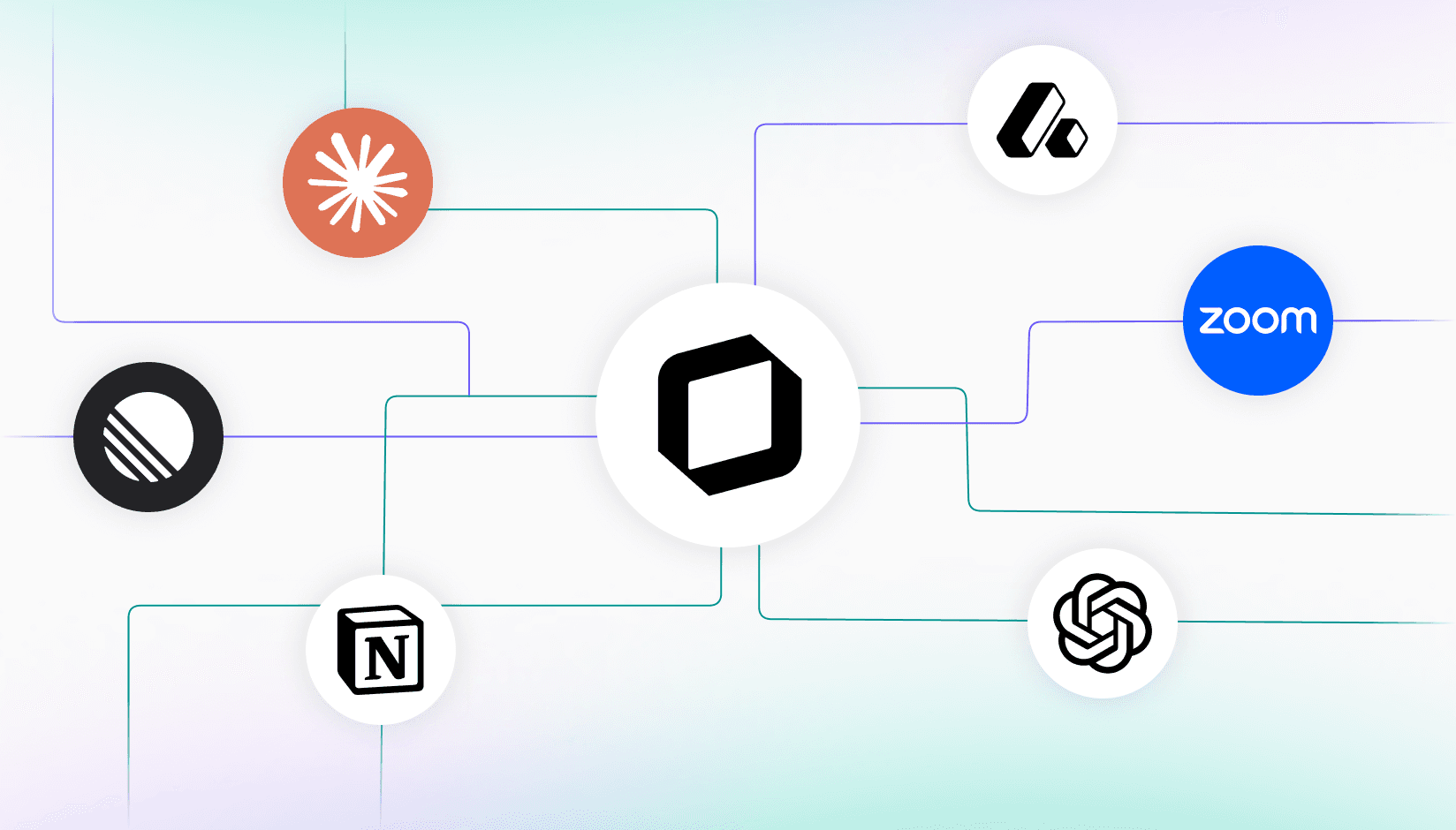
The Spacebring MCP server uses the Model Context Protocol (MCP), an open standard for connecting AI assistants to external data sources. It makes the same operational context available to any MCP-compatible AI client — giving teams flexibility in which AI tools they use while keeping Spacebring as the source of truth for day-to-day operational data.
We built the Spacebring MCP server to make Spacebring data available in the AI workflows customers are already adopting. For coworking operators, that means they can work with real business context inside tools like ChatGPT or Gemini Enterprise instead of treating AI as something separate.Oleksandr ProkhorovHead of Software Engineering at Spacebring

How operators are already using it
After connecting the Spacebring MCP server to ChatGPT, Ron Yang, founder of MY WORKSPACE coworking space in Seoul, immediately saw the value of using live Spacebring data inside an AI tool he already knew.
Once I connected Spacebring to ChatGPT, I could start asking questions against our Spacebring data right away. It was a much easier way to review what needed attention without jumping between different pages in the dashboard.Ronald YangVice President at MY WORKSPACE

Ron also noted longer-term potential as MY WORKSPACE evaluates Channel Talk for broader CRM use, where the Spacebring MCP server could help bring live operational data into that workflow over time.
This kind of hands-on feedback shows the practical value of bringing live operational context into external AI tools — helping coworking teams move faster, reduce manual work, and make better day-to-day decisions.
One platform, more ways to use AI
In addition to Lem AI, which works in the Spacebring admin web portal, in WhatsApp, Telegram, and Slack, Spacebring customers can now work inside Claude and connect other MCP-compatible AI assistants as needed. Operators aren't limited to a single interface or model — they can choose the AI experience that fits their business, while keeping Spacebring at the center of operations.
To see it in action, join our upcoming "Spacebring for Claude and MCP server" webinar on July 29 at 4:00 PM UTC. We'll walk through how Spacebring for Claude and the Spacebring MCP server work, share practical examples, and take questions live.