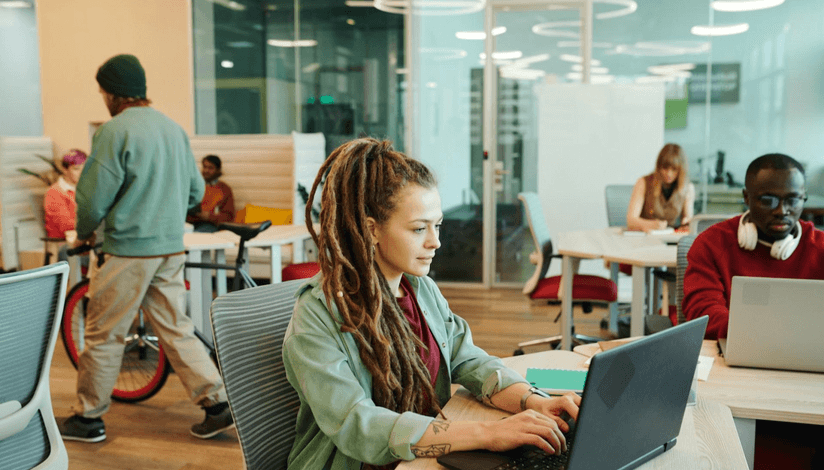

If you are a community manager in 2026, you are orchestrating a digital-physical ecosystem: you are the receptionist, the event planner, and the marketing director. It is a recipe for burnout.
Everyone is talking about "AI," but most advice is too vague to be useful. You don't need to know how large language models work; you need to know how to get your newsletter written in 5 minutes instead of 2 hours.
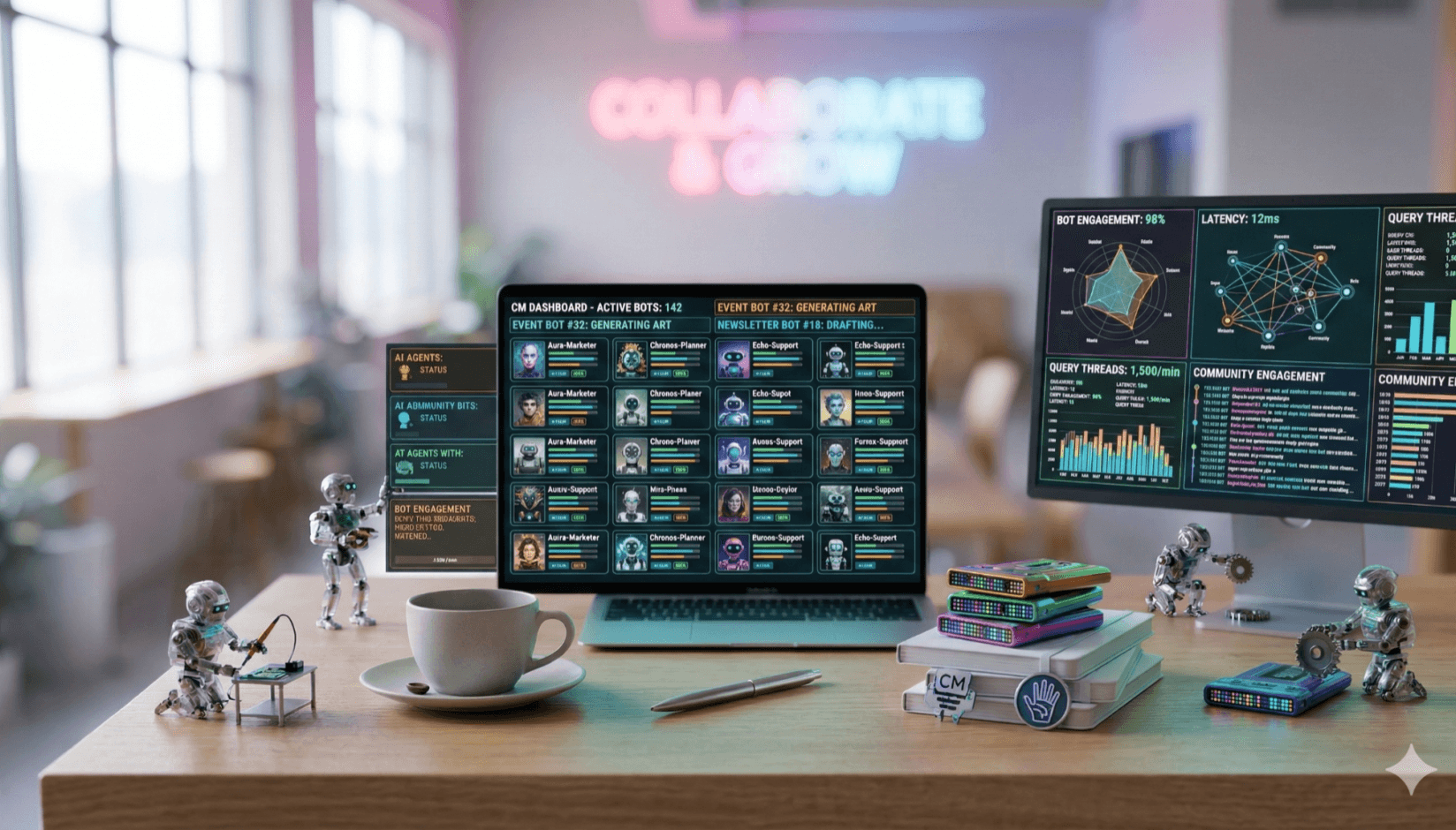
In 2026, the job isn't just multitasking; it’s managing a suite of AI agents so you can focus on the one thing a robot can’t do: hospitality.
The "burnout" problem: why you need a digital co-pilot
Let's be honest about what your Monday morning looks like. You have a tour scheduled at 9:00 AM, the printer is jammed (again), and you still need to write three Instagram posts, a newsletter, and an event invitation before lunch. When you are drowning in operational chaos, marketing is usually the first thing to get dropped. The promotional side of that workload also becomes easier to scale with an AI ad generator, especially when one campaign needs several channel-specific versions.
This is where agentic AI saves you. It isn't about letting a robot take over your brand; it is about having a tireless assistant who can draft that newsletter in seconds while you unjam the printer. By offloading the "blank page" anxiety to AI, you stop treating marketing as a chore you have to do, and start treating it as a system that runs reliably in the background.
The overwhelmed coworking operator's guide to using AI
It’s not about replacing humans
A common fear is that using AI will make your community sound robotic. The reality is actually the opposite. When you spend 4 hours manually writing emails and scheduling posts, you have zero energy left for actual human connection.
Think of AI as a "force multiplier." It handles the generic heavy lifting—checking grammar, formatting headers, generating variations of ad copy, and helping humanize AI content—so you can spend your limited creative energy on the parts that actually require a human touch: the local jokes, the member shoutouts, and the warmth.
Here are the 5 specific AI tools you should be using right now, and exactly how to apply them to your coworking space.
1. ChatGPT (the "everything" assistant)
You probably know this one, but are you using it correctly? Think of ChatGPT not as a search engine, but as a junior intern sitting at the desk next to you. It is perfect for first drafts and brainstorming, whether writing college assignments or using it as a productivity tool for your business.
How to use it in a coworking space:
- Difficult emails: "Write a polite but firm email to a member who keeps leaving dirty dishes in the sink, reminding them of our community guidelines."
- Event brainstorming: "Give me 10 ideas for a networking event for remote software developers that doesn't involve just drinking beer."
- Operational templates: "Draft a checklist for opening the space in the morning and closing it at night for my cleaning staff."
- Sales preparation: "I’m going to paste a LinkedIn profile of a potential member. Roleplay as them and give me three tough objections they might have about joining a coworking space so I can practice my responses."
2. Motion (The AI calendar manager)
As a community manager, your day is fragmented by walk-ins, tours, and vendor calls. Motion is an AI project management tools that organizes your calendar automatically. It takes your to-do list ("call plumber," "email new lead") and magically slots them into the free gaps in your schedule. It turns your to-do list, like call plumber or email new lead, into scheduled tasks, like a Plumber SEO Company works efficiently.
How to use it in a coworking space:
- Auto-scheduling tours: If a prospect asks for a tour, Motion can find the best slot where you aren't busy and propose it instantly.
- Task blocking: It ensures you actually get time to do "deep work" (like billing) by defending blocks of time on your calendar so you don't get overbooked with meetings.
- The 'human hour': Use Motion to hard-block 1 hour daily for 'lobby time'—where you are physically present to talk to members. The AI will move everything else around this non-negotiable human window.”
- Rescheduling chaos: If a tour runs late, Motion automatically reshuffles your afternoon tasks so you don't have to move 5 calendar events manually.
3. Canva Magic Studio (the graphic designer)
You don't need Photoshop anymore. Canva has integrated powerful AI tools that can generate images, resize designs, write text on your flyers, and even offer sophisticated photo enhancer features for quick visual improvements.
How to use it in a coworking space:
- Event flyers: Type "Modern minimalist flyer for a 'Lunch & Learn' workshop" and get a custom design in seconds.
- Magic resize: Instantly turn your Instagram Story event promo into a LinkedIn banner and a TV display slide for your lobby screens with one click.
- Magic edit: Did you take a great photo of the lounge, but there is a messy coffee cup on the table? Use Magic Edit to erase it instantly.
4. Midjourney (the interior designer)
Midjourney generates photorealistic images from text descriptions. It is a bit more technical to set up (it runs on Discord), but the results are stunning for visualizing changes to your physical space before you spend money.
How to use it in a coworking space:
- Renovation planning: Before you buy expensive furniture, type: "Modern coworking lounge with velvet green sofas, industrial lighting, and a neon sign on a brick wall." Show this to your stakeholders or investors to get buy-in.
- Community co-creation: Planning a mural? Run a 'prompt workshop' where members describe their dream workspace, generate 5 Midjourney options, and let the community vote on the winner before you hire the artist.
- Website content: Need a stock photo of "people working happily" that matches your specific brand colors? Generate it instead of buying generic stock photos that everyone else uses.
5. Grammarly (the quality control)
Nothing kills professional credibility faster than a typo in a contract or a newsletter. Grammarly uses AI to check not just spelling, but tone.
How to use it in a coworking space:
- Tone check: It will tell you if your email to a frustrated member sounds too defensive or aggressive, helping you de-escalate conflicts.
- Newsletter polish: Before you hit "Send" to your 500-person email list, Grammarly ensures your grammar is perfect, making your space look polished and premium.
6. Humanize Max (the “make it sound human” layer)
When you draft newsletters or social posts with ChatGPT, the output can still read a little robotic. Humanize Max rewrites AI-generated copy into more natural, human-sounding text while keeping your message intact, so community updates feel warm and personal rather than machine-made.
How to use it in a coworking space:
- Newsletter warmth: Paste your ChatGPT newsletter draft into Humanize Max to smooth out stiff phrasing before you send it.
- Social posts: Turn generic AI captions into posts that match your space’s friendly, local voice.
- Member emails: Make AI-drafted announcements read like a real person on your team wrote them.
7. Lem AI agent (the "internal operations" brain)
If the other tools on this list are your external assistants, Lem AI is your internal Chief Operating Officer. Built directly into the Spacebring platform, Lem is a specialized AI agent designed specifically for coworking spaces. It doesn't just "guess" answers; it looks at your actual member data, location guides, and past tickets to run your space 24/7.
How to use it in a coworking space:
- 24/7 member support: Lem acts as your first line of defense. When a member asks at 10 PM, "How do I connect to the guest Wi-Fi?" or "How do I book the podcast studio?", Lem answers instantly using your specific location guides.
- Instant data analytics: Stop wrestling with Excel. You can ask Lem, "Show me a table of meeting room utilization for the last 30 days" or "Which membership tier has the highest churn risk?", and it will visualize the data for you in seconds.
- Automated ticket triage: Lem reads incoming support requests and automatically assigns them to the right person (e.g., maintenance issues to the facilities manager, billing questions to the accountant) based on your team's history.
- In-platform copywriting: Need to announce a new member benefit or a "Happy Hour"? Lem drafts the notification or event description directly inside the app, ensuring your community feed stays active without you typing a word.
| Task | What the AI does (80%) | What you do (20%) |
| Member support | Autopilots 24/7 FAQs; auto-assigns complex tickets to the correct manager. | Reviewing resolved threads and handling "high-touch" disputes. |
| Promotions | Drafts marketing copy for the Feed, Shop, and Events with clear CTAs. | Approving the "vibe" and hitting publish. |
| Data & insights | Visualizes analytics (plots/tables) and pulls cross-location data via chat. | Using those insights to pitch to investors or adjust budgets. |
| Multitasking | Remembers every detail of your space guides and past resolved tickets. | Focusing on hospitality and building face-to-face relationships. |
| Newsletters | Drafts, formats, and checks grammar. | Add a personal "member of the month" story. |
| Lead follow-up | Sends the "Great to meet you" email. | Remember they mentioned their dog’s name. |
| Events | Generates the flyer and RSVP link. | Actually shakes hands and introduces people. |
Conclusion
The goal isn't to let robots run your space; it's to build a "Hybrid" workflow. Let ChatGPT draft your blog, let Canva design your flyer, and let Lem AI handle the late-night member questions and data crunching.
By offloading the repetitive operations to Spacebring's Lem AI, you move from being a "firefighter" who reacts to every small problem, to a "community architect" who focuses on the big picture. While the AI handles the data and the drafts, you provide the human touch, the local jokes, and the hospitality that makes your coworking space a home.